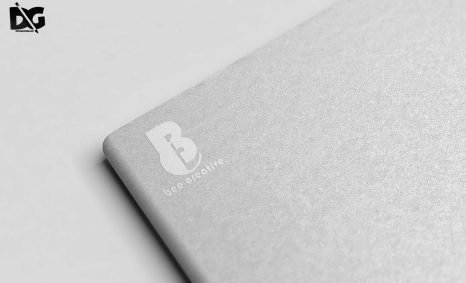
PSD Mockup

Creating an eye-catching restaurant banner logo is essential for attracting customers and establishing your brand identity. A well-designed logo should reflect your restaurant’s concept, cuisine, and atmosphere, making it instantly recognizable to potential patrons.
This Blog post will guide you through the essential elements of restaurant banner logo presentation, including tips for mockup usage, layout design, and color schemes. Learn how to effectively showcase your logo in various formats, ensuring it stands out in both digital and print media.
Get 3D Logo MockupsAll of these Resources are easy to use and can present your information beautifully. Some are free, while others cost a few dollars.More great & free PSD Mockups Collection:
- Wine PSD Download Packaging Mockups
- Food Truck Mock up PSD Download
- Square box mockup PSD download
- Bottle Mockup PSD Download Now
FAQs – Restaurant Banner Logo Presentation
Can I customize the restaurant banner logo mockup?
Yes, you can easily customize the mockup to fit your branding needs using tools like Photoshop or Illustrator.
What file formats are available for the restaurant logo mockup?
The mockup is available in popular formats such as PSD and JPEG, allowing for easy editing and integration.
Is it easy to edit the restaurant banner logo in Photoshop?
Absolutely! The mockup is designed for straightforward editing, even for those with basic Photoshop skills.
Does the mockup include realistic lighting effects?
Yes, the mockup features realistic lighting effects that enhance the presentation of your restaurant banner logo.
What are the best practices for presenting my restaurant banner logo?
Focus on clear visuals, appropriate colors, and unique designs that align with your restaurant’s theme to effectively present your logo.
Download PSD Now!