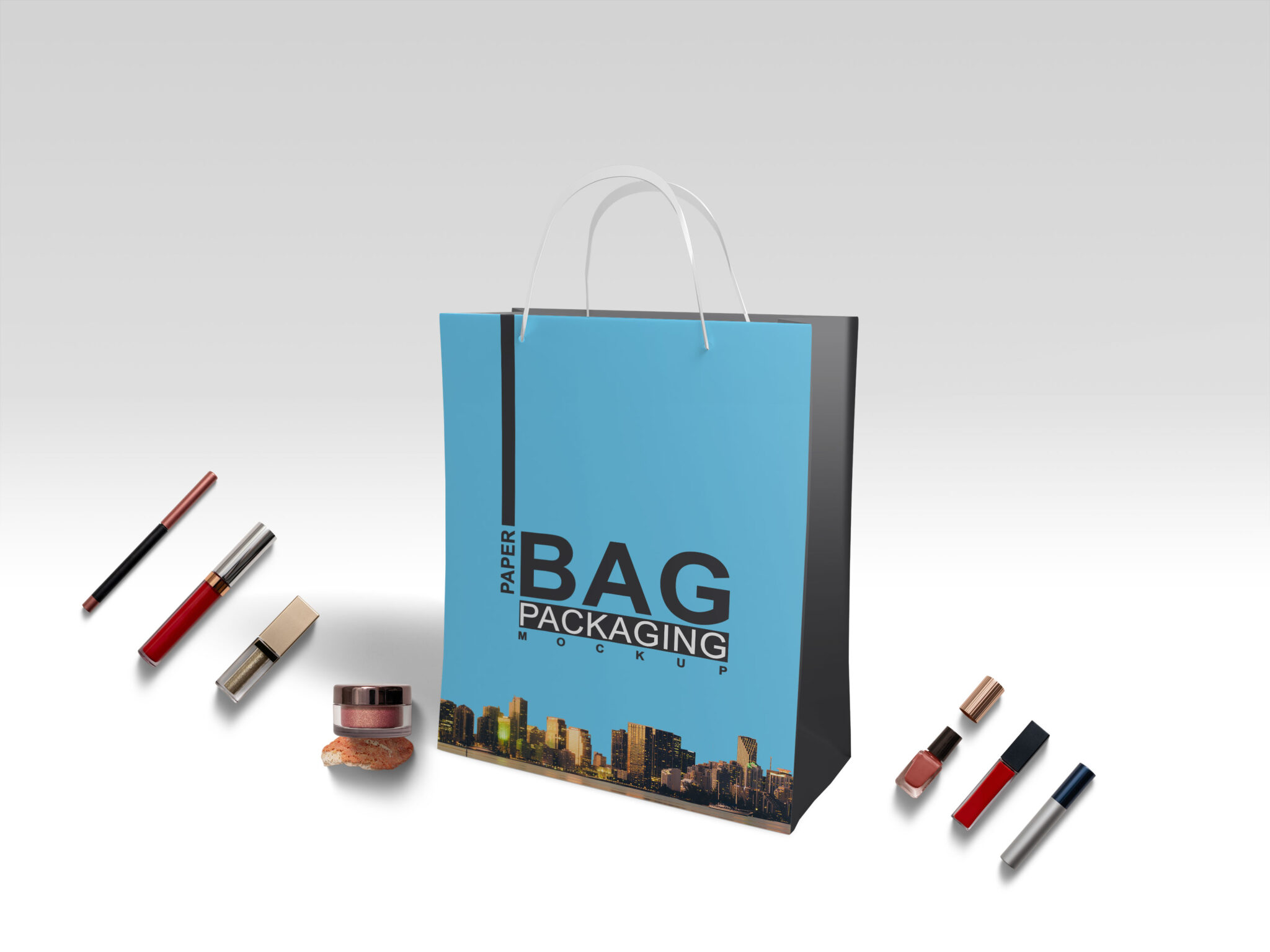
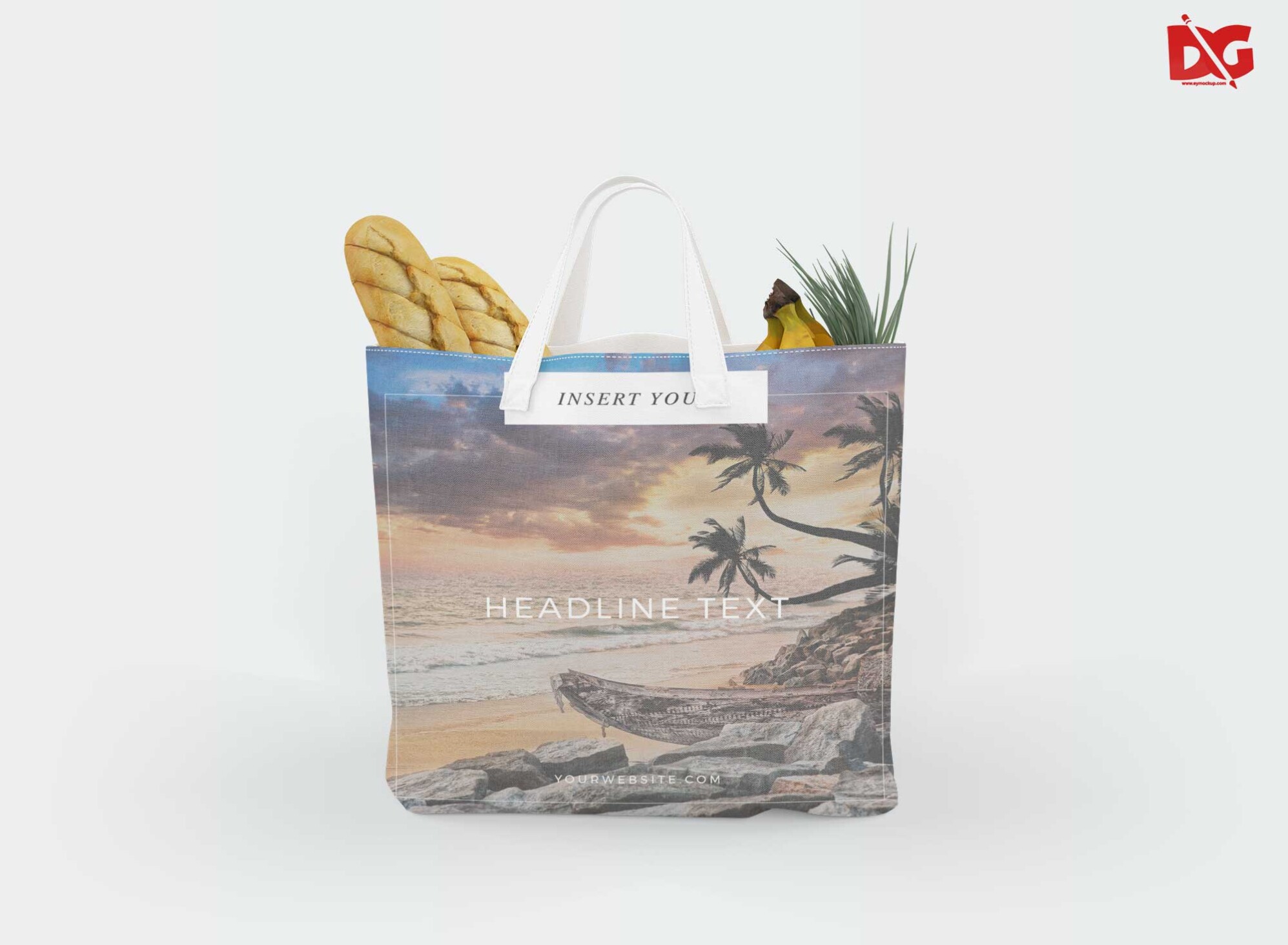
Elevate your design presentations with our Realistic PSD Carriage Bag Mockup. This high-quality mockup offers a lifelike representation of a carriage bag, perfect for showcasing your designs in a professional manner. With smart object layers in Photoshop, you can easily insert your artwork and see how it looks on a realistic bag. The mockup is designed to highlight the texture and details of the bag, ensuring that your designs stand out.
This versatile mockup is ideal for designers, marketers, and businesses looking to present their products attractively. Whether you’re creating a portfolio, preparing for a client presentation, or promoting your designs online, this carriage bag mockup will enhance your visuals. The customizable background and lighting settings allow you to match the mockup to your brand’s aesthetic, making it a valuable tool in your design arsenal.
- All of these Resources are easy to use and can present your information beautifully. Some are free, while others cost a few dollars.
More great & free PSD Mockups Collection:- Bottle Mockup PSD Download Now
- Latest Logo Mockup PSD Free Download
- Cafe menu design template free download
- Coffee mug mockup PSD free download
Available Format: Layered PSD through smart object insertion License: Free for personal and commercial use Zip File Includes: Photoshop PSD File Resolution: 3000 x 2250 px
FAQs – Realistic PSD Carriage Bag Mockup
Can I edit the PSD Carriage Bag Mockup in Photoshop?
Yes, the mockup is fully editable in Photoshop using smart object layers, allowing you to customize the design easily.
Does it include customizable backgrounds?
Yes, you can change the background color or texture to fit your branding needs, offering flexibility in presentation.
What file format is the mockup available in?
The mockup is provided in PSD format, compatible with Adobe Photoshop for seamless editing.
Is it easy to change the bag’s colors?
Absolutely! You can easily adjust the bag’s colors to match your design by using adjustment layers in Photoshop.
Do I need advanced skills to use the mockup?
Not at all! Basic knowledge of Photoshop is sufficient to utilize the features of the mockup effectively.