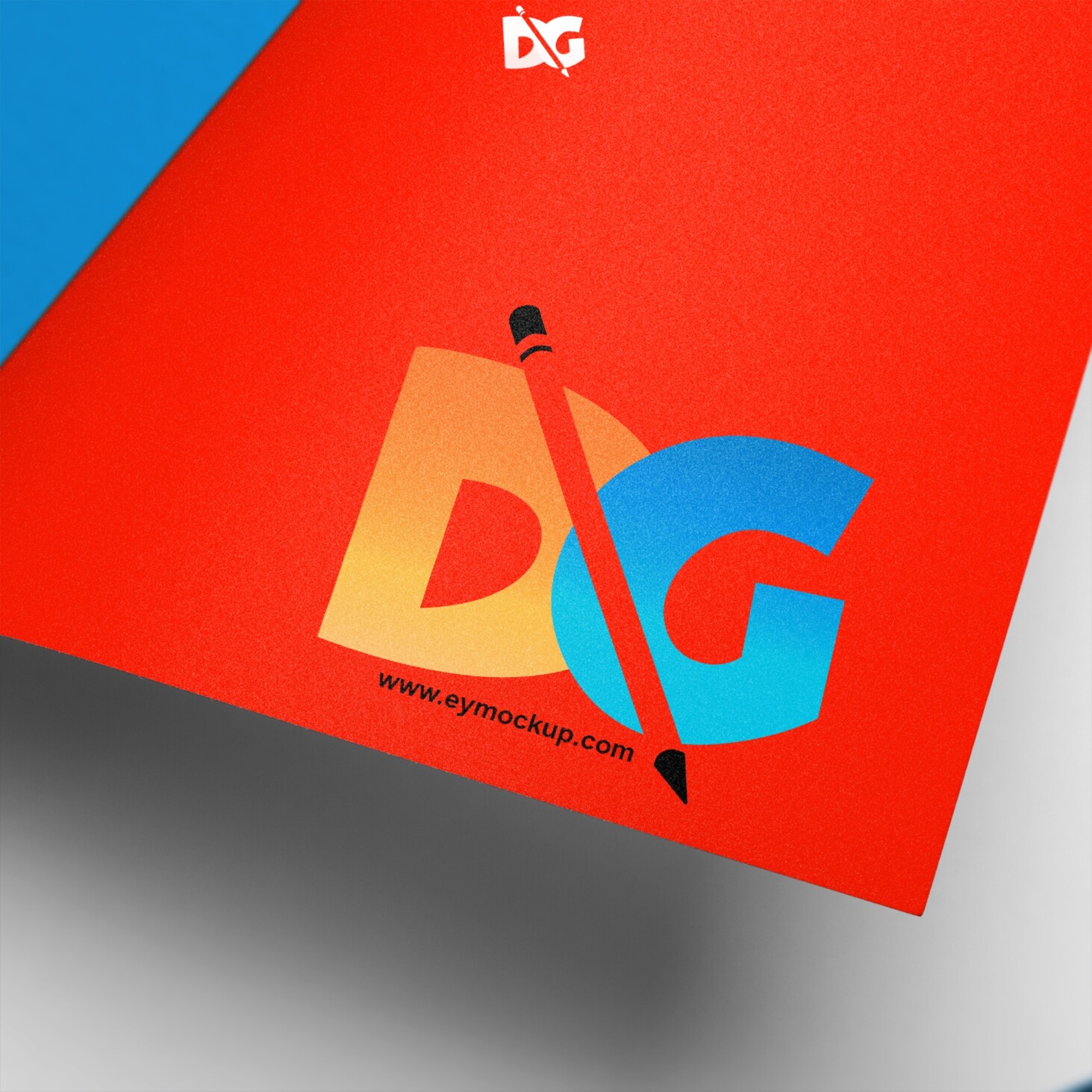
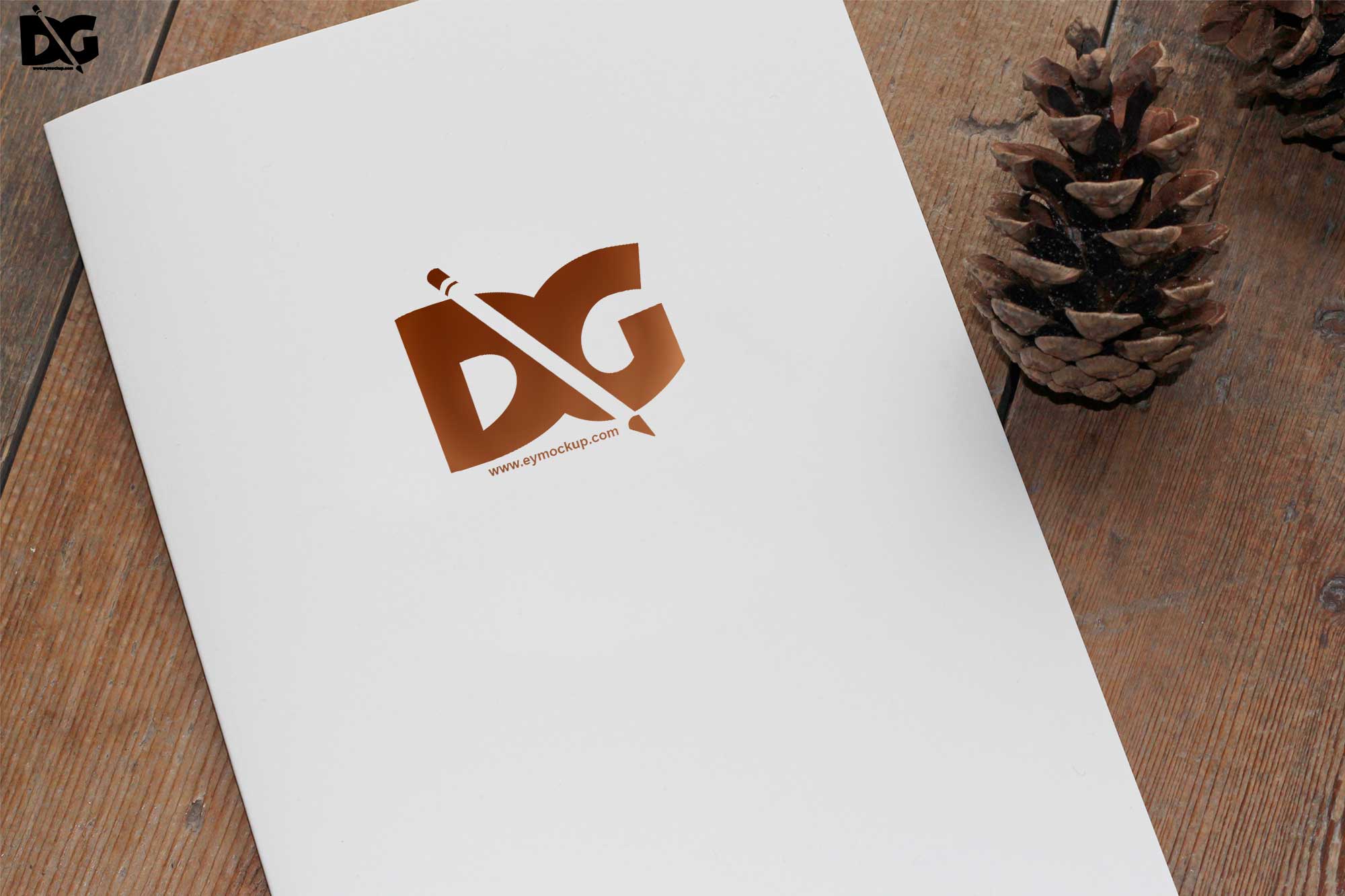
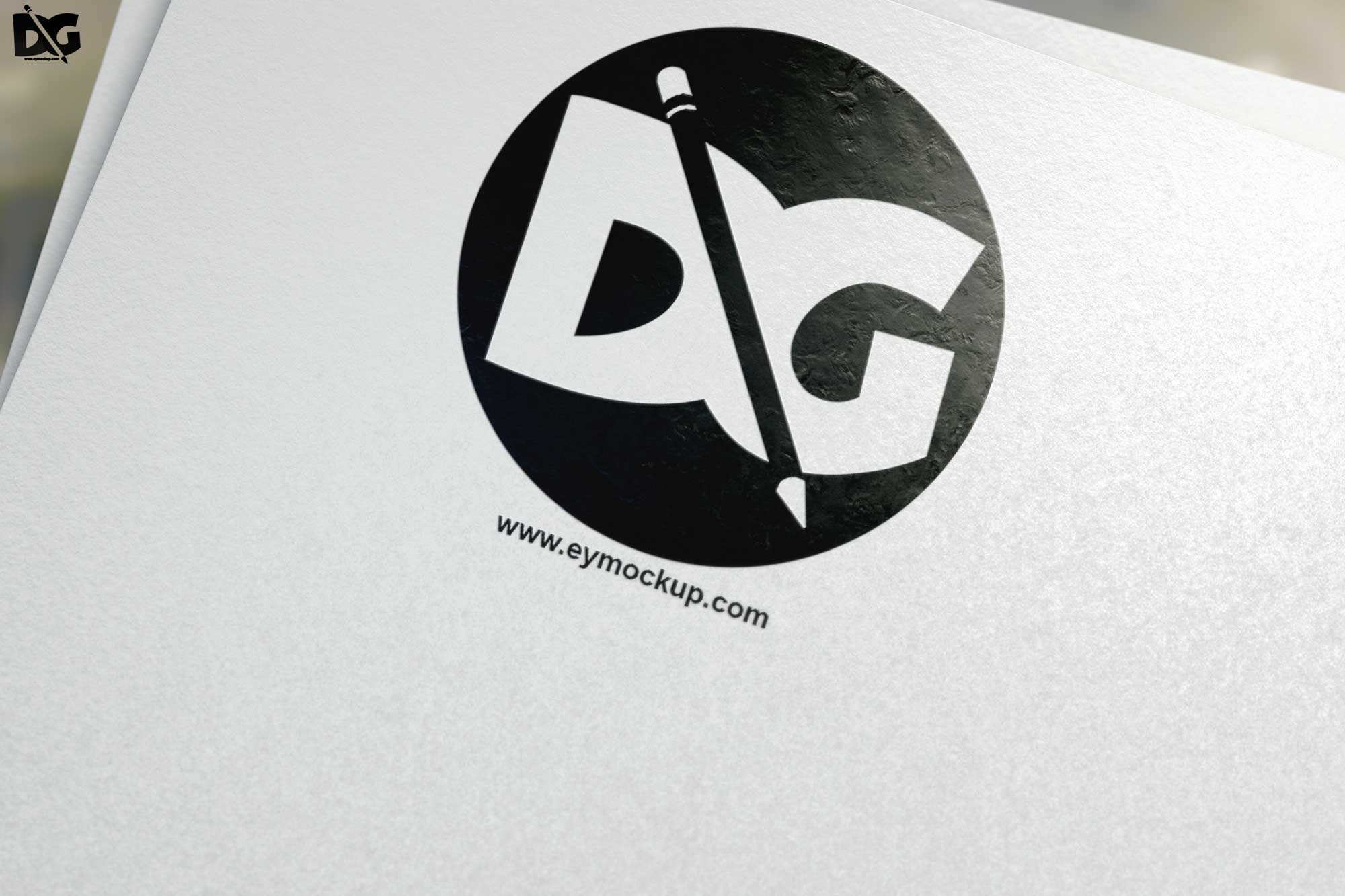
Elevate your branding with our realistic 3D plain logo mockup. This high-quality mockup allows you to showcase your logo design in a professional manner, perfect for presentations and portfolios. With its clean background and adjustable lighting, you can highlight your logo’s unique features, making it stand out to clients and stakeholders.
Our mockup is designed for easy customization. Simply insert your logo using Photoshop, and adjust the colors or shadows as needed. Whether you’re a designer looking to impress clients or a business owner wanting to visualize your brand, this mockup is an essential tool. Download it today and bring your logo to life with stunning realism.
3D wall Logo Mockup for Microsoft PowerPoint is a simple, realistic, and customizable mockup to make your image presentation more attractive. Awesome wall graphics mockup that gives you the freedom to create a realistic sense of depth in your design. Create stunning 3D wall logo effects. You get a layered PSD file with all the graphics you need to add your logo and create a realistic logo mockup. This is perfect for adding your logos to storefronts, windows, walls, and even more unusual locations like cars, ships, and airplanes!
This 3D wall logo mockup is a saving grace for the designer in all of us. With it, the possibilities are endless. Present your logo or typography design in a dynamic way with this 3D wall mockup. An easy-to-use smart object layer allows you to quickly edit the design, change colors, and swap images. Showcase your logo in style with this elegant 3D wall logo mockup. Just place your logo content using the smart layer, and you’ll be good to go!
Description:
Available Format: Layered PSD through smart object insertion
License: Free for personal & commercial use
Zip File Includes: Photoshop PSD File
Resolution: 2000 x 2250 px
FAQs – Realistic 3D Plain Logo Mockup
Can I edit the 3D logo mockup in Photoshop?
Yes, the mockup is fully editable in Photoshop. You can easily insert your logo and adjust various elements to fit your design needs.
Does the mockup support different logo formats?
Absolutely! The mockup supports various formats including PNG, JPEG, and SVG, making it versatile for different logo designs.
Is it easy to change the background color?
Yes, changing the background color is straightforward in Photoshop. You just need to select the background layer and adjust the color settings.
What file format is the mockup available in?
The mockup is available in PSD format, which is ideal for editing in Photoshop and provides layered customization options.
Do I need special software to use the mockup?
To use the mockup effectively, you will need Adobe Photoshop, as it is designed to work seamlessly with this software.