PSD Mockup
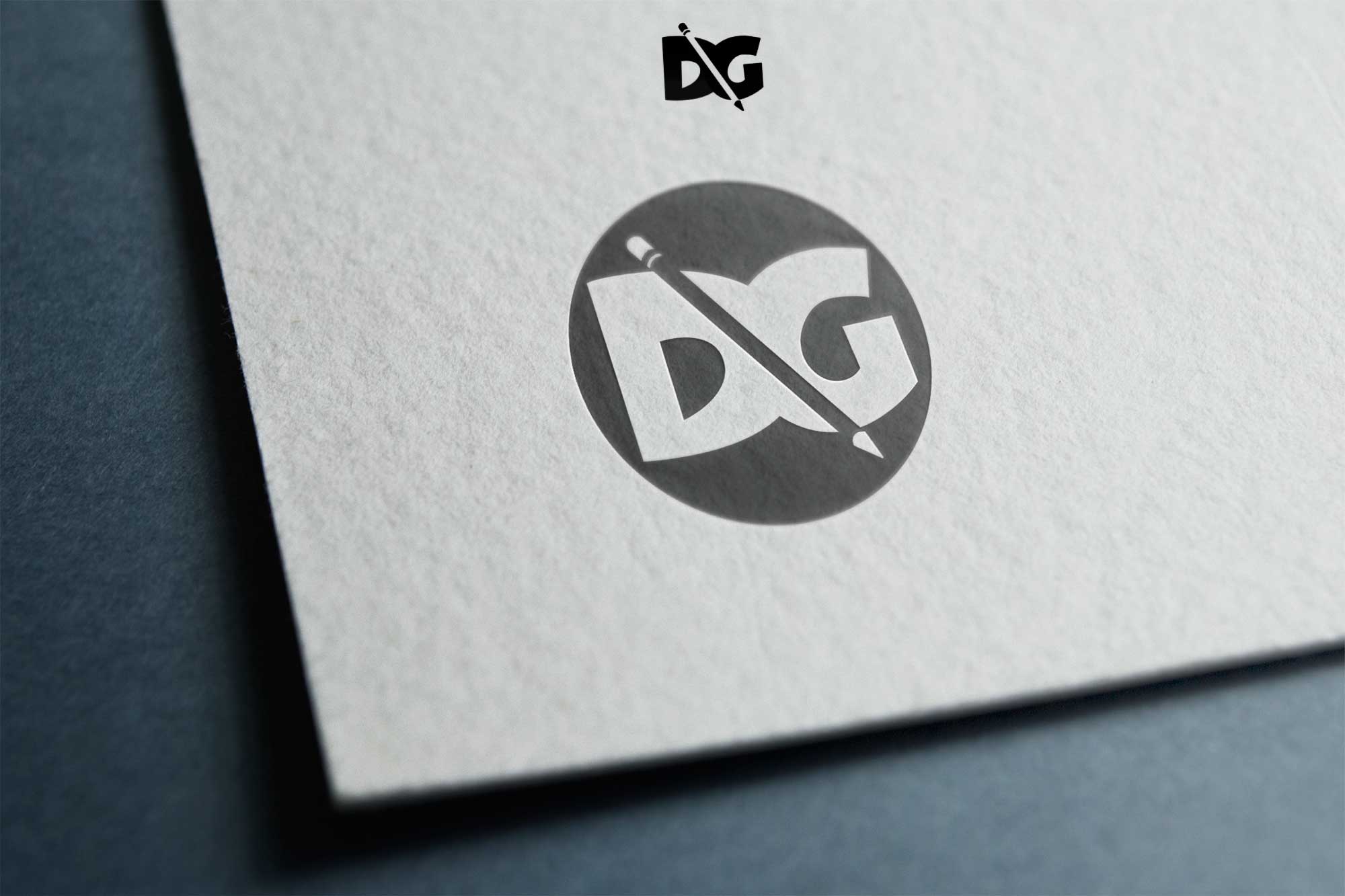
Elevate your branding projects with our free Paper PSD Logos Mockup. This mockup allows you to showcase your logo designs in a realistic and visually appealing way. With its high-quality paper texture and customizable features, you can easily present your logos as if they were printed on actual paper, making them stand out in any portfolio or presentation.
Designed for convenience, our Paper PSD Logos Mockup is user-friendly and fully editable in Photoshop. Simply drag and drop your logo into the designated smart object layer, adjust the lighting for a natural effect, and you’re ready to impress. Whether you’re a designer looking to impress clients or a business owner wishing to visualize your brand, this mockup is an essential tool for any creative project.
Get 3D Logo MockupsAll of these Resources are easy to use and can present your information beautifully. Some are free, while others cost a few dollars.More great & free PSD Mockups Collection:
- Wine PSD Download Packaging Mockups
- Food Truck Mock up PSD Download
- Square box mockup PSD download
- Bottle Mockup PSD Download Now
FAQs – Paper PSD Logos Mockup
Can I edit the Paper PSD Logos Mockup in Photoshop?
Yes, the mockup is fully editable in Photoshop. Just use the smart object layers to place your logo.
Do I need advanced Photoshop skills to use the mockup?
No, basic Photoshop knowledge is sufficient to use the mockup effectively. Simple drag-and-drop functionality makes it easy.
Is it possible to change the lighting in the mockup?
Yes, you can easily adjust the lighting settings in Photoshop to achieve the desired effect for your logo presentation.
What file format is the Paper PSD Logos Mockup?
The mockup is provided in PSD format, allowing for easy editing and customization in Photoshop.
Does the mockup support multiple logo designs?
Yes, you can use the mockup to showcase multiple logo designs by duplicating the smart object layers.
Download PSD Now!