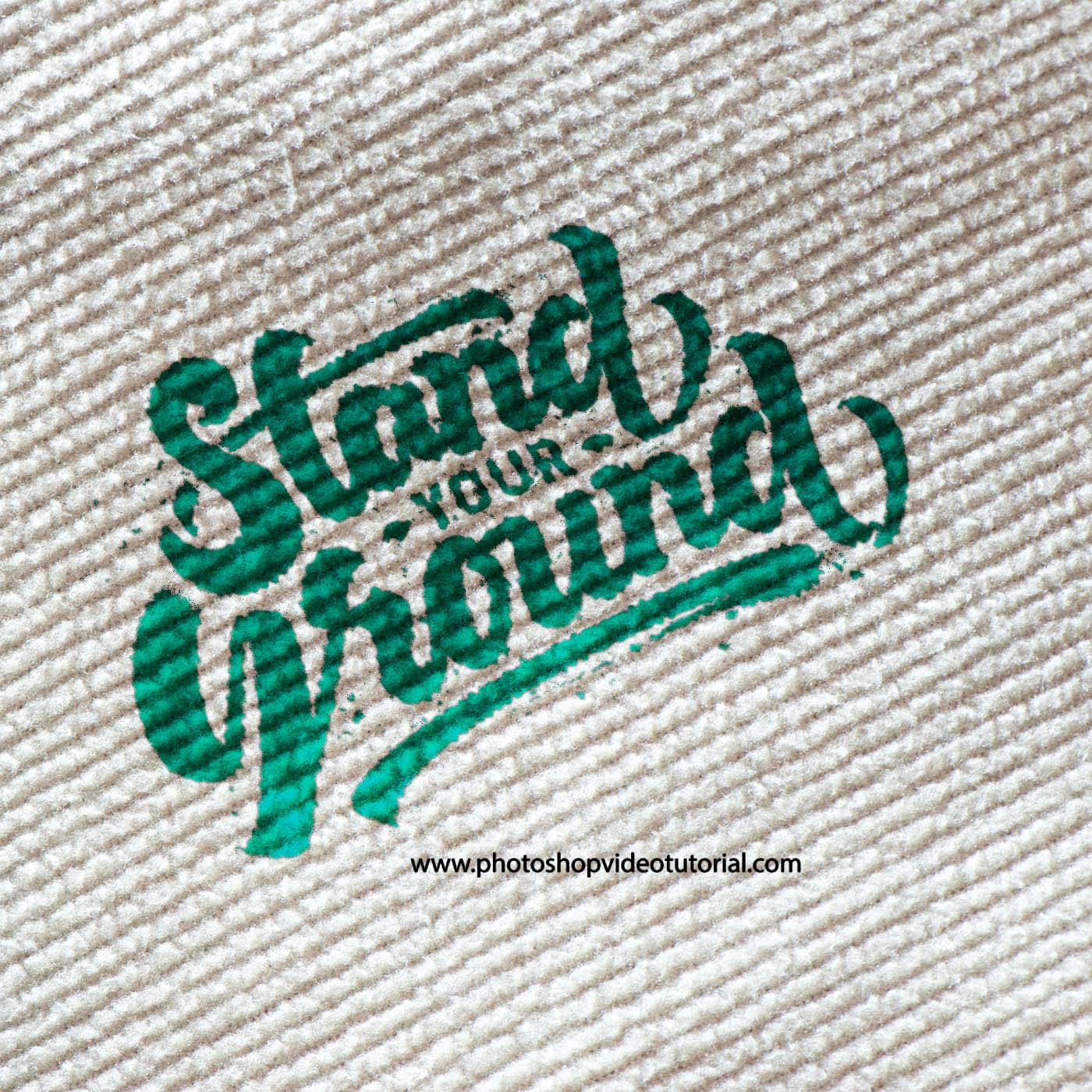
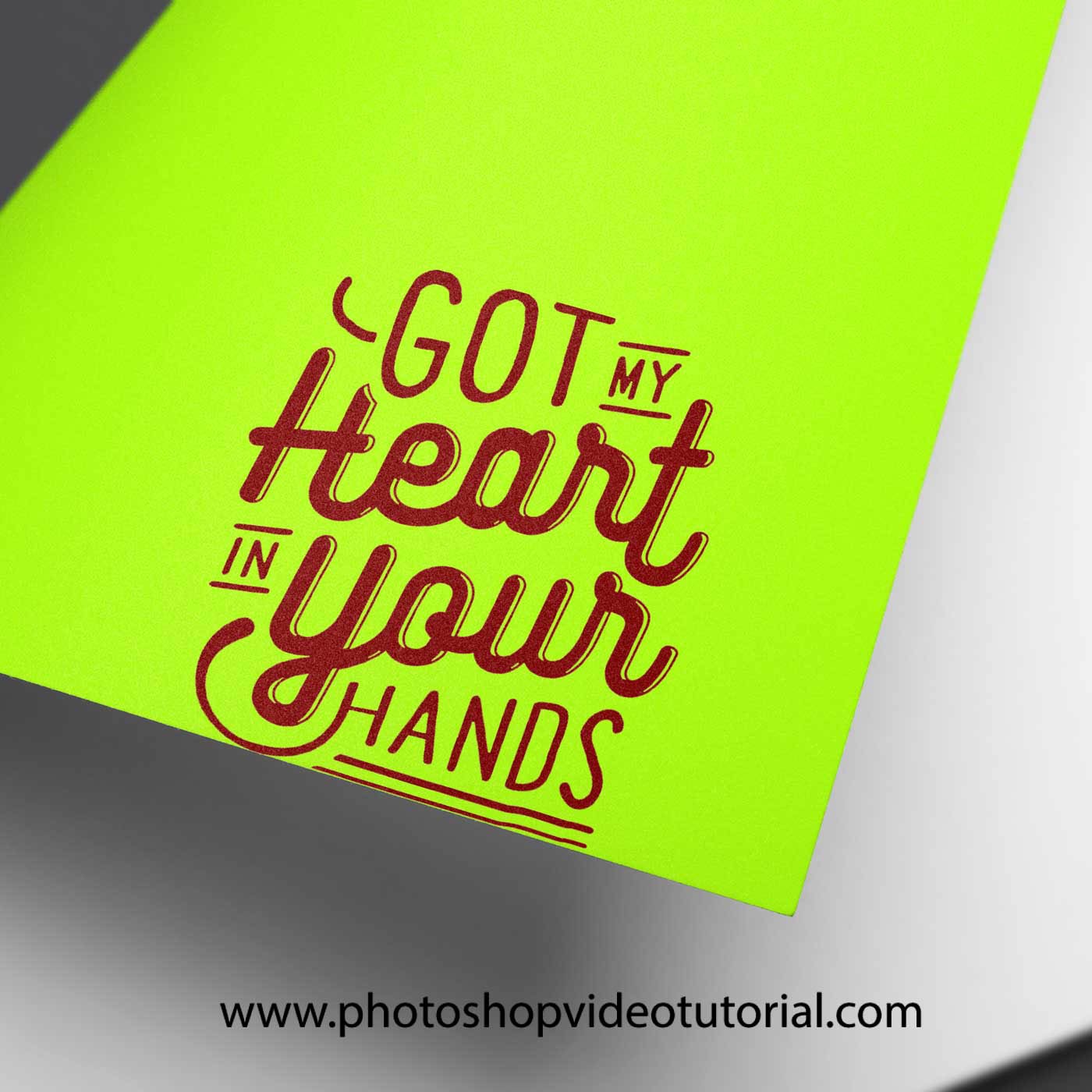
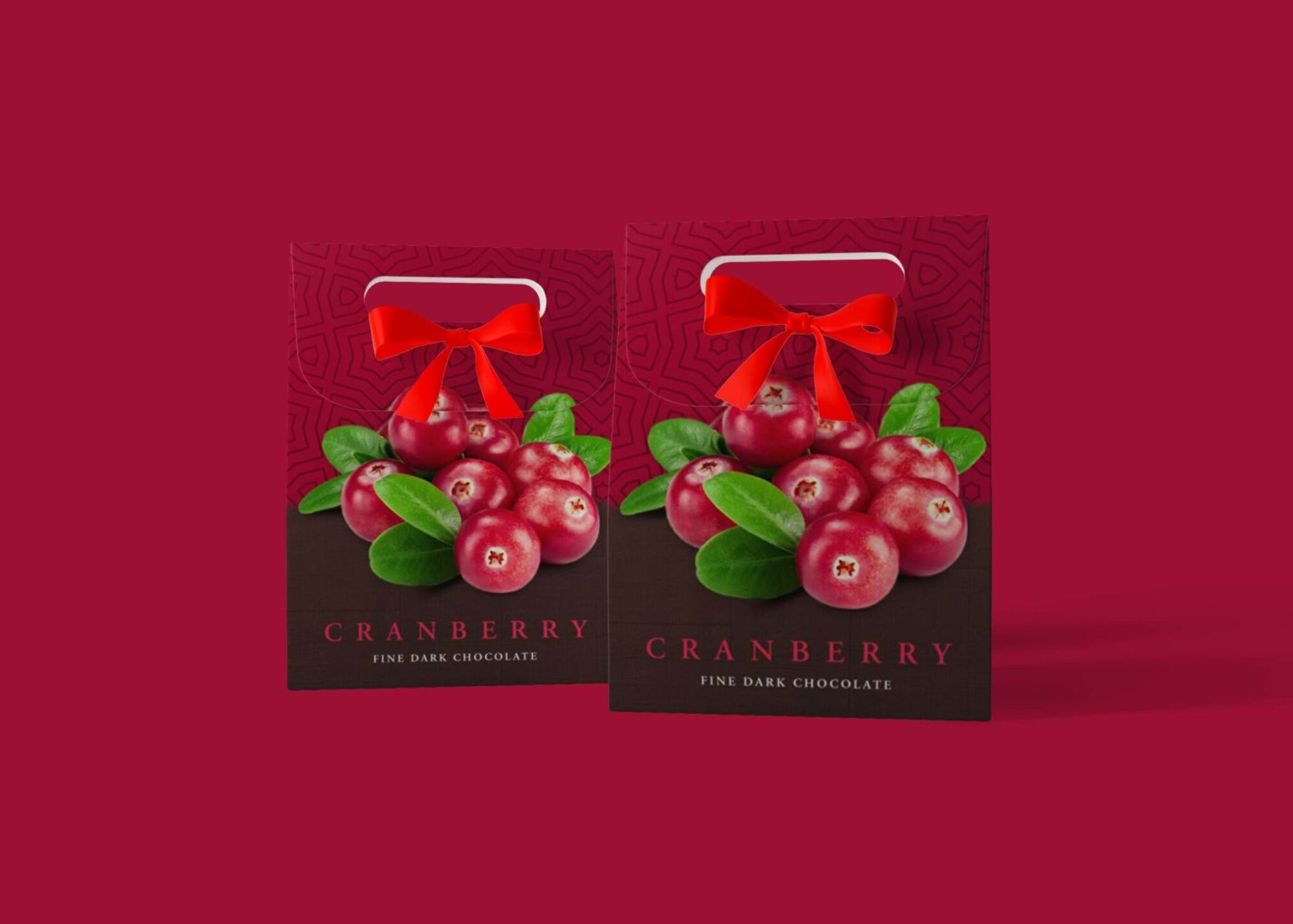
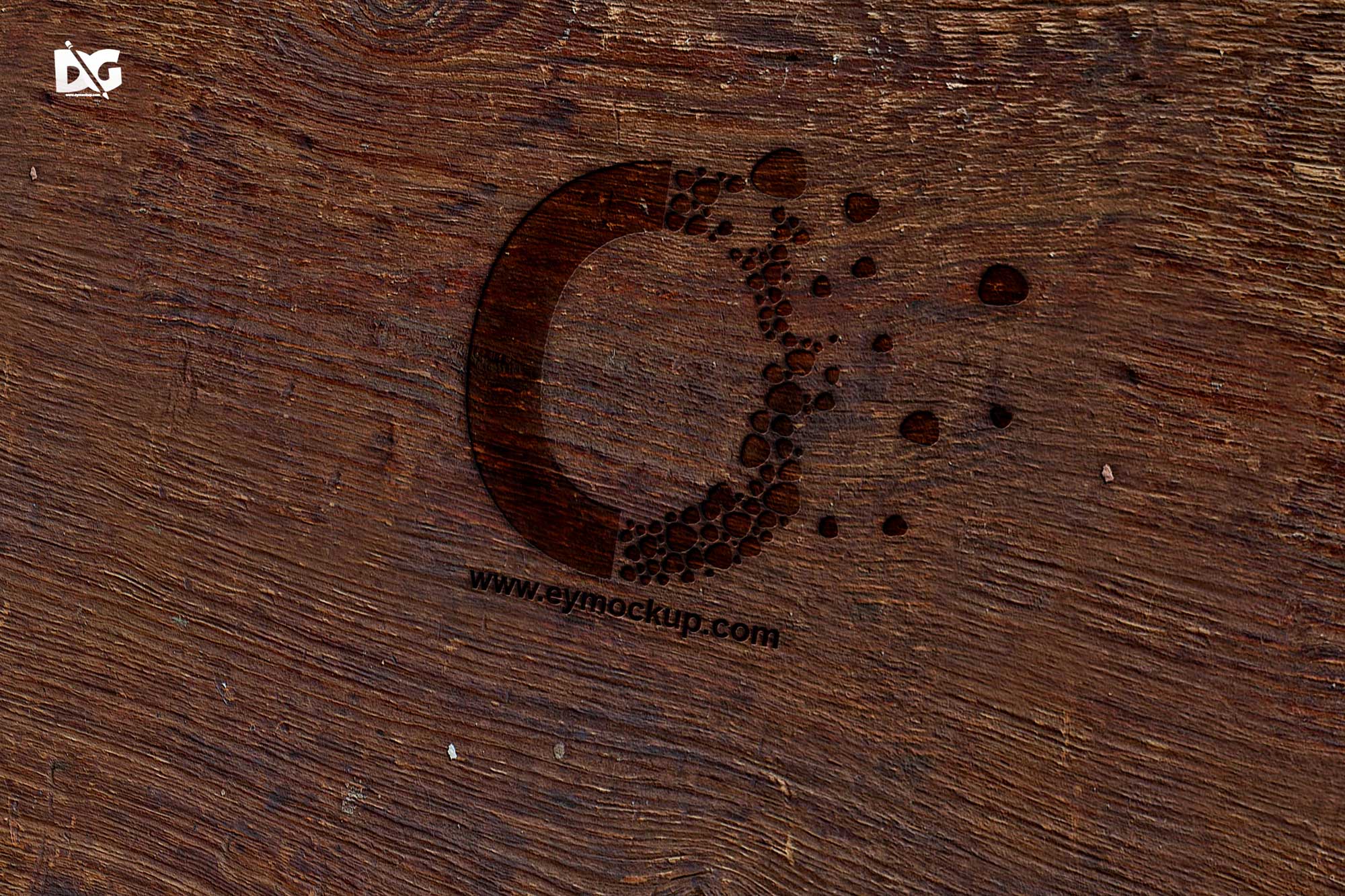
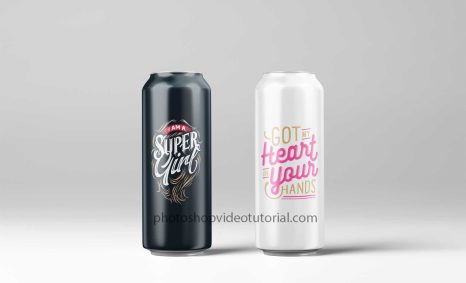
The Paper Light Logo Mockup is an excellent resource for designers looking to showcase their logo designs in a realistic and professional manner. Featuring a soft, natural lighting effect, this mockup enhances the visual appeal of your logos, making them stand out. Ideal for presentations, portfolio displays, and client meetings, this mockup allows you to present your work in a polished format that captures attention.
This mockup is easy to use, compatible with Adobe Photoshop, and comes in high resolution. Simply insert your logo design into the designated layer, and watch as your graphics come to life on a textured paper background. The simplicity of the design ensures that your logo remains the focal point. Download the Paper Light Logo Mockup today and elevate your branding projects with this stunning presentation tool.
All of these Resources are easy to use and can present your information beautifully. Some are free, while others cost a few dollars.More great & free PSD Mockups Collection:
- Free PSD Mockups for Books and More!
- 3D Packaging PSD Mockups
- PSD Burger Food Truck Design Mockup
- Jam Jar Twitch Mockups Templates
FAQs – Paper Light Logo Mockup
Can I edit the Paper Light Logo Mockup in Photoshop?
Yes, the Paper Light Logo Mockup is designed for easy editing in Adobe Photoshop. Simply replace the placeholder with your own logo.
Does this mockup work for both light and dark logos?
Absolutely! The Paper Light Logo Mockup features a neutral background that complements both light and dark logo designs.
Is it easy to customize the lighting in this mockup?
Yes, you can adjust the lighting to suit your design preferences within Photoshop, enhancing your logo’s visibility.
What file format does the Paper Light Logo Mockup come in?
The mockup is provided in a PSD format, which is fully compatible with Adobe Photoshop for easy customization.
Do I need advanced skills to use this logo mockup?
No, the Paper Light Logo Mockup is user-friendly and suitable for both beginners and experienced designers.