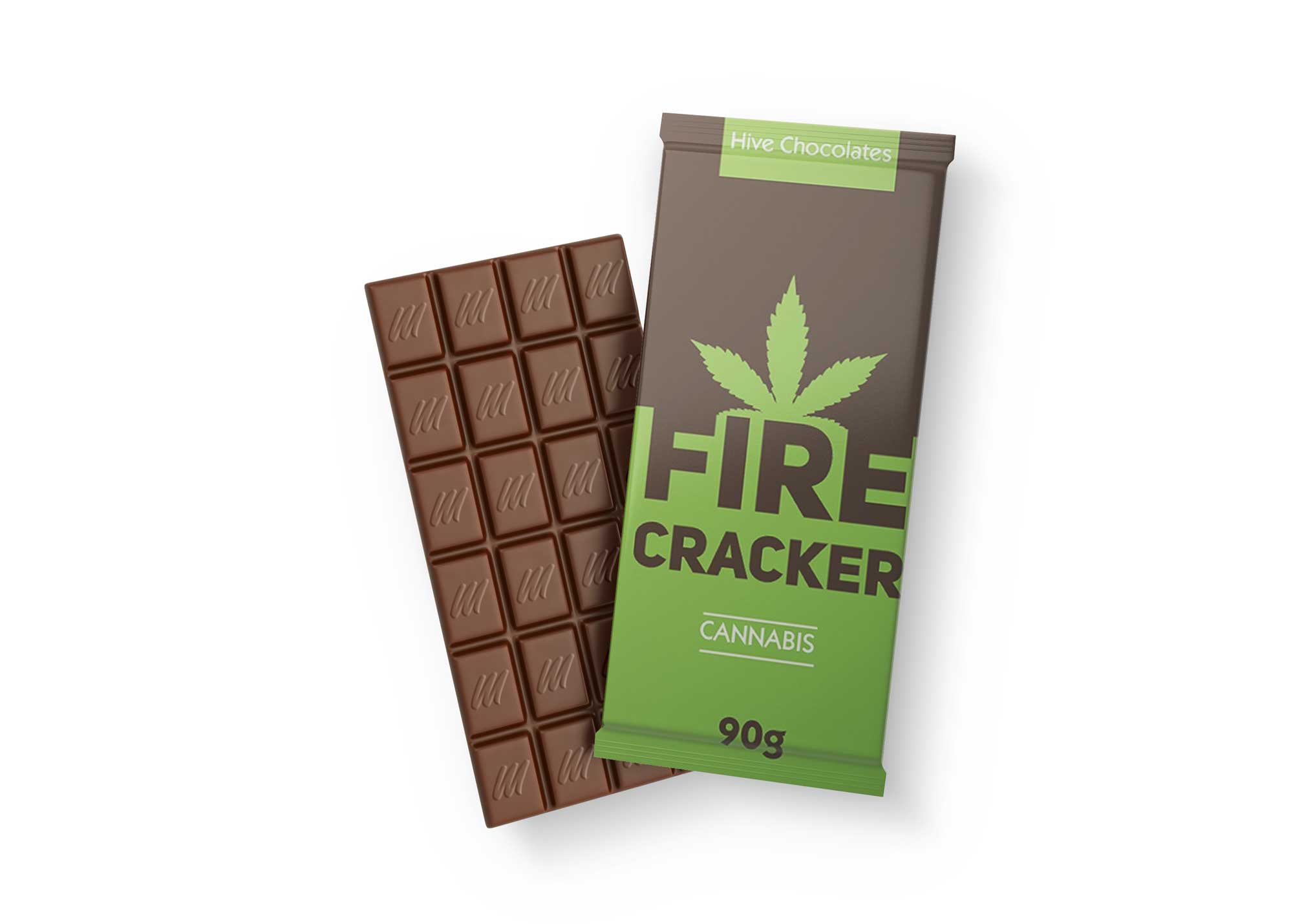
Introducing the Prime Original Milk Chocolate Mockup, a versatile and high-quality template designed for showcasing your chocolate branding projects. This mockup allows you to present your designs in a realistic setting, making it perfect for presentations, portfolios, or promotional materials. The mockup features a beautifully rendered chocolate bar, offering ample space for customization and branding elements.
With its user-friendly format, you can easily edit the mockup using Photoshop. Simply replace the placeholder design with your artwork, adjust the lighting, and tweak the shadows to achieve the desired effect. Whether you’re a designer or a business owner, this mockup is an excellent tool for visualizing your product in an appealing way. Download it now and elevate your branding efforts with stunning visuals!
Prime Chocolate Bar Mockup is available in high resolution, Photorealistic, and Editable PSD. Incredibly easy to change any color or replace the logo. You can freely alter this product according to your design!
Design your own chocolate packaging with Prime Original Milk Chocolate Mockup. This PSD mockup is perfect for showcasing your branding designs in different angles, making it easy to showcase the product in a realistic and professional manner.
A Prime Original Milk Chocolate Mockup to showcase your new brand on a chocolate bar. This is an editable mockup designed in Photoshop.
Showcase your best designs with this mockup. It’s easy to use, just place your design in the smart object and save!
Description:
Available Format: Layered PSD through smart object insertion
License: Free for personal use
Zip File Includes: Photoshop PSD File
Resolution: 2000 x 2250 px
FAQs – Prime Original Milk Chocolate Mockup
Can I edit the Prime Original Milk Chocolate Mockup in Photoshop?
Yes, the mockup is fully editable in Photoshop, allowing you to customize the design, colors, and shadows to fit your brand.
What file format is the milk chocolate mockup available in?
The mockup is available in PSD format, which ensures compatibility with Adobe Photoshop for seamless editing.
Does the mockup come with a guide for editing?
Yes, a brief guide is included to help you navigate the editing process and get the most out of the mockup.
Is it easy to change the background of the mockup?
Absolutely! You can easily change the background layer in Photoshop to suit your design needs.
Do I need advanced skills to use the mockup?
No, basic Photoshop skills are sufficient. The mockup is designed for ease of use, even for beginners.