


 PSD Mockup
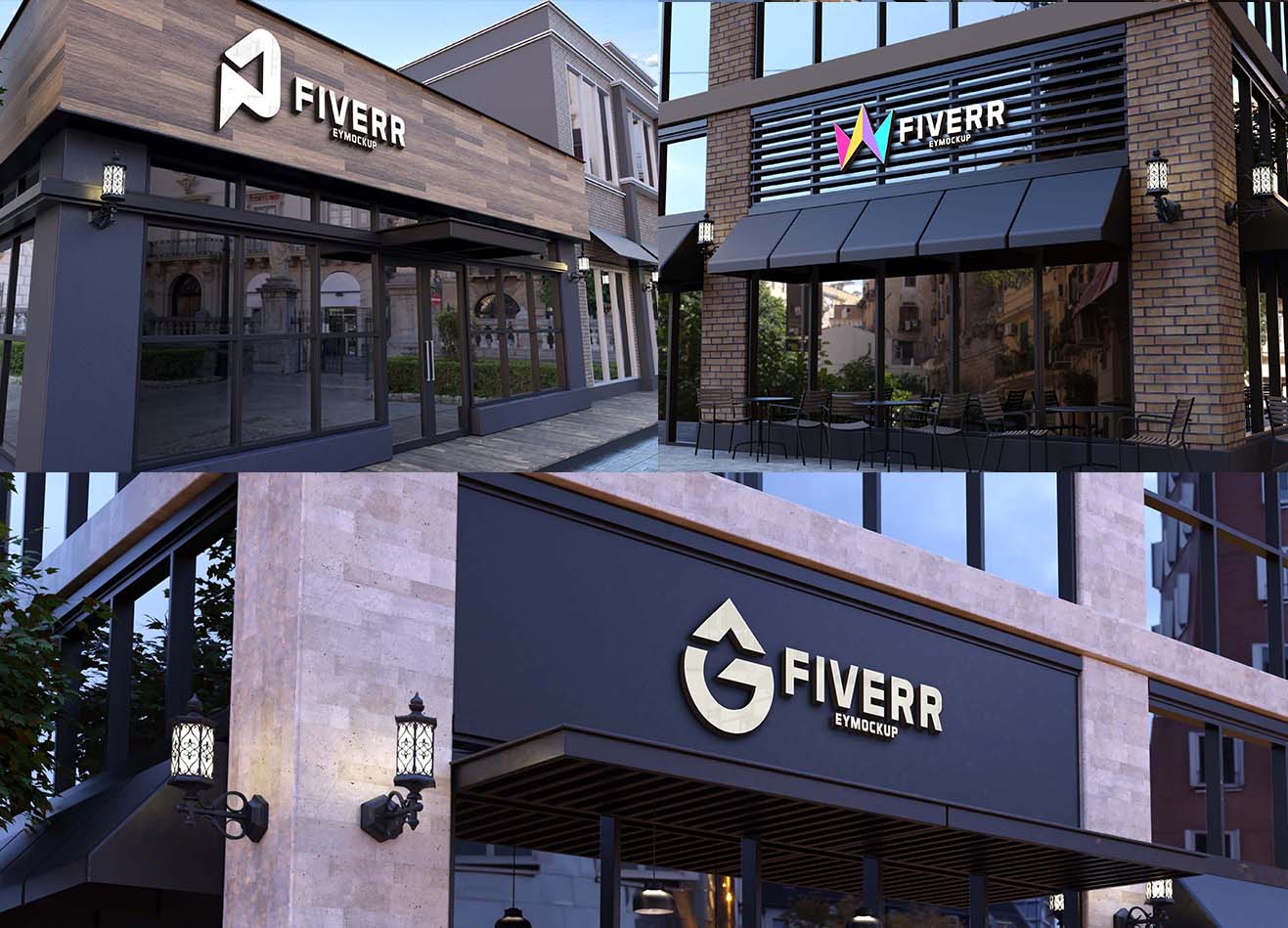
Creating a stunning office interior logo mockup is essential for showcasing your brand identity. This mockup allows you to visualize your logo in a realistic setting, offering a professional presentation that can impress potential clients and stakeholders.
Our free downloadable mockup is user-friendly, designed for easy customization in Photoshop. Simply replace the placeholder logo with your own, adjust the lighting and shadows for a perfect fit, and you’re ready to present your design in a sophisticated office environment.
A clean and comfortable workspace will contribute much to the productivity of a person. It has the power to unleash creativity, imagination and helps you work with passion while enjoying the clean environment.
On the other hand, a cluttered and untidy workspace will affect your mood. It can give a restless feeling or discomfort and will even lose of focus.
Thus, the type of workspace you spent your time working in will definitely affect your working attitude.


Get it Now
FAQs – Office interior logo Mockup
Can I customize the office interior logo mockup?
Yes, you can easily customize the mockup in Photoshop by replacing the placeholder logo and adjusting the environment settings.
Does it work with different logo formats?
The mockup supports various logo formats including PNG, JPG, and SVG, ensuring compatibility with your design files.
What software do I need for the logo mockup?
You will need Adobe Photoshop to edit the office interior logo mockup effectively and access all customization features.
Is the mockup suitable for both digital and print presentations?
Absolutely! The mockup is designed to look great in both digital and print formats, providing a versatile option for showcasing your logo.
Can I change the lighting in the mockup?
Yes, you can adjust the lighting and shadows in Photoshop to better match your logo and desired aesthetic.

