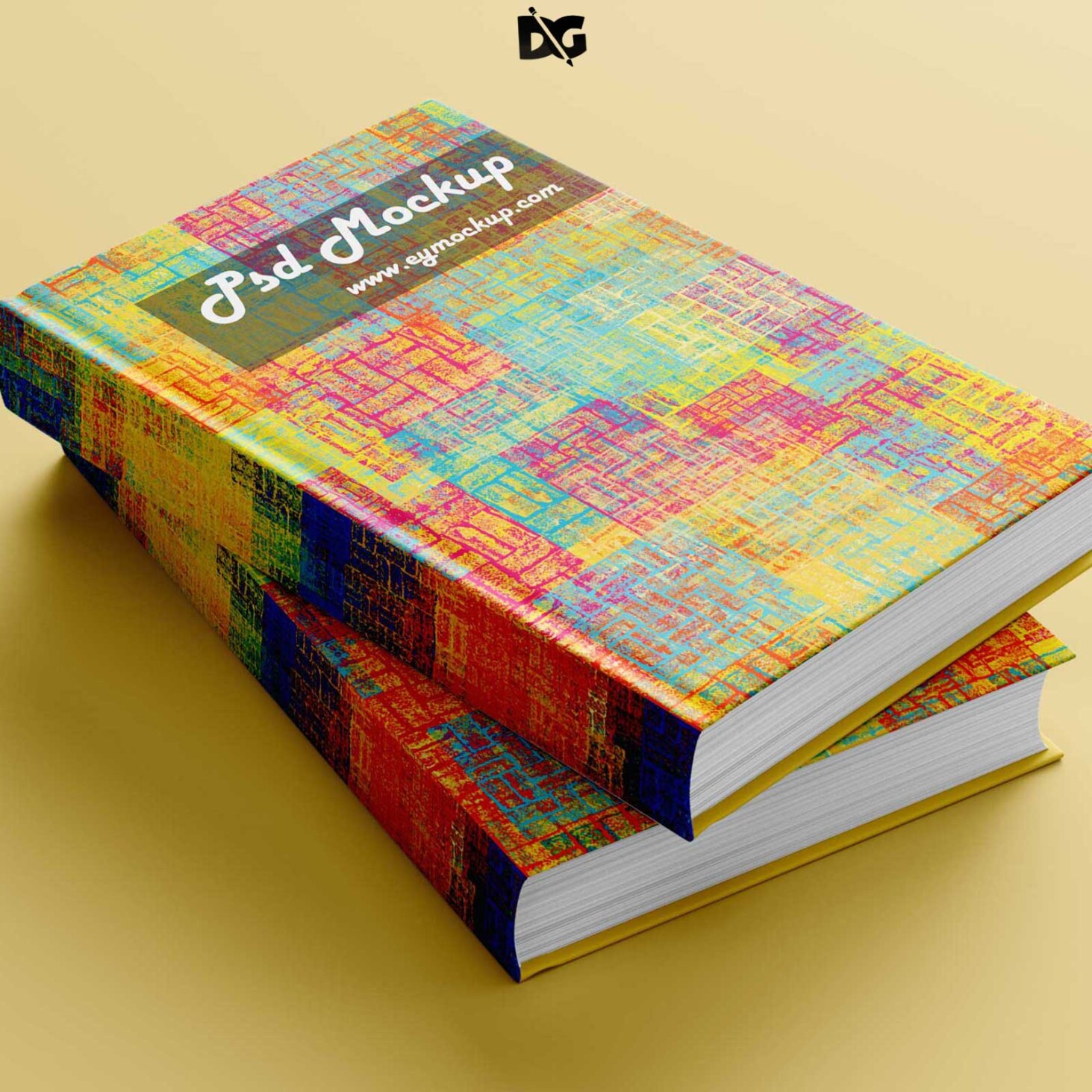
Elevate your design projects with our free newspaper front page mockup. This high-quality template allows you to showcase your headlines, articles, and images in a realistic newspaper layout. Perfect for designers and marketers looking to present their work in a professional manner, this mockup is easy to use and customize to fit your needs.
Simply download the mockup file, open it in Photoshop, and insert your content using smart layers. You can adjust the lighting and shadows to create a more authentic look. This mockup is not only ideal for personal projects but also for client presentations, social media posts, and portfolio displays, giving your designs the attention they deserve.
All of these Resources are easy to use and can present your information beautifully. Some are free, while others cost a few dollars.More great & free PSD Mockups Collection:
- Wall Art Mockup Free
- Paper Bag Mockup Free Download
- New Bi-Fold Brochure Free Download
- Free New Billboard Mockup Download
FAQs – Free Newspaper Front Page Mockup
Can I edit the free newspaper front page mockup?
Yes, you can easily edit the mockup in Photoshop. Just open the smart layers, insert your content, and save the changes.
Is it possible to change the colors in the mockup?
Absolutely! You can customize colors and adjust the levels in Photoshop to match your design preferences.
What file format does the mockup come in?
The mockup is typically provided in PSD format, which is compatible with Adobe Photoshop for easy editing.
Does the mockup include realistic lighting effects?
Yes, the mockup features realistic lighting and shadows to enhance the overall presentation of your design.
Do I need advanced skills to use the mockup?
No, basic knowledge of Photoshop is sufficient. The mockup includes easy-to-follow instructions for beginners.