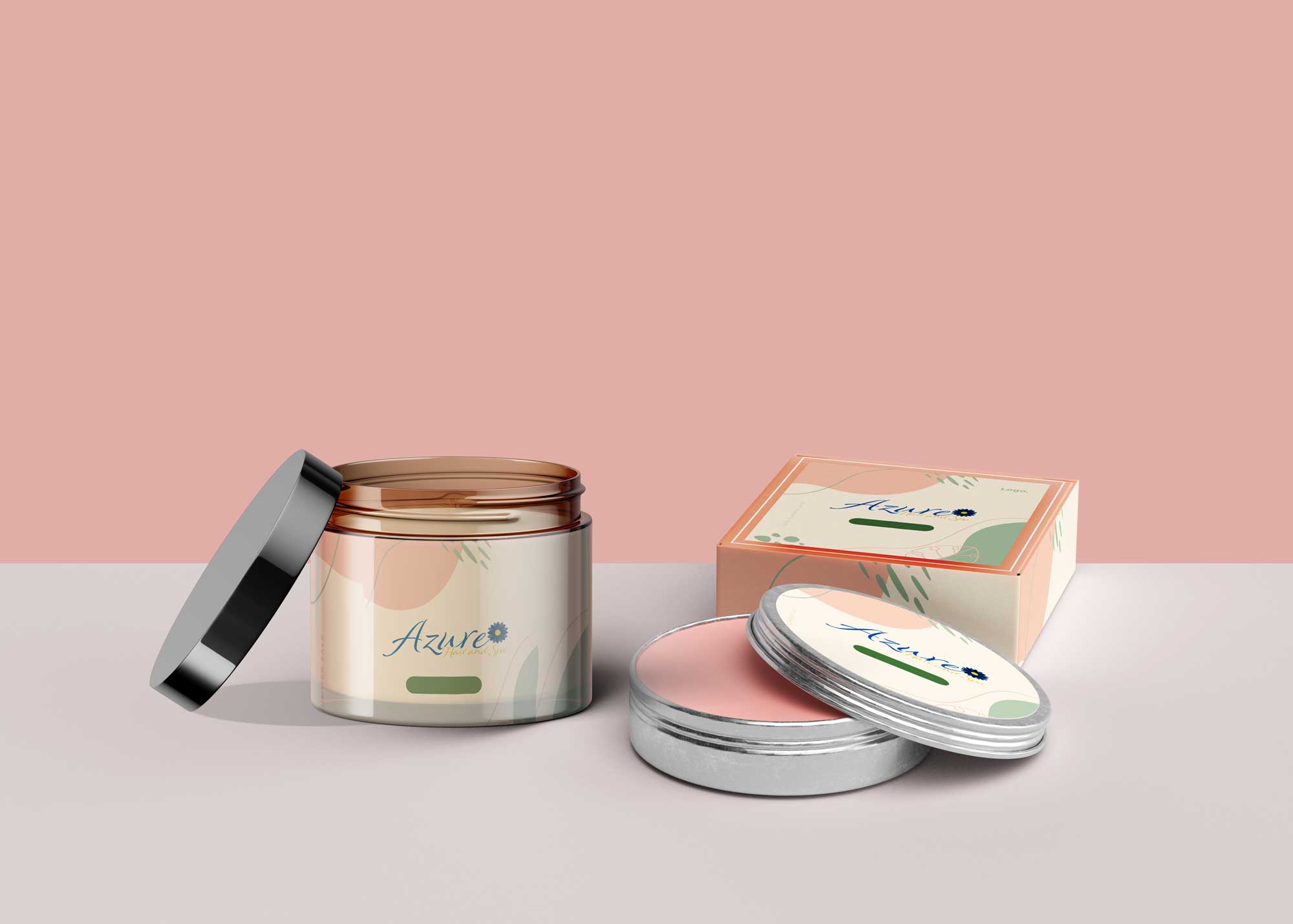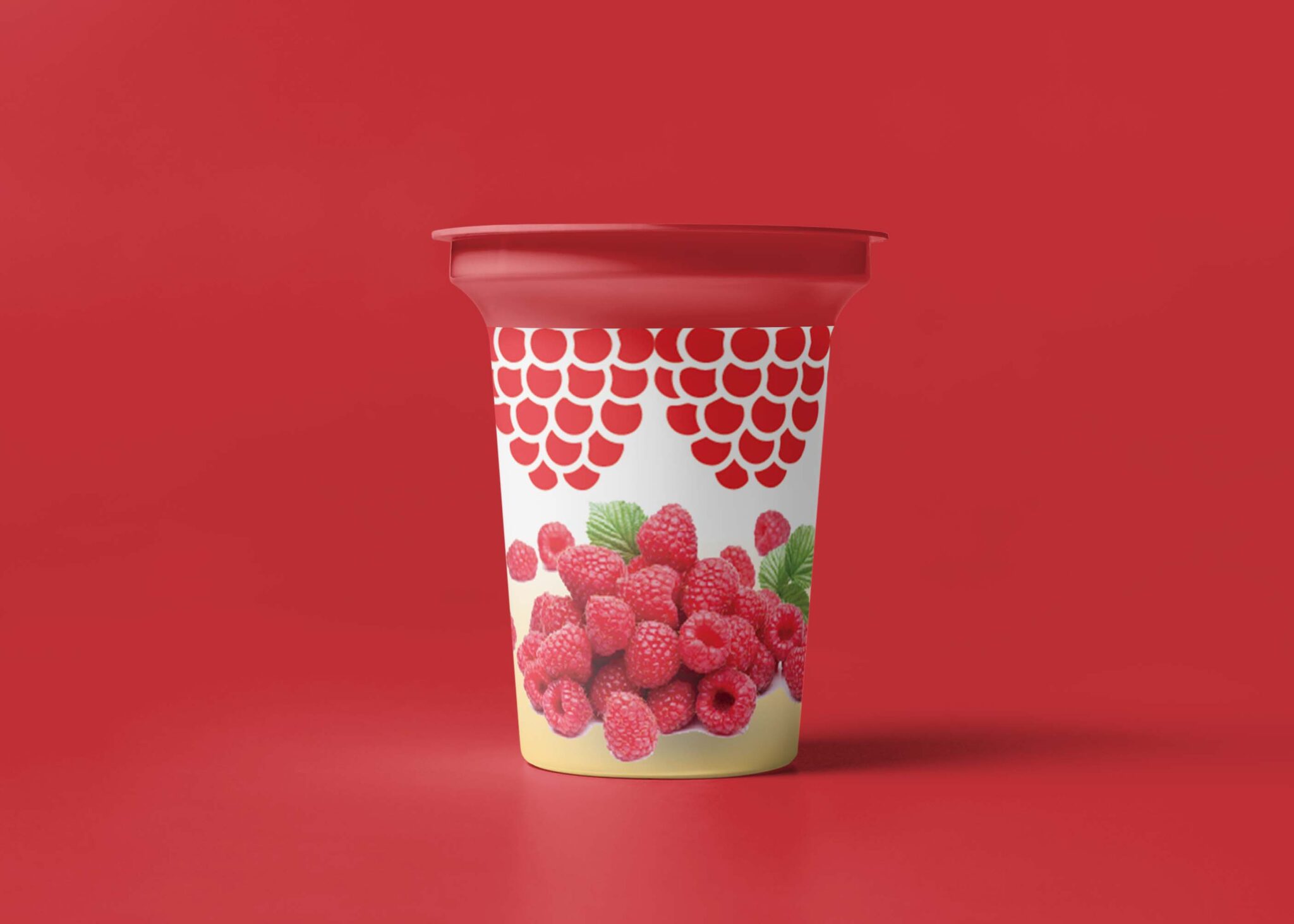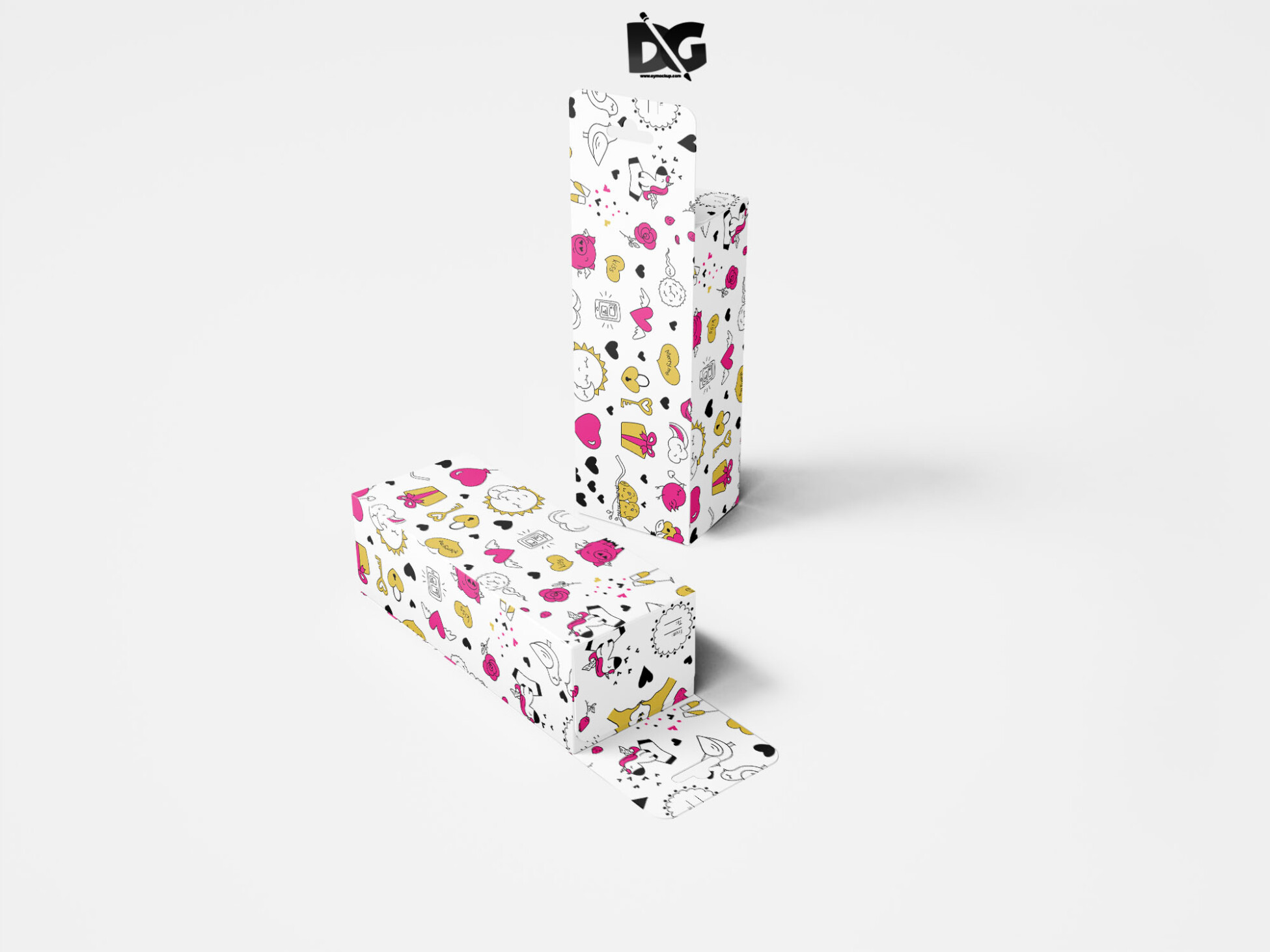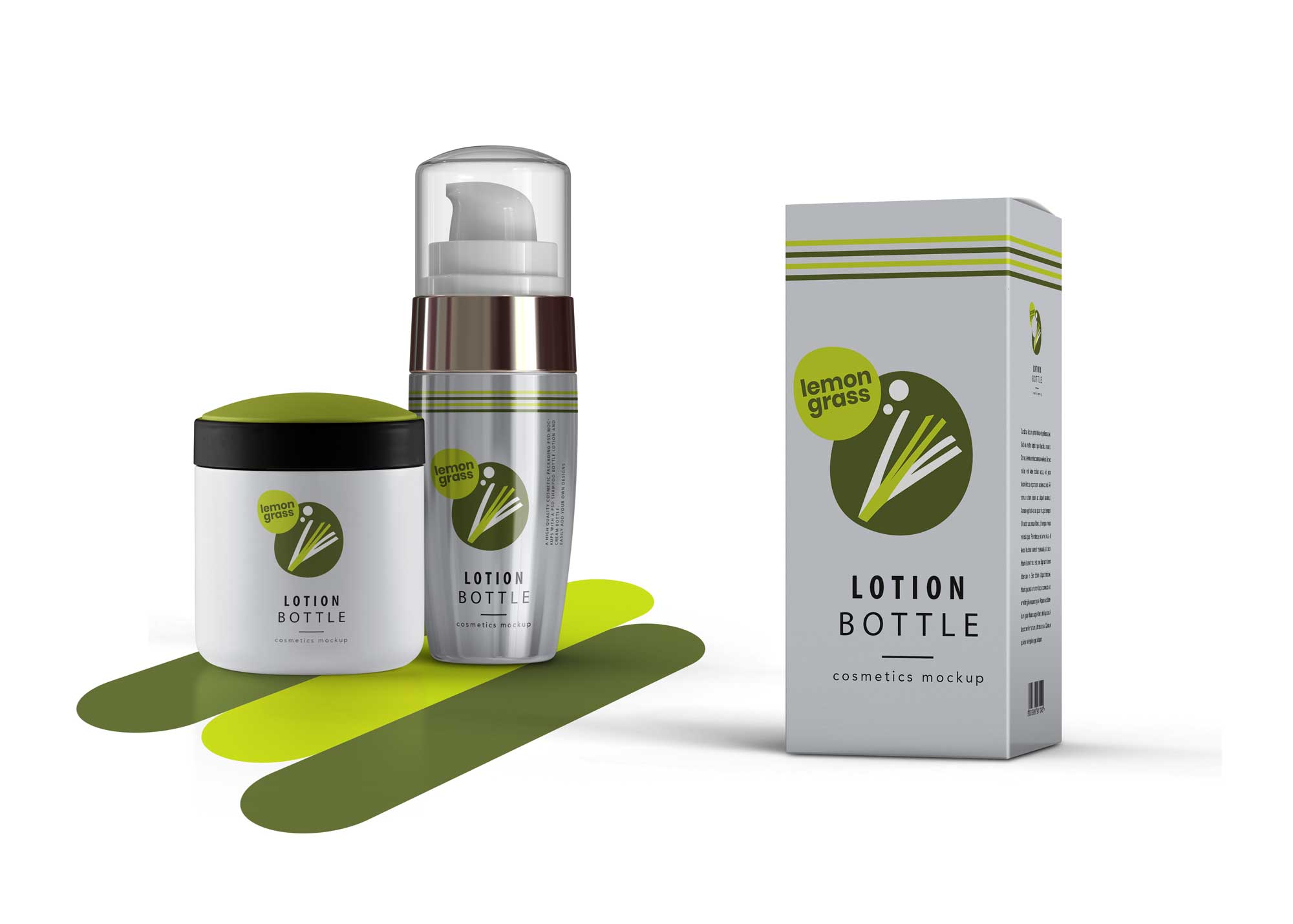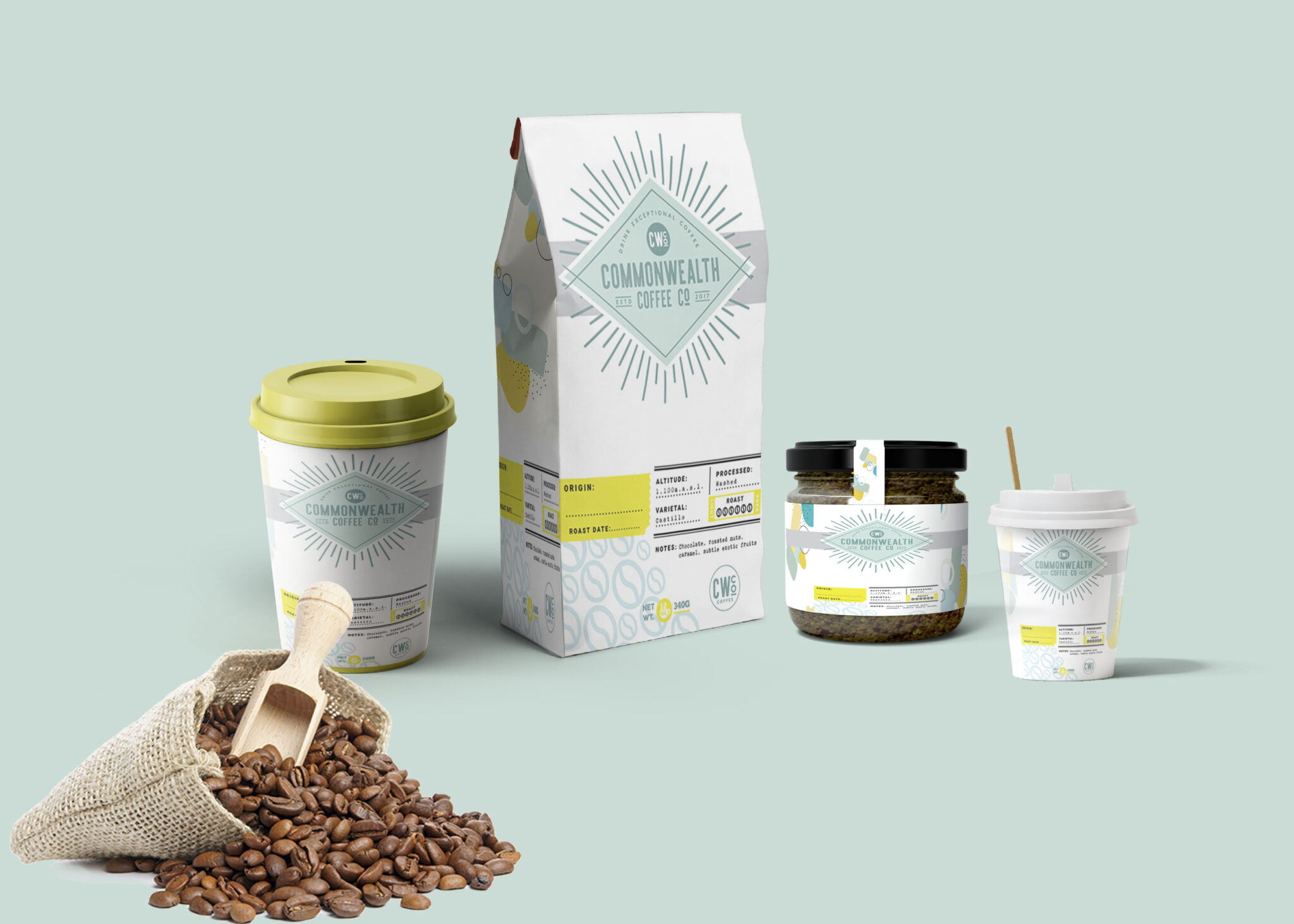
Creating an impactful packaging branding mockup is essential for showcasing your product design effectively. A well-crafted mockup allows you to present your ideas visually, helping clients and stakeholders understand your vision. Whether you’re a designer or a brand manager, having a polished mockup can elevate your presentation and enhance your marketing materials.
This guide will walk you through the key elements of designing a packaging branding mockup. From selecting the right templates to customizing colors and textures, you’ll learn how to create an eye-catching representation of your product. Additionally, we will cover tips for using software like Photoshop to achieve realistic lighting and shadows, making your mockup stand out even more.
Today, consumers are all about the packaging of a product – sometimes even more so than the product itself! What something looks like on the outside can have a big impact on whether or not people are interested, so the right type of packaging can really make a difference in the overall success of your product.Graphic designers use free mock-ups to give a glimpse of how their design will look in a real-world environment. These mock-ups come in PSD files which can be easily used with smart layers. Go ahead and download them all.All of these Resources are easy to use and can present your information beautifully. Some are free, while others cost a few dollars.More great & free PSD Mockups Collection:
- Square box mockup PSD download
- Bottle Mockup PSD Download Now
- Latest Logo Mockup PSD Free Download
- Cafe menu design template free download
FAQs – Packaging Branding Mockup
Can I edit the packaging branding mockup in Photoshop?
Yes, the packaging branding mockup can be easily edited in Photoshop, allowing you to customize colors, labels, and other design elements.
What file formats are available for the mockup?
The mockup is typically available in PSD format, which is compatible with Photoshop, ensuring easy editing and customization.
Is it possible to change the background of the mockup?
Absolutely! You can easily change the background of the mockup to suit your branding or presentation needs using Photoshop.
Does the mockup include smart objects for easy editing?
Yes, the mockup includes smart objects, which allow for quick and easy updates to your design without affecting the overall quality.
What lighting effects can I apply to my packaging branding mockup?
You can apply various lighting effects in Photoshop to enhance realism, such as shadows and highlights, making your packaging mockup more visually appealing.