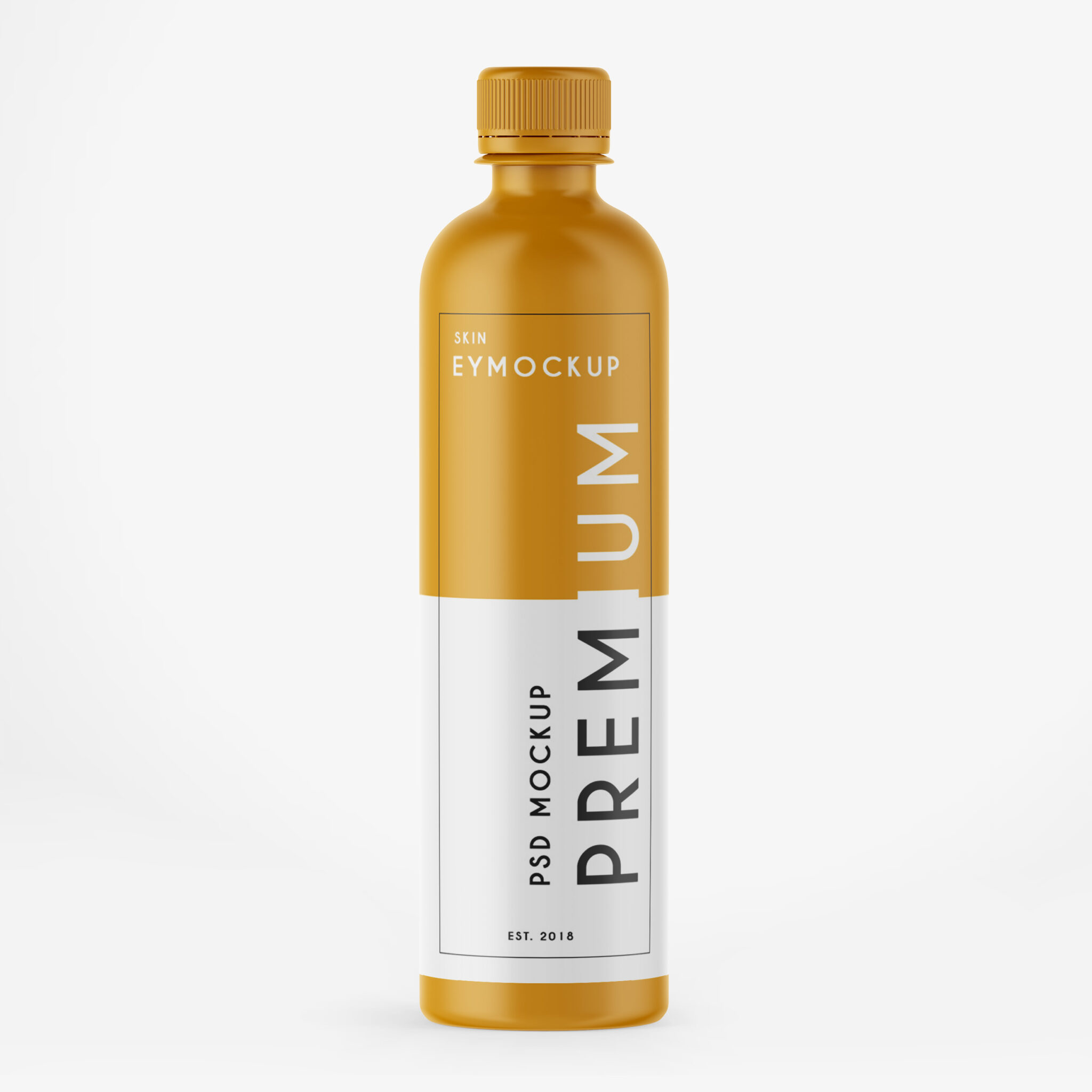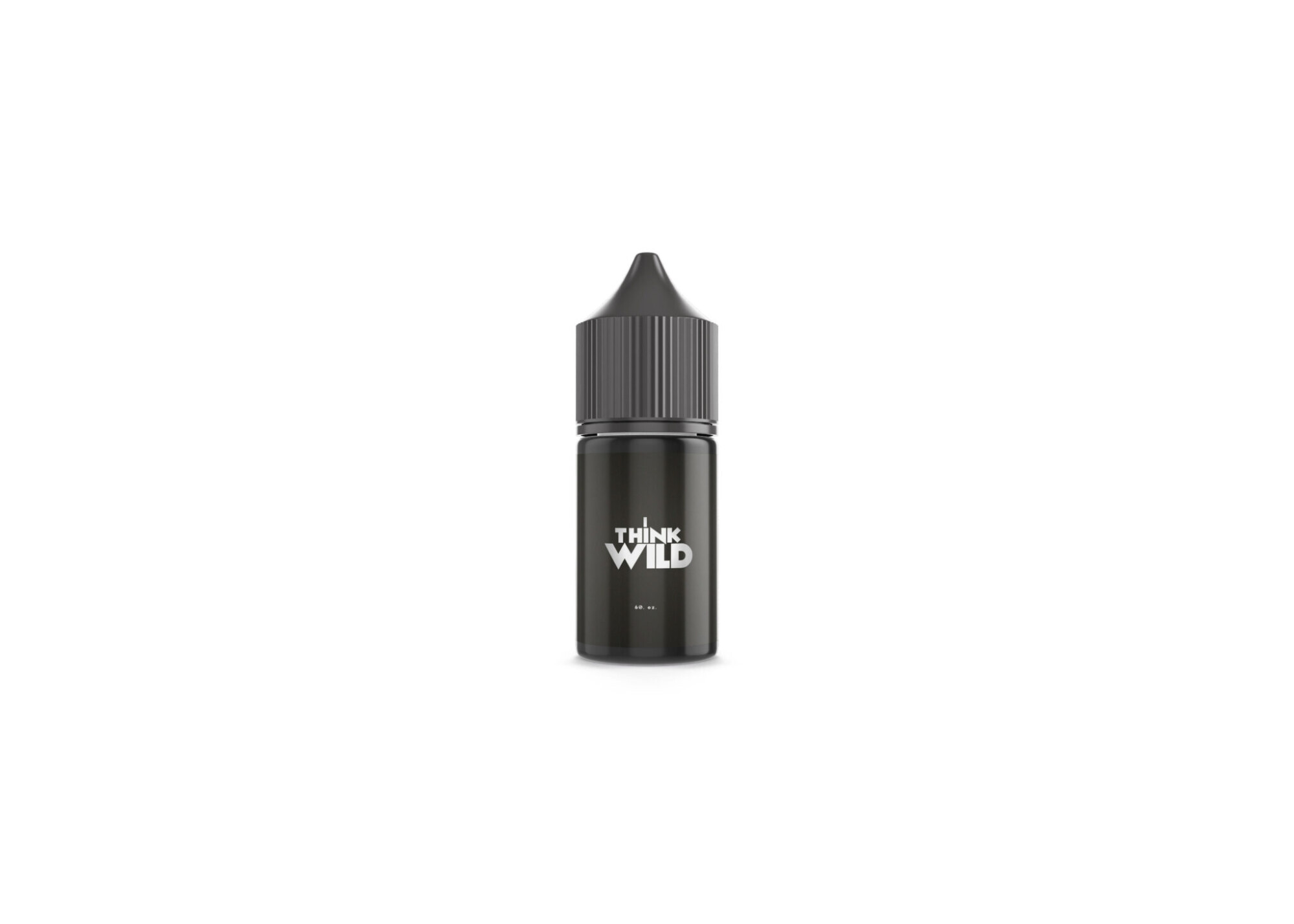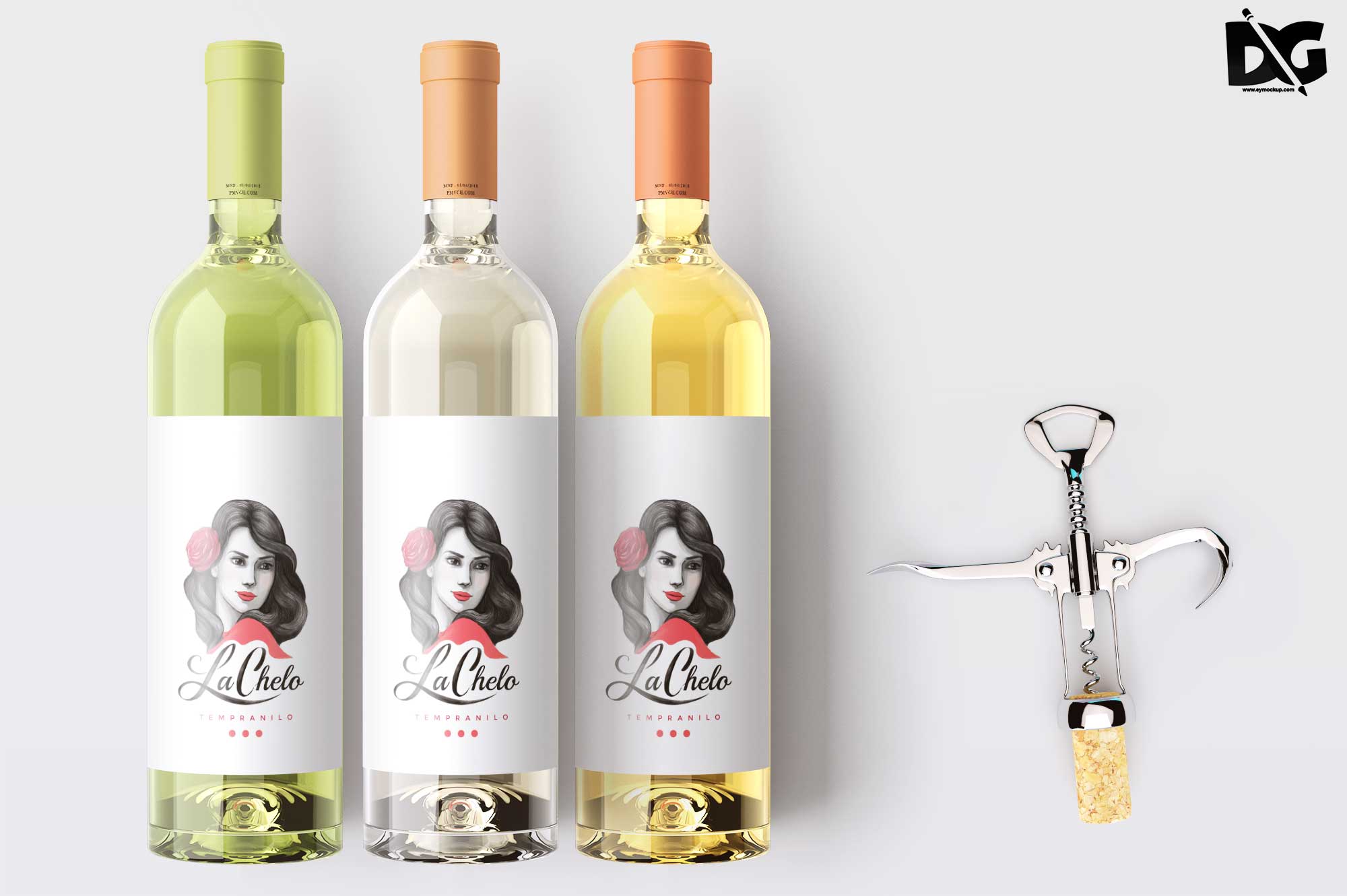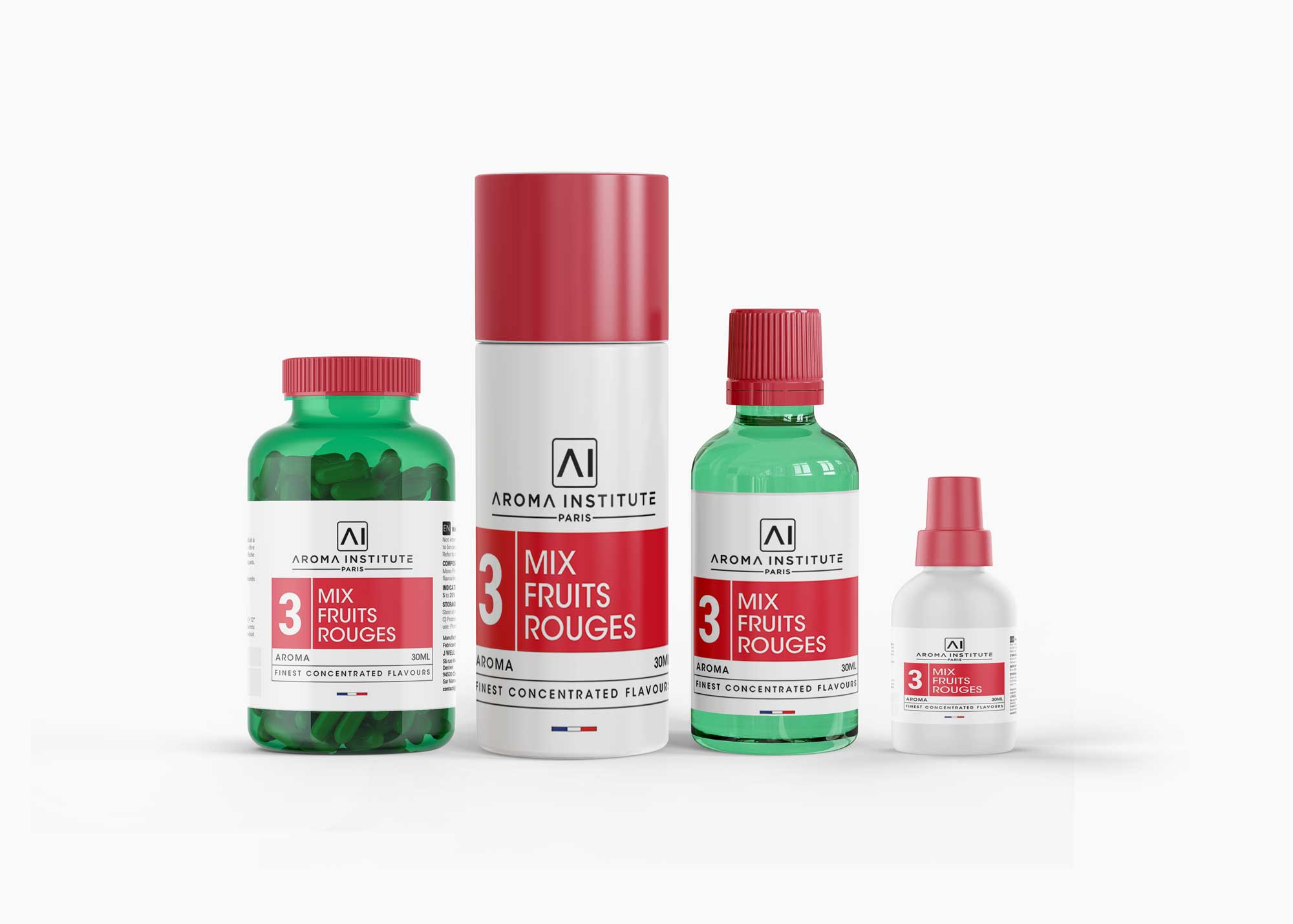
Introducing our Medicine Bottle Combo Mockup, perfect for showcasing your pharmaceutical designs in a realistic setting. This mockup allows you to present your branding concepts with elegance and professionalism, ensuring your designs truly stand out. With high-resolution images and customizable features, you can easily modify the bottle shapes, labels, and backgrounds to fit your vision.
Whether you’re a designer working on a new product line or a marketing professional looking for eye-catching visuals, this mockup is an invaluable tool. The layered PSD file is compatible with Photoshop, enabling you to edit and adjust details effortlessly. Play around with lighting and shadows to achieve the desired look, and impress your clients with stunning presentations that elevate your work.
Luckily, there are lots of free bottle mockups and templates recently released for the benefit of graphic artists. These free bottle mockups and templates provide a perfect way to display bottles in a much attractive way.These can absolutely help graphic designers easily and conveniently add their own ideas to the bottles such as putting colors that can be either come in light or shadow effects.All of these Resources are easy to use and can present your information beautifully. Some are free, while others cost a few dollars. ( premium mockups template ) More great & free PSD Mockups Collection: Description:FAQs – Medicine Bottle Combo Mockup
Can I edit the Medicine Bottle Combo Mockup?
Yes, the mockup is provided in a layered PSD format, allowing you to easily edit and customize the design using Photoshop.
Does it come with a transparent background?
Yes, the mockup includes options for transparent backgrounds, making it versatile for various design presentations.
What file format is the Medicine Bottle Combo Mockup in?
The mockup is available in a PSD file format, which is widely used and compatible with Adobe Photoshop.
Is it easy to change the label design?
Absolutely! You can quickly replace the label design in the mockup using smart objects in Photoshop.
Do I need special skills to use this mockup?
Basic knowledge of Photoshop will help, but the mockup is designed to be user-friendly for all skill levels.