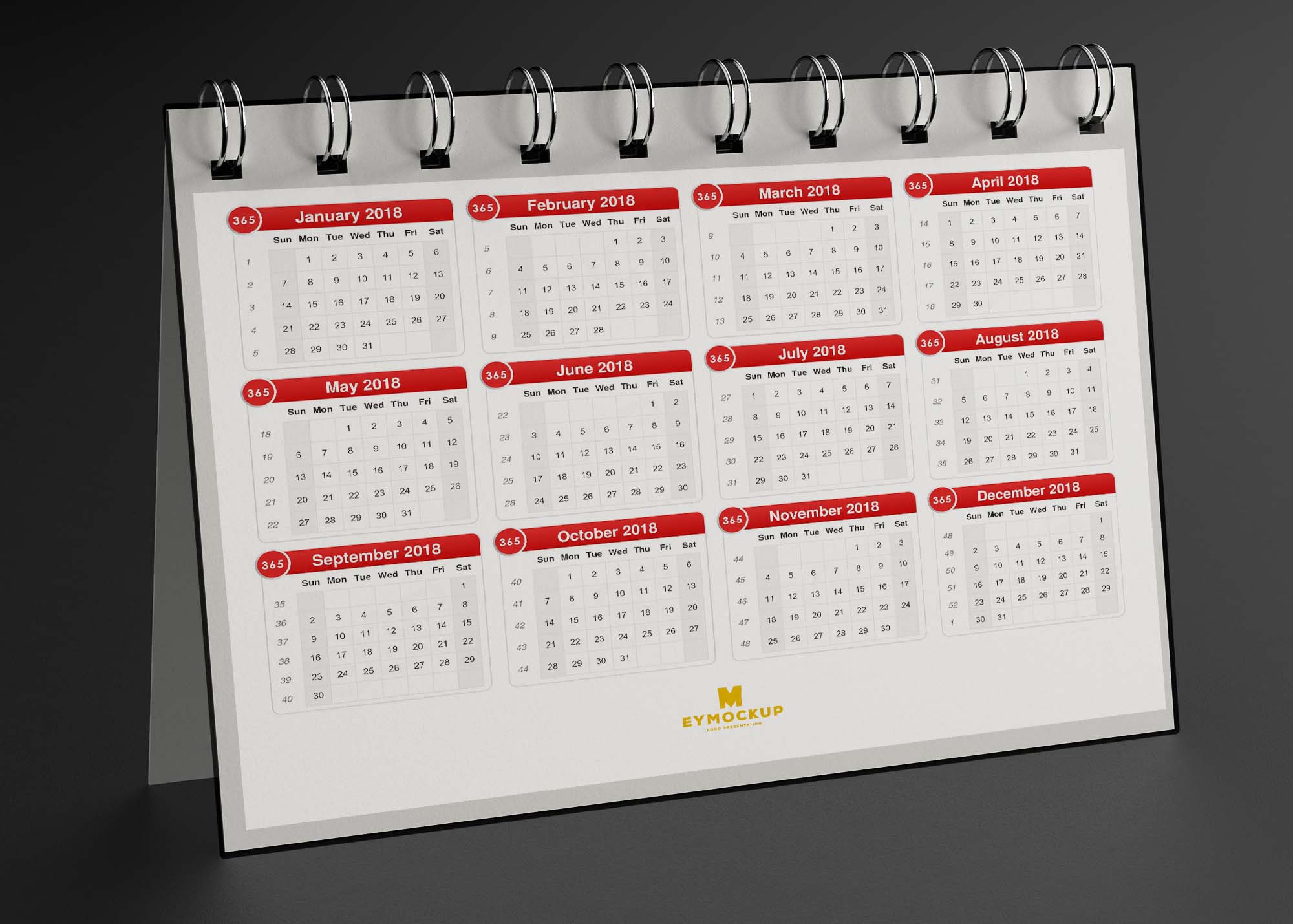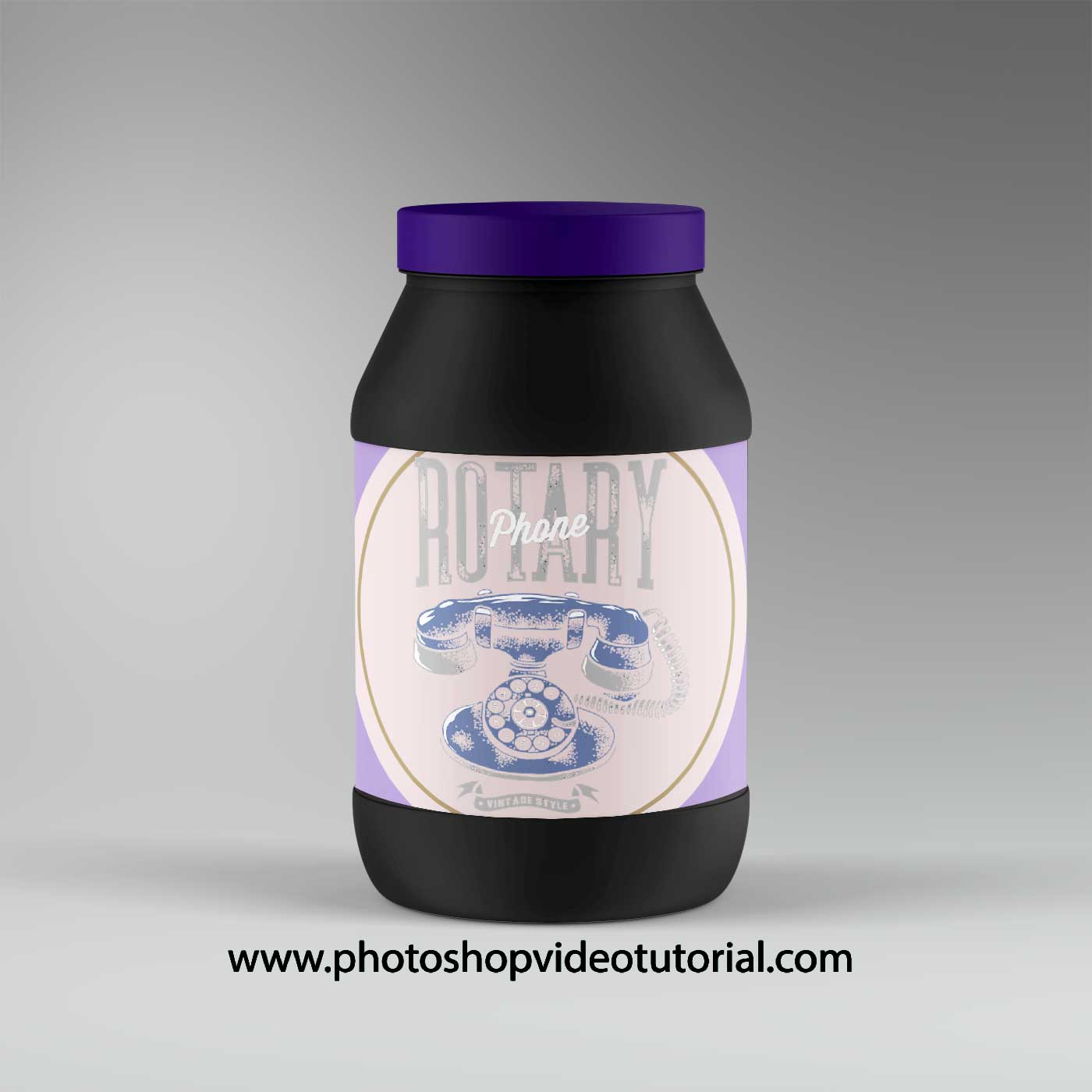
Elevate your restaurant’s branding with our Kitchen Menu Catch Packet Mockup. This versatile mockup allows you to present your culinary offerings in a visually appealing way. Whether you’re a professional designer or a restaurant owner, this resource will help you showcase your menu in a realistic setting, ensuring that your dishes look as appetizing as possible.
Designed for ease of use, this mockup is compatible with popular editing software like Adobe Photoshop. Simply insert your designs into the smart layers, adjust the lighting and shadows, and watch your ideas come to life. The high-resolution images ensure that every detail of your menu is highlighted, making it a perfect tool for marketing and promotional materials.
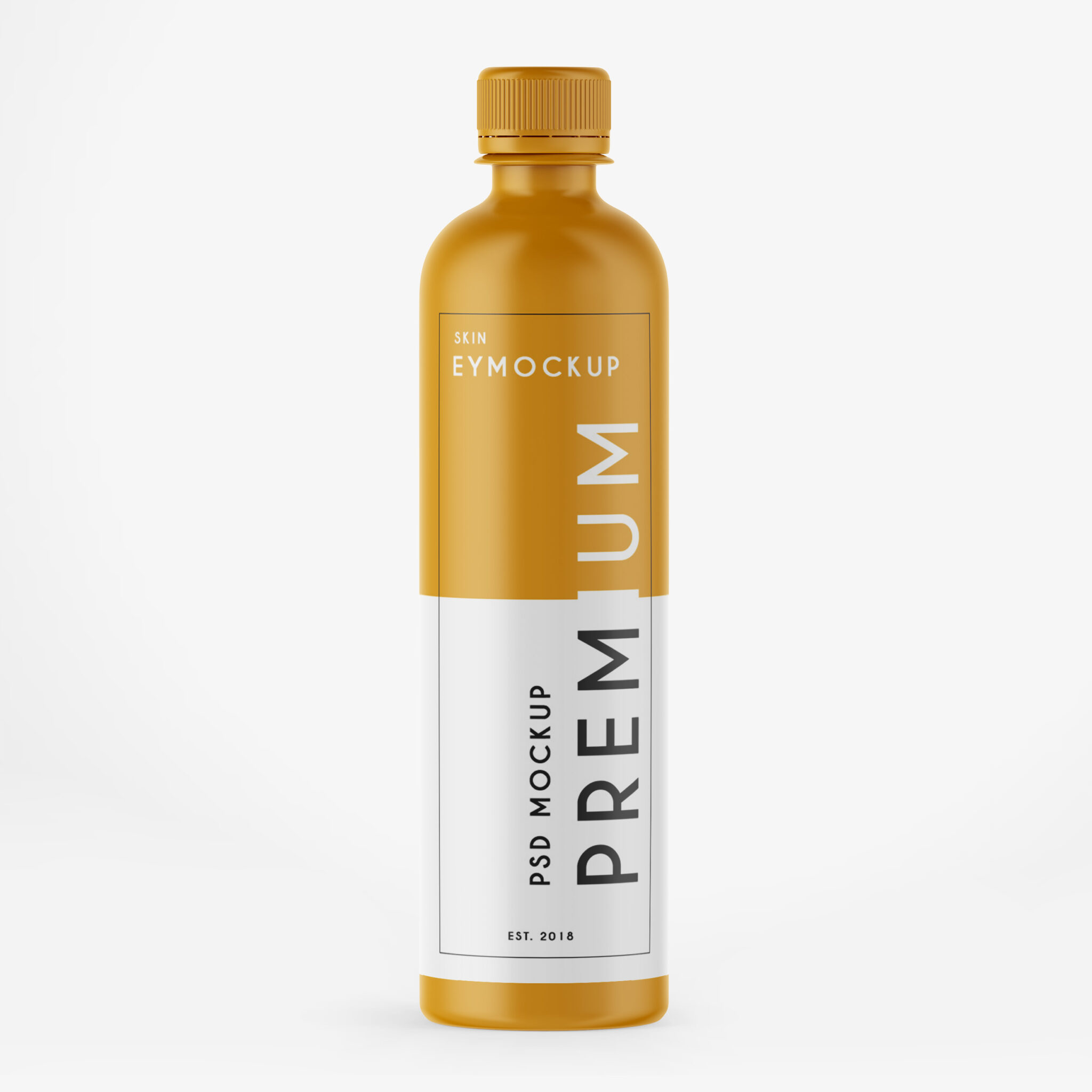
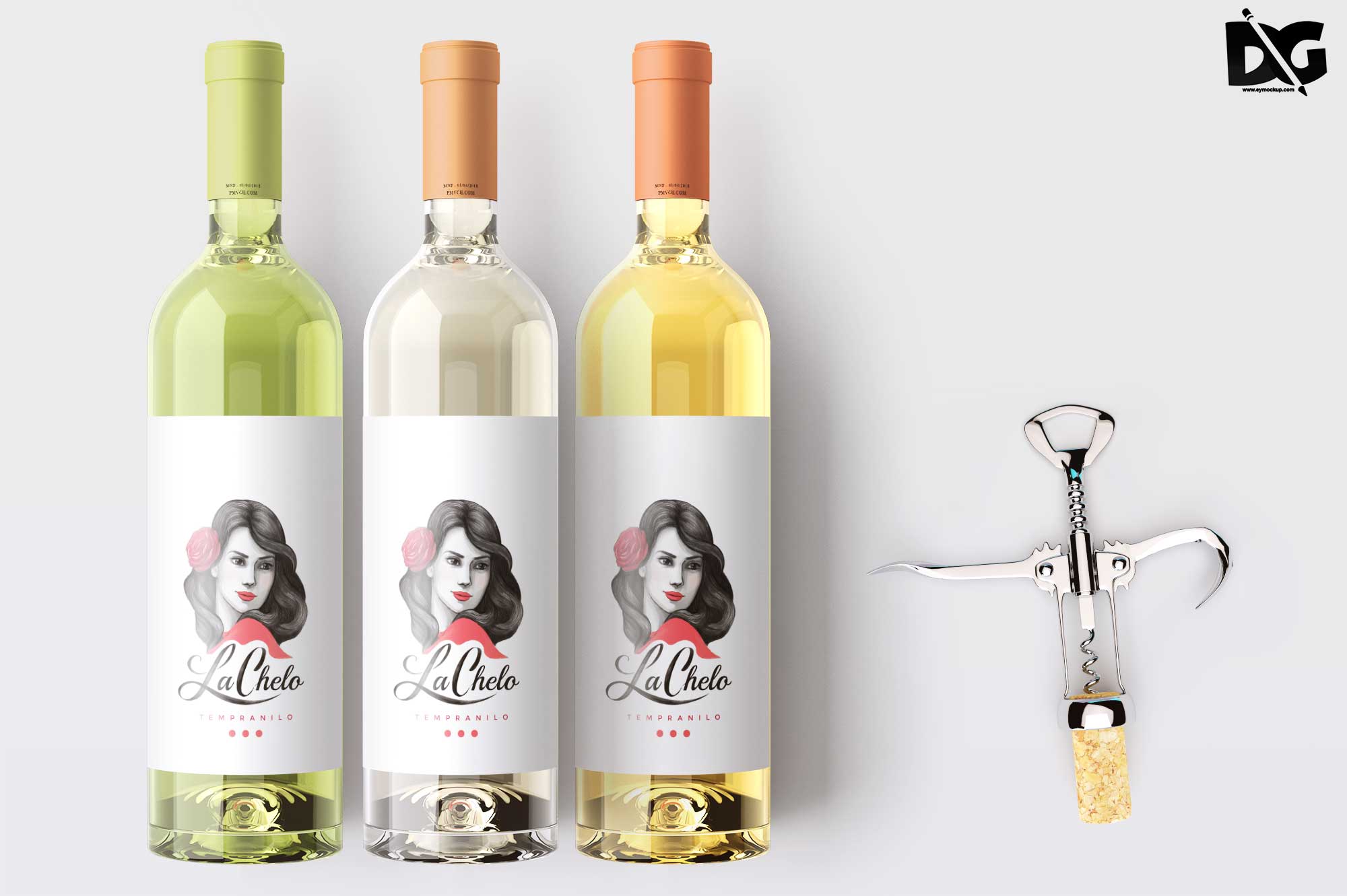
Luckily, there are lots of free bottle mockups and templates recently released for the benefit of graphic artists. These free bottle mockups and templates provide a perfect way to display bottles in a much attractive way.These can absolutely help graphic designers easily and conveniently add their own ideas to the bottles such as putting colors that can be either come in light or shadow effects.All of these Resources are easy to use and can present your information beautifully. Some are free, while others cost a few dollars. ( premium mockups template ) More great & free PSD Mockups Collection: Description:FAQs – kitchen Menu Catch Packet Mockup
Can I edit the Kitchen Menu Catch Packet Mockup in Photoshop?
Yes, the mockup is designed for easy editing in Photoshop. You can customize it using smart layers to add your menu designs.
What file format is the Kitchen Menu Catch Packet Mockup available in?
The mockup is typically provided in PSD format, which is ideal for Photoshop users. You’ll find it easy to manipulate.
Does the mockup support different lighting effects?
Yes, you can adjust the lighting and shadows in the mockup to better fit your design and enhance the overall presentation.
Is it easy to use the mockup for beginners?
Absolutely! The mockup comes with instructions that guide you through the editing process, making it accessible for beginners.
What kind of designs work best with this mockup?
Any menu design that showcases food items or beverages will work well. Ensure your graphics are high-resolution for the best results.