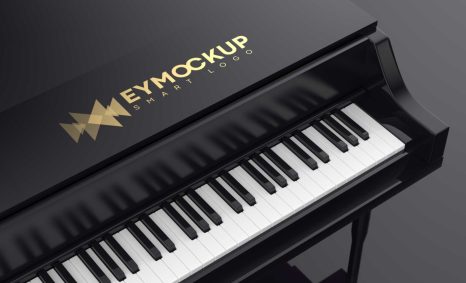
PSD Mockup
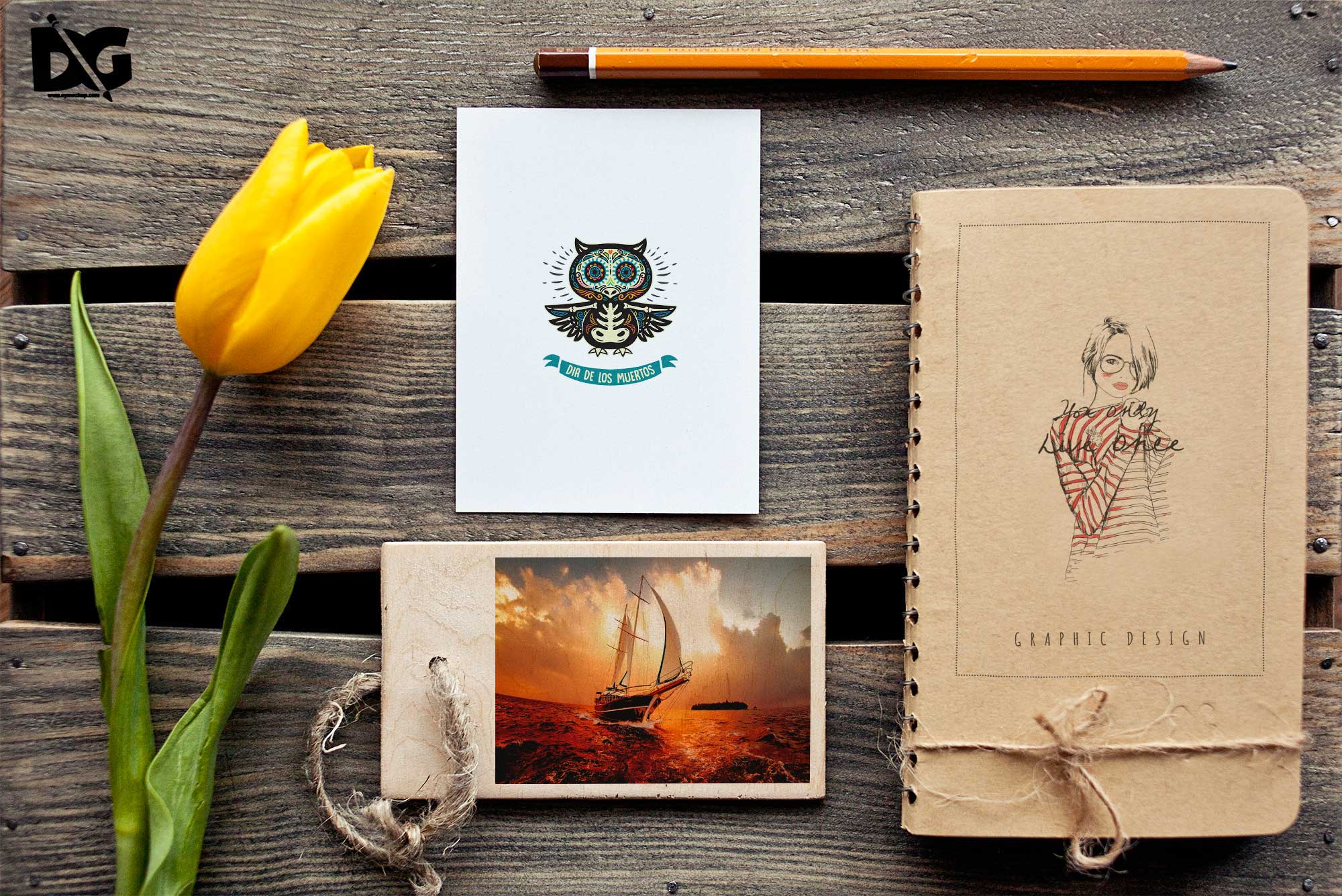
The iPhone Logo Display Mockup is a versatile tool for designers looking to showcase their logo designs in a realistic setting. This mockup allows you to present your work effectively, enhancing your portfolio or marketing materials. With its high-quality resolution and realistic shadows, your logo will stand out, drawing attention to your brand.
This mockup is user-friendly and compatible with Photoshop, enabling easy editing and customization. Simply insert your logo into the designated layer, adjust the size if necessary, and watch your design come to life. The mockup’s natural lighting and reflections provide an authentic look, making it perfect for presentations, client pitches, or social media posts.
All of these Resources are easy to use and can present your information beautifully. Some are free, while others cost a few dollars.More great & free PSD Mockups Collection:
- 3d logo mockup psd free download
- Postcard Mockup PSD free download
- 3D Window Logo Mockup PSDs
- Plastic bottle mockup free download
- eBook Cover PSD Download Mockup
FAQs – iPhone Logo Display Mockup
Can I edit the iPhone Logo Display Mockup?
Yes, you can easily edit the mockup in Photoshop by placing your logo in the designated smart object layer.
Does the mockup support different logo formats?
The mockup supports various formats, including PNG, JPG, and SVG, allowing flexibility for your logo designs.
What resolution is the iPhone Logo Display Mockup?
The mockup comes in high resolution, ensuring that your logo appears crisp and clear when displayed.
Is it easy to change the background in the mockup?
Absolutely! You can change the background color or image easily within Photoshop, providing more customization options.
Do I need special skills to use the mockup?
No special skills are required; basic knowledge of Photoshop is sufficient to customize the iPhone Logo Display Mockup.
Download PSD Now!