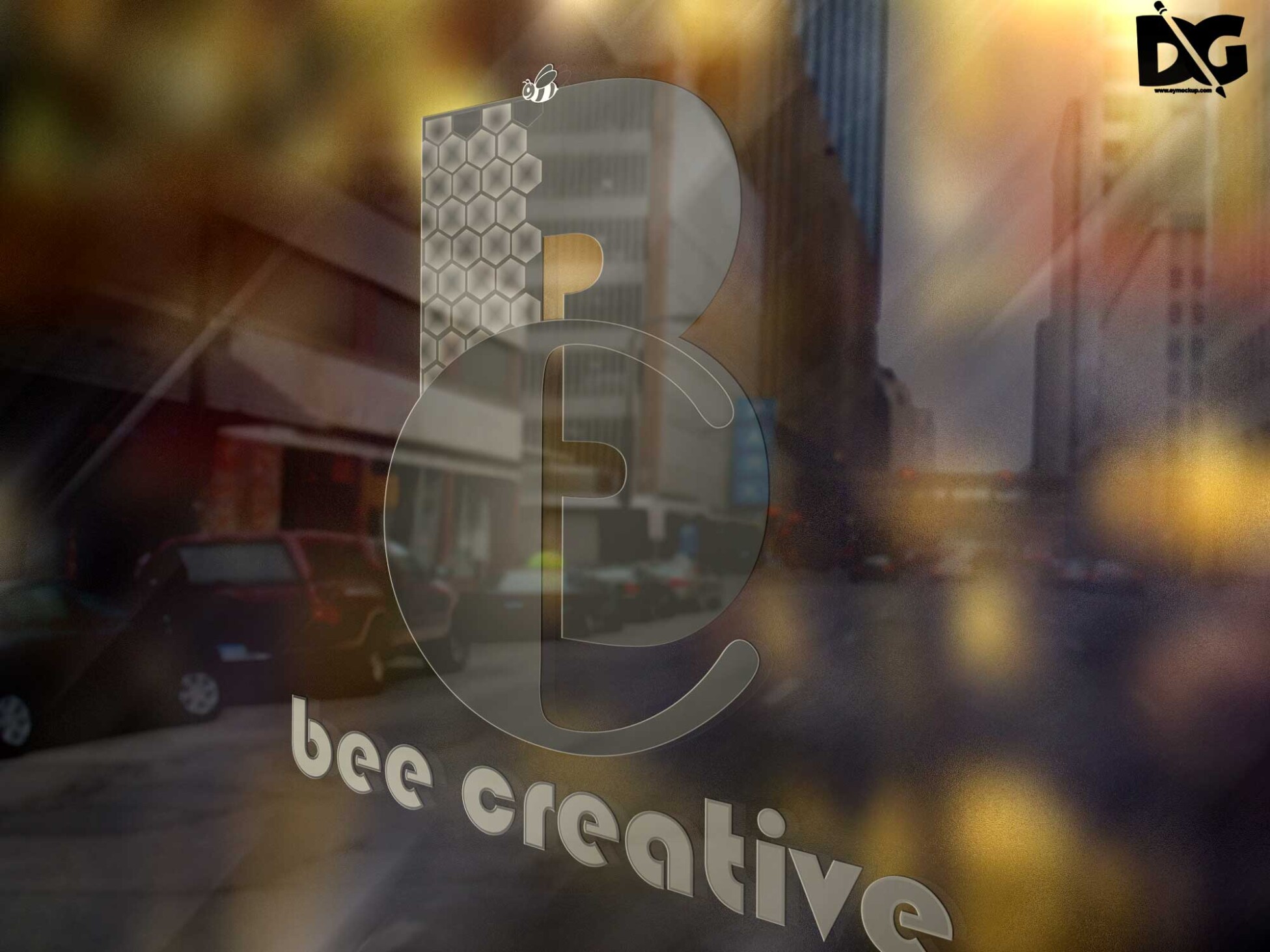
Elevate your branding with our Glass Wall PSD Logo Mockup. This high-quality mockup provides a realistic presentation for your logo designs, perfect for showcasing in portfolios or client proposals. With its transparent glass effect, it adds a touch of sophistication and professionalism to your visual presentations.
Designed for ease of use, this mockup allows you to quickly insert your logo into the smart object layer. Whether you’re a designer or a business owner, this free resource will help you visualize your branding concepts effectively. Download the mockup today and create stunning visuals that stand out.
Get 3D Logo MockupsAll of these Resources are easy to use and can present your information beautifully. Some are free, while others cost a few dollars.More great & free PSD Mockups Collection:
- Free Simple 3D Logo Mockup (PSD)
- Free Gold Coin Mockup PSD Download
- Free PSD Mockups for Books and More!
- 3D Packaging PSD Mockups
FAQs – Glass Wall PSD Logo Mockup
Can I edit the Glass Wall PSD Logo Mockup in Photoshop?
Yes, the mockup is fully editable in Photoshop. Just open the PSD file and use the smart object layer to insert your logo.
Does the mockup support different logo formats?
Absolutely! You can use various logo formats, including JPG, PNG, and SVG, when inserting into the smart object layer.
Is it easy to customize the Glass Wall mockup?
Yes, customization is straightforward. Simply replace the placeholder logo with your design, adjust the size, and save your changes.
What features does the Glass Wall Logo Mockup include?
The mockup features realistic glass reflections, adjustable lighting, and a clean background, enhancing the professionalism of your logo display.
Do I need special software to use the mockup?
You only need Adobe Photoshop to use the Glass Wall Logo Mockup effectively. Ensure you have a compatible version installed.