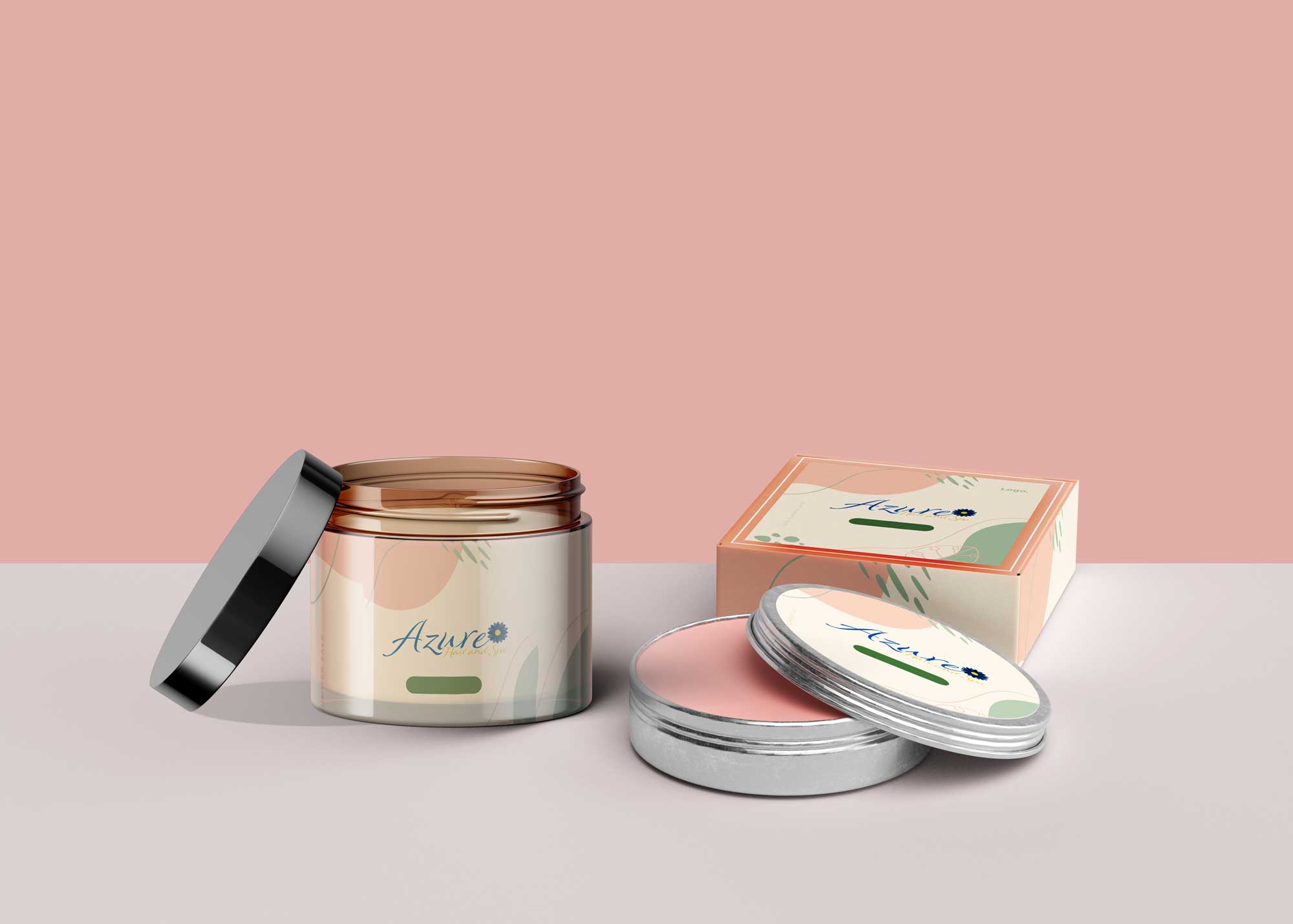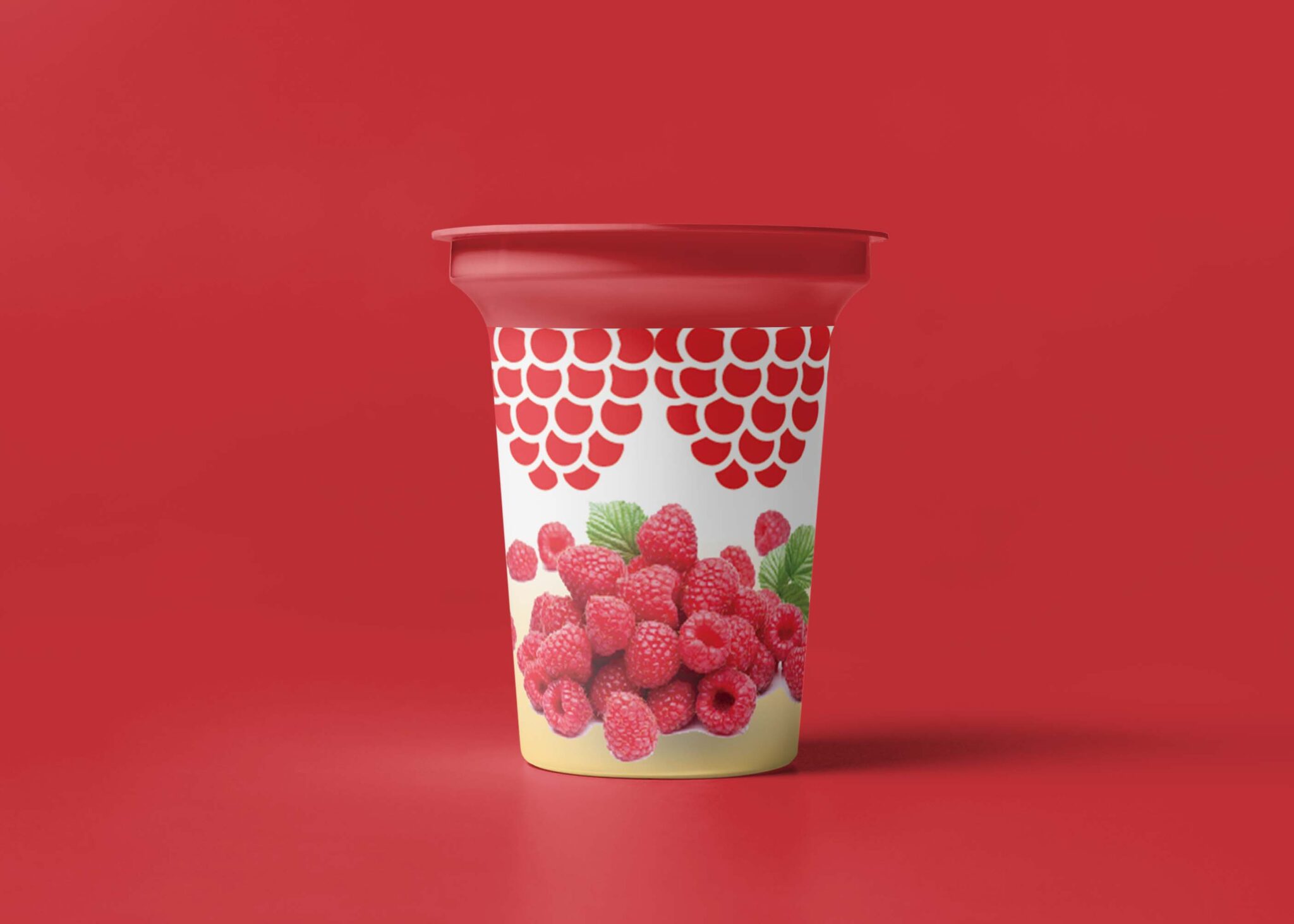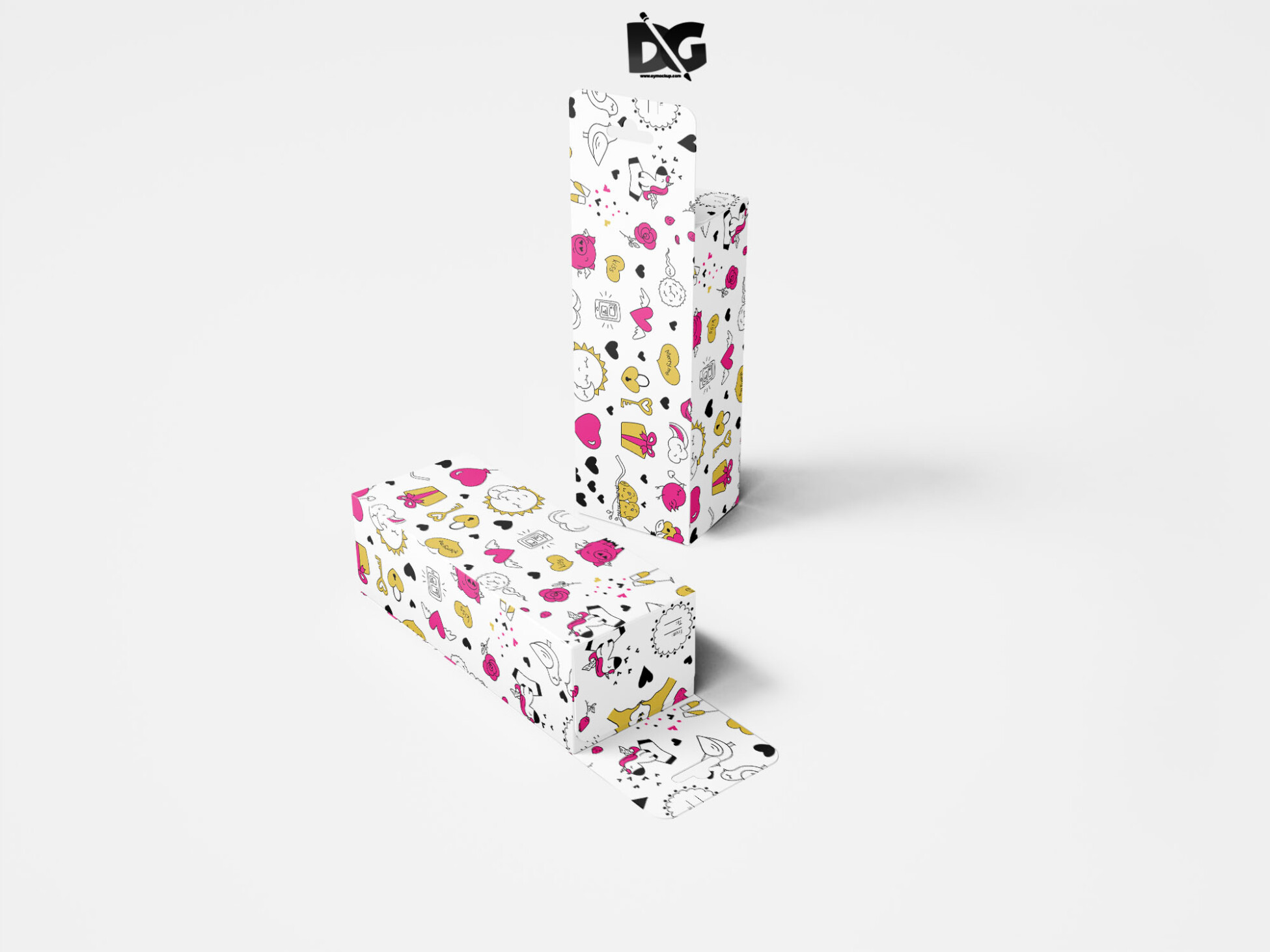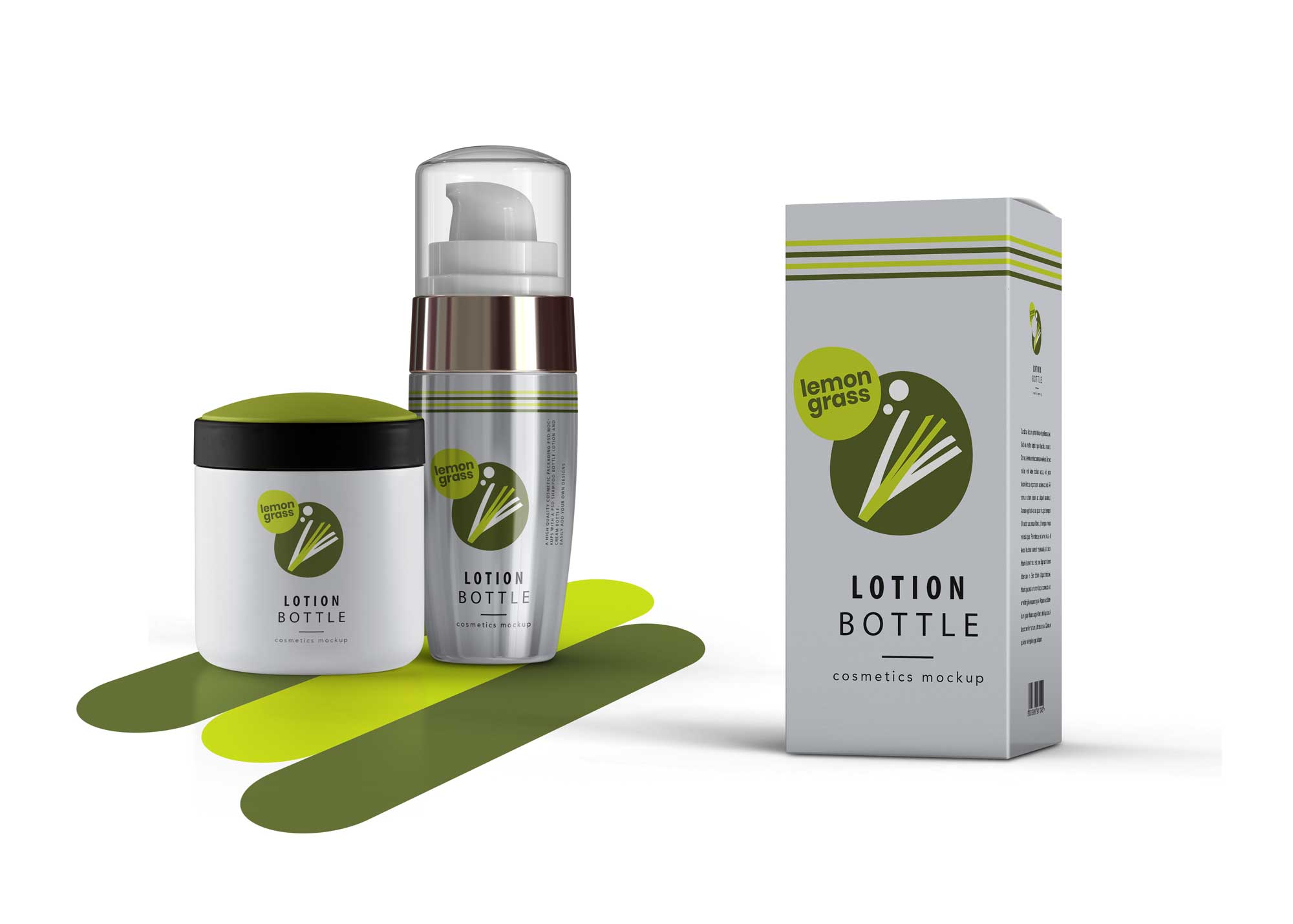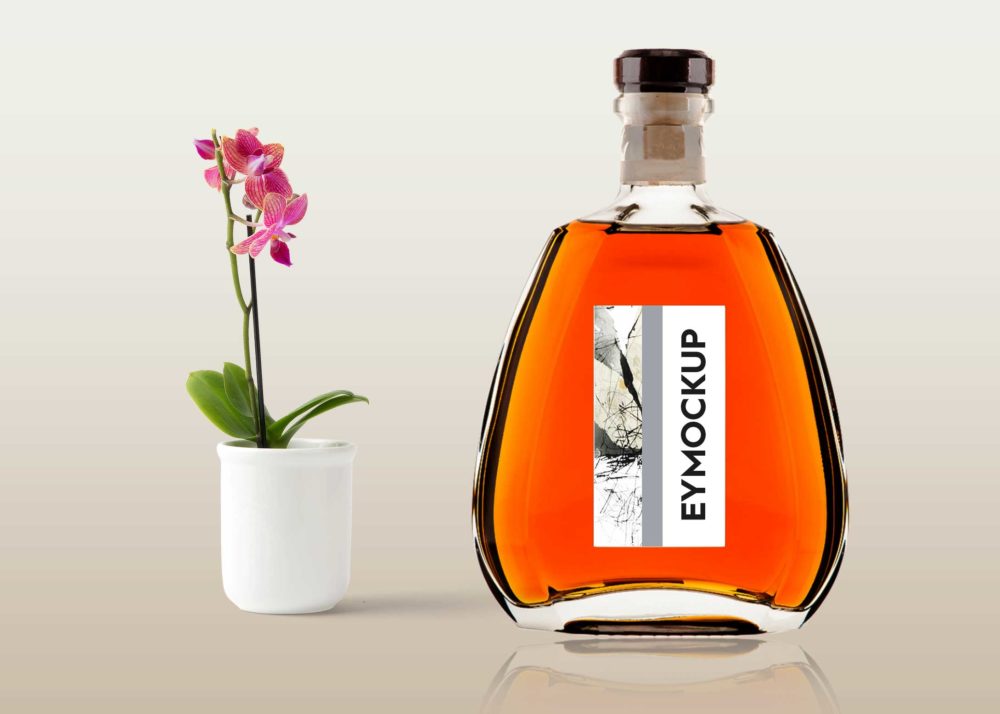
This glass perfume bottle label mockup is perfect for showcasing your fragrance designs in a realistic and elegant manner. With its high-quality rendering and attention to detail, it allows you to present your work professionally and attractively. The mockup comes with customizable features, making it easy to add your own label design and colors to suit your brand aesthetic. Whether you’re a designer or a brand owner, this mockup will elevate your product presentations.
Using this mockup is straightforward. Simply open the PSD file in Photoshop, and you can easily edit the layers to insert your design. Adjust the lighting and shadows to create an authentic look that enhances your label’s visibility. This mockup is designed for both personal and commercial use, providing versatility for your branding needs. Impress clients and stakeholders alike with stunning visuals that highlight your creativity and professionalism.
Today, consumers are all about the packaging of a product – sometimes even more so than the product itself! What something looks like on the outside can have a big impact on whether or not people are interested, so the right type of packaging can really make a difference in the overall success of your product.Graphic designers use free mock-ups to give a glimpse of how their design will look in a real-world environment. These mock-ups come in PSD files which can be easily used with smart layers. Go ahead and download them all.All of these Resources are easy to use and can present your information beautifully. Some are free, while others cost a few dollars.More great & free PSD Mockups Collection:
- Square box mockup PSD download
- Bottle Mockup PSD Download Now
- Latest Logo Mockup PSD Free Download
- Cafe menu design template free download
FAQs – Glass Perfume Bottle Label Mockup
Can I customize the glass perfume bottle label mockup?
Yes, you can easily customize the label by editing the layers in Photoshop to fit your design needs.
Do I need special software to use the mockup?
Yes, you will need Adobe Photoshop to edit the mockup and make the necessary adjustments to the design.
Is it easy to change the background of the mockup?
Absolutely! You can modify the background layer in Photoshop, allowing you to create various looks for your presentation.
What file format is the glass perfume bottle label mockup in?
The mockup is provided in PSD format, which is compatible with most versions of Adobe Photoshop.
Does the mockup include realistic lighting and shadows?
Yes, the mockup features realistic lighting and shadows to enhance the presentation of your perfume bottle design.