


 PSD Mockup
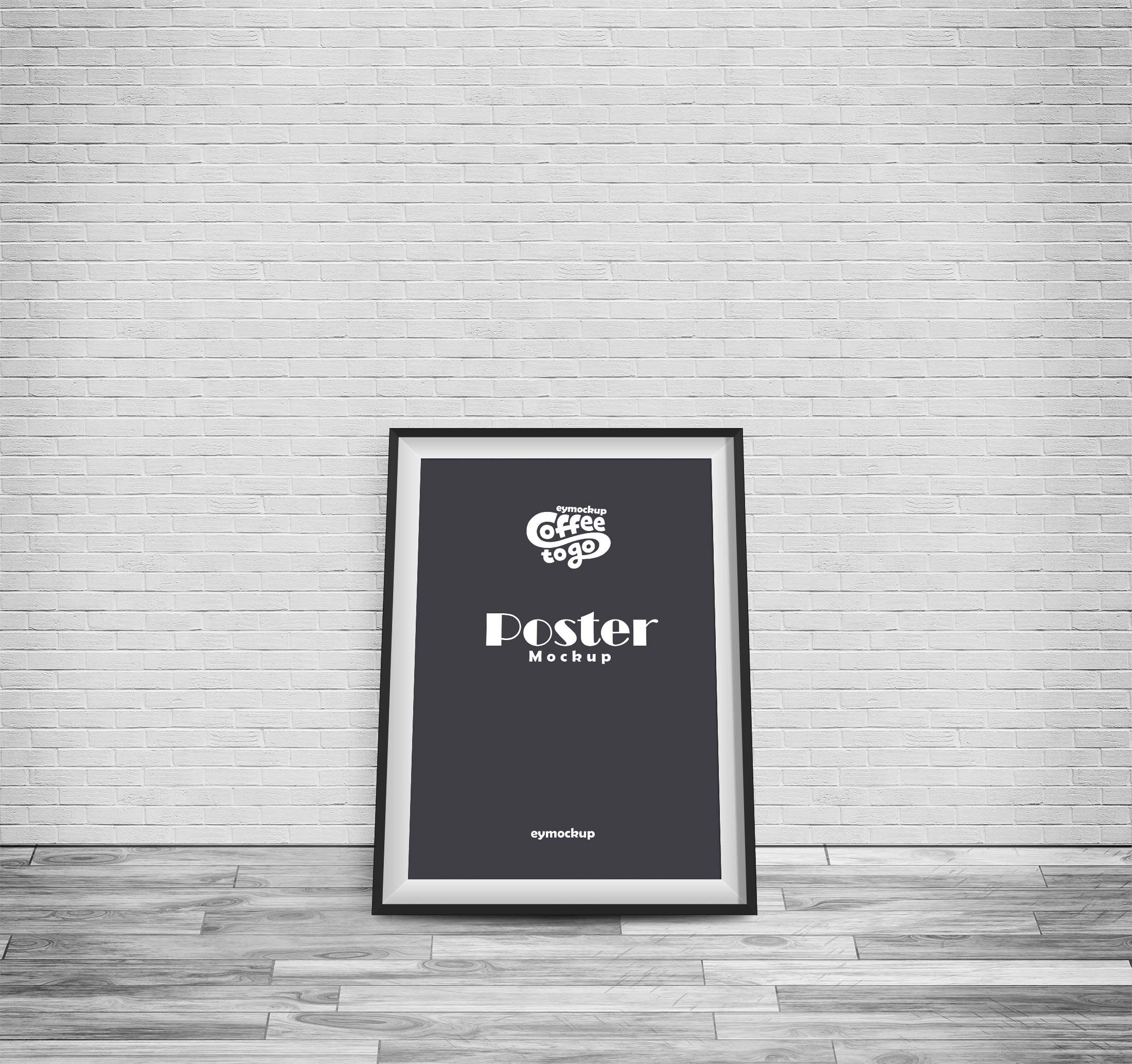
Transform your design presentations with our free wall indoor poster mockup. This high-quality mockup allows you to showcase your artwork in a realistic setting, perfect for impressing clients or sharing on social media. With easy editing options in Photoshop, you can quickly insert your design and adjust the lighting to match your aesthetic.
Our mockup features a modern interior backdrop that enhances your poster’s visual appeal. Ideal for artists, graphic designers, and marketers, this resource simplifies the presentation process. Download now and elevate your portfolio with a stunning visual display of your creativity.
This is a Free Wall Indoor Poster Mockup that you can use to showcase your poster design in a professional manner. The PSD file is easy to edit and customize, all you need is basic knowledge of Photoshop.
The Free Wall Indoor Poster Mockup includes a smart object layer that allows you to easily replace the existing design with your own artwork. You can also change the background color, add or remove shadows, move the image around, and more.
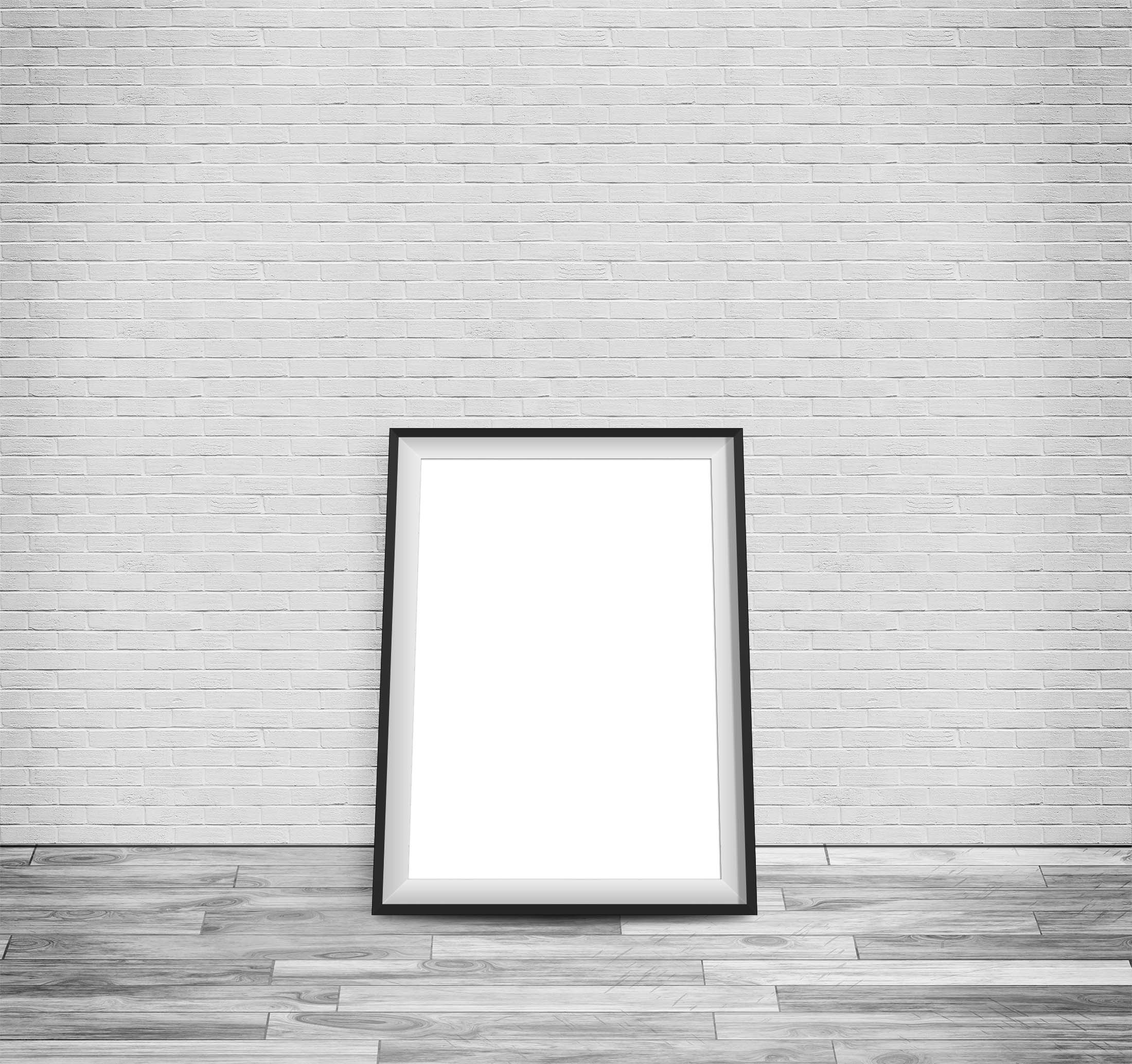
This Free Wall Indoor Poster Mockup is a perfect solution for your design presentation. It includes everything you need to showcase your work in style. It’s easy to edit and customize this mockup. This is a high resolution Photoshop mockup that you can easily use for free.
You can easily place your poster design inside the smart object, change the background color or texture and get a ready-to-use presentation in seconds! Free Wall Indoor Poster Mockup is a great way to present your poster design.
Description:
Available Format: Layered PSD through smart object insertion
License: Free for personal and commercial use
Zip File Includes: Photoshop PSD File
Resolution: 2200 x 1500 px
Advertisement:
FAQs – Free Wall Indoor Poster Mockup
Can I use the free wall indoor poster mockup in Photoshop?
Yes, the mockup is fully compatible with Photoshop, allowing for easy design insertion and customization.
What file format does the mockup come in?
The mockup is provided in a PSD format, which is ideal for editing in Photoshop.
Is it easy to edit the poster design?
Absolutely! The mockup includes smart objects, making it simple to replace the existing design with your artwork.
Does the mockup support different lighting effects?
Yes, you can adjust the lighting settings in Photoshop to create various moods and highlights for your poster.
What kind of designs work best with this mockup?
This mockup is versatile and works well with a range of designs, including illustrations, typography, and photography.

