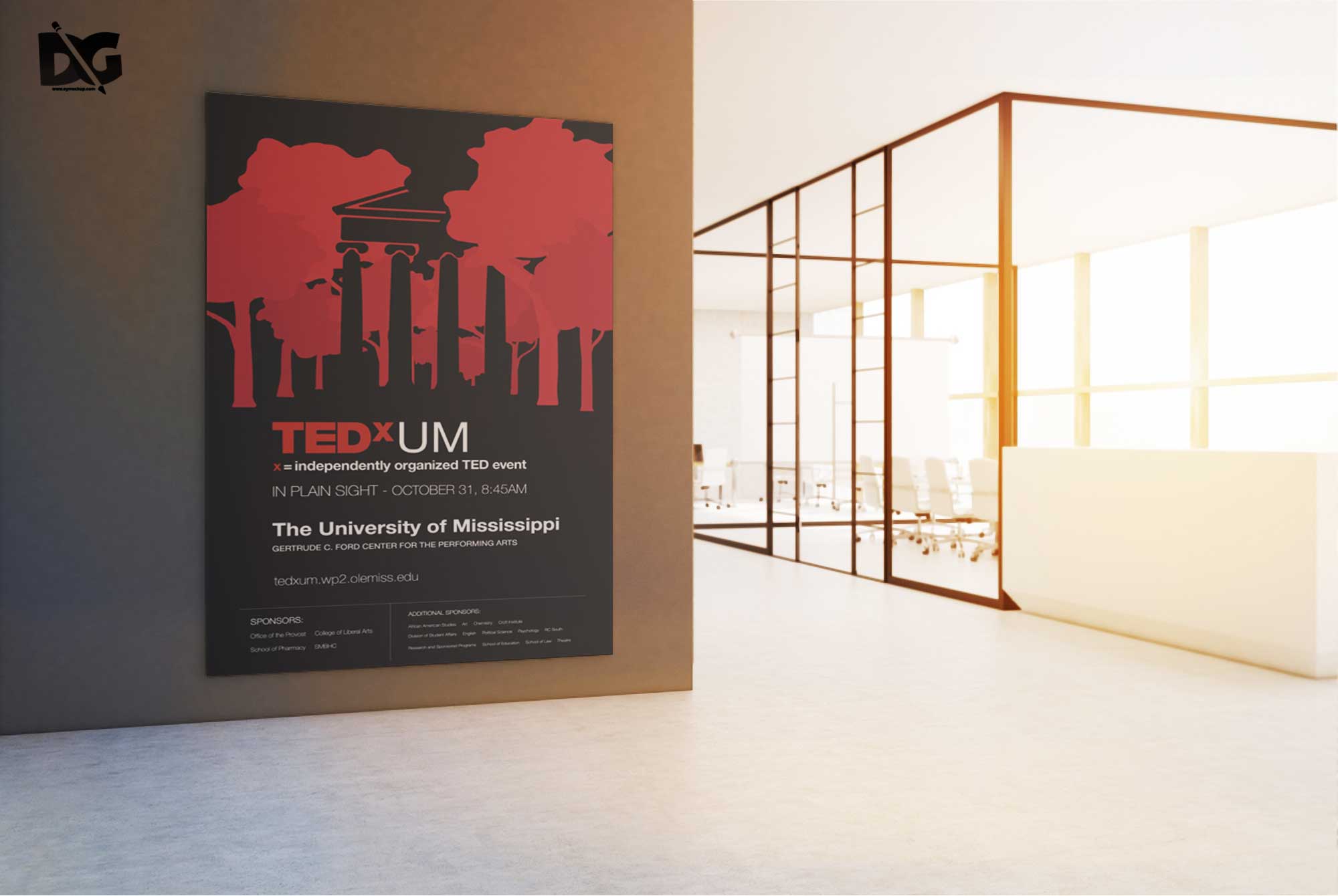
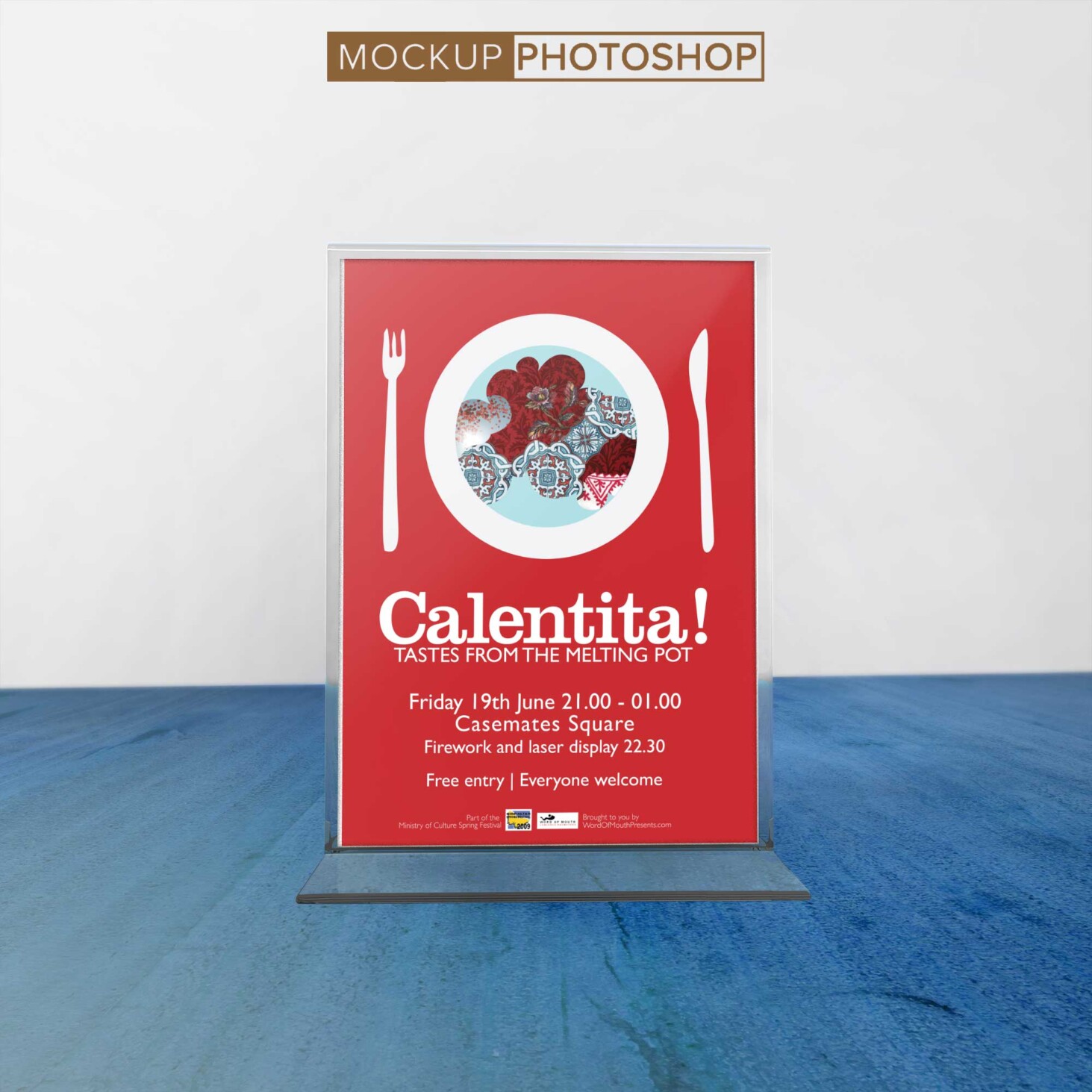
Elevate your artwork presentations with our Free Table Upside Poster Artwork Mockup. This versatile mockup allows you to showcase your designs in a realistic and aesthetically pleasing manner. Perfect for artists, designers, and marketers, it simulates a tabletop setting where your poster can shine. Simply add your artwork and create stunning visuals that grab attention.
Our mockup is designed for easy editing, compatible with Photoshop and other graphic design software. With high-resolution quality and smart object layers, you can customize the background, adjust lighting, and manipulate shadows to suit your vision. Whether you’re creating promotional materials or simply displaying your art, this mockup provides a professional finish that enhances your work.
All of these Resources are easy to use and can present your information beautifully. Some are free, while others premium poster mockups cost a few dollars.
With these ready-made Photoshop Free PSD poster mockups, you can quickly place your art in a realistic setting without having to go through all the trouble of getting it printed out.
Take a look at these poser mockups to see if any of them are right for your projects!
More great & free PSD Mockups Collection:
- Realistic 3D Logo Psd Mockups
- PSD Download iPhone Mockups 2021
- Wine PSD Download Packaging Mockups
- Food Truck Mock up PSD Download
Description:
Available Format: Layered PSD through smart object insertion License: Free for personal and commercial use Zip File Includes: Photoshop PSD File Resolution: 2000 x 2250 pxFAQs – Free Table Upside Poster Artwork Mockup
Can I use the Free Table Upside Poster Artwork Mockup for commercial projects?
Yes, you can use this mockup for both personal and commercial projects without any restrictions.
Do I need specific software to edit the mockup?
The mockup is designed for use with Adobe Photoshop, which allows for easy editing and customization.
Is it easy to change the artwork in the mockup?
Absolutely! Simply use the smart object layers to replace the existing artwork with your own in just a few clicks.
What file format is the mockup available in?
The mockup is provided in PSD format, ensuring compatibility with most design software that supports layered files.
Does the mockup support different lighting effects?
Yes, you can adjust the lighting and shadows within the mockup to create the desired atmosphere for your artwork.