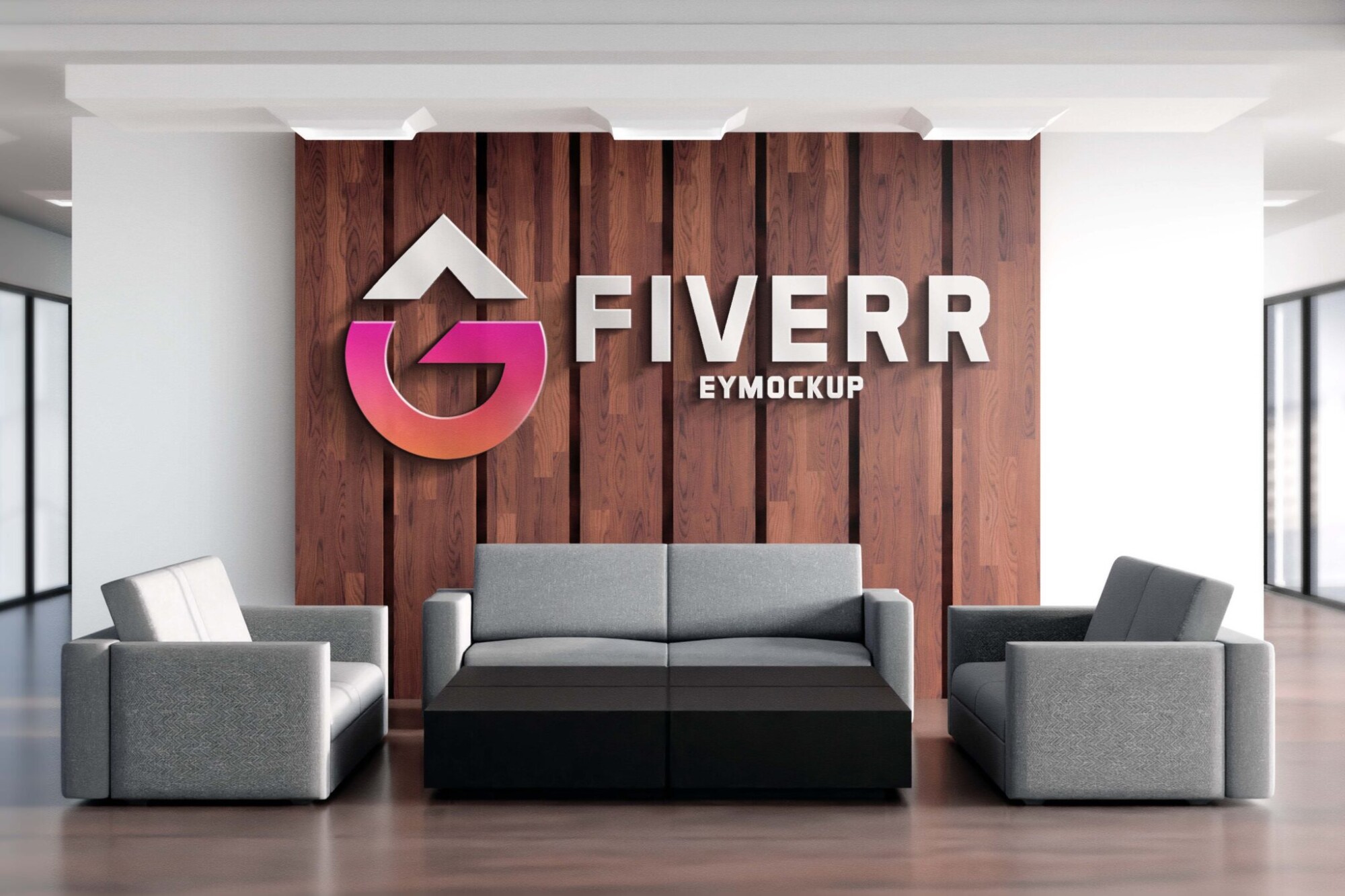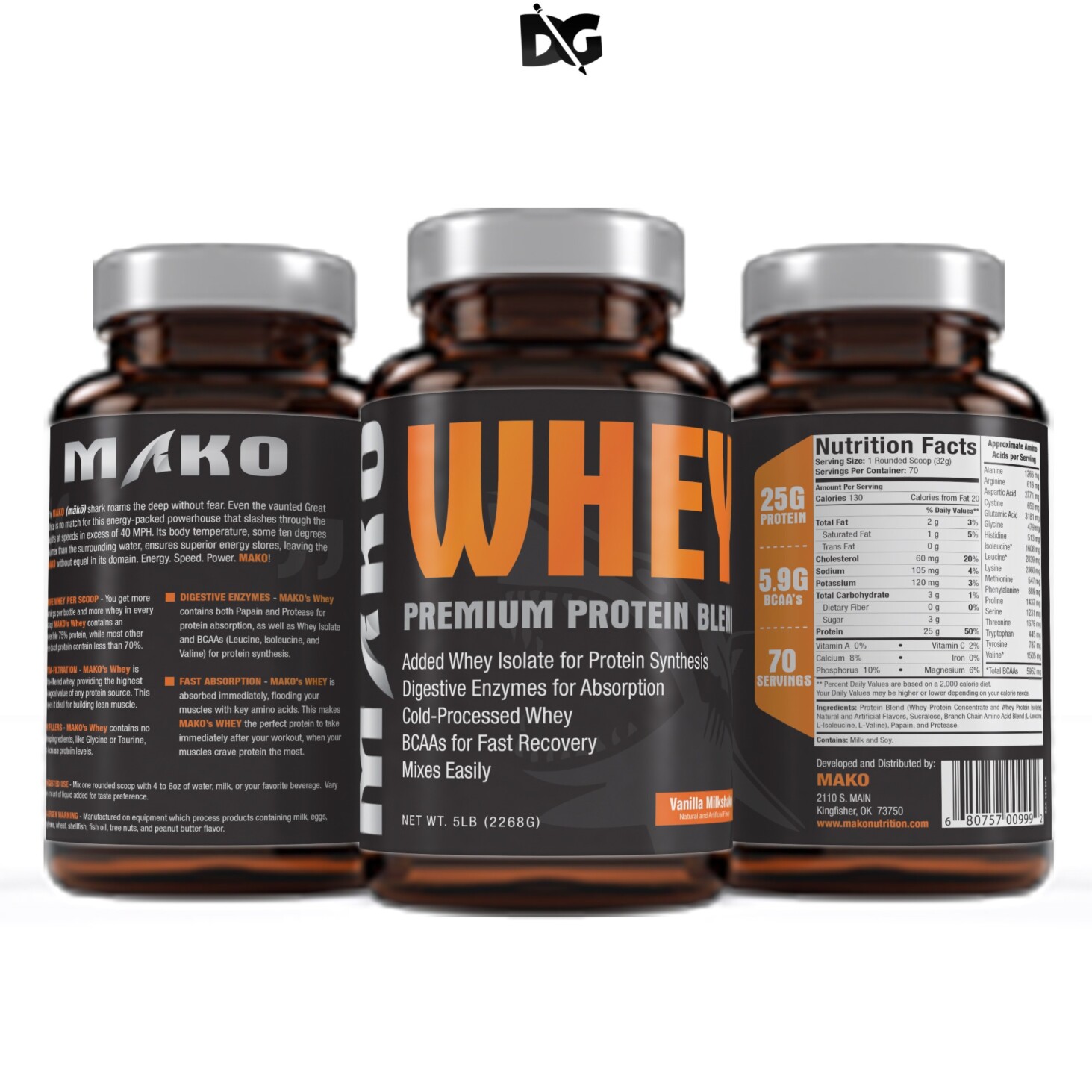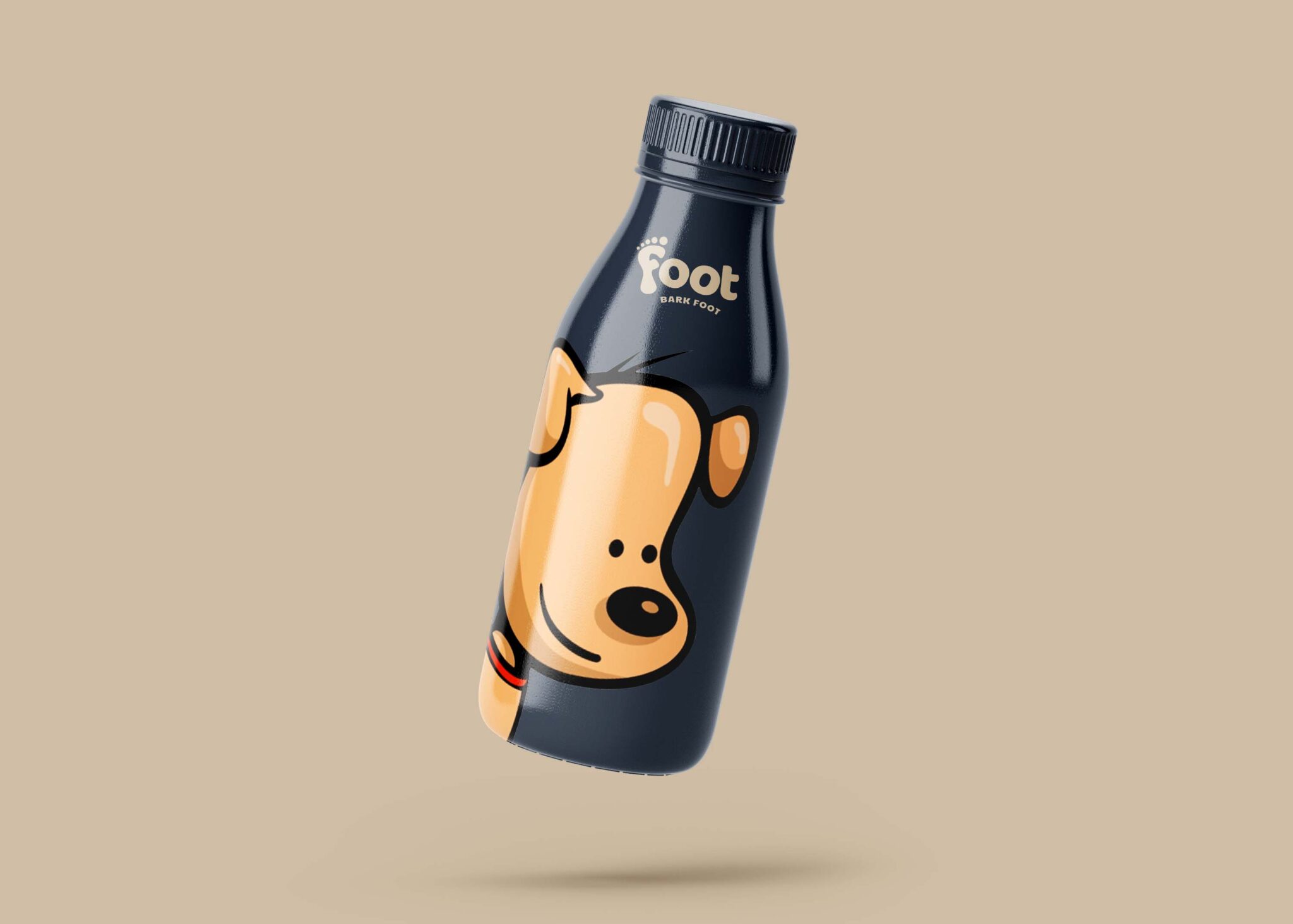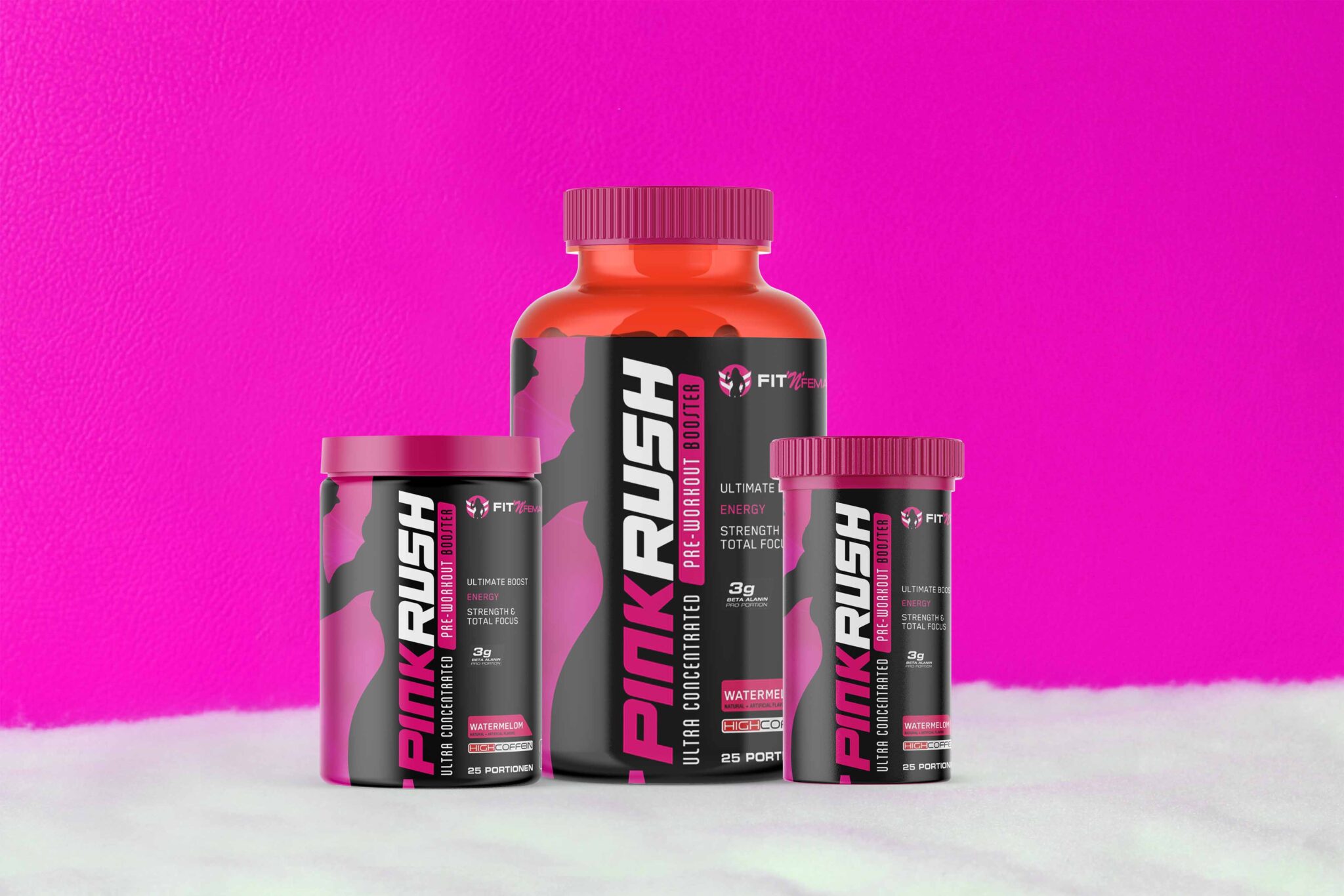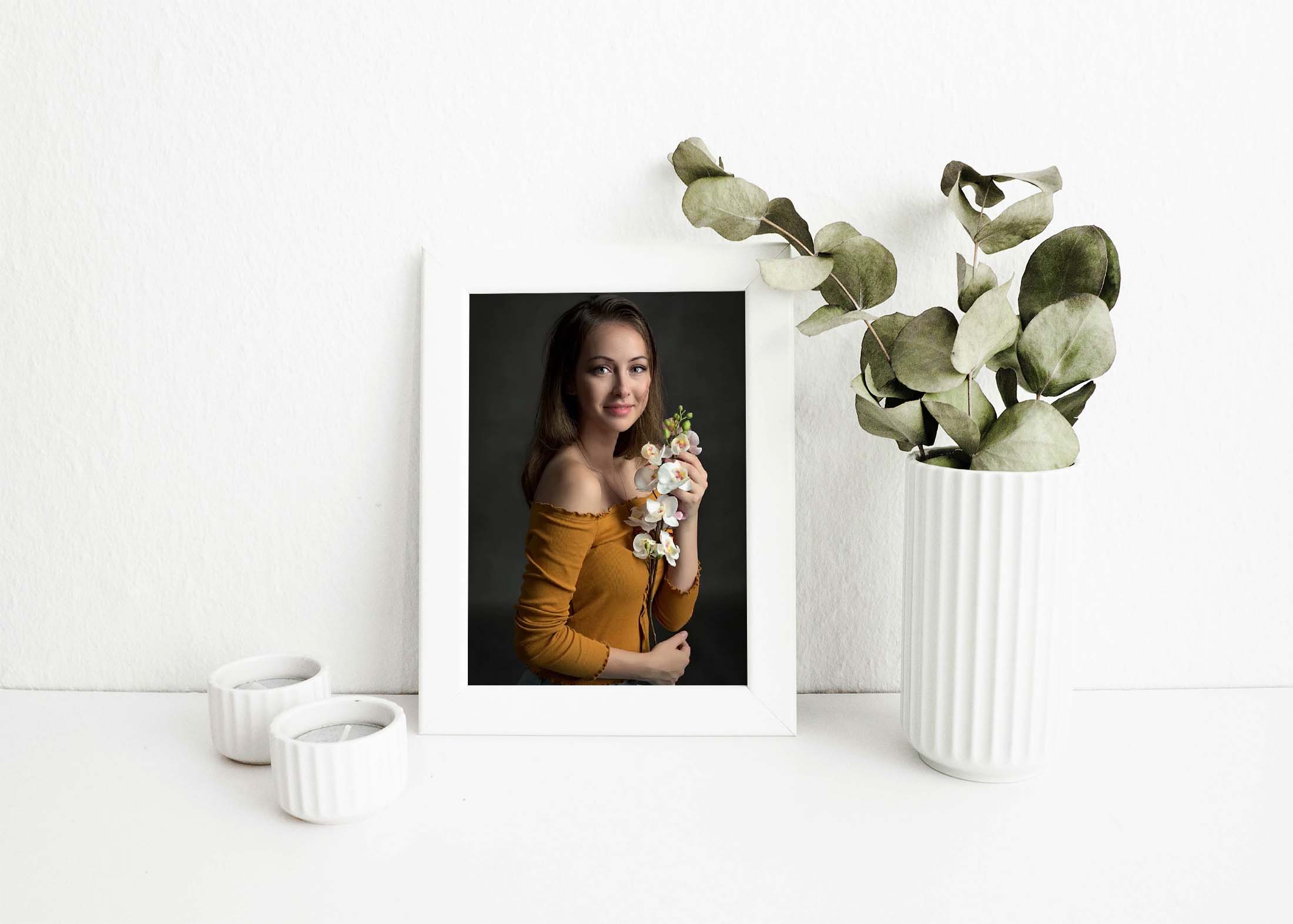
Enhance your design projects with our free small photo frame mockup. This versatile mockup allows you to showcase your artwork or photography in a realistic setting, perfect for presentations or portfolios. Whether you’re a graphic designer, photographer, or simply looking to display your personal images, this mockup is an excellent tool to elevate your visual content.
Our small photo frame mockup is easy to use and compatible with Adobe Photoshop. Simply drag and drop your images into the smart object layer, adjust the lighting and shadows if necessary, and you’re ready to impress your audience. This mockup provides a professional touch to your designs, ensuring that your photos are presented beautifully and attractively.
This is a Free Small Photo Frame Mockup for you to use in your personal and commercial projects. Photography is the best way to showcase your work and attract more customers. By adding a photo frame mockup, you can make your photos look more realistic and professional.
This mockup is to make your presentation more realistic. You can use this mockup for showcasing your photos, promoting products or services etc. I hope this mockup will be useful for your projects!


This is a fully customizable mockup of a small photo frame. You can easily change the color of the frame with the help of smart objects. Mockups are very popular among designers because they help them to showcase their designs in a realistic way.
This mockup is perfect for showcasing your branding, logo or typography designs in a realistic way. You can also use this mockup if you want to display your website design or an app screenshot in a photorealistic environment.
This mockup is a beautiful and high quality mockup design. It contains a PSD file that can be used to showcase photos in a professional way. The PSD file is easy to edit and customize, it includes smart objects that will help you easily place your image inside the mockup.
The presentation of your design will look more appealing if you use mockups instead of showing the actual product. These photo frame mockups are very easy to edit and customize according to your needs.
Description:
Available Format: Layered PSD through smart object insertion
License: Free for personal and commercial use
Zip File Includes: Photoshop PSD File
Resolution: 2200 x 1500 px
Advertisement
FAQs – Free Small Photo Frame Mockup
Can I edit the small photo frame mockup in Photoshop?
Yes, you can easily edit the mockup in Photoshop by using the smart object feature to insert your images.
Does the photo frame mockup support various image formats?
Yes, you can use JPEG, PNG, and other common image formats in the small photo frame mockup.
Is it easy to change the background in the mockup?
Absolutely! You can customize the background layer in Photoshop to fit your design aesthetic.
What size images work best for the mockup?
For optimal results, use high-resolution images that match the dimensions of the frame in the mockup.
Do I need any special skills to use the photo frame mockup?
Basic knowledge of Photoshop is helpful, but the mockup is designed to be user-friendly for all skill levels.