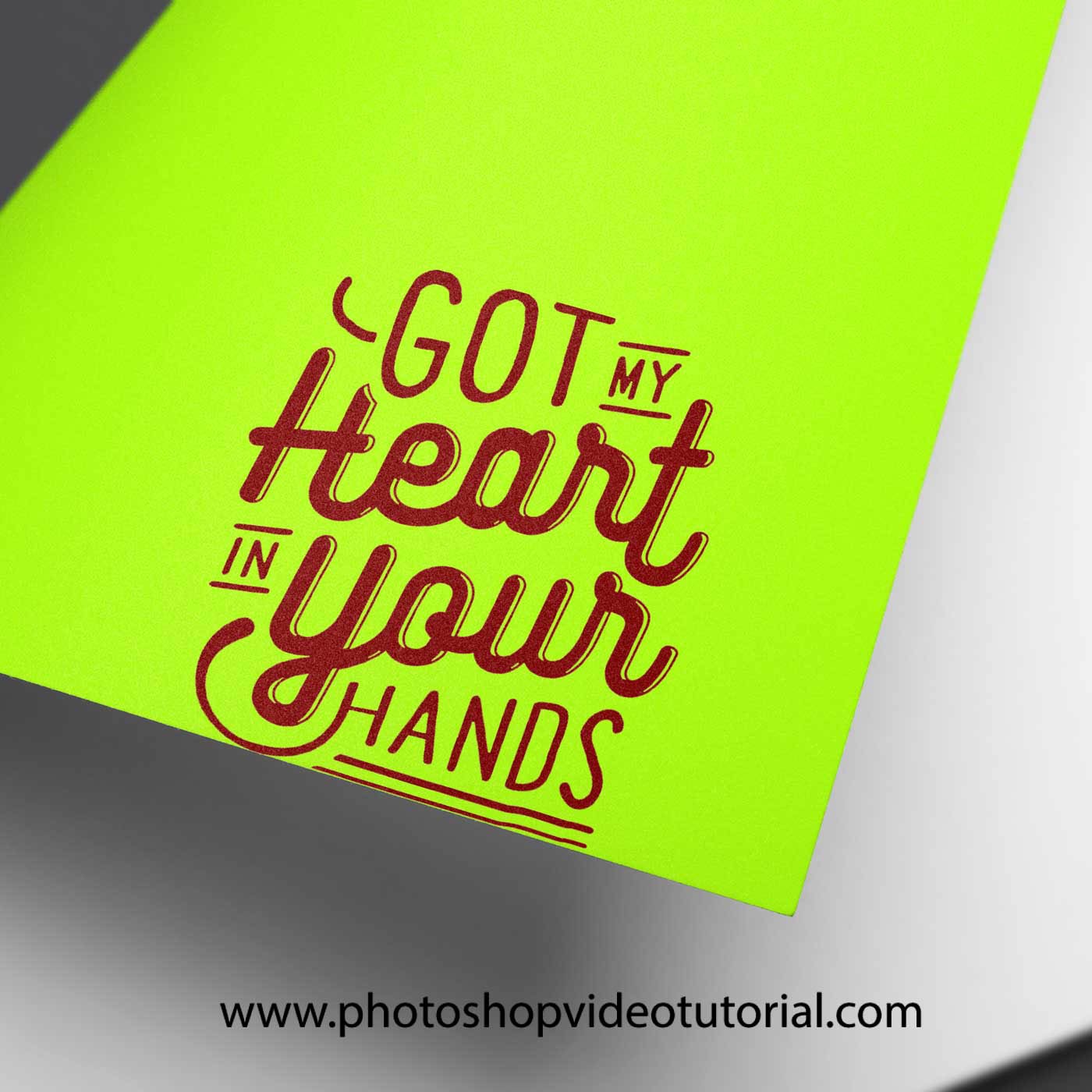
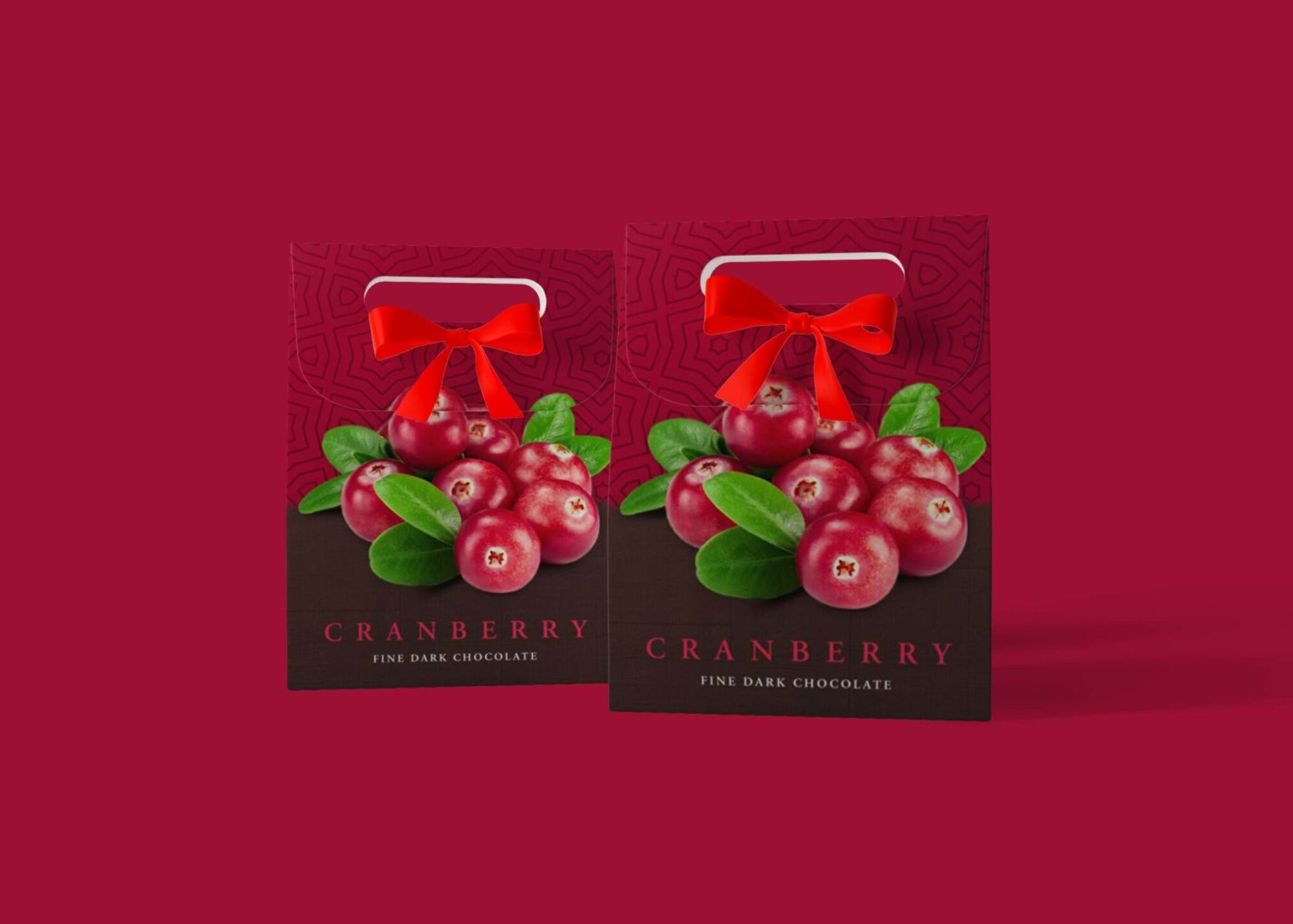
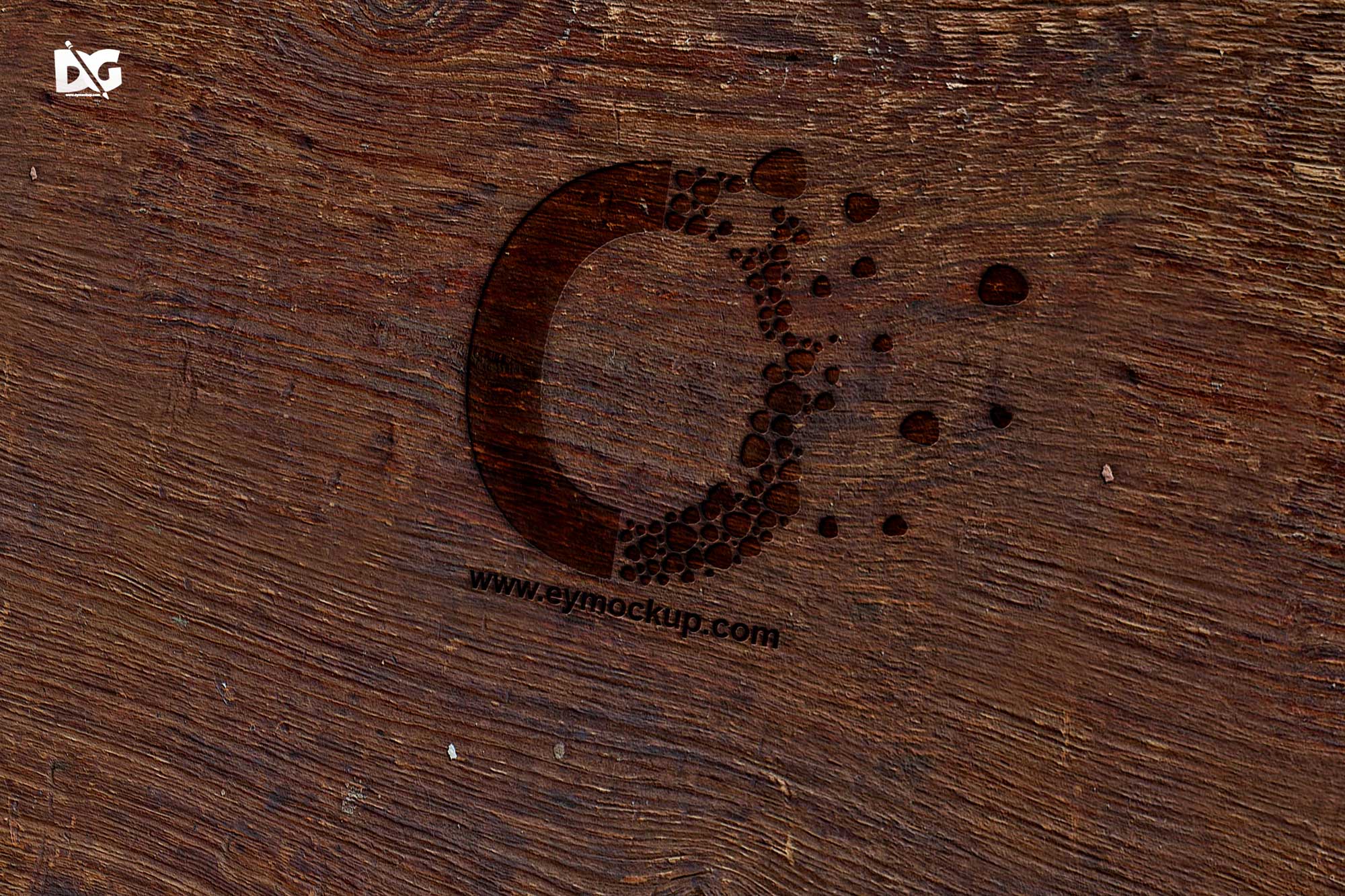
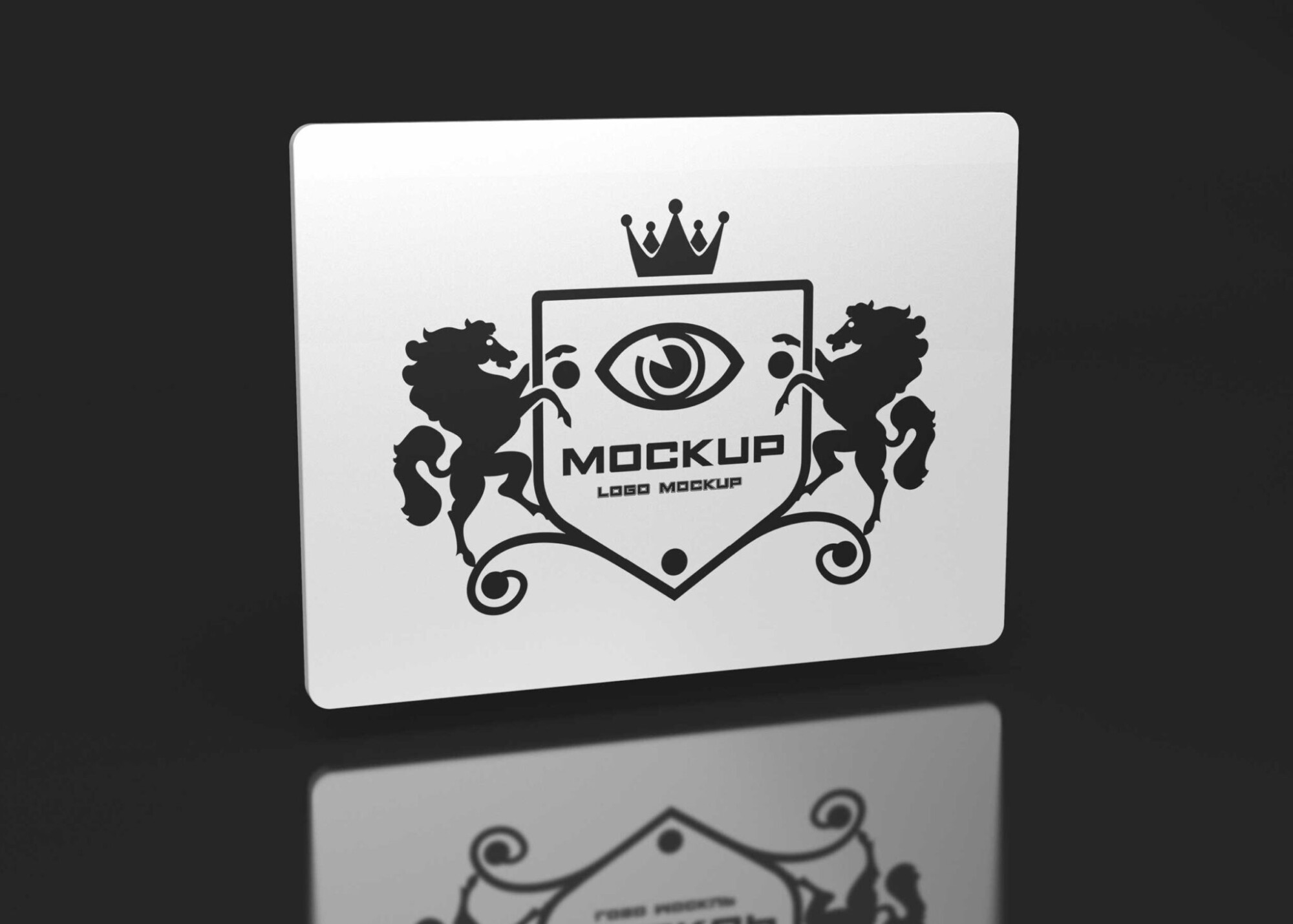
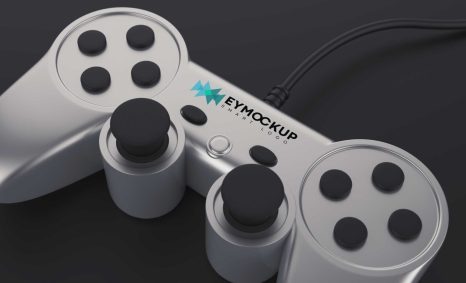
Elevate your game branding with our free silver game device logo mockup. This high-quality mockup allows you to showcase your logo designs in a realistic environment, providing an impressive visual representation that can capture attention. With its sleek silver finish, this mockup is perfect for presenting your gaming projects to clients or sharing on social media, ensuring a professional appearance that stands out.
The mockup is easy to customize using Photoshop, allowing you to effortlessly insert your logo and adjust lighting and shadows for a polished look. Whether you are working on a new game launch or a personal project, this mockup will help you visualize your designs in a tangible way. Download it today and take the first step toward making your game logo shine.
All of these Resources are easy to use and can present your information beautifully. Some are free, while others cost a few dollars.
More great & free PSD Mockups Collection:
- Food Truck Mock up PSD Download
- Square box mockup PSD download
- Bottle Mockup PSD Download Now
- Latest Logo Mockup PSD Free Download
Description:
Available Format: Layered PSD through smart object insertion License: Free for personal and commercial use Zip File Includes: Photoshop PSD File Resolution: 2000 x 2250 pxFAQs – Free Silver Game Device Logo Mockup
Can I use this free silver game device mockup for commercial projects?
Yes, you can use this mockup for both personal and commercial projects without any restrictions.
Do I need Photoshop to edit the mockup?
Yes, Adobe Photoshop is required to edit and customize the mockup with your logo and design.
Is the mockup easy to customize?
Absolutely! The mockup is designed for ease of use, allowing you to quickly insert your logo and adjust settings.
What file format is the mockup available in?
The mockup is typically provided in PSD format, compatible with Adobe Photoshop for easy editing.
Does the mockup include different angles or views?
Yes, the mockup includes multiple views to help you showcase your logo effectively from various angles.
Can I change the lighting in the mockup?
Yes, you can adjust the lighting in Photoshop to achieve the desired look and enhance your logo’s visibility.