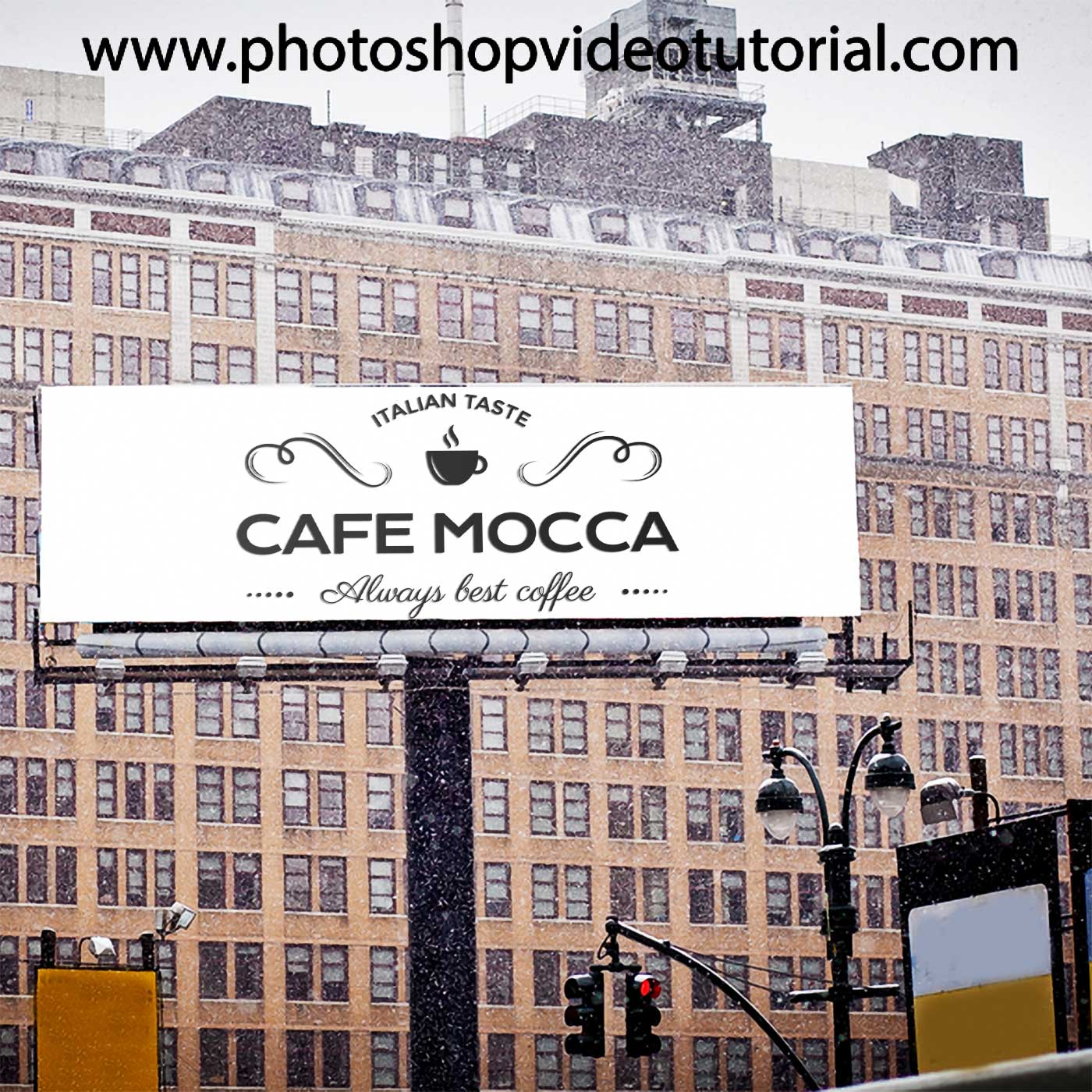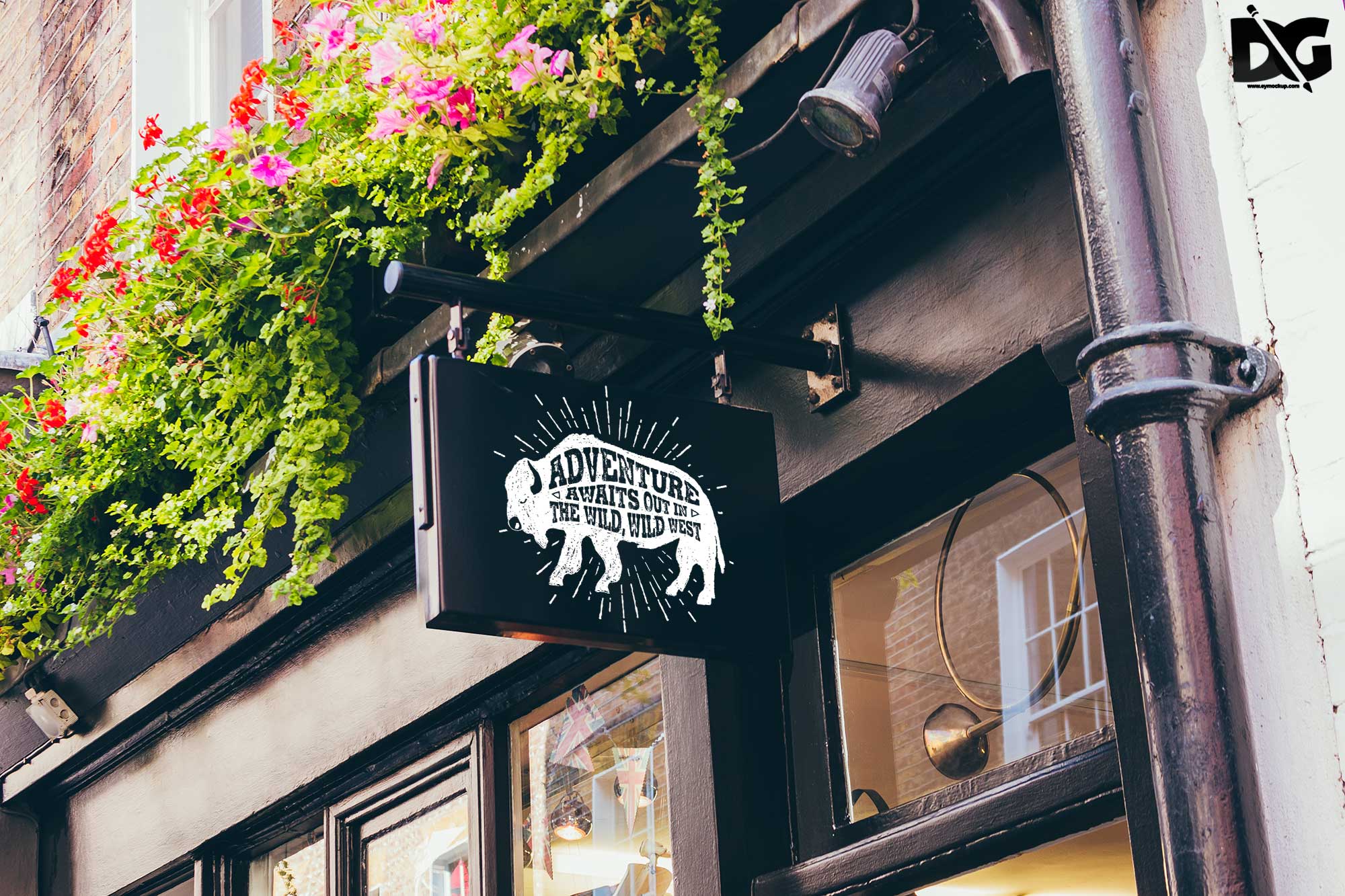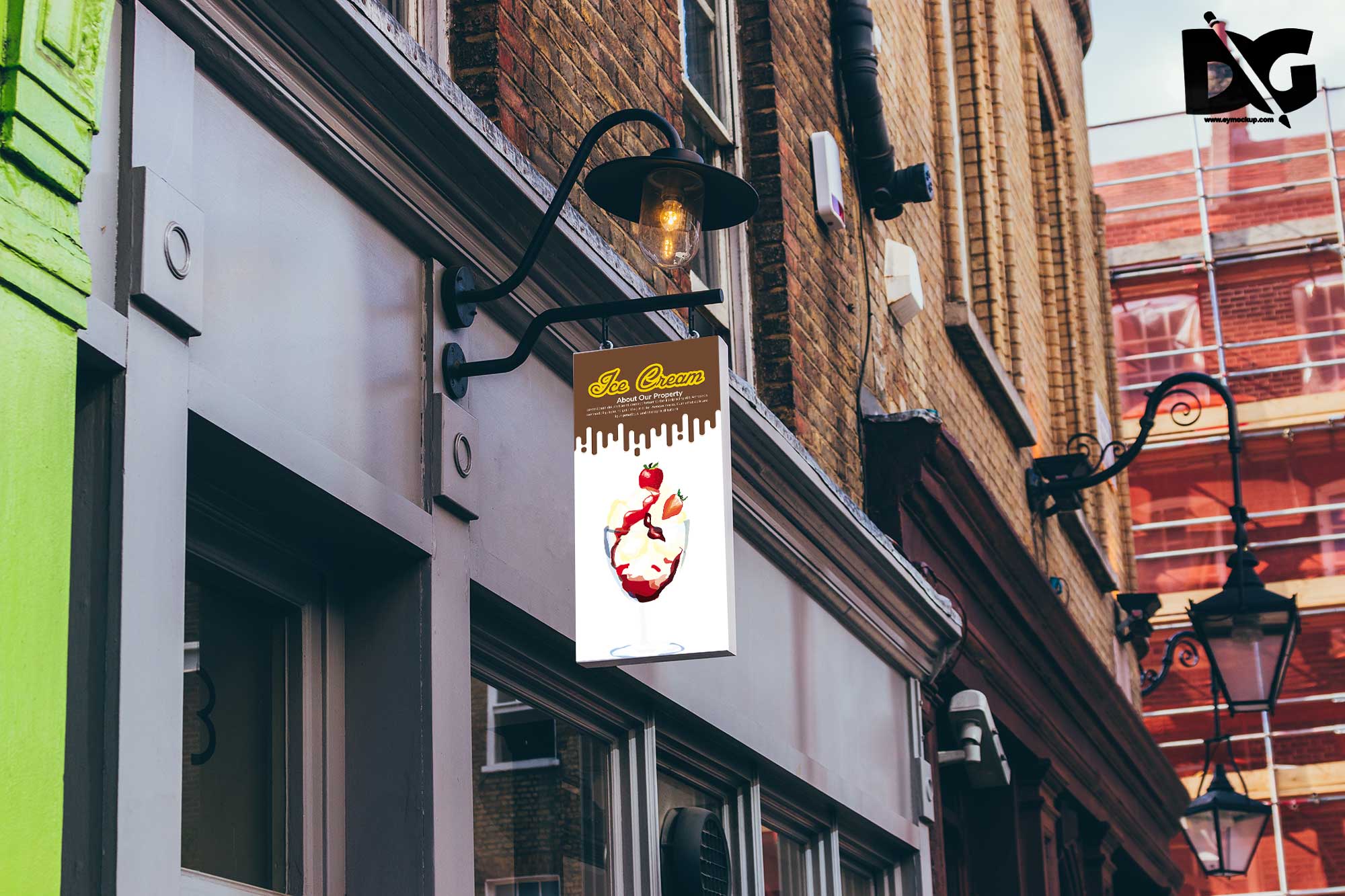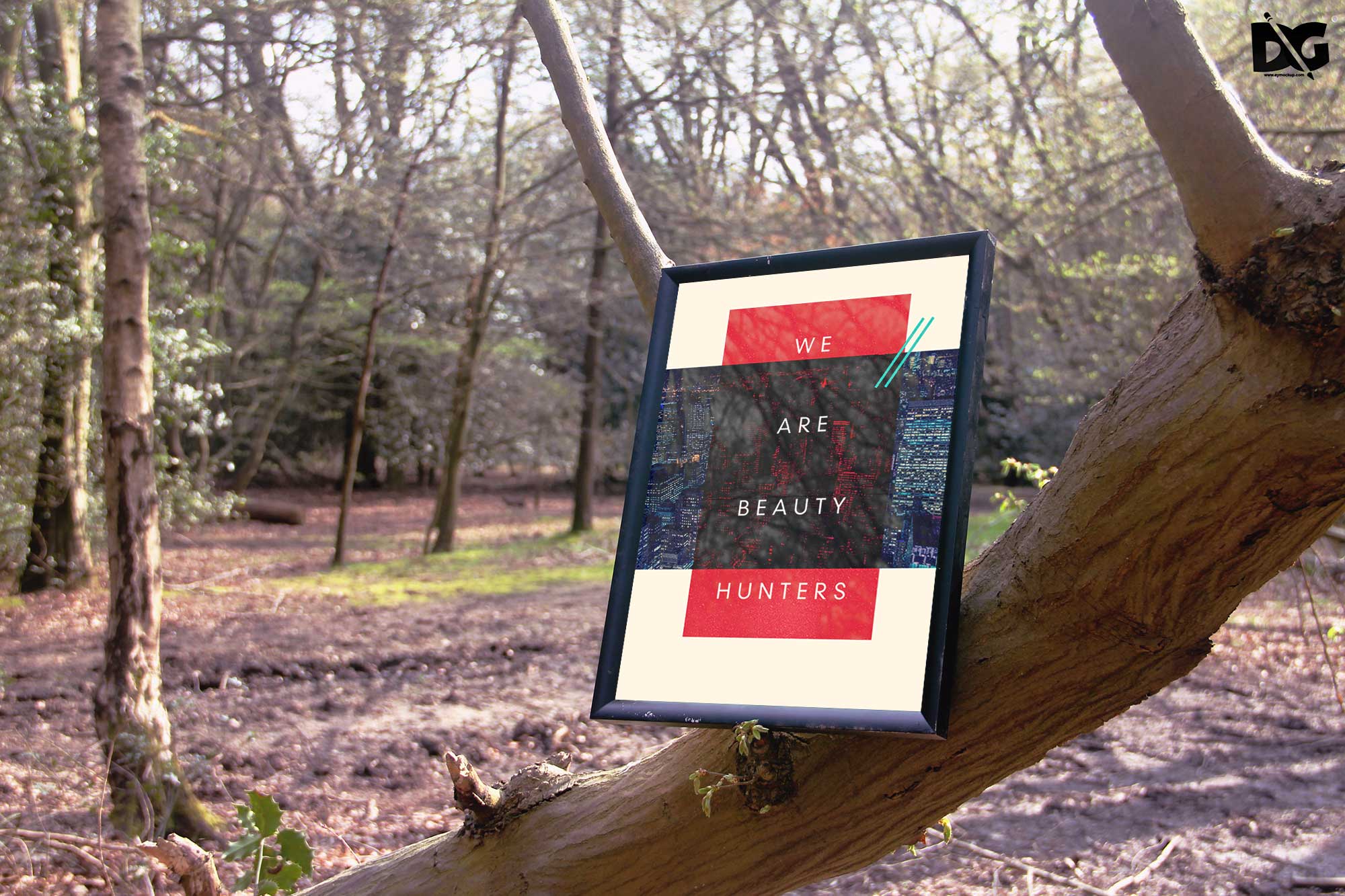
Elevate your branding with our free shop outer signage banner mockup, designed to showcase your promotional graphics in a realistic outdoor setting. This mockup allows you to present your designs effectively, capturing attention and enhancing visibility for your shop. Whether you’re advertising a sale, new product, or event, this mockup provides a professional look that draws customers in.
The mockup is easy to use and customizable, making it perfect for both beginners and experienced designers. Simply edit the smart object layer in Photoshop to insert your own artwork. You can adjust the lighting and shadows to match your desired aesthetic, ensuring a perfect fit for your brand. Download our free outer signage banner mockup today and start impressing potential customers.
All of these Resources are easy to use and can present your information beautifully. Some are free, while others cost a few dollars.
More great & free PSD Mockups Collection:
- DL flyer Mockup PSD free download
- Hardcover book mockup free
- Prime Flyer Mockup PSD Template
- Professional flyer templates free download
Description:
Available Format: Layered PSD through smart object insertion License: Free for personal and commercial use Zip File Includes: Photoshop PSD File Resolution: 2000 x 2250 pxFAQs – Free Shop Outer Sinage Banner Mockup
Can I edit the mockup in Photoshop?
Yes, the mockup is designed for easy editing in Photoshop using smart object layers for effortless customization.
Does it include different angles?
The mockup provides multiple views, allowing you to select the angle that best presents your signage design.
Is it suitable for outdoor advertising?
Absolutely! This mockup is designed specifically for outdoor usage, showcasing how your banner will appear in real-world settings.
What file format is the mockup in?
The mockup is available in PSD format, making it compatible with most versions of Adobe Photoshop.
Do I need advanced skills to use this mockup?
Not at all! The mockup is user-friendly and suitable for all skill levels, with straightforward instructions for editing.