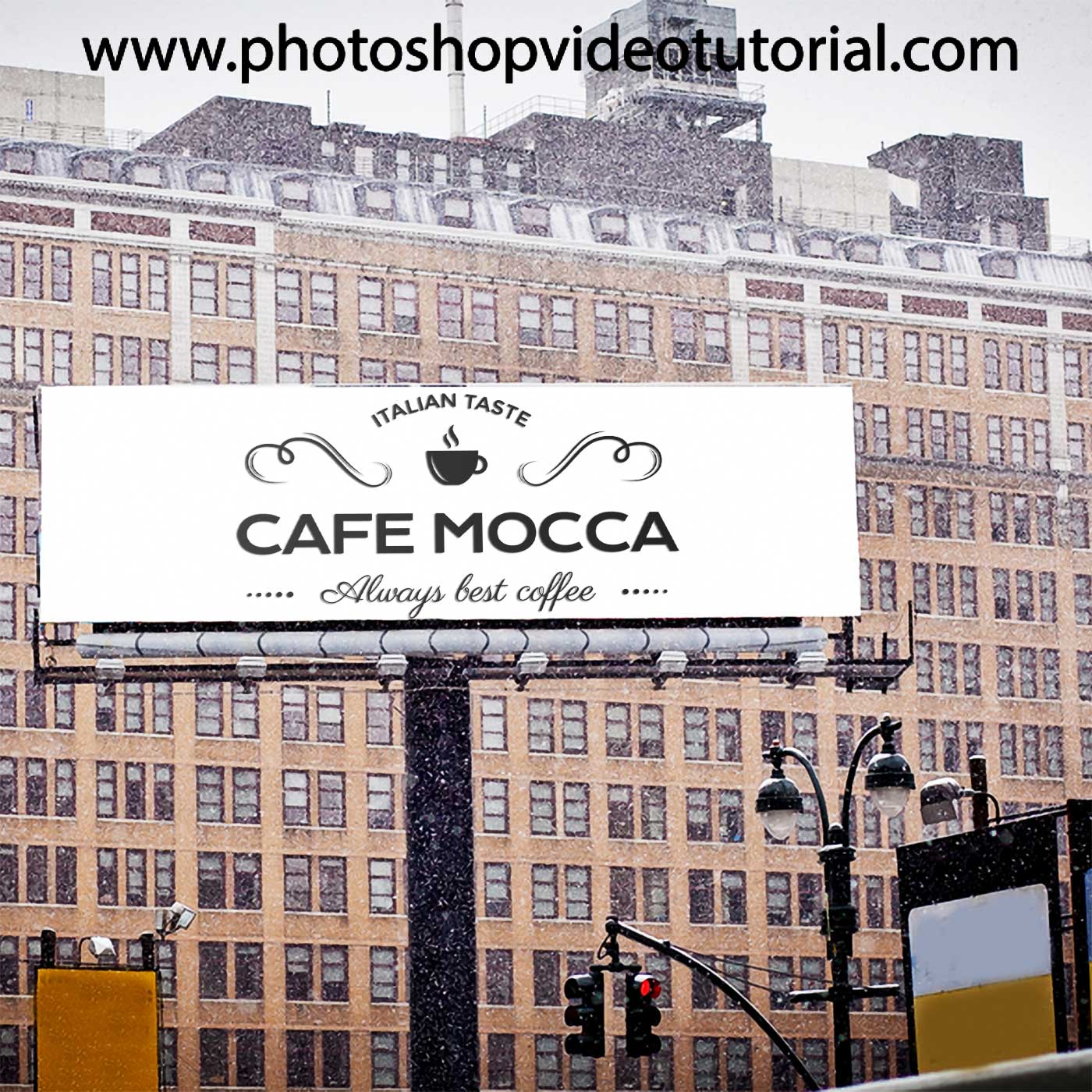
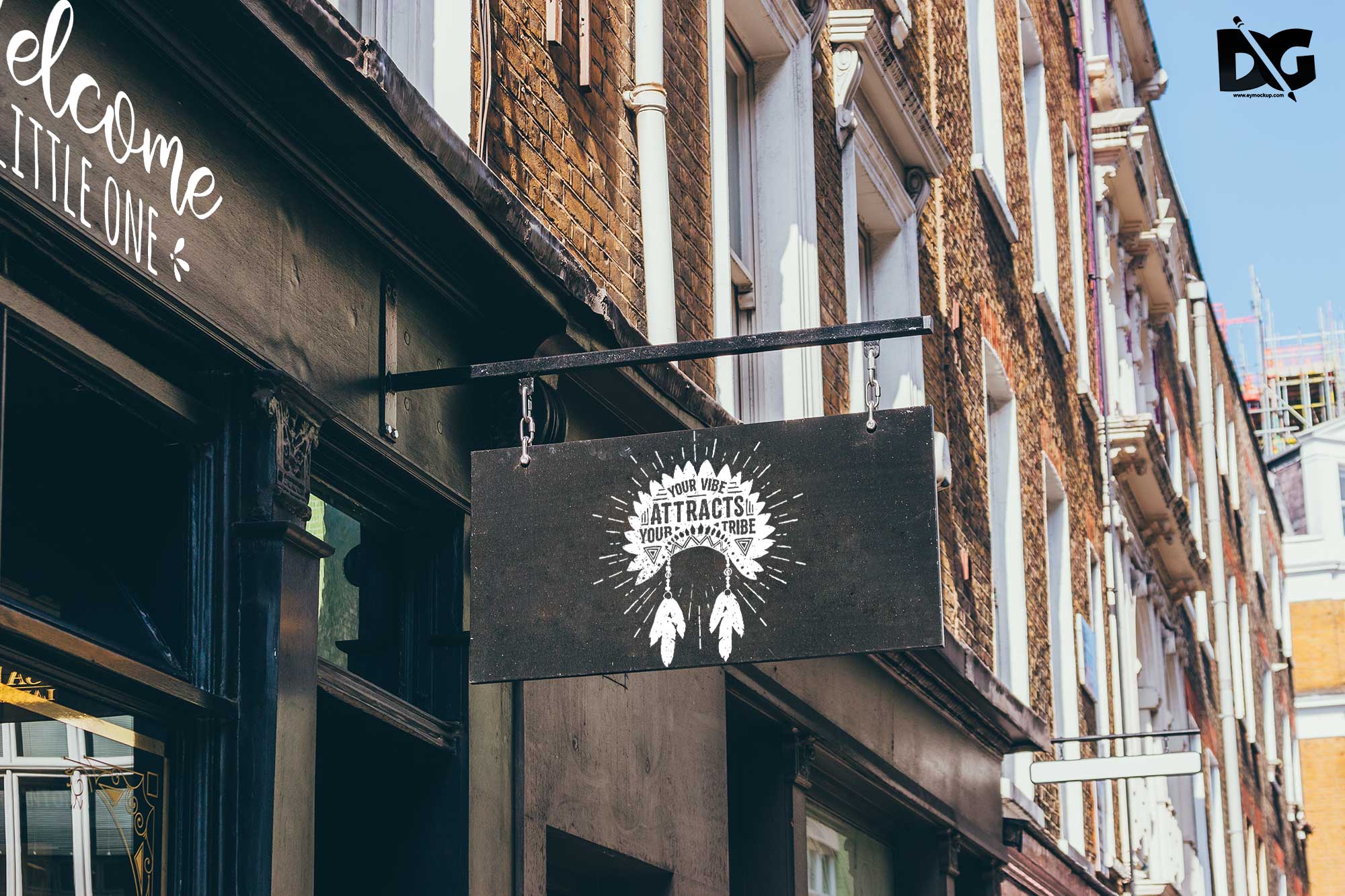
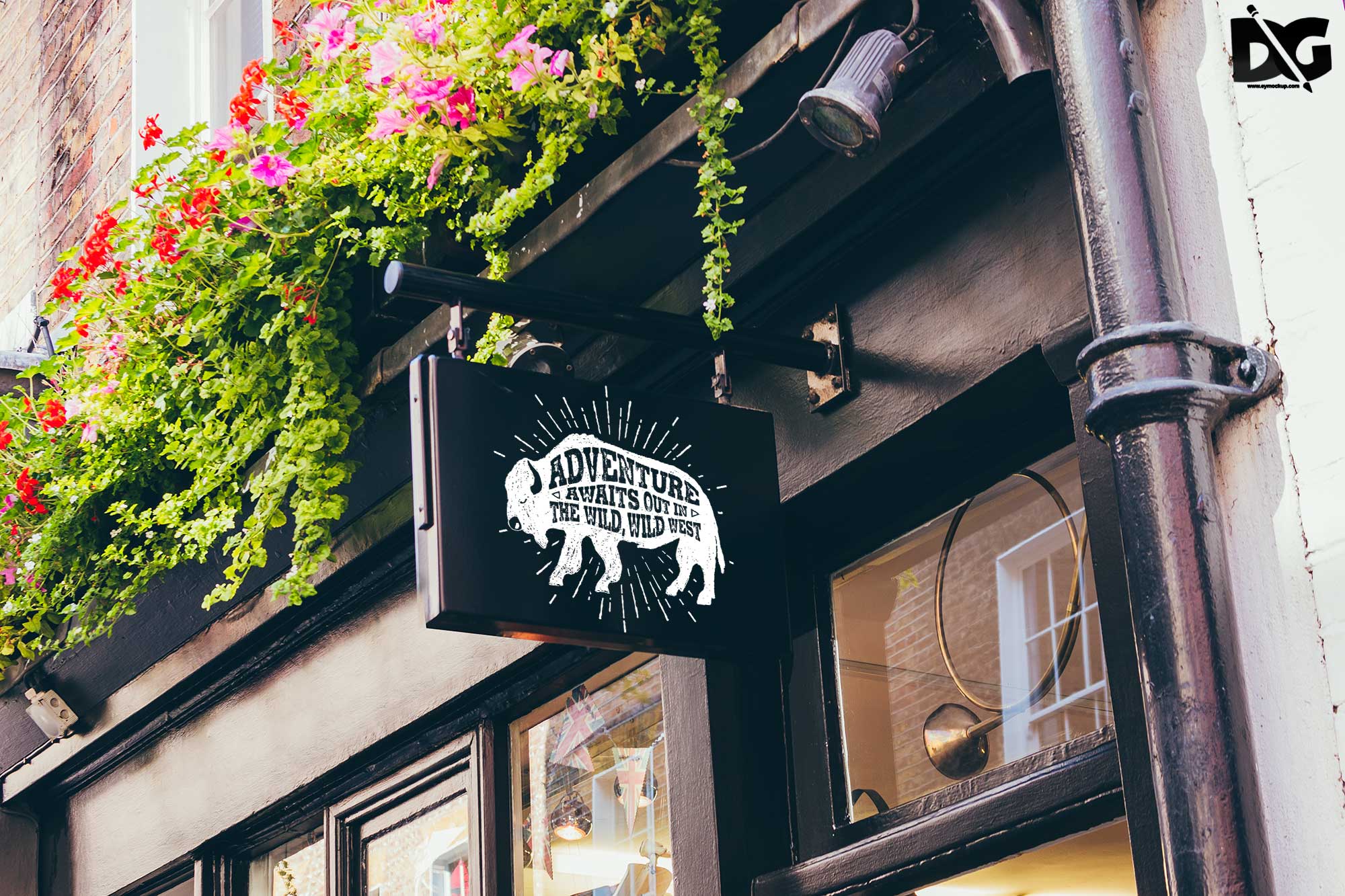
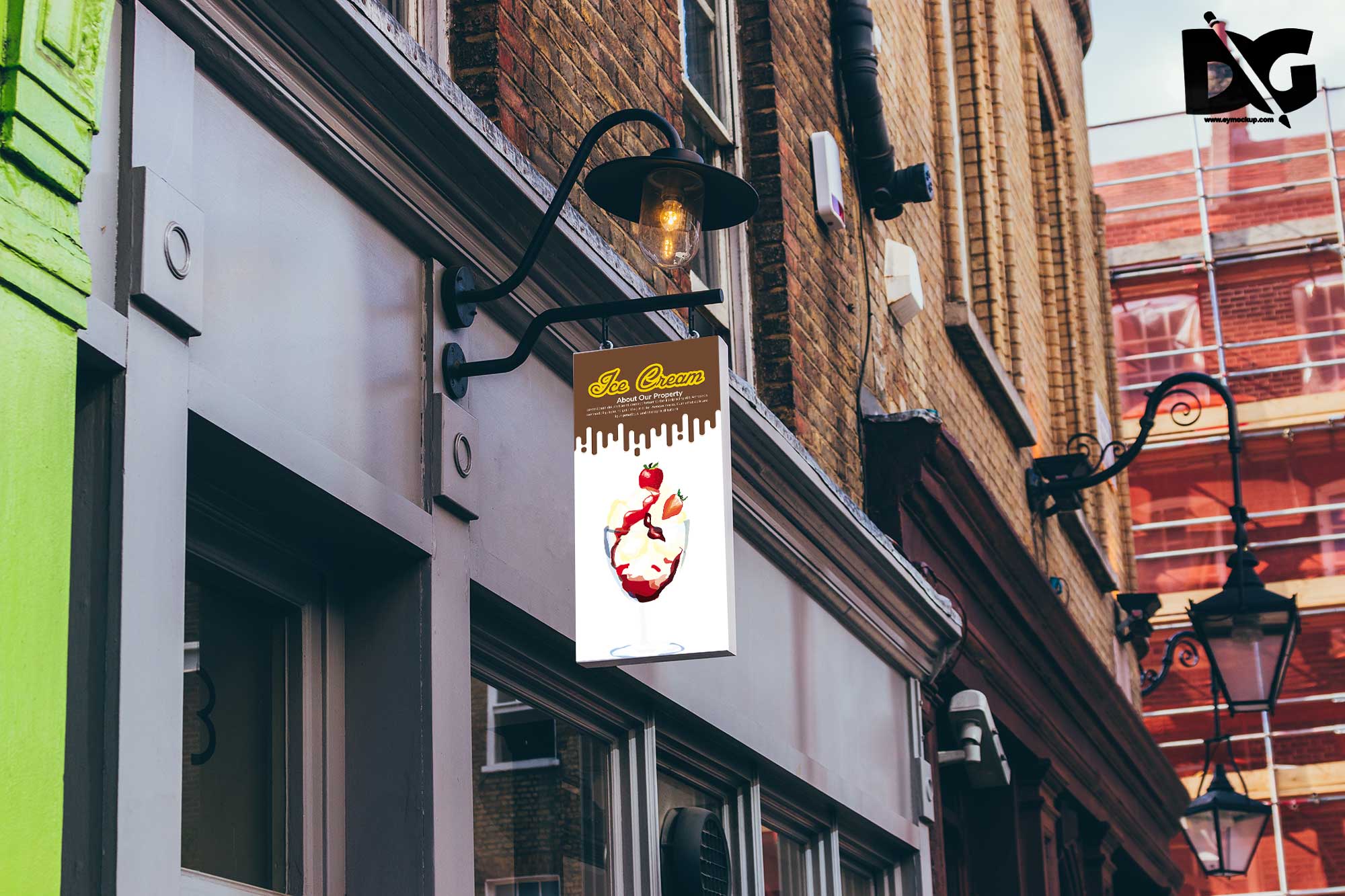
Showcase your residential building designs with our free billboard mockup. Perfect for architects, real estate agents, and designers, this mockup allows you to present your projects in a realistic setting. Whether you’re creating marketing materials or visual presentations, this tool will enhance your portfolio and attract potential clients.
Our high-quality mockup features a customizable billboard frame in a vibrant urban environment, ensuring your designs stand out. Easily edit the artwork using Photoshop or similar software, adjusting lighting and shadows for a professional look. Download now and elevate your marketing efforts with this versatile mockup.
All of these Resources are easy to use and can present your information beautifully. Some are free, while others cost a few dollars.
More great & free PSD Mockups Collection:
- Realistic 3D Logo Psd Mockups
- PSD Download iPhone Mockups 2021
- Wine PSD Download Packaging Mockups
- Food Truck Mock up PSD Download
- 20+ Free Building Mockup Collection
Description:
Available Format: Layered PSD through smart object insertion
License: Free for personal and commercial use
Zip File Includes: Photoshop PSD File
Resolution: 2000 x 2250 px
FAQs – Free Residential Building Billboard Mockup
Can I edit the residential building billboard mockup?
Yes, the mockup is fully editable in Photoshop, allowing you to customize text, images, and colors to match your design.
Does the mockup support high-resolution images?
Absolutely! You can insert high-resolution images into the mockup, ensuring your designs look crisp and professional.
What file format is the mockup available in?
The residential building billboard mockup is available in PSD format, compatible with Adobe Photoshop and other editing software.
Is it easy to change the background in the mockup?
Yes, changing the background in the mockup is straightforward, allowing you to create different settings for your residential projects.
Do I need advanced skills to use the mockup?
No, basic Photoshop skills are sufficient to utilize the mockup effectively, making it accessible for designers of all levels.