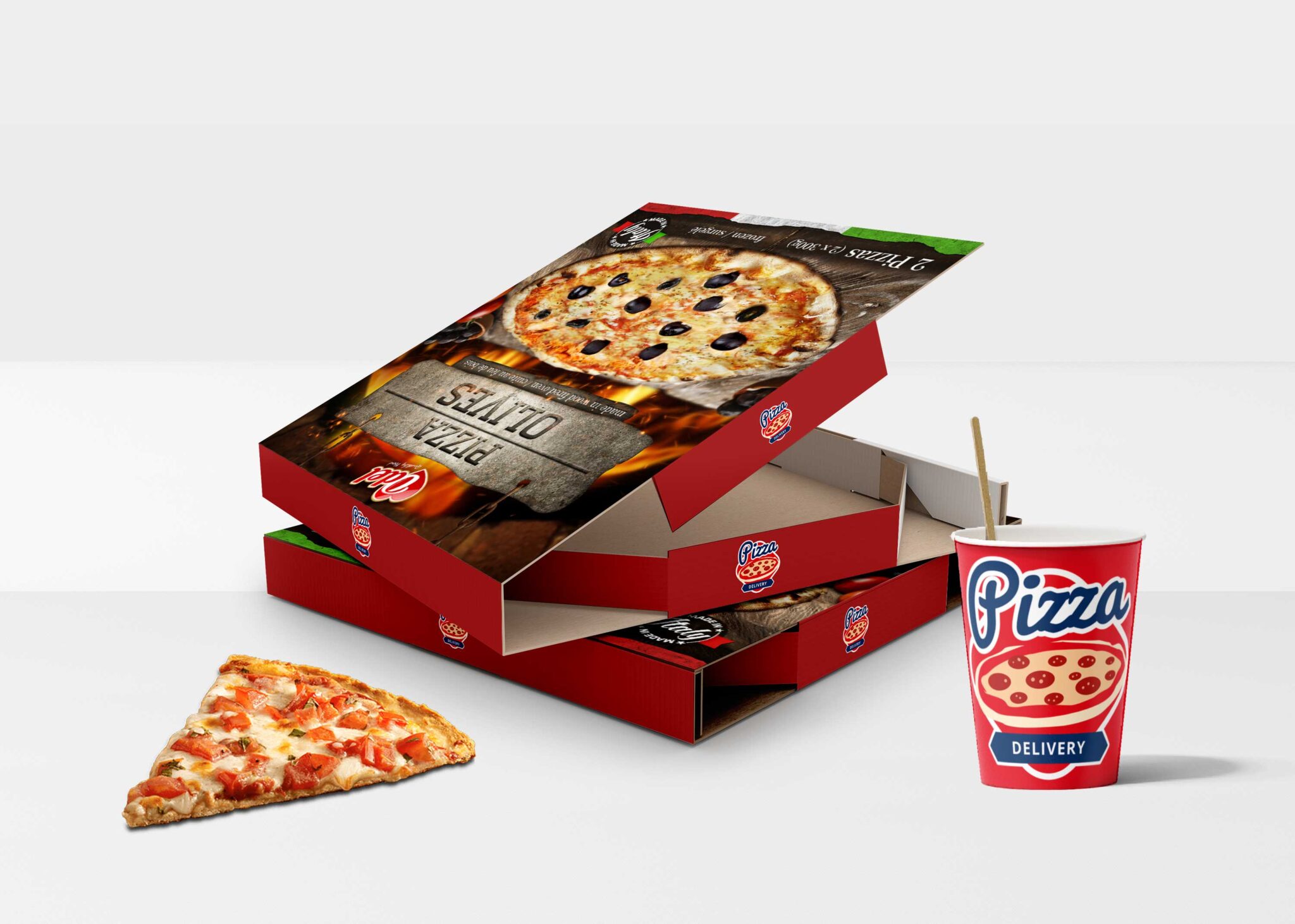
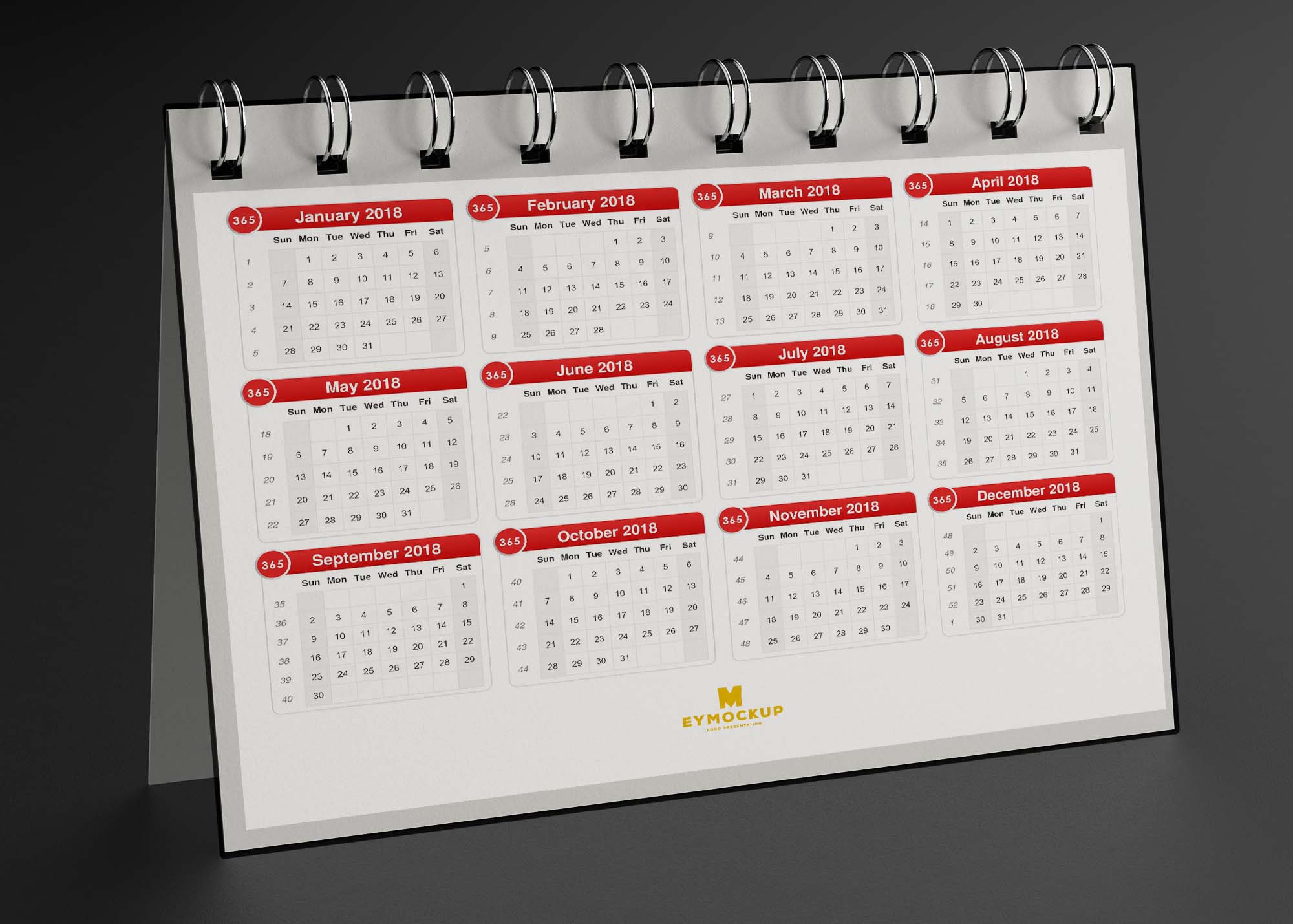
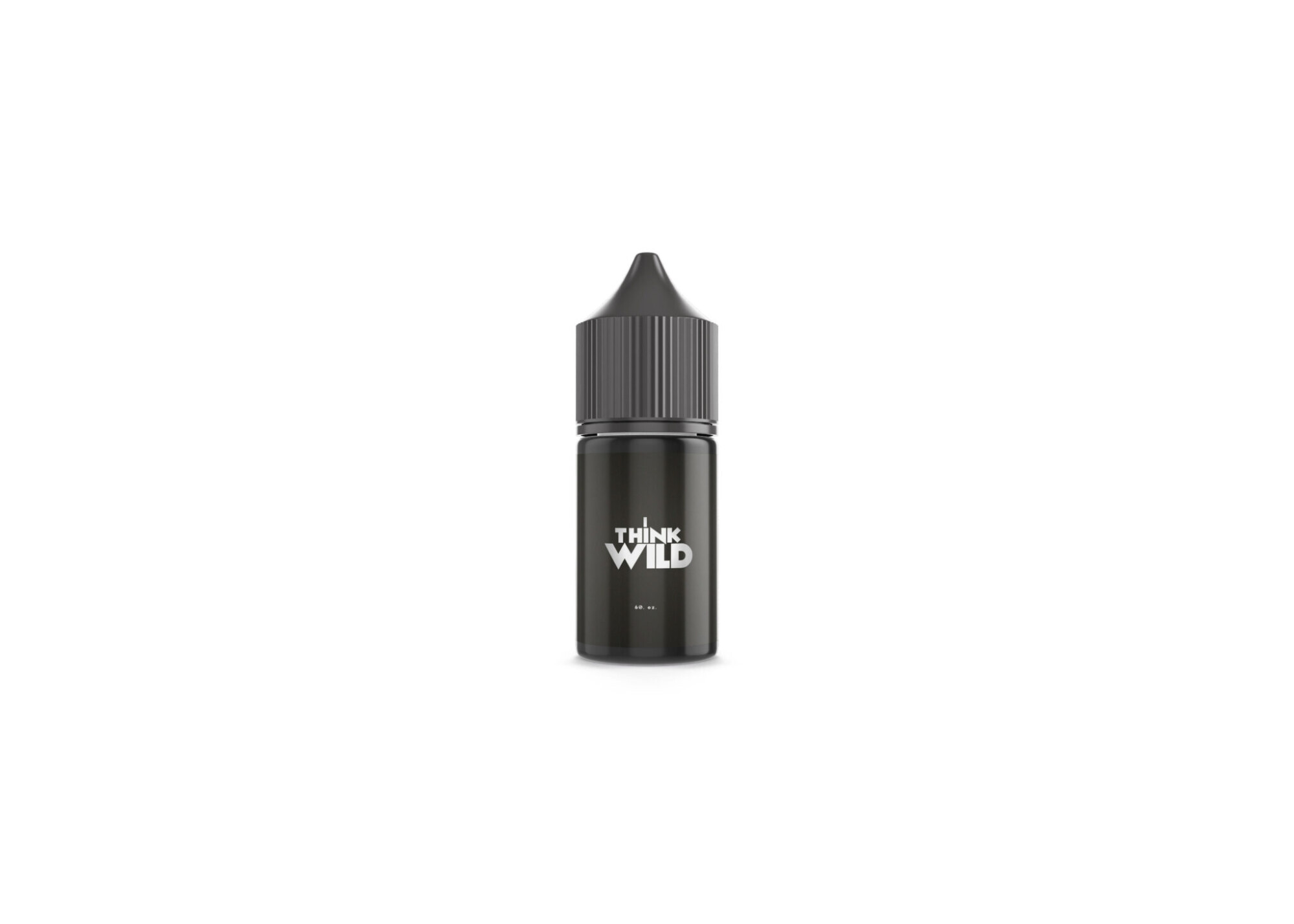
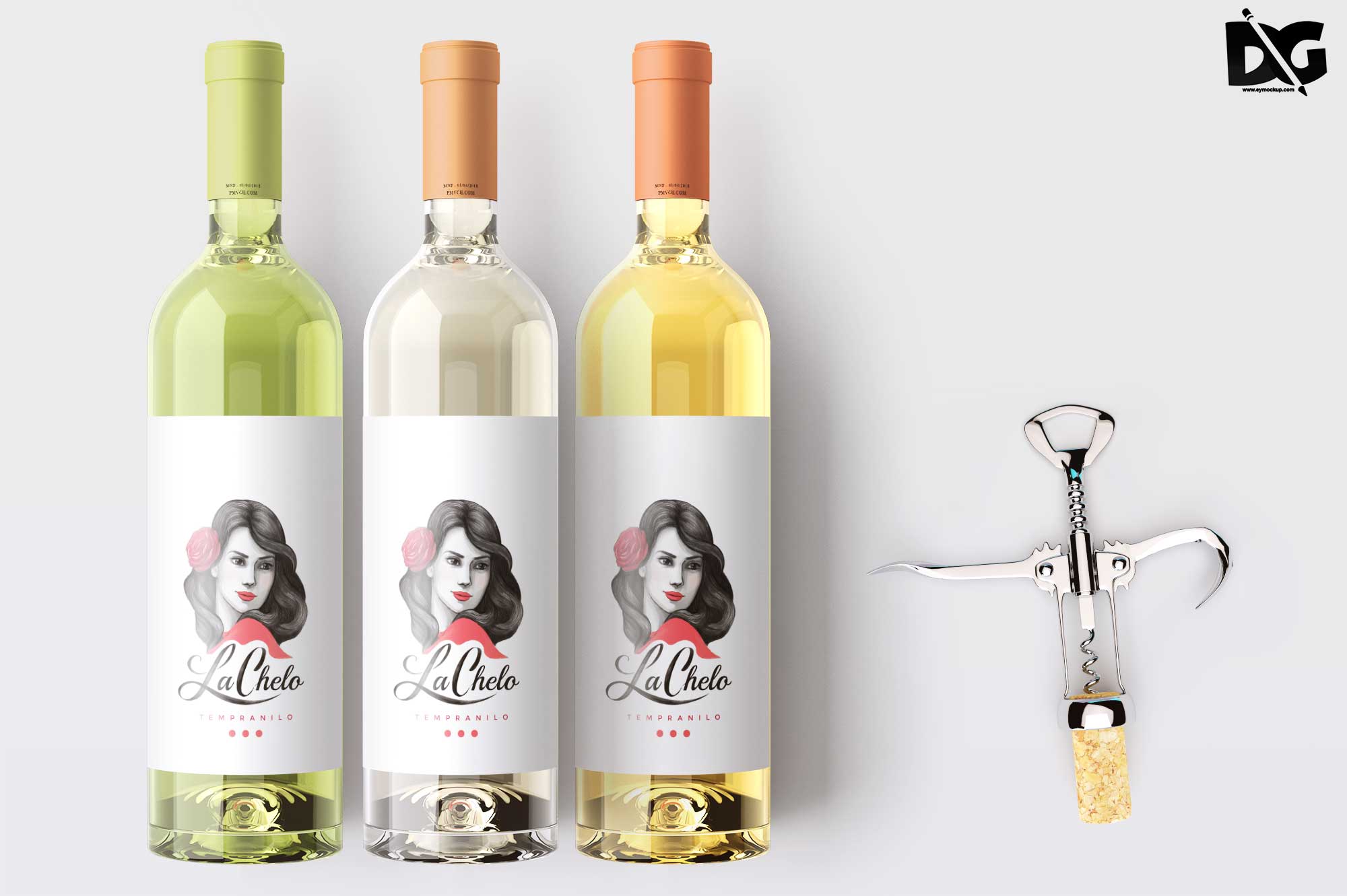
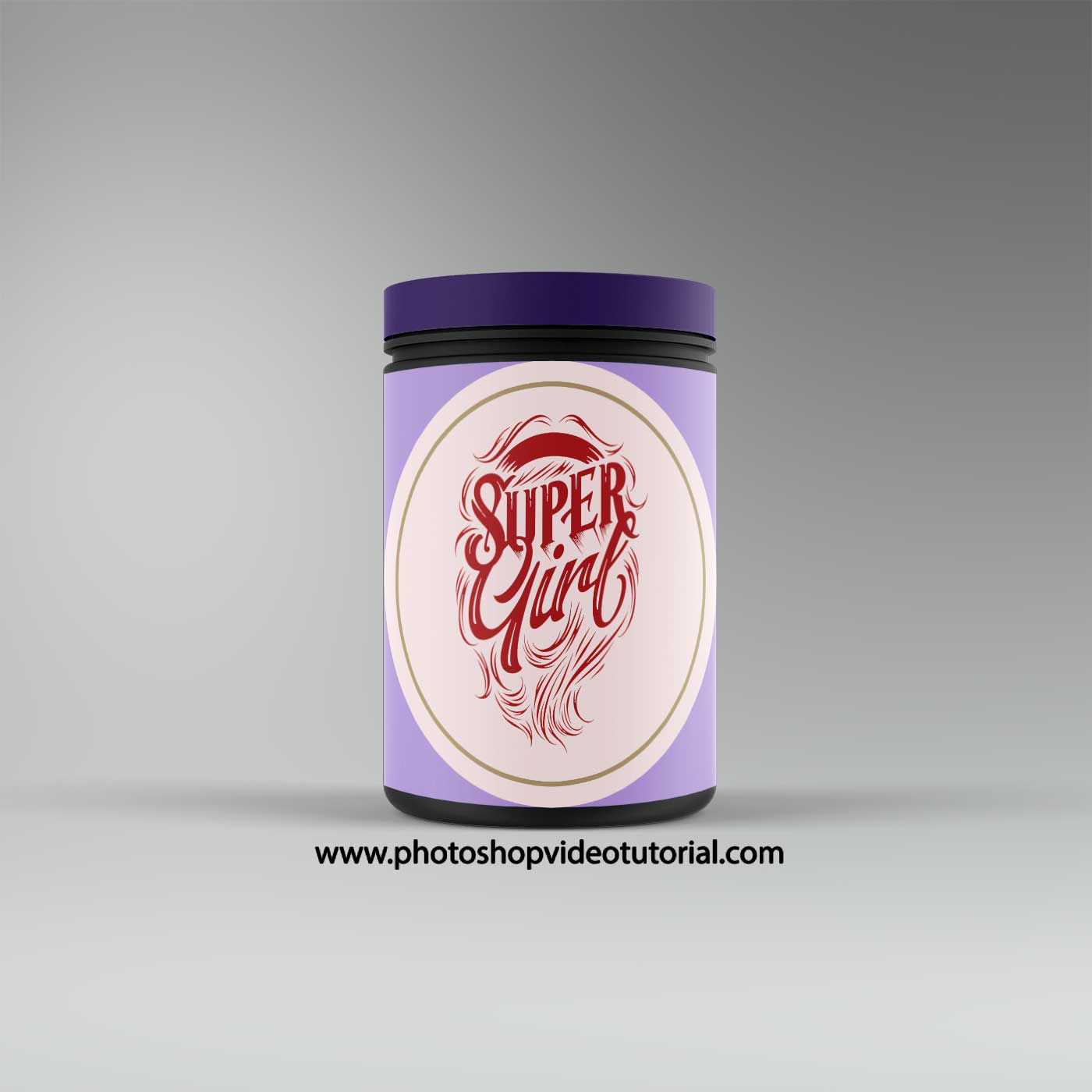
Elevate your product presentation with our free PSD shampoo bottle label mockup. This high-quality template allows you to showcase your label designs effortlessly, making it ideal for designers and brands alike. With a smart object layer in Photoshop, you can easily customize the label and see how your design looks on a realistic shampoo bottle, ensuring your product stands out on shelves.
Not only is this mockup versatile, but it also features a clean and modern aesthetic that complements various branding styles. Whether you’re preparing for a client presentation or creating a portfolio piece, this mockup provides a professional finish. Download it today and start enhancing your product visuals with ease!
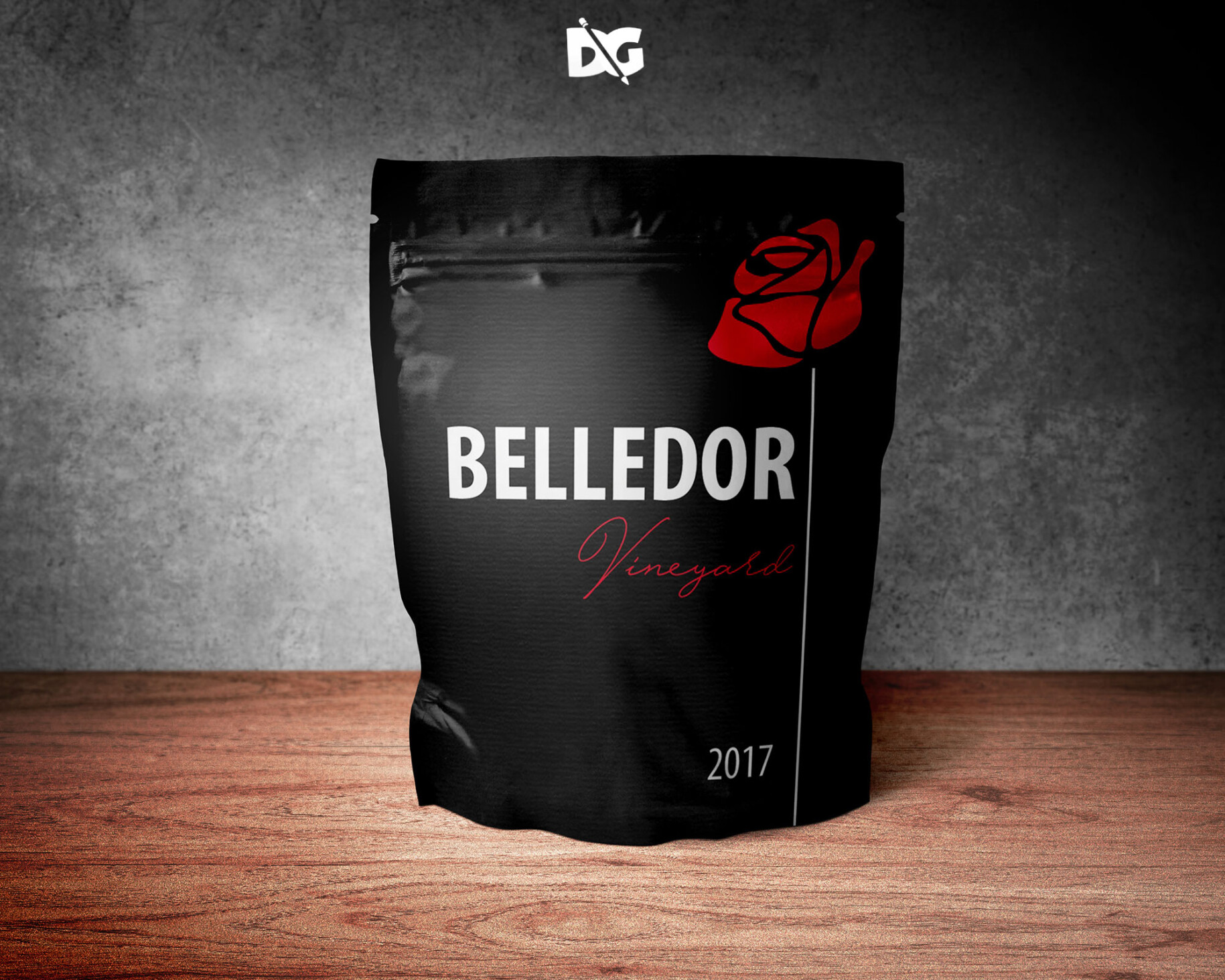
Hello, This time I would like to provide you with various cool pouch mockups we have collected for you personally. At our website, we provide you with a range of unique and attractive Pouch Mockups which are carefully and with awareness designed in order to meet the standards of your product mockup. In this roundup we showcasing free and premium pouch packaging PSD mockup templates for your presentation. These PSD mockup templates are perfect to make a presentation of your branding designs. The majority of these mockups offer changeable backgrounds and easy modification, They are using smart object features in Photoshop. Keep a good mood and enjoy! Description:FAQs – Free PSD Shampoo Bottle Label Mockup
Can I edit the shampoo bottle label mockup in Photoshop?
Yes, the mockup is fully editable in Photoshop using smart object layers, allowing you to easily insert your own designs.
Does the mockup come with different bottle angles?
Yes, the mockup includes multiple angles so you can showcase your label design from various perspectives.
What file format is the shampoo bottle label mockup in?
The mockup is provided in PSD format, which is compatible with Adobe Photoshop.
Is it easy to change the label design on the mockup?
Absolutely! Just double-click the smart object layer, paste your design, and save to see the changes applied.
Do I need advanced Photoshop skills to use this mockup?
No, basic Photoshop skills are sufficient to use this mockup effectively, thanks to its user-friendly design.