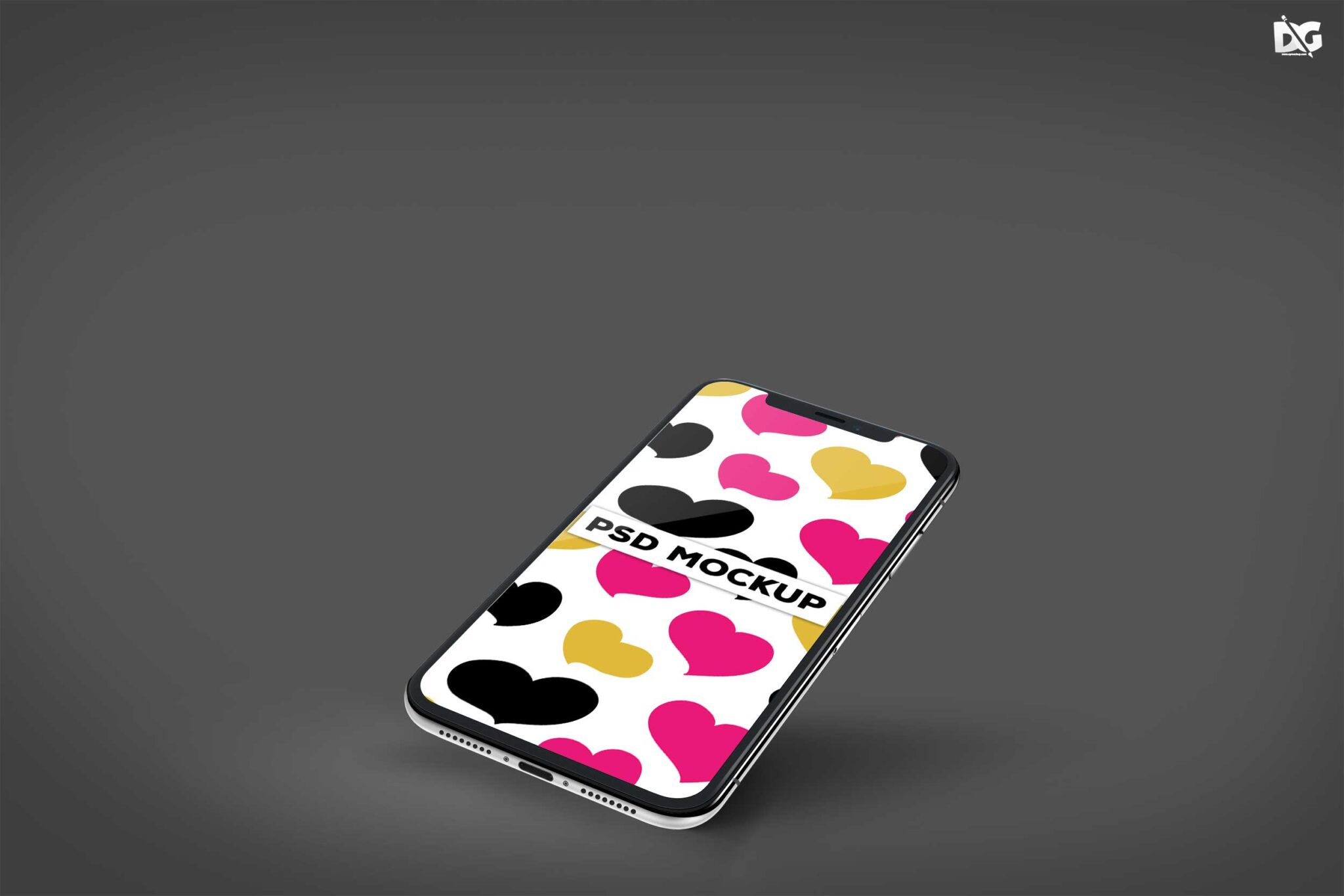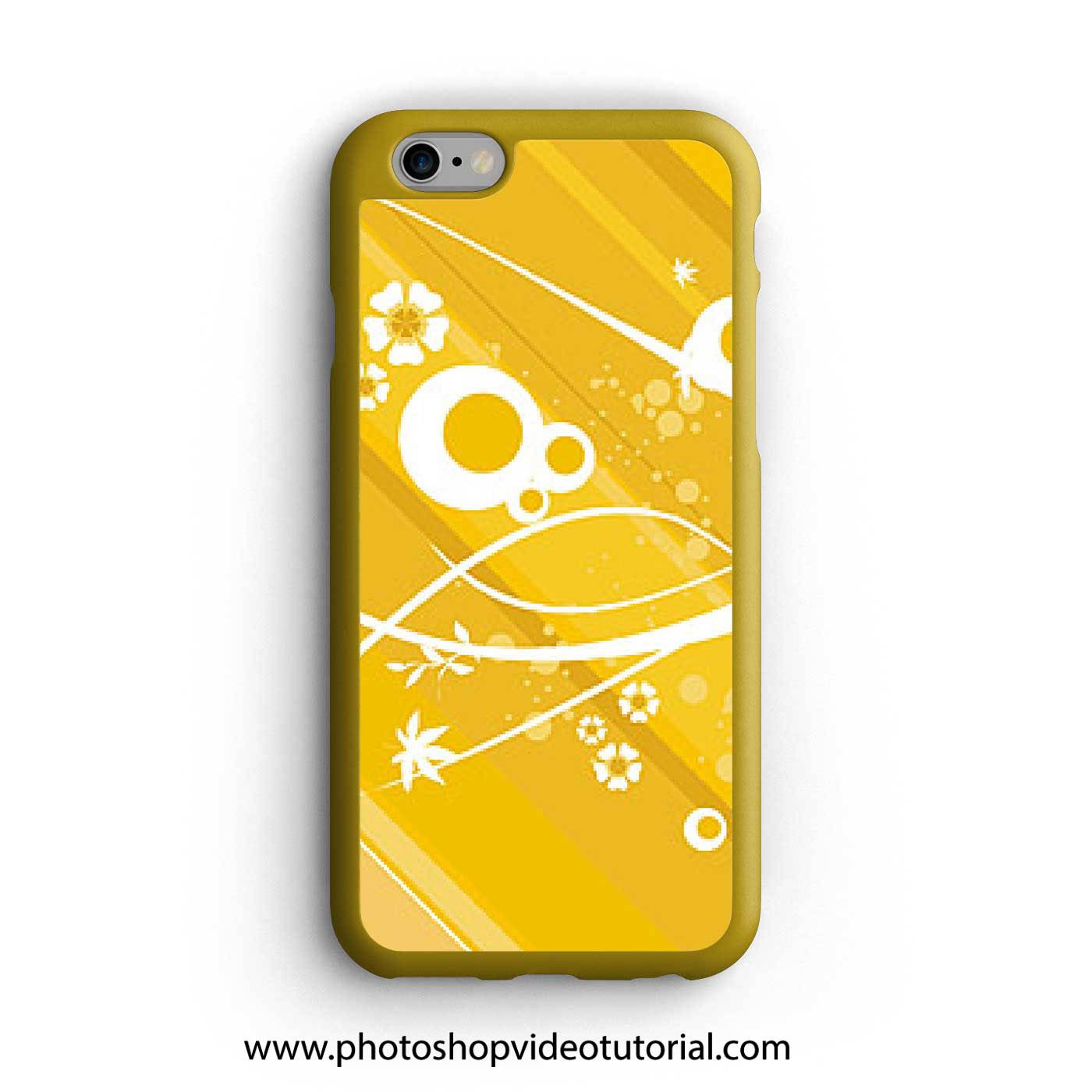
Elevate your design presentations with our free PSD iPhone back cover mockup. This high-quality mockup allows you to showcase your designs in a realistic setting, making it perfect for designers looking to impress clients or enhance their portfolios. With easy-to-use layers in Photoshop, you can effortlessly customize the colors, designs, and textures to fit your project’s needs.
This mockup features a sleek, modern iPhone back cover that highlights your artwork beautifully. Whether you’re designing for a personal project or a client, this mockup ensures that your designs stand out. Simply download the PSD file, open it in Photoshop, and drag your artwork into the designated layer. Adjust shadows and lighting to achieve a polished, professional look.
All of these Resources are easy to use and can present your information beautifully. Some are free, while others cost a few dollars.More great & free PSD Mockups Collection:
- 3d logo mockup psd free download
- Postcard Mockup PSD free download
- Plastic bottle mockup free download
- eBook Cover PSD Download Mockup
FAQs – Free PSD Iphone Back Cover Mockup
Can I edit the iPhone back cover mockup in Photoshop?
Yes, the mockup is designed for easy editing in Photoshop. Just open the PSD file and customize the layers as needed.
What file format is the iPhone back cover mockup?
The mockup is provided in PSD format, which is compatible with Adobe Photoshop for smooth editing.
Does it include smart objects for easy use?
Absolutely! The mockup includes smart objects, allowing you to quickly replace the design without affecting the overall quality.
Is it suitable for showcasing phone case designs?
Yes, this mockup is perfect for showcasing phone case designs, giving a realistic view of your artwork on an iPhone.
Can I adjust the lighting in the mockup?
Yes, you can adjust the lighting effects within the PSD file to achieve the desired look for your design.