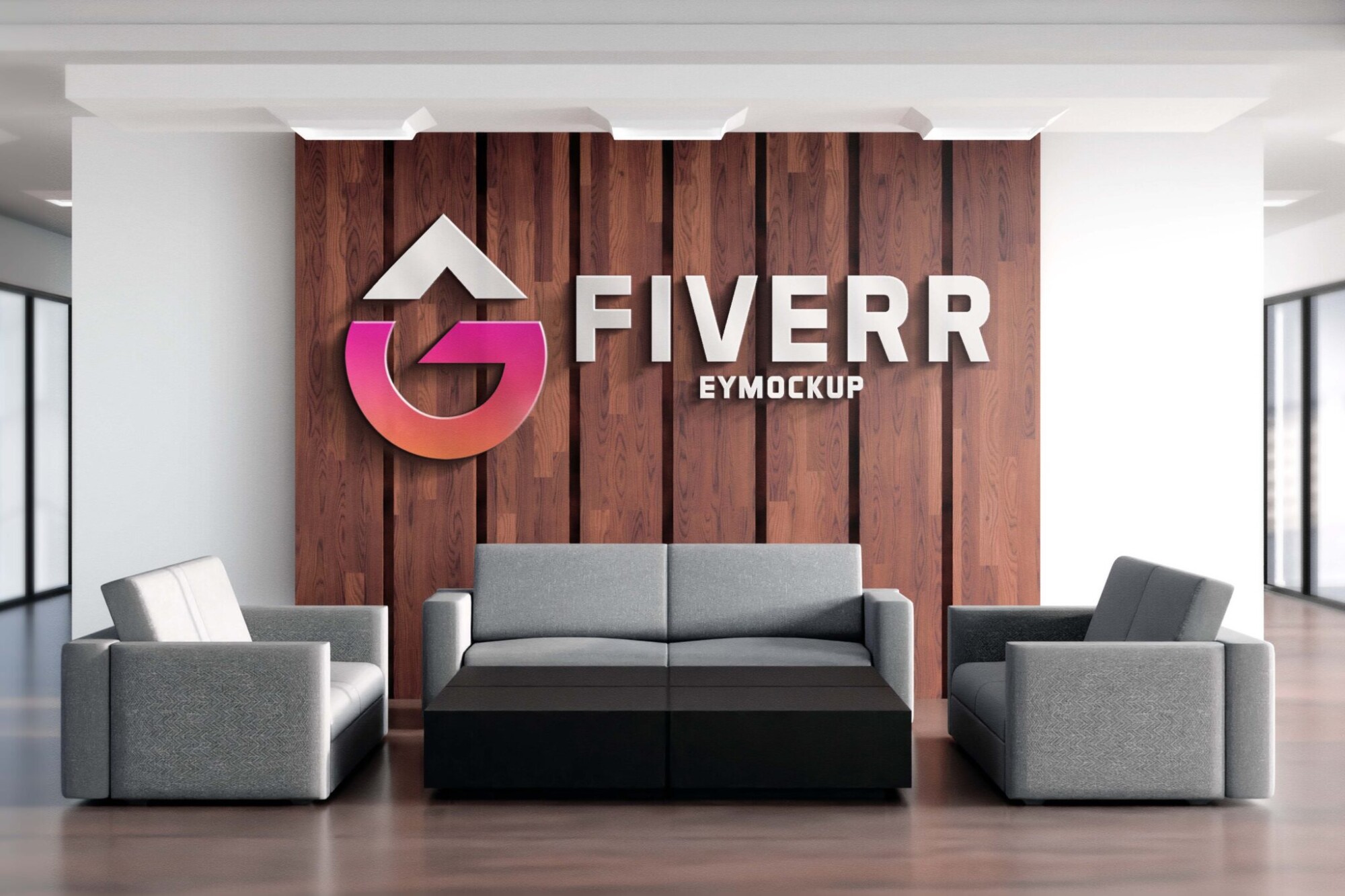
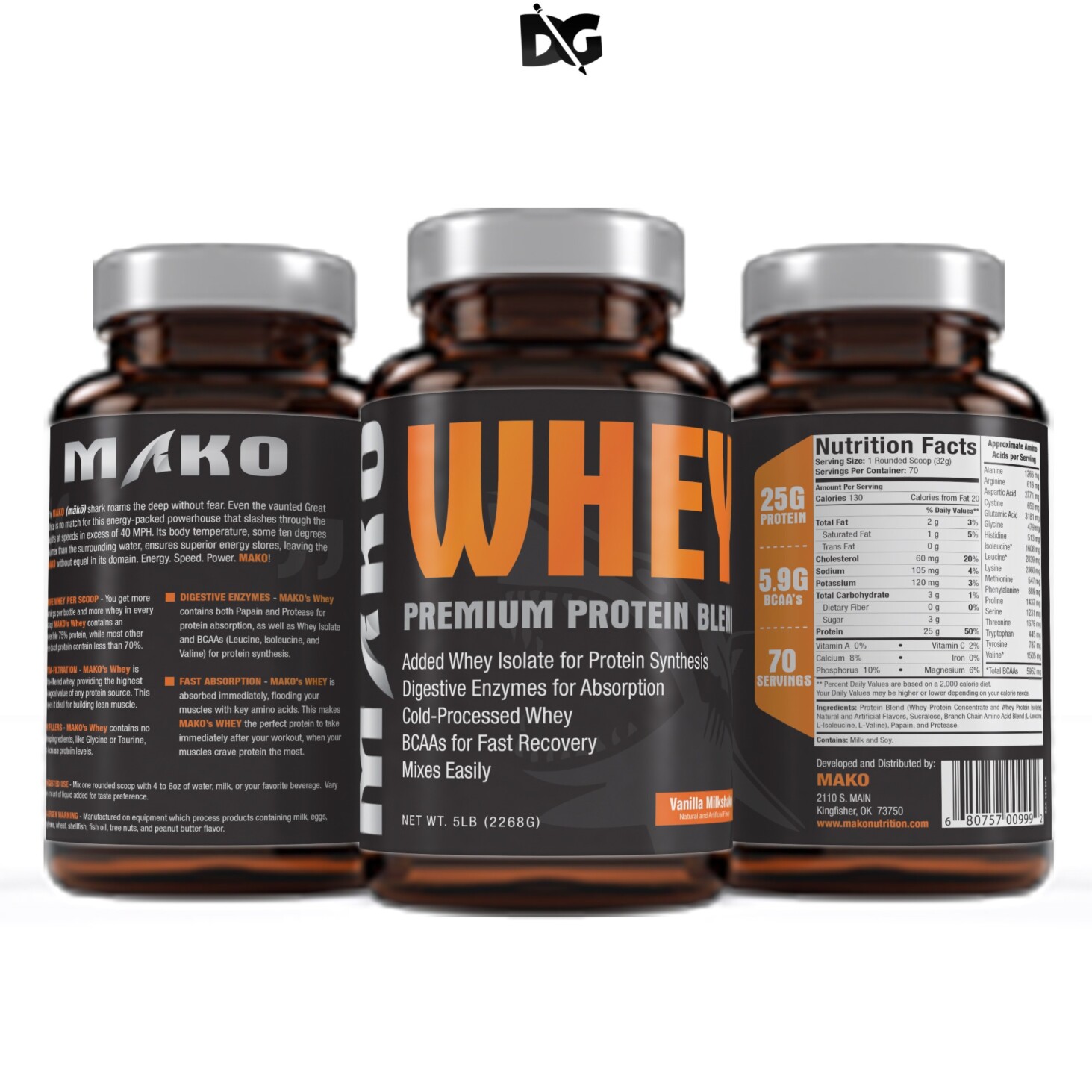
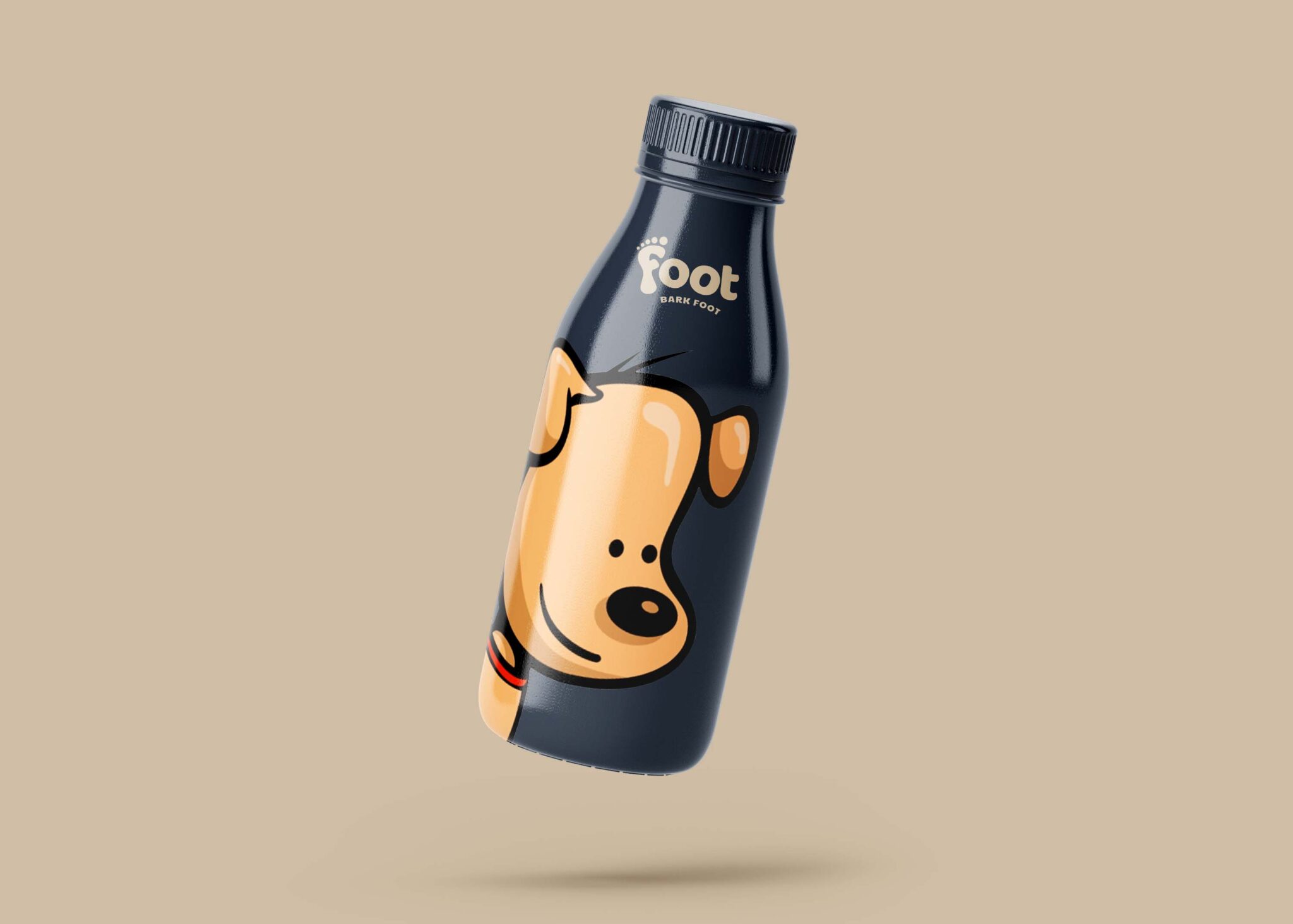
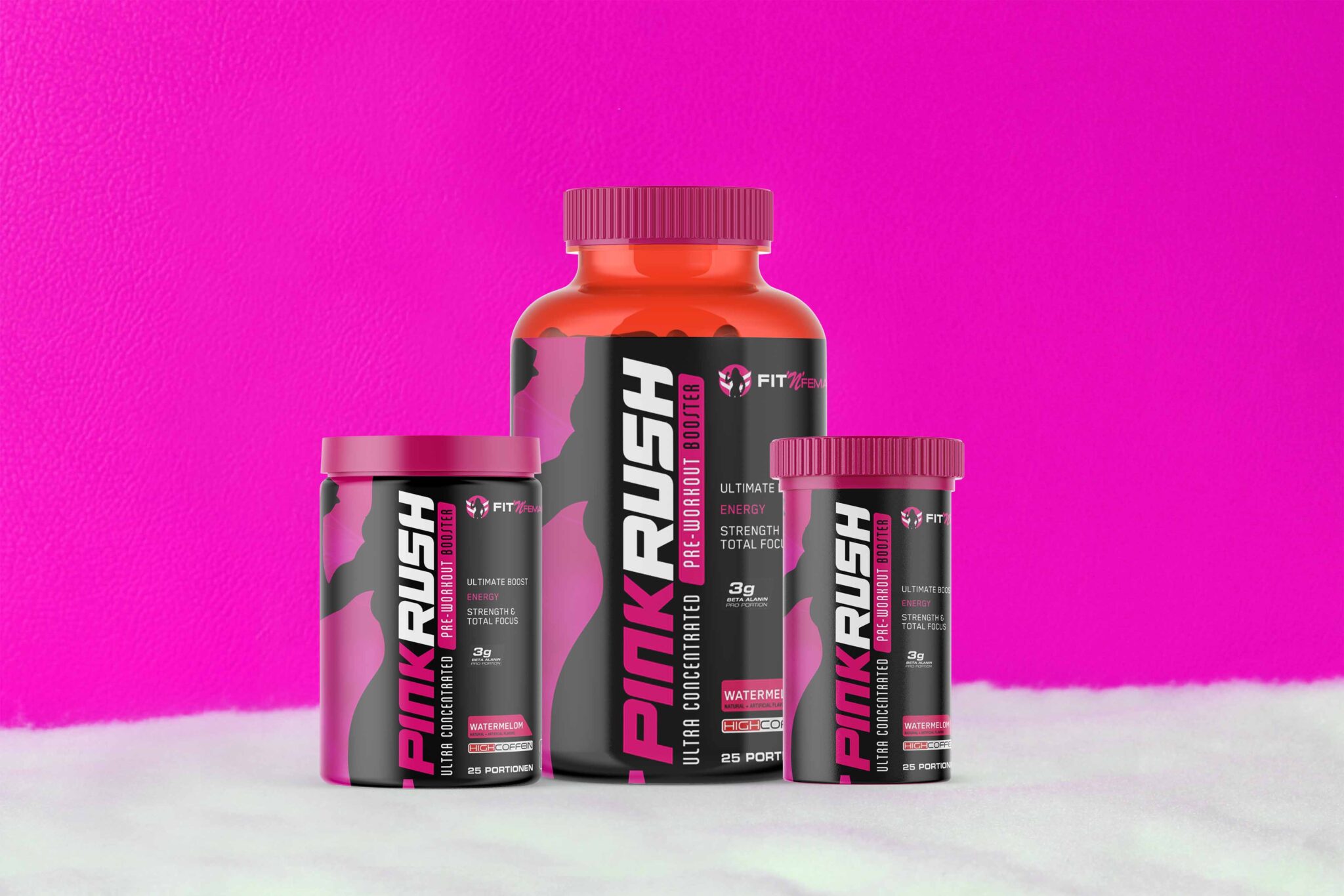
Elevate your branding with our free professional business card mockup. Perfect for designers and entrepreneurs, this mockup allows you to showcase your unique designs in a realistic setting. Simply insert your artwork to present a polished and professional image, making it an essential tool for any marketing strategy.
Our mockup is easy to use and compatible with Adobe Photoshop. With smart object layers, you can quickly customize the design, adjust colors, and even modify the lighting to fit your vision. Whether you’re creating Business Cards for a startup, freelance work, or a personal project, this mockup will help you stand out and make a lasting impression.
The Free Professional Business Card Mockup is perfect for you if you are looking to create a modern and attractive design for your business card. It has a simple yet elegant design that enables you to showcase your brand in the best possible way.
Today’s freebie is a modern and professional business card mockup in PSD format. This business card mockup features a realistic, clean and elegant look, perfect to showcase your branding designs. It comes in high-resolution, allowing you to easily apply your custom designs.
Business cards are extremely important for self-promotion, especially for freelancers who need a simple and effective way to present their contact information in style. Just like any self-respecting graphic designer knows, having an impressive portfolio and a great resume is not enough when it comes to landing the next client.
Description:
Available Format: Layered PSD through smart object insertion
License: Free for personal & commercial use
Zip File Includes: Photoshop PSD File
Resolution: 2000 x 2250 px
FAQs – Free Professional Business Card Mockup
Can I customize the business card mockup?
Yes, you can fully customize the mockup using Adobe Photoshop. Simply replace the placeholder design with your own artwork.
Do I need Photoshop to edit the mockup?
Yes, Adobe Photoshop is required to edit the mockup effectively. It allows you to manipulate smart layers easily.
Is it easy to change the background of the mockup?
Absolutely! You can easily change the background in Photoshop by selecting the background layer and applying your desired color or image.
What file format does the mockup come in?
The mockup is provided in a PSD format, which is fully compatible with Adobe Photoshop for easy editing.
Does the mockup support multiple card designs?
Yes, our mockup allows you to showcase various card designs by duplicating the smart object layers for different artworks.