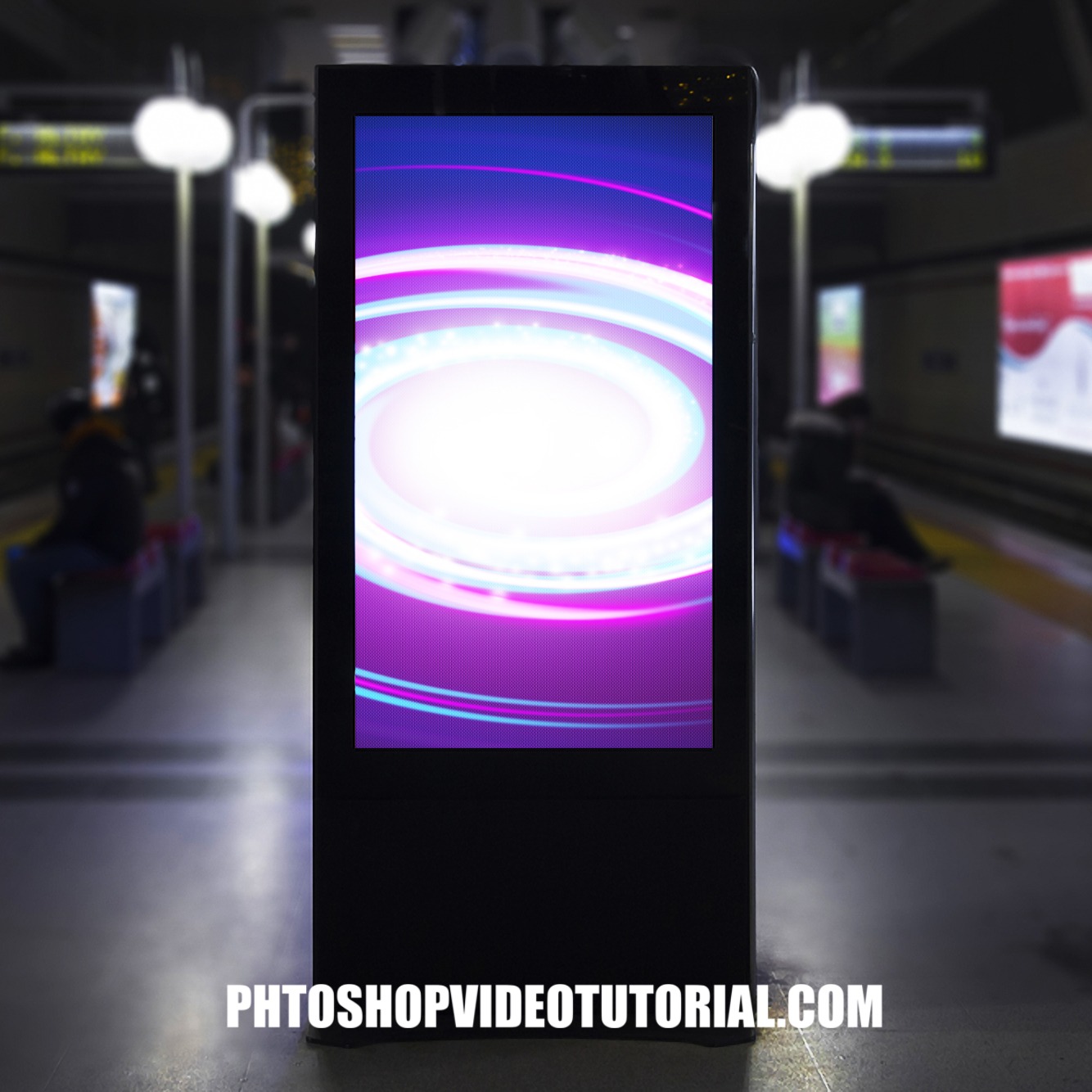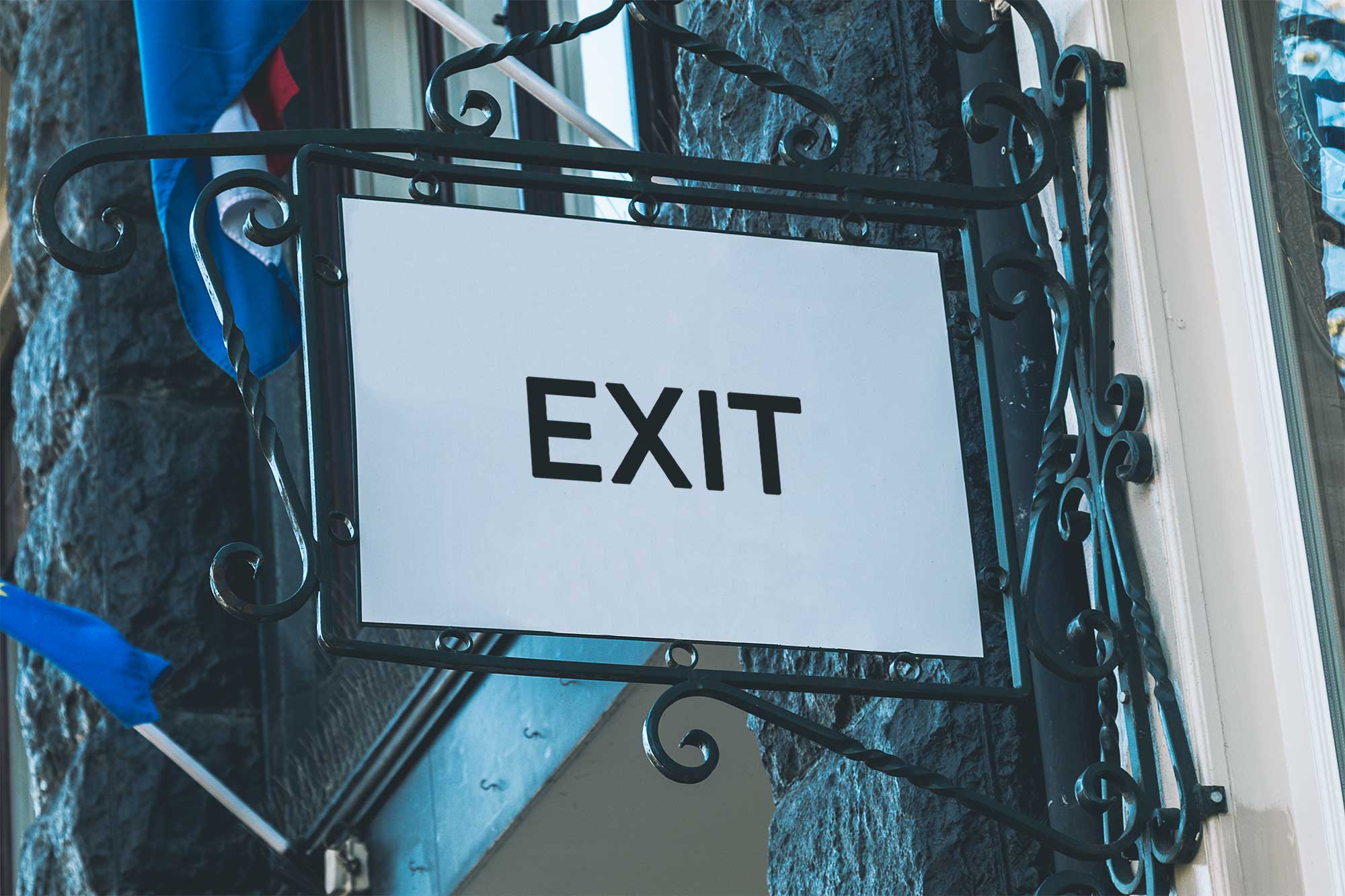
Elevate your design presentations with our Free Premium Exit Gate Sign PSD Mockup. This versatile mockup serves as a perfect template for showcasing your signage designs in a realistic context. Easily editable in Photoshop, it allows you to customize colors, textures, and lighting, ensuring your exit gate sign stands out. Whether for a project pitch or portfolio showcase, this mockup will enhance your visual communication.
Designed with attention to detail, this mockup features high-resolution graphics that highlight the exit gate’s features. The smart object layer simplifies the editing process, enabling you to insert your designs within seconds. Ideal for graphic designers and business owners alike, this mockup helps you visualize how your design will look in a real-world setting. Download it today and bring your creative ideas to life!
Your Brand Deserves Premium Exit Gate Sign PSD Mockup for presentation
Our awesome team of designers pledge to developing superior but affordable graphics design Premium Exit Gate Sign PSD Mockup
All of these Resources are easy to use and can present your information beautifully. Some are free, while others cost a few dollars.
More great & free PSD Mockups Collection:
Description:
Available Format: Layered PSD through smart object insertion License: Free for personal and commercial use Zip File Includes: Photoshop PSD File Resolution: 2000 x 2250 pxFAQs – Free Premium Exit Gate Sign PSD Mockup
Can I customize the Exit Gate Sign Mockup?
Yes, you can easily customize the mockup using Photoshop by editing the smart object layers to insert your designs.
Does the mockup support high-resolution designs?
Absolutely! The mockup is designed to support high-resolution graphics, ensuring your designs look sharp and professional.
What file format is the Exit Gate Sign Mockup available in?
The mockup is available in PSD format, compatible with Adobe Photoshop for easy editing.
Is it easy to edit the lighting in the mockup?
Yes, the mockup allows you to adjust the lighting settings within Photoshop, giving you control over the final appearance.
Do I need special skills to use the mockup?
Basic Photoshop skills are sufficient to use the mockup effectively, thanks to its user-friendly design and instructions.