PSD Mockup
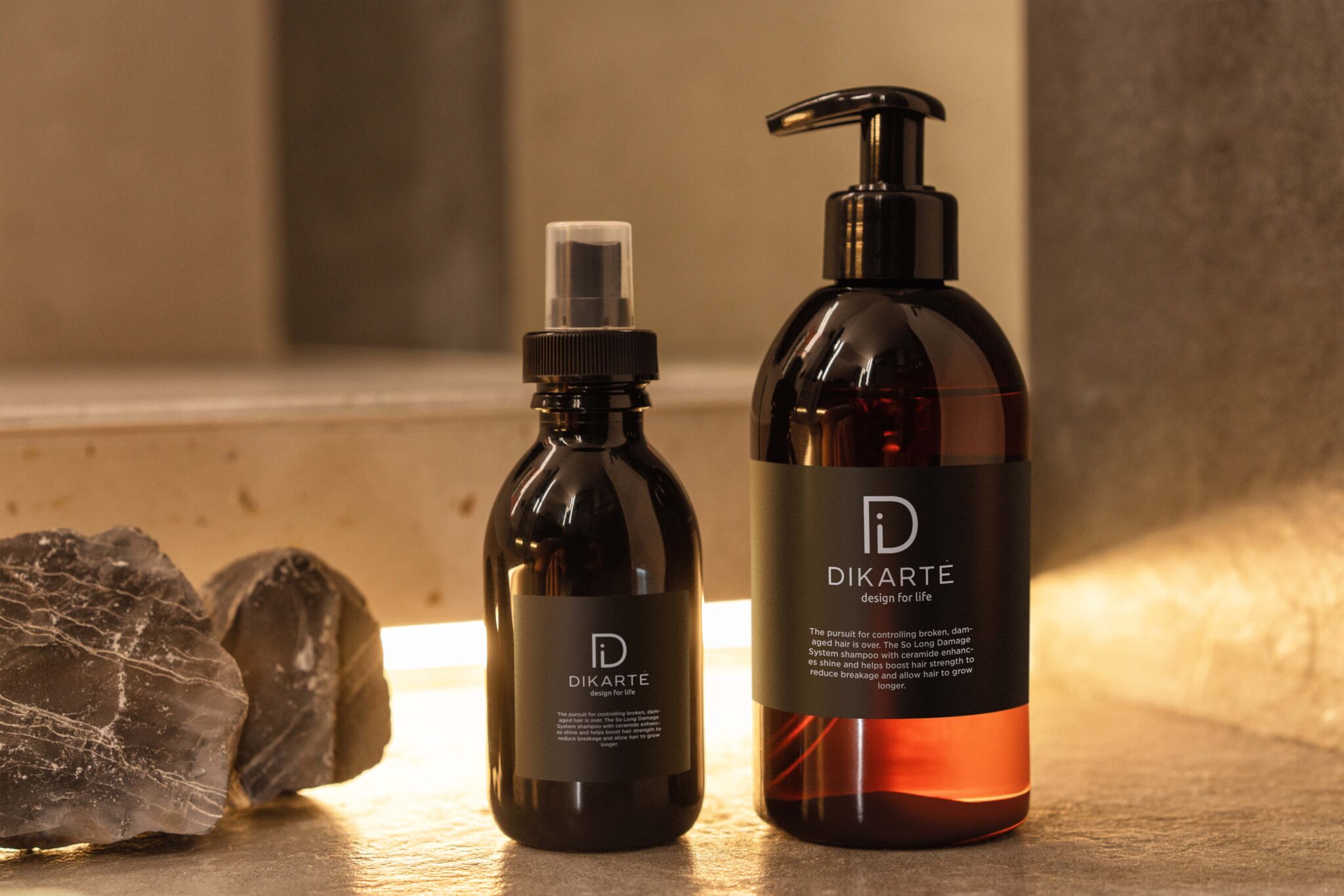
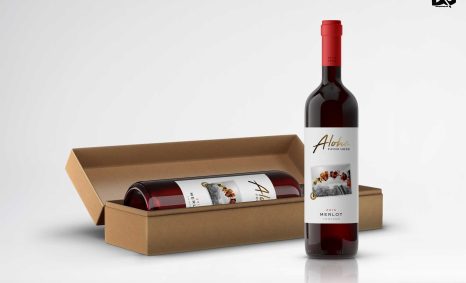
Elevate your branding projects with our Free Premium Bottle Label Presentation Mockup. This versatile mockup allows you to showcase your label designs in a realistic setting, providing a professional touch to your presentations. Whether you’re a designer, a marketing professional, or a business owner, this mockup is tailored to enhance your visual storytelling.
Featuring high-resolution images and customizable layers, this mockup is perfect for both print and digital displays. It’s easy to edit in Photoshop, making it ideal for anyone wanting to create stunning visuals quickly. Simply insert your design and adjust the lighting for a perfect presentation that captivates your audience.
Luckily, there are lots of free bottle mockups and templates recently released for the benefit of graphic artists. These free bottle mockups and templates provide a perfect way to display bottles in a much attractive way.These can absolutely help graphic designers easily and conveniently add their own ideas to the bottles such as putting colors that can be either come in light or shadow effects.All of these Resources are easy to use and can present your information beautifully. Some are free, while others cost a few dollars. ( premium mockups template ) More great & free PSD Mockups Collection: Description:FAQs – Free Premium Bottle Label Presentation Mockup
Can I edit the bottle label mockup in Photoshop?
Yes, the mockup is fully editable in Photoshop, allowing you to easily customize the label design and adjust the lighting.
Does it include multiple angles for the bottle?
Yes, this mockup includes various angles, giving you the flexibility to present your label design from different perspectives.
Is it suitable for both print and digital use?
Absolutely! This mockup works well for both print presentations and digital showcases, making it versatile for any project.
What file format is the bottle label mockup available in?
The mockup is available in PSD format, ensuring compatibility with Adobe Photoshop for easy editing.
Do I need advanced skills to use this mockup?
No, basic Photoshop skills are sufficient to utilize this mockup effectively. The layers are organized for user-friendly editing.