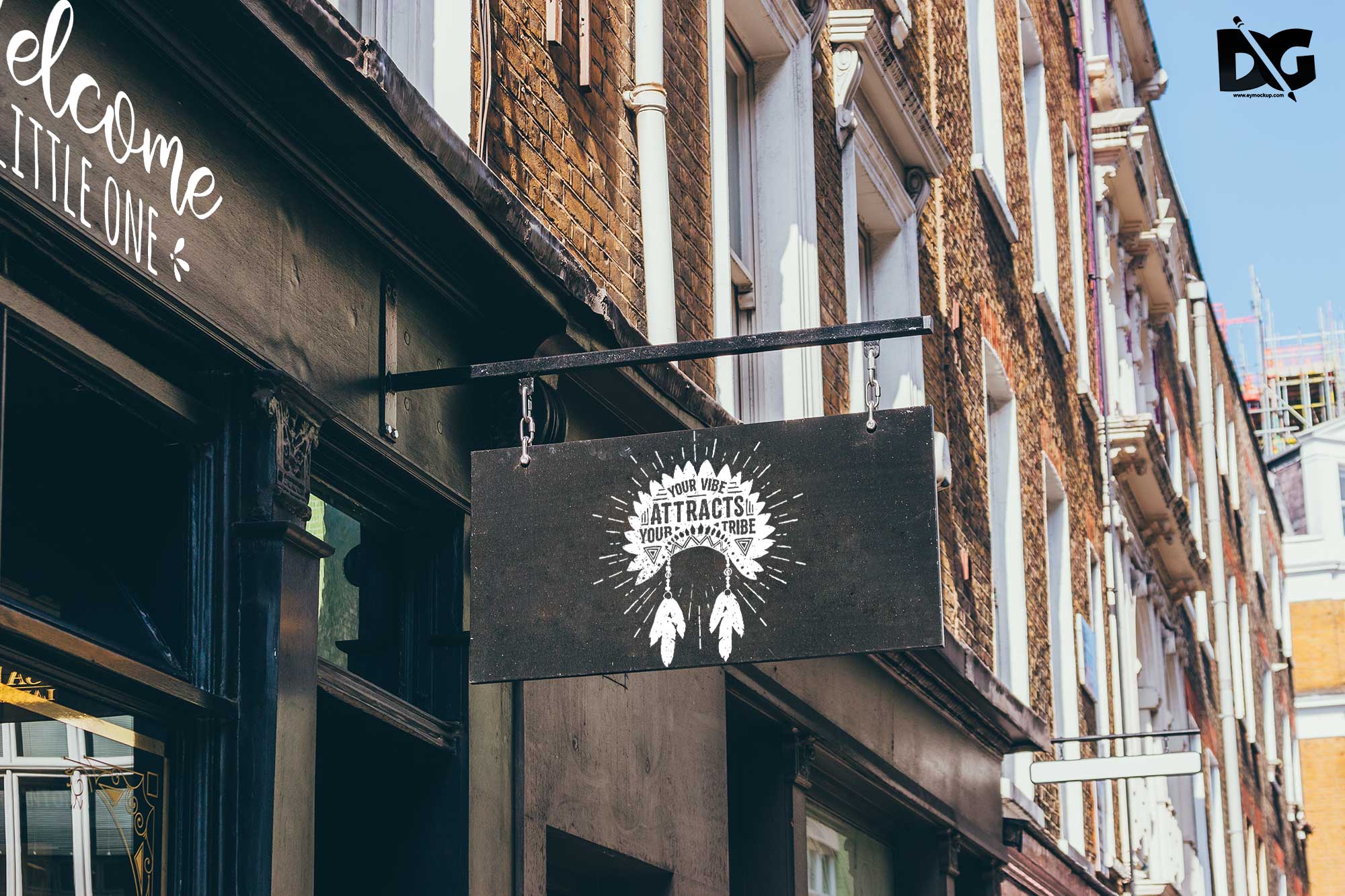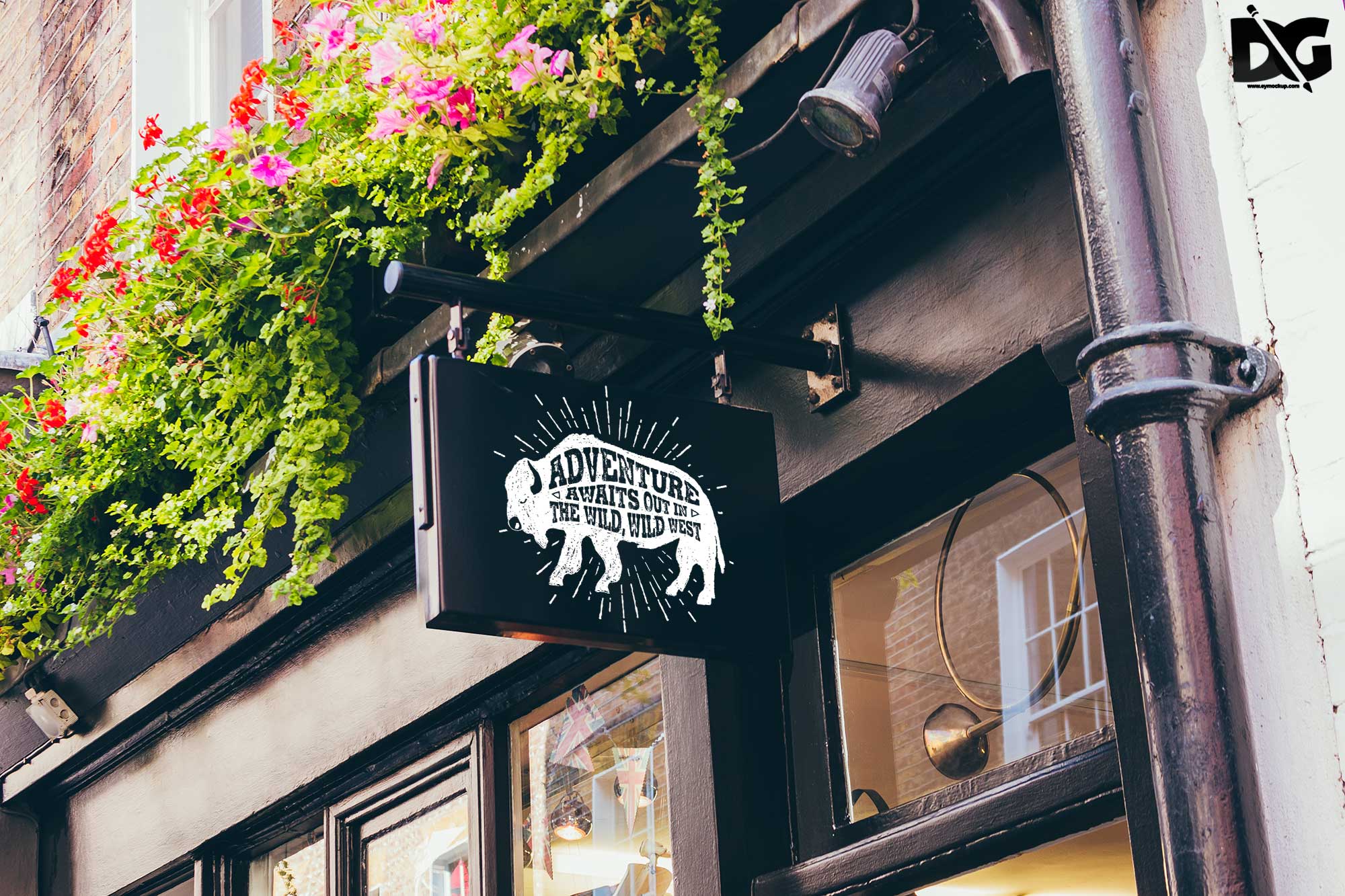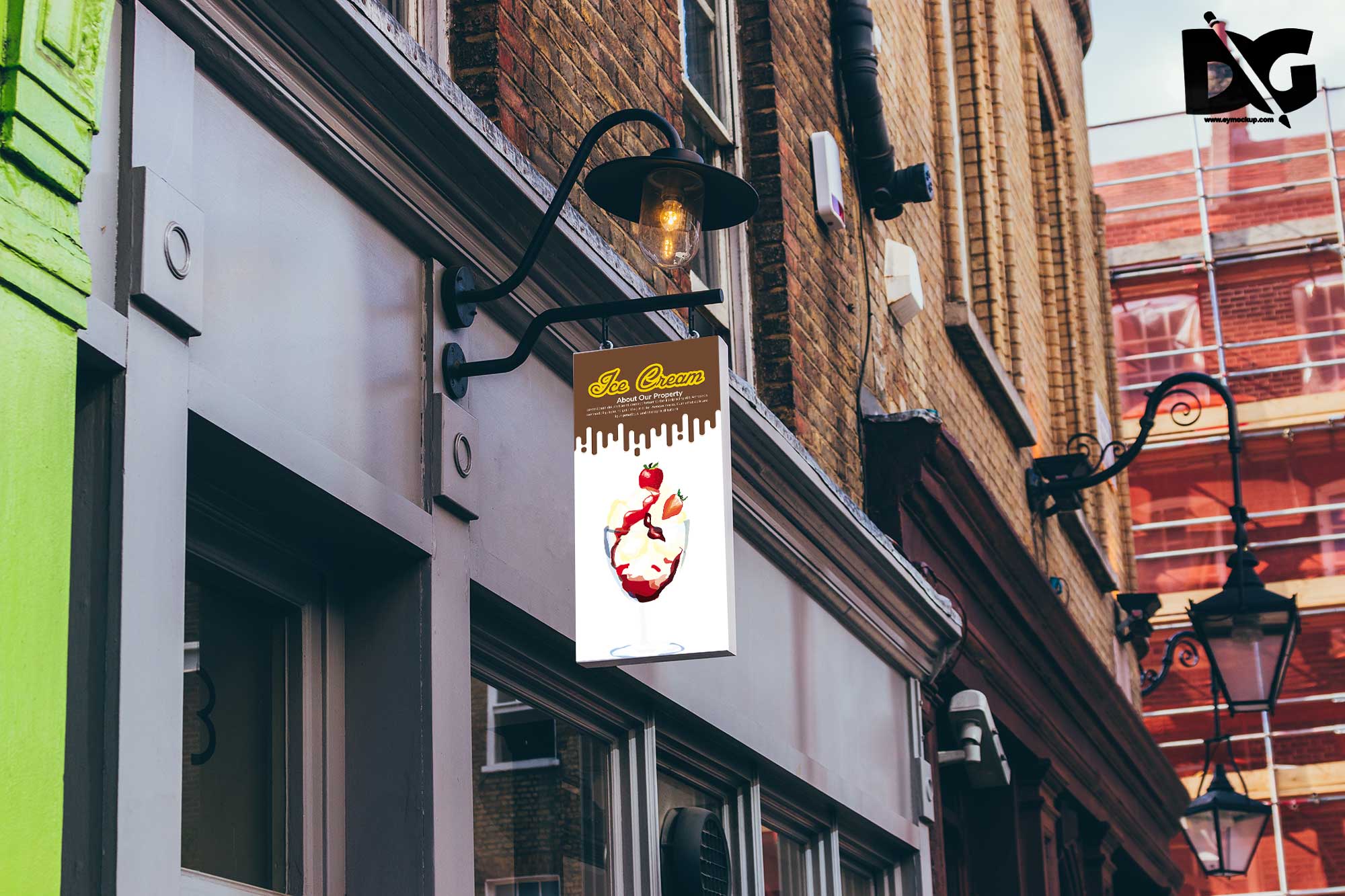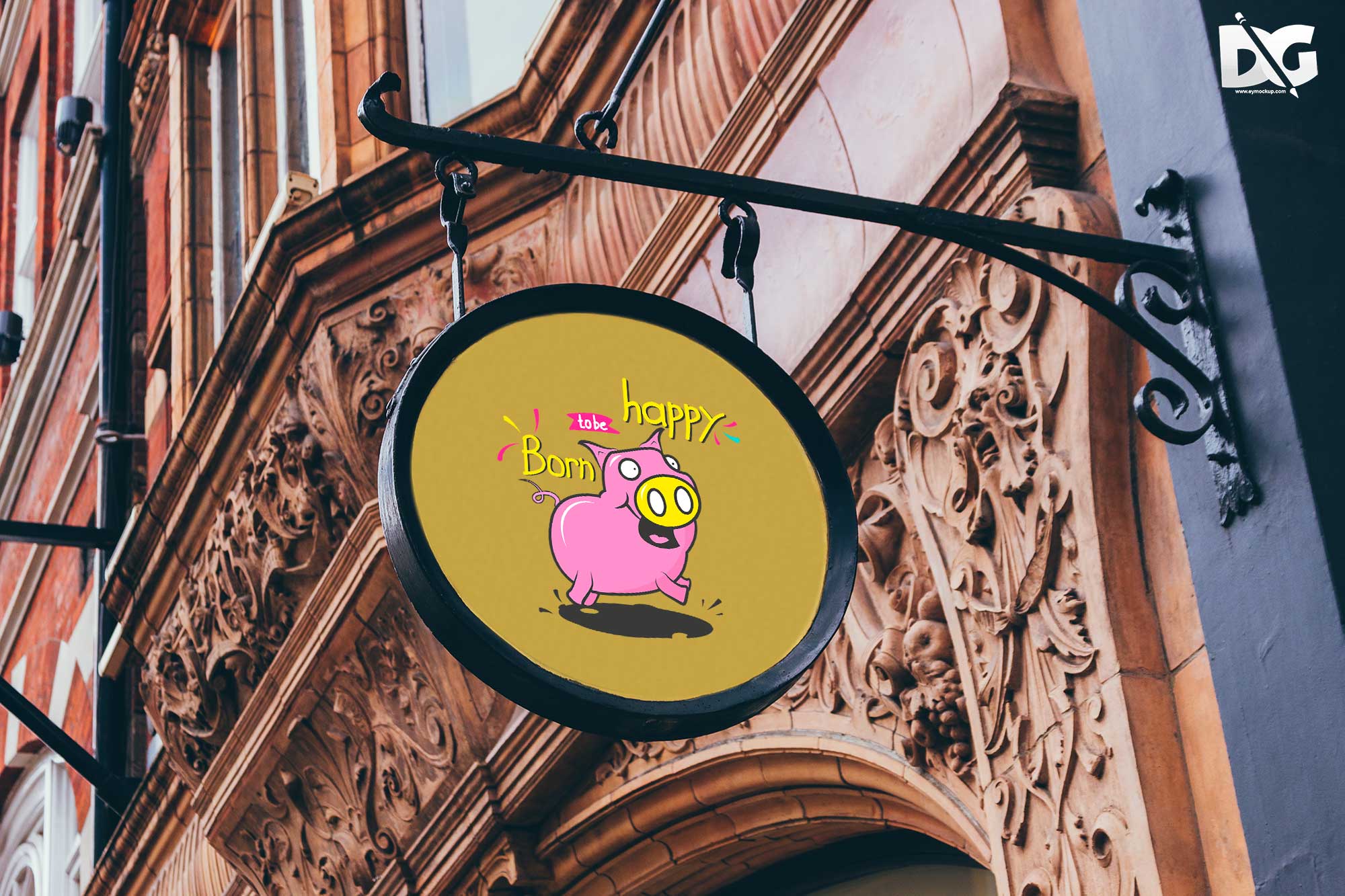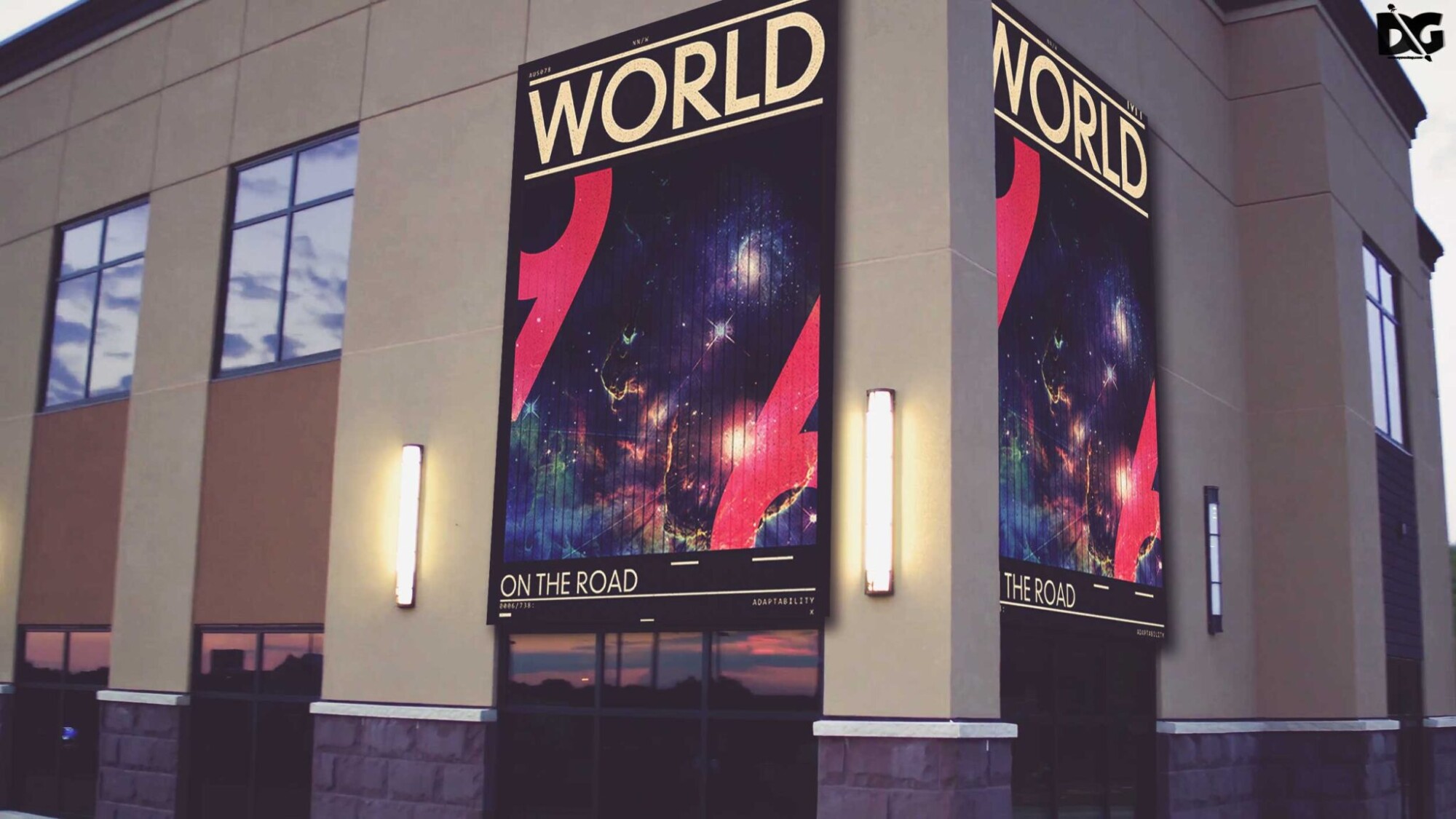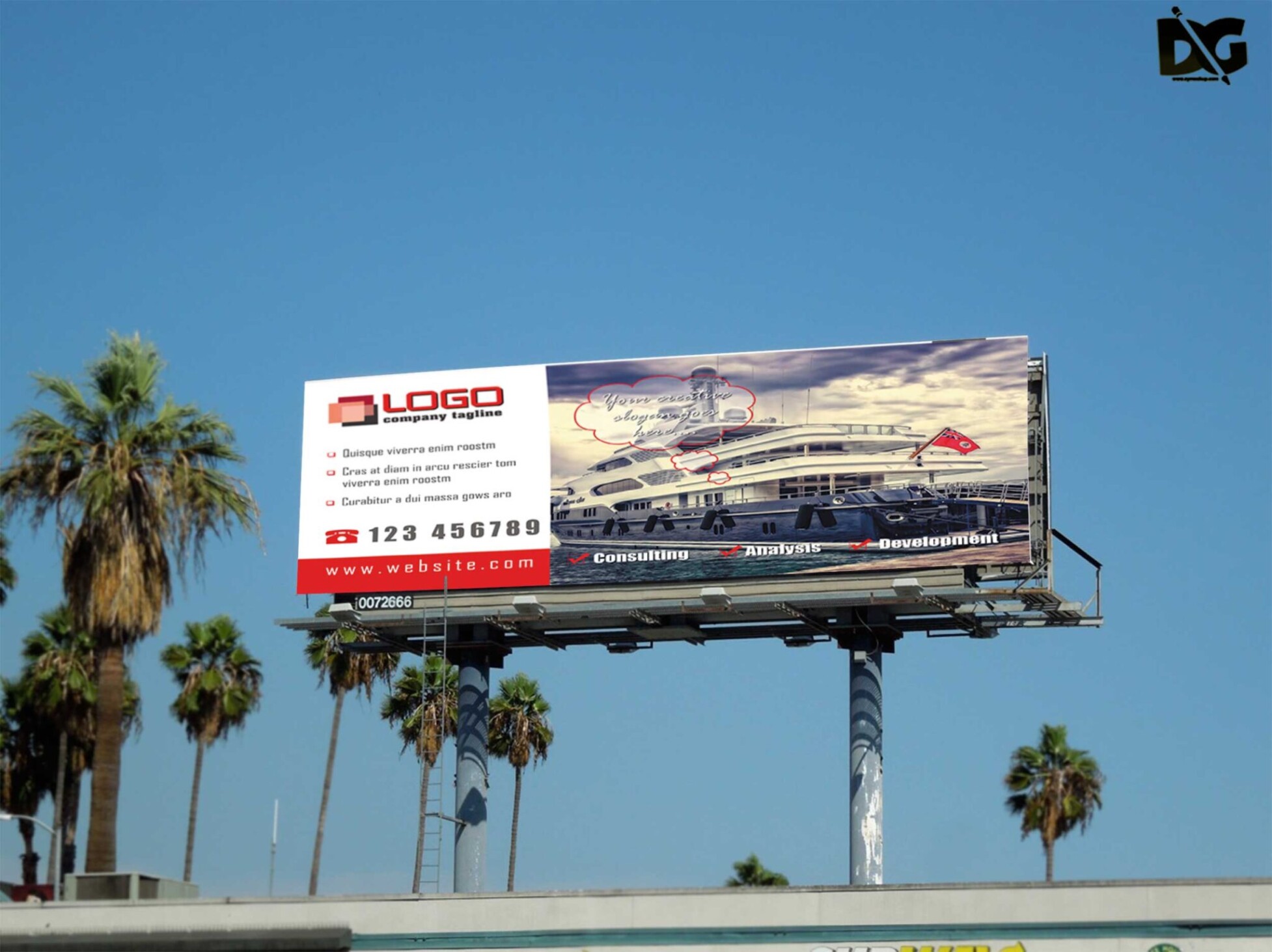
Elevate your design projects with our free premium beach side banner PSD mockup. This high-quality mockup allows you to showcase your artwork in a beautiful seaside setting, perfect for any promotional event or marketing campaign. With easy-to-edit layers in Photoshop, you can effortlessly customize the banner to fit your needs, while the realistic lighting and shadows enhance the overall presentation.
Whether you’re a graphic designer looking to impress clients or a business owner wanting to create stunning visuals, this PSD mockup is an essential tool. Simply drag and drop your design into the smart object layer, and watch as it transforms into a lifelike display. Enjoy the creative freedom this mockup offers and make your beachside promotions stand out like never before.
Your Brand Deserves Premium Beach Side Banner PSD Mockup for presentation
Our awesome team of designers pledge to developing superior but affordable graphics design Premium Beach Side Banner PSD Mockup
All of these Resources are easy to use and can present your information beautifully. Some are free, while others cost a few dollars.
More great & free PSD Mockups Collection:
- Label Mockups
- Square box mockup PSD download
- Bottle Mockup PSD Download Now
- Free PSD Logo Mockup
- Menu Template
Description:
Available Format: Layered PSD through smart object insertion License: Free for personal and commercial use Zip File Includes: Photoshop PSD File Resolution: 2000 x 2250 pxFAQs – Free Premium Beach Side Banner PSD Mockup
Can I customize the beach side banner mockup?
Yes, the mockup is fully customizable. You can easily edit the smart object layer in Photoshop to add your designs.
Does the mockup support multiple formats?
The mockup is available in PSD format, which is compatible with Adobe Photoshop, allowing for easy editing and customization.
What resolution is the beach banner mockup?
The mockup features a high resolution to ensure your designs look sharp and professional when displayed.
Is it easy to edit the lighting in the mockup?
Yes, the lighting is adjustable in the mockup. You can modify shadows and highlights to match your design aesthetics.
Do I need special software to use the mockup?
You will need Adobe Photoshop to utilize the features of the PSD mockup effectively, as it uses smart objects.