Elevate your branding with our Free Perfume Spray Tube Mockup. This high-quality mockup allows you to showcase your perfume designs in a realistic setting, perfect for presentations and promotional materials. With its clean design and versatile format, you can easily customize the mockup to fit your brand’s aesthetic, giving you a professional edge in your marketing efforts.
Whether you’re a designer, marketer, or entrepreneur, this mockup is an essential tool for visualizing your product. Simply download the file, open it in Photoshop, and start editing. You can adjust the colors, textures, and even the background to create the perfect look for your project. Make your perfume brand stand out with this easy-to-use mockup that highlights the elegance of your designs.
Free Perfume Spray Tube Mockup can help you show your idea for presentation purpose. The Free Perfume Spray Tube Mockup will support you and help you to showcase your project in a realistic way.
These tube mockup templates are ideal for any type of bottles. Choose a model, add your own content via Smart objects and you get a realistic presentation of a blister packaging in no time.

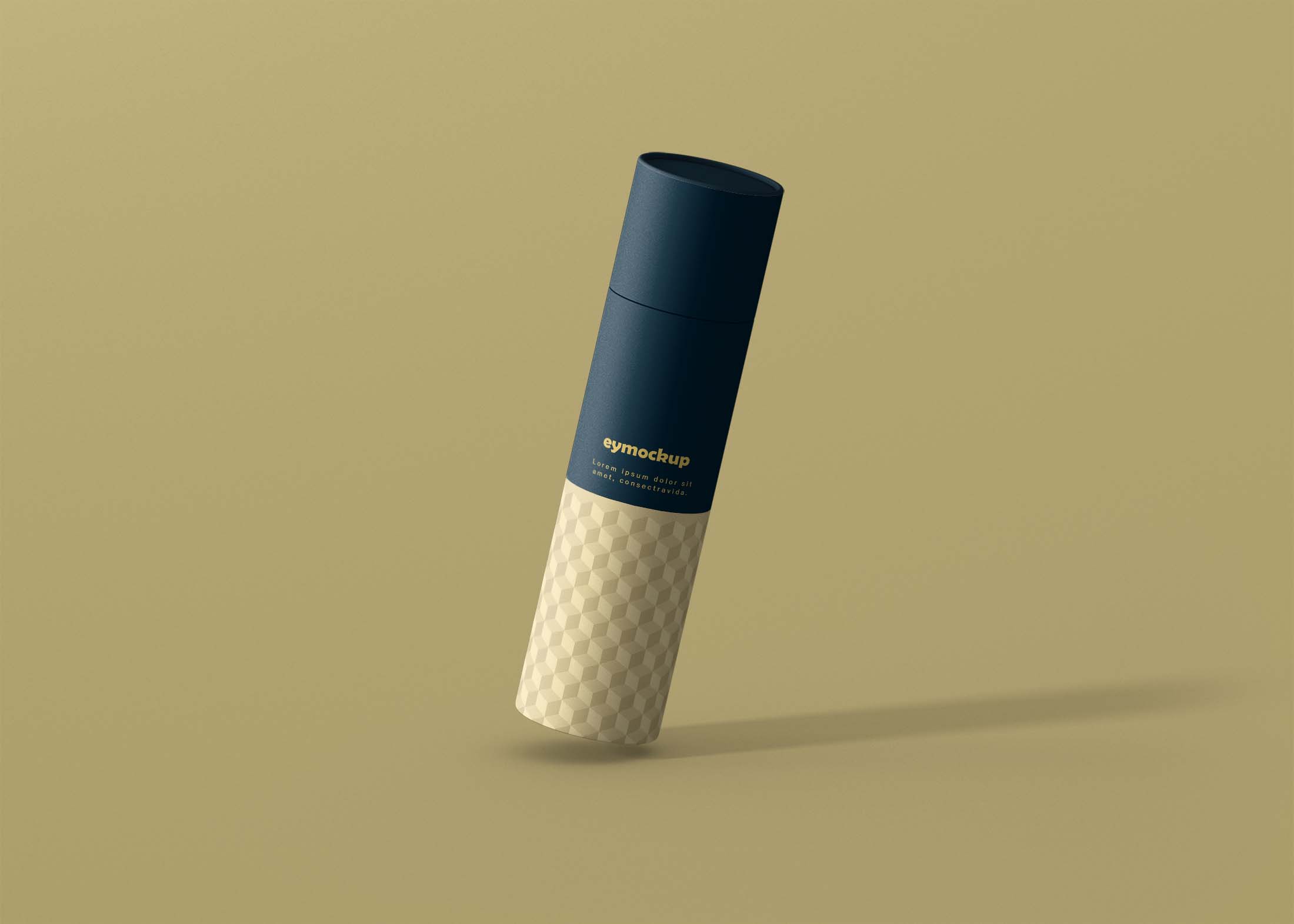
Create a realistic look in your presentation with this Free Perfume Spray Tube Mockup and impress your clients.
Free Perfume Spray Tube Mockup can be used for branding and packaging presentation, display this mockup on your website or print it to showcase your designs.
Description:
Available Format: Layered PSD through smart object insertion
License: Free for personal and commercial use
Zip File Includes: Photoshop PSD File
Resolution: 2200 x 1500 px
Advertisement:
FAQs – Free Perfume Spray Tube Mockup
Can I edit the Free Perfume Spray Tube Mockup?
Yes, the mockup is fully editable in Photoshop, allowing you to customize colors, textures, and even the background.
What format is the mockup available in?
The Free Perfume Spray Tube Mockup is available in PSD format, which is compatible with Adobe Photoshop.
Does the mockup include smart objects?
Yes, it includes smart objects for easy placement of your designs, ensuring a seamless integration into the mockup.
Is it easy to customize the lighting in the mockup?
Absolutely! You can adjust the lighting effects in Photoshop to enhance the realism of the mockup.
What are the dimensions of the mockup?
The mockup has dimensions suitable for high-resolution presentations, typically around 3000×2000 pixels.