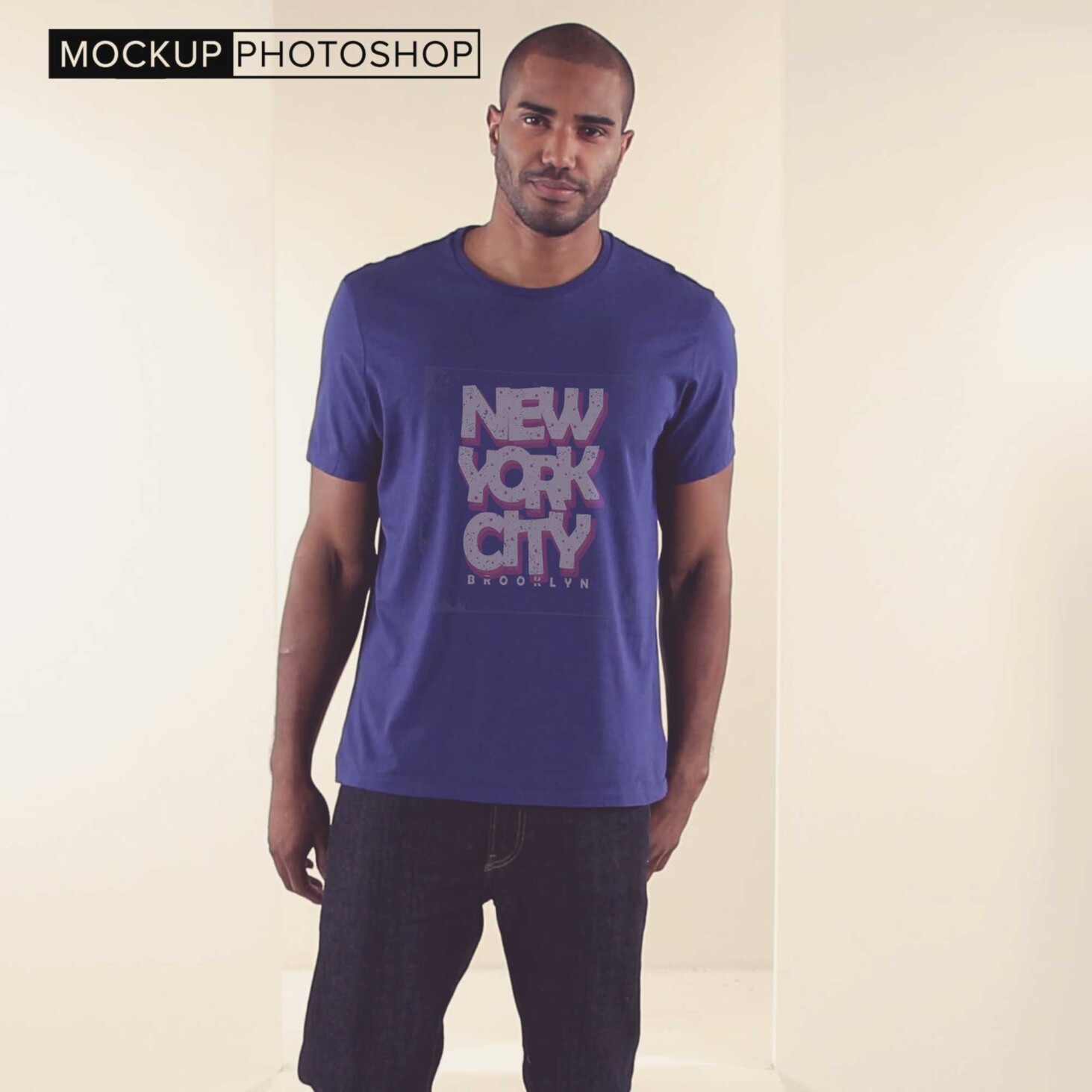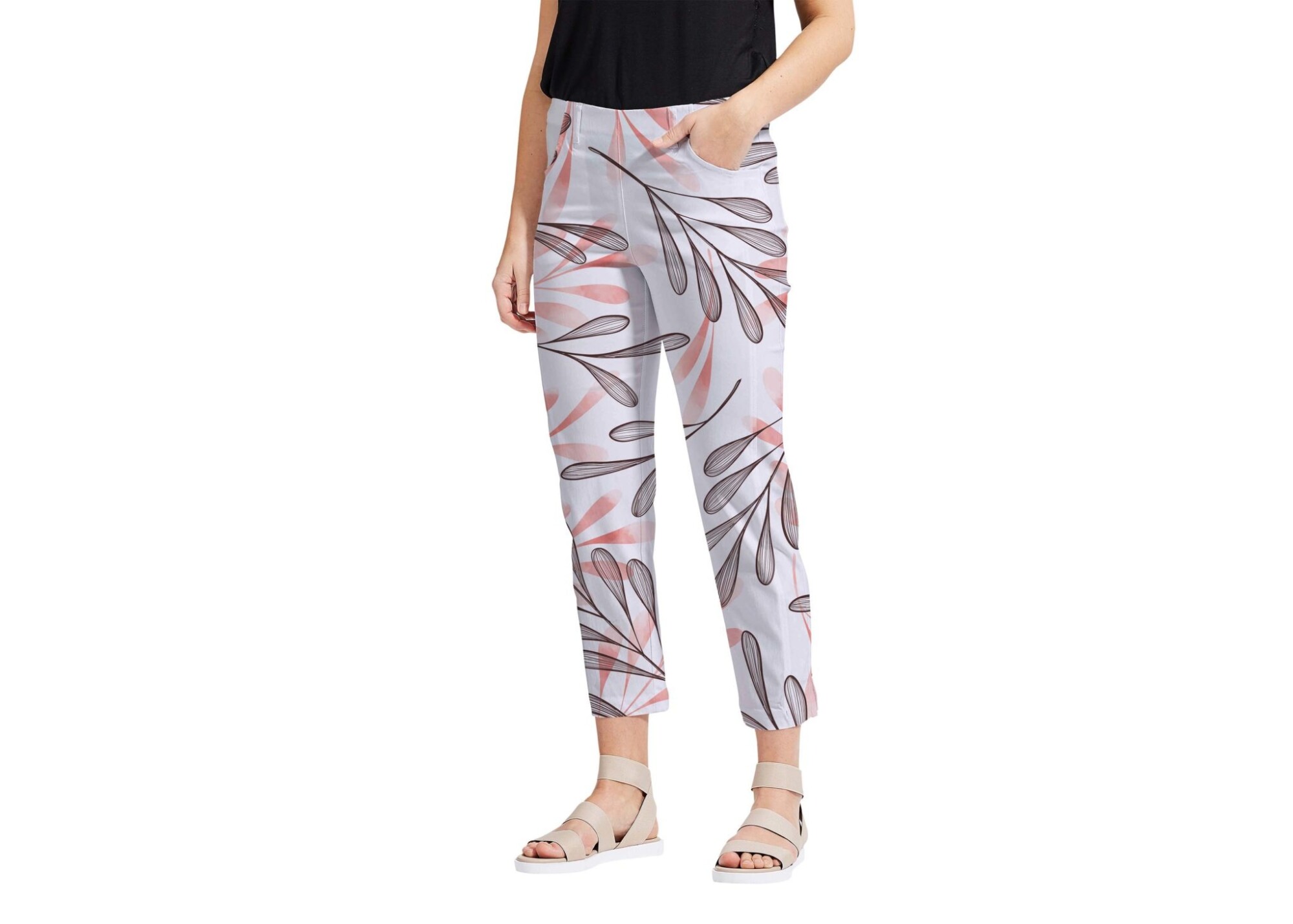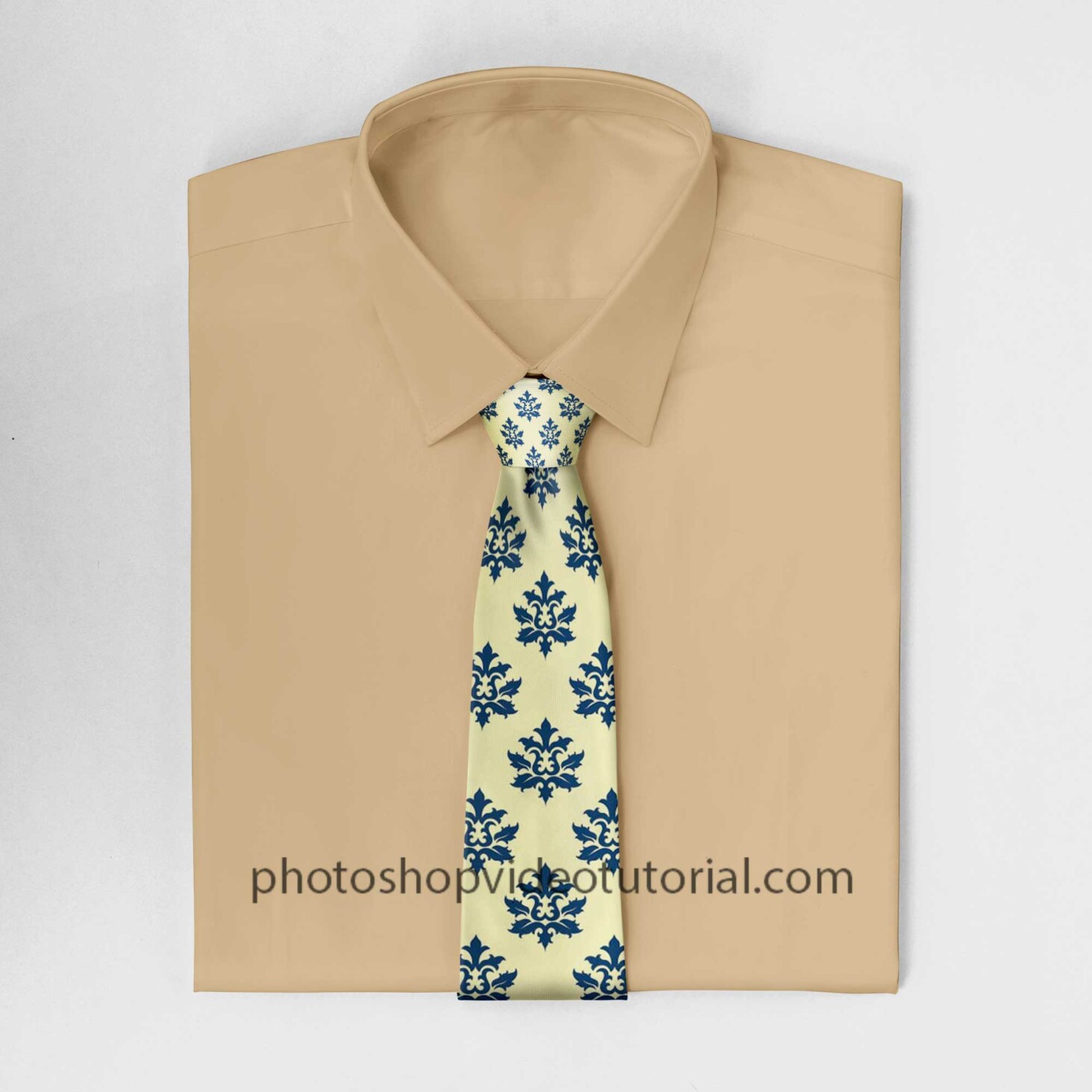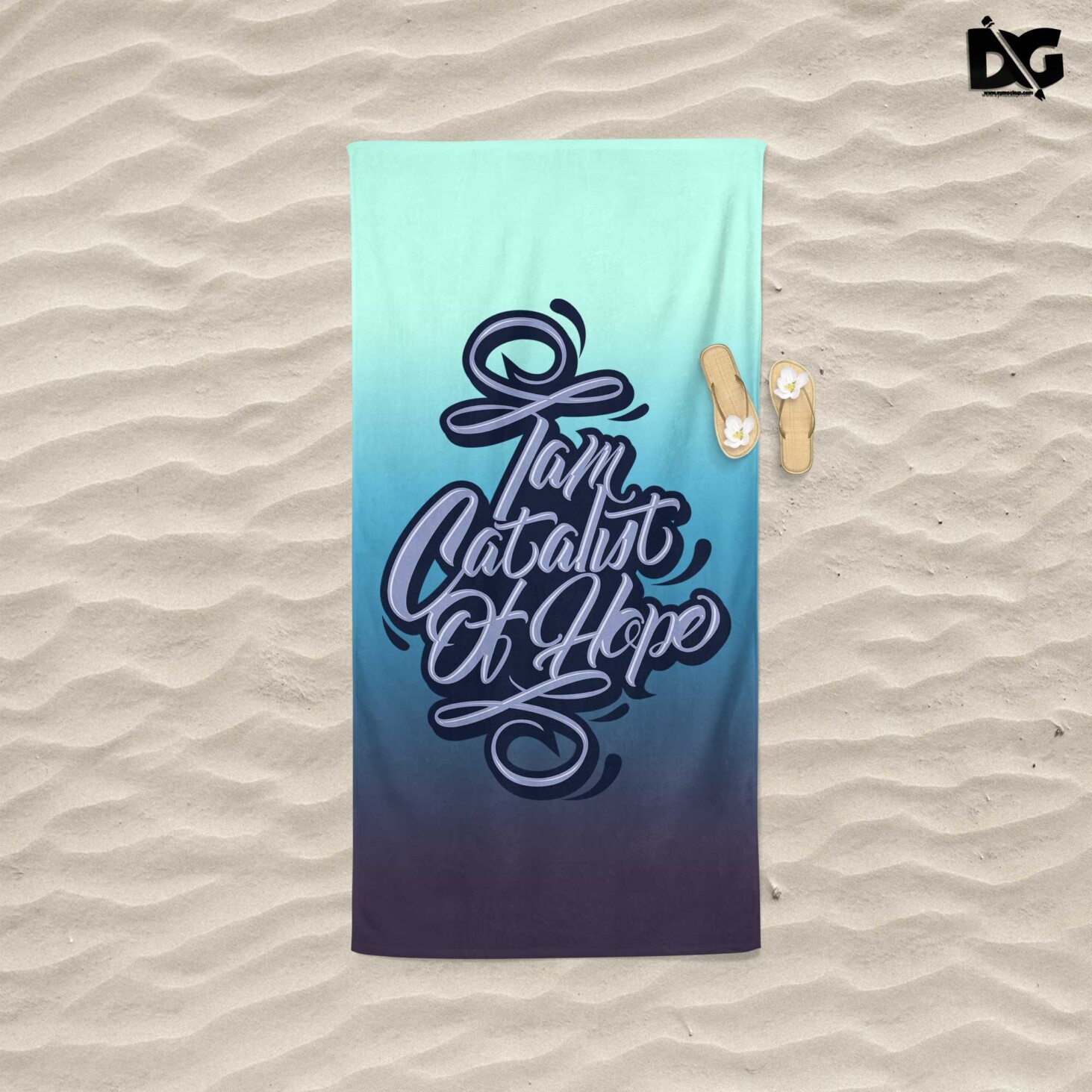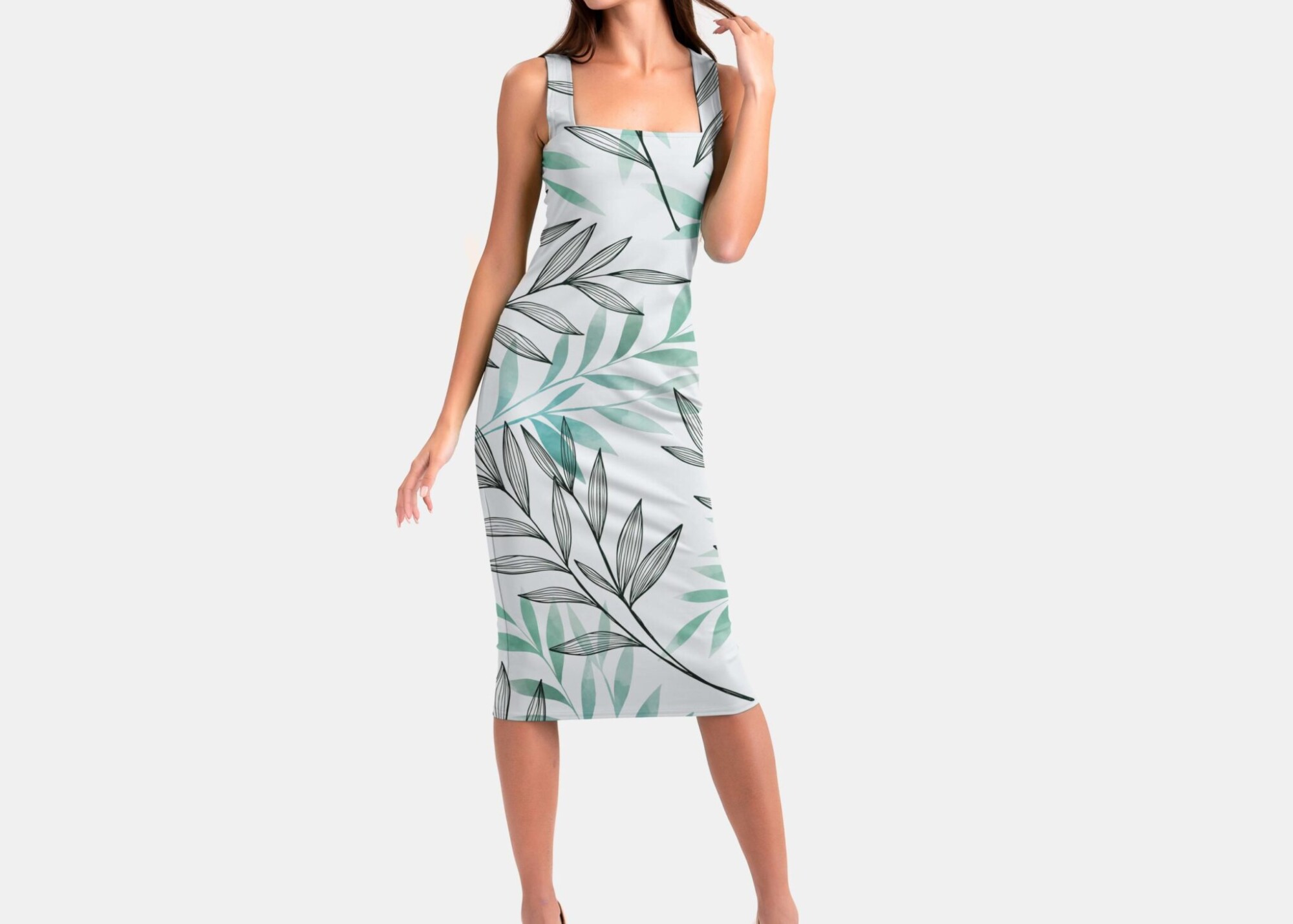
Elevate your fashion presentations with our free new dress design mockup! This high-quality mockup allows designers to showcase their creations in a realistic setting, perfect for portfolios or client presentations. With easy-to-edit layers in Photoshop, you can customize colors, patterns, and textures to fit your design vision seamlessly. Whether you’re a seasoned designer or just starting, this mockup will help you visualize your work in a professional manner.
Our mockup features natural lighting and a stylish background that enhances the garment’s details, making it an ideal choice for showcasing your new dress designs. Simply download the file, open it in Photoshop, and insert your artwork into the designated layer. This user-friendly process ensures that you can present your designs quickly and effectively, impressing clients and peers alike. Don’t miss out on this opportunity to enhance your design portfolio with a stunning visual aid!
All of these Resources are easy to use and can present your information beautifully. Some are free, while others cost a few dollars.
More great & free PSD Mockups Collection:
- 23+ T shirt Mockup Free PSD
- 40+ T shirt Tag Mockup
- 100+ Cosmetic Packaging Mockup
- 40+ Free Water Bottle Mockup
- 50+ Free Coffee Bag Mockup
- 40+ Black Business Card Mockup
Description:
Available Format: Layered PSD through smart object insertion License: Free for personal and commercial use Zip File Includes: Photoshop PSD File Resolution: 2000 x 2250 pxFAQs – Free New Dress Design Mockup
Can I edit the dress design mockup in Photoshop?
Yes, the mockup is fully editable in Photoshop, allowing you to customize colors and patterns easily.
Does the mockup support different dress styles?
Absolutely! This mockup can showcase various dress styles, from casual to formal designs.
What file format is the dress design mockup available in?
The mockup is available in PSD format, making it compatible with various versions of Photoshop.
Is it easy to change the background in the mockup?
Yes, changing the background is simple; just select the background layer and replace it with your desired image.
Do I need advanced skills to use this mockup?
No, even beginners can use this mockup with basic Photoshop skills, thanks to its user-friendly design.