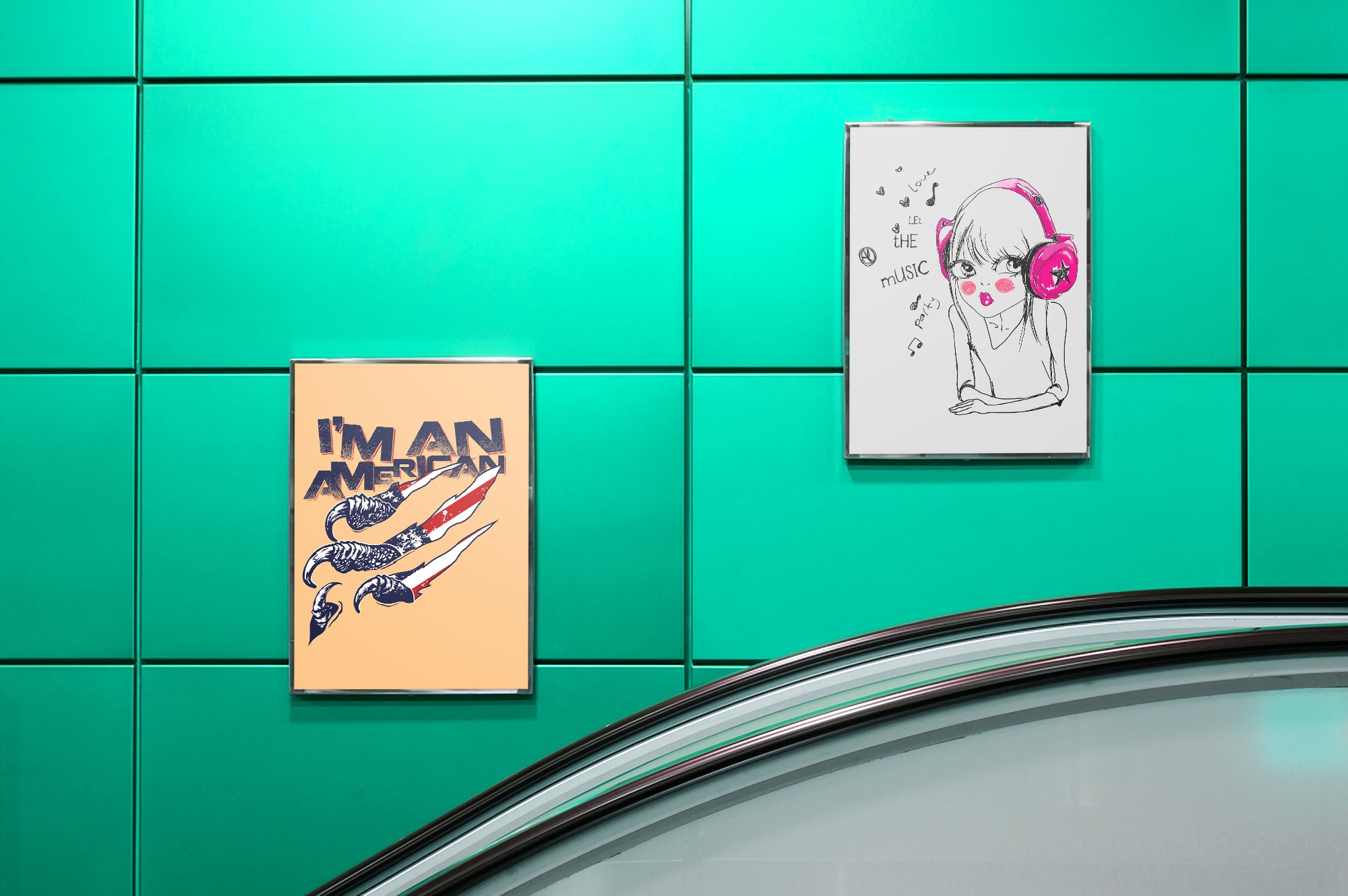
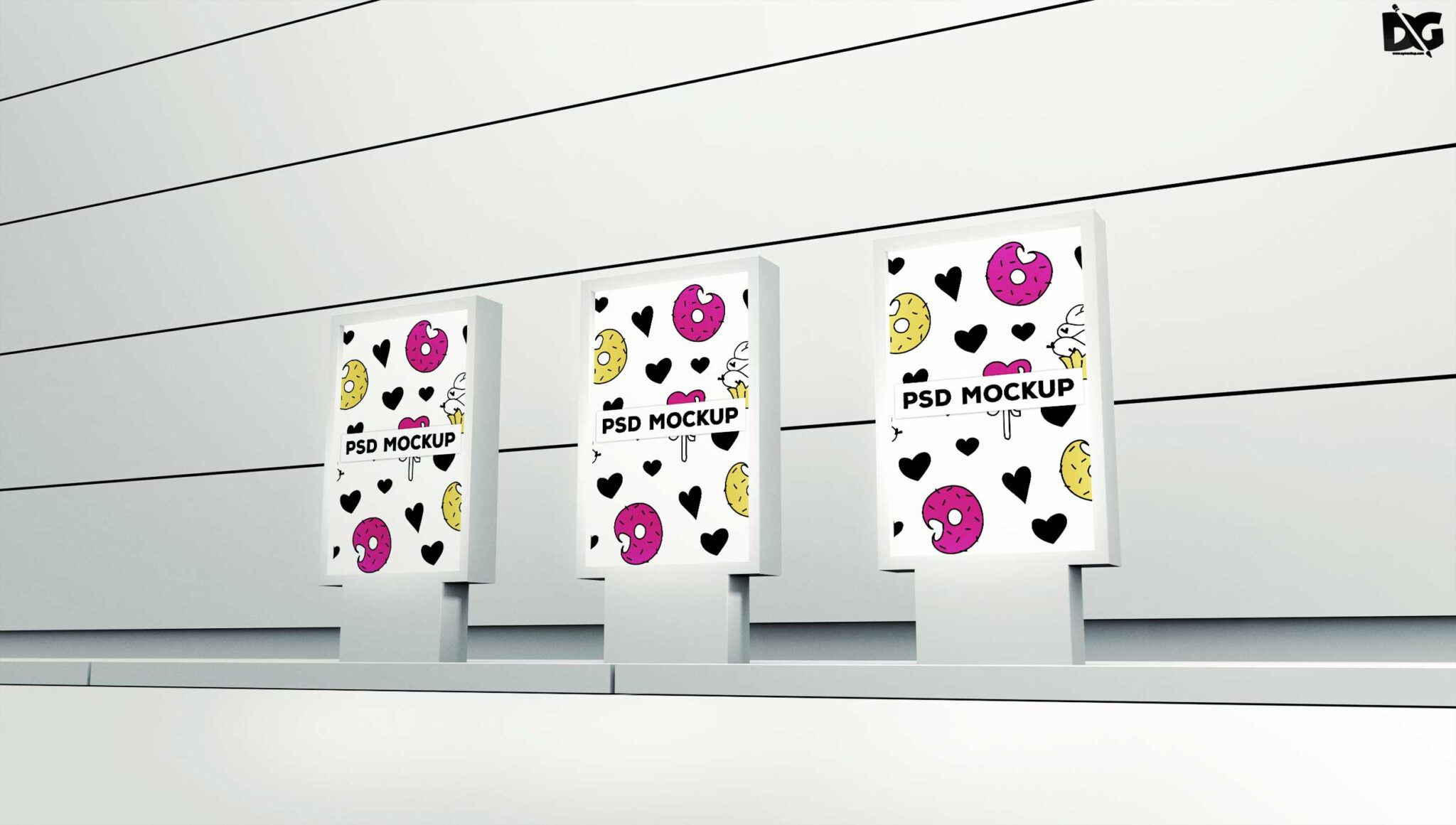
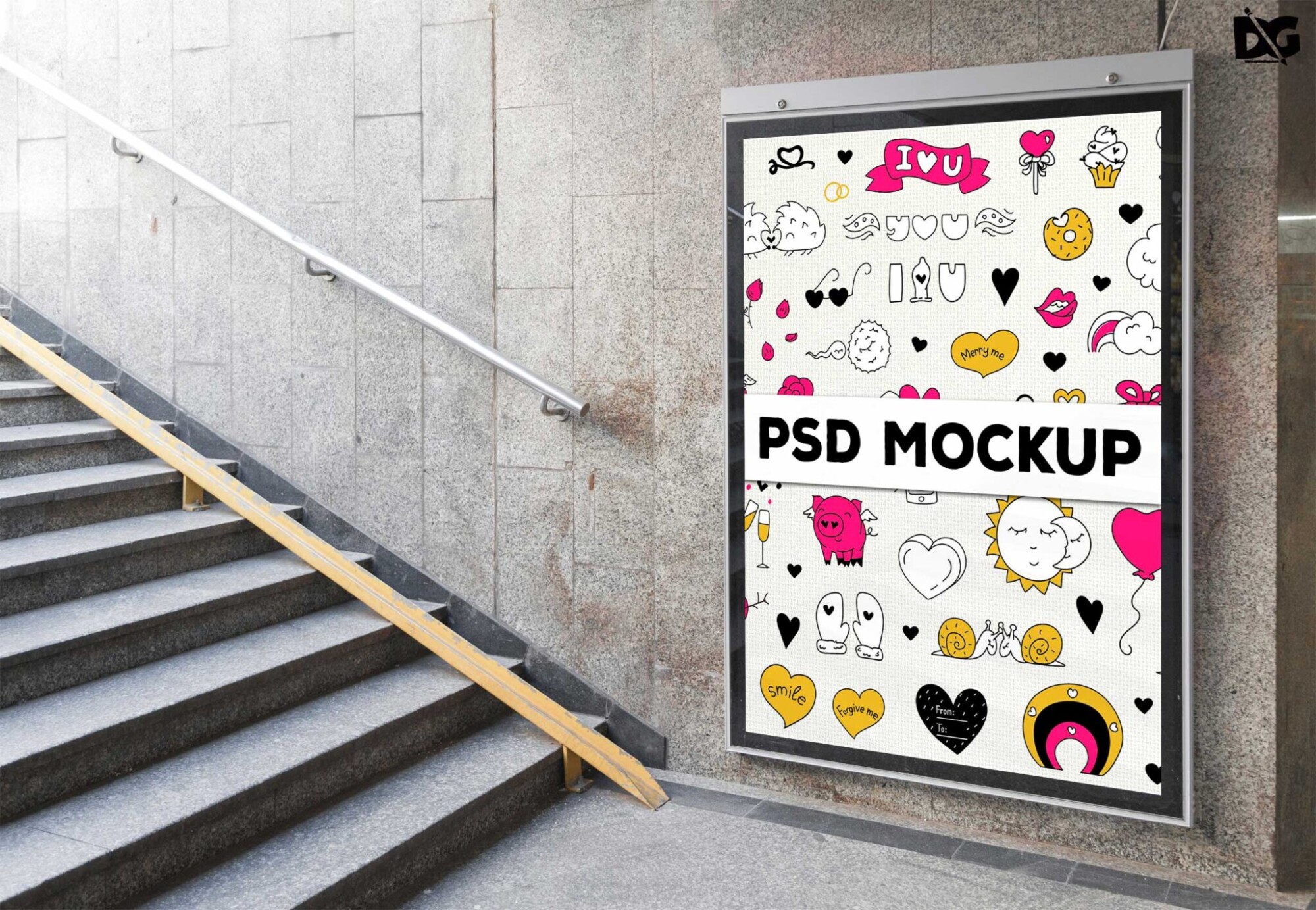
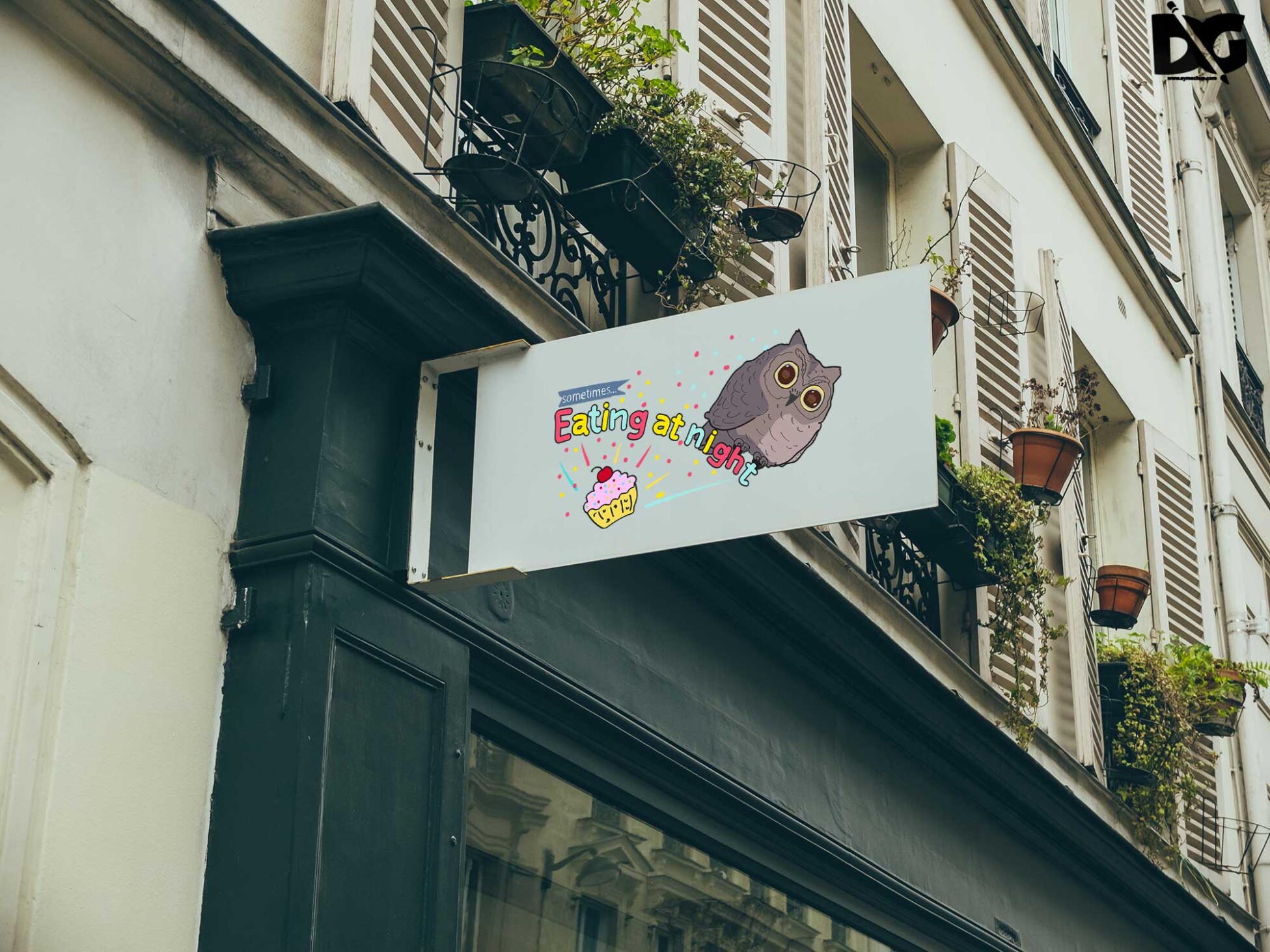
Elevate your design projects with our free background poster mockups. These templates allow you to showcase your artwork or promotional materials in a professional and visually striking manner. Whether you’re a graphic designer, artist, or marketer, these mockups provide a perfect canvas for displaying your creativity.
Our mockups are easy to use and compatible with popular design software like Photoshop. Simply insert your design into the template, adjust the layers, and you have a stunning visual ready for your portfolio or social media. With various styles and backgrounds available, you can find the perfect match for any project.
Your Brand Deserves Premium Mock-ups Garden Background Poster PSD Mockups for presentation
Our awesome team of designers pledge to developing superior but affordable graphics design Premium Mock-ups Garden Background Poster PSD Mockups
All of these Resources are easy to use and can present your information beautifully. Some are free, while others cost a few dollars.
More great & free PSD Mockups Collection:
- Free Simple 3D Logo Mockup (PSD)
- Poster Design
- Poster Mockup
- Free PSD Mockups for Books and More!
- Pouch Mockup
Description:
Available Format: Layered PSD through smart object insertion License: Free for personal and commercial use Zip File Includes: Photoshop PSD File Resolution: 2000 x 2250 pxFAQs – Free Background Poster Mockups
Can I use the background poster mockups for commercial projects?
Yes, you can use these mockups for both personal and commercial projects without any restrictions.
Do I need Photoshop to edit the mockups?
Yes, these mockups are designed for Photoshop, allowing you to easily customize and edit your designs.
What formats are the free poster mockups available in?
The mockups are typically provided in PSD format, which is compatible with Adobe Photoshop.
Can I change the background of the poster mockups?
Absolutely! You can easily change the background color or image to better fit your design theme in Photoshop.
Is it easy to add my design to the mockups?
Yes, simply open the PSD file, locate the smart object layer, and insert your design for a quick update.