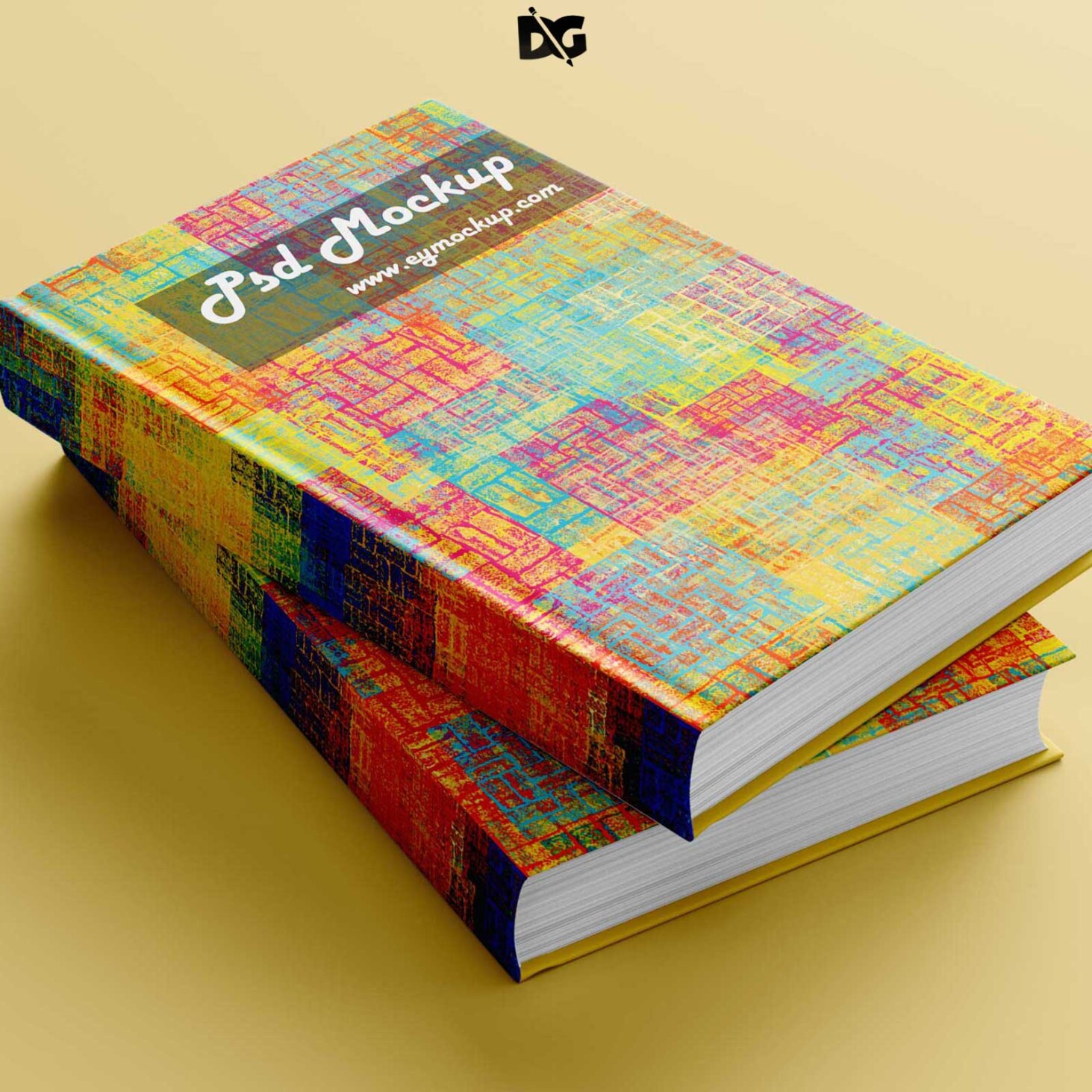
Elevate your design projects with our Free Magazine Cover Mockup. This versatile mockup allows you to showcase your magazine designs in a realistic setting, making it perfect for presentations, portfolios, or client pitches. Simply download the file, open it in Photoshop, and insert your artwork into the designated layers for a professional look.
Our mockup is designed with high-resolution graphics and smart object layers, ensuring your designs maintain their quality and detail. You can easily adjust the lighting and shadows to fit your creative vision, providing an authentic magazine experience. Whether you are a seasoned designer or just starting out, this mockup is a valuable tool for enhancing your work.
All of these Resources are easy to use and can present your information beautifully. Some are free, while others cost a few dollars. More great & free PSD Mockups Collection:- 3d logo mockup psd free download
- Postcard Mockup PSD free download
- Plastic bottle mockup free download
- eBook Cover PSD Download Mockup
- Free Square Magazine Pages Mockup
FAQs – Free Magazine Cover Mockup
Can I edit the Free Magazine Cover Mockup in Photoshop?
Yes, the mockup is designed for easy editing in Photoshop using smart object layers.
Does the mockup support different magazine sizes?
Yes, you can customize the mockup to fit various magazine sizes by adjusting the smart object layer.
Is it easy to change the cover design?
Absolutely! Simply double-click the smart object layer, replace the design, and save it to see your changes.
What file formats does the mockup come in?
The Free Magazine Cover Mockup is provided in PSD format, which is compatible with Adobe Photoshop.
Can I use this mockup for my portfolio?
Yes, you can showcase your designs using the mockup in your portfolio to attract potential clients.