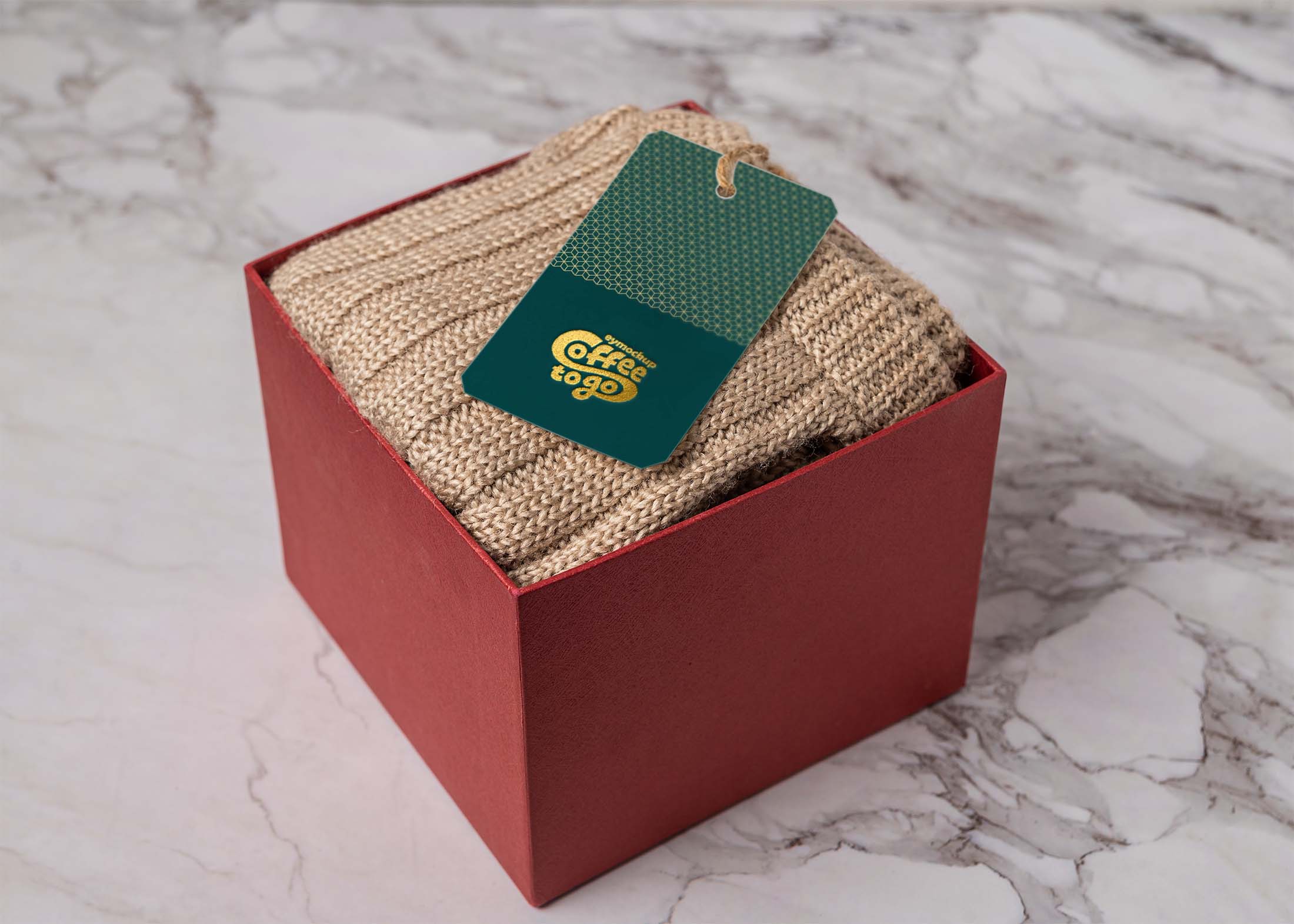
Elevate your travel branding with our free luggage tag mockup. This high-quality design allows you to showcase your logo or artwork on a realistic luggage tag template. Perfect for travel agencies, designers, or anyone looking to create eye-catching promotional materials, this mockup is easy to customize using Photoshop. Simply insert your designs and adjust as needed for a professional presentation.
The mockup features a clean and modern aesthetic, ensuring your designs stand out. You can easily change the colors, shadows, and lighting to match your branding. Ideal for personal projects or portfolio presentations, this luggage tag mockup will help you impress clients and enhance your visual storytelling. Download now and start creating stunning visuals that resonate with travelers and your audience.
Do you need a high-quality, unique and realistic product shot for your new luggage tag design? Here it is!
Showcase your logo, brand or design in an easy way. This free luggage tag mockup allows you to easily place your logo or design and make it replaceable so that you can easily change it later on!


All you have to do is download this free PSD file, add your image over the smart object, save and done. Free Luggage Tag Mockup to showcase your travel branding design.
Make your design stand out from the crowd. Our Free Luggage Tag Mockup is fully customizable and can be yours for free! Smart objects allow you to easily place your artwork, graphics or photos without needing any complicated settings.
Download the Free Luggage Tag Mockup community designed by Arun Teotia. This mockup comes in a high resolution, allowing you to create stunning luggage handle tag designs. Let me know if you would like to see more mockups in the future!
Description:
Available Format: Layered PSD through smart object insertion
License: Free for personal and commercial use
Zip File Includes: Photoshop PSD File
Resolution: 2200 x 1500 px
Advertisement:
FAQs – Free Luggage Tag Mockup
Can I edit the free luggage tag mockup in Photoshop?
Yes, the mockup is fully editable in Photoshop, allowing you to customize colors, designs, and shadows to fit your branding.
Does the mockup come with different angles or views?
The free luggage tag mockup typically features a single view, but you can duplicate layers in Photoshop to create variations.
What file format is the luggage tag mockup provided in?
The mockup is usually provided in PSD format, compatible with Adobe Photoshop for easy editing and customization.
Is it easy to change the design on the luggage tag mockup?
Absolutely! Simply use the smart object feature in Photoshop to quickly insert and adjust your design on the luggage tag.
Do I need any special skills to use the luggage tag mockup?
Basic knowledge of Adobe Photoshop is sufficient to use the mockup effectively, making it accessible for most users.