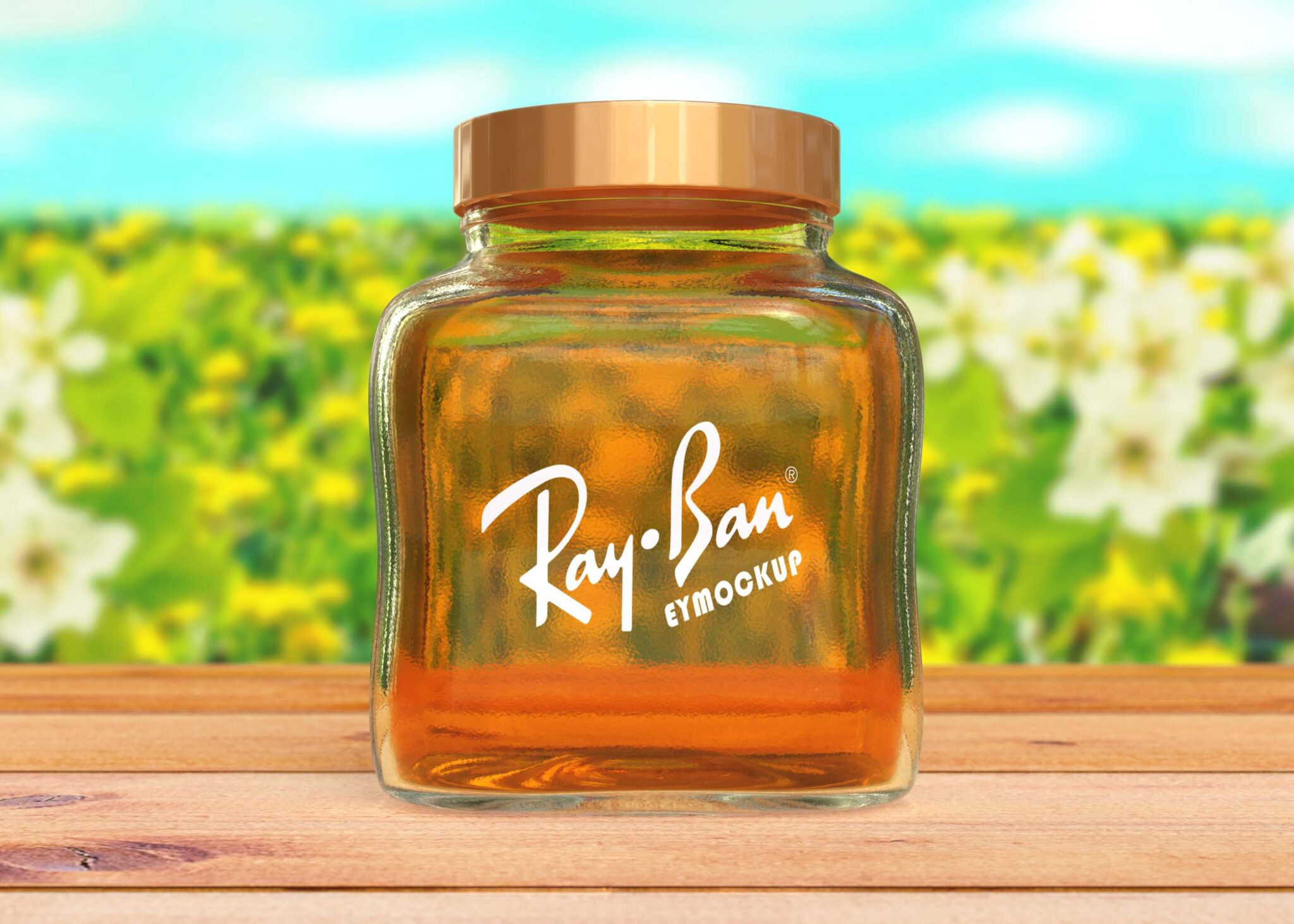
Introducing our Free Jar Honey Glass Logo Mockup, a perfect resource for designers looking to showcase their branding in an elegant and realistic manner. This mockup features a beautifully designed glass jar that highlights your logo against a soft, natural backdrop, making it ideal for honey-related products or artisanal goods. Whether you’re working on a project for a client or your own brand, this mockup will elevate your presentation.
The mockup is easy to edit, allowing you to customize the jar’s label and colors using Photoshop. Simply place your logo into the smart layer, and watch as it seamlessly integrates into the scene. The high-resolution quality ensures that your designs are presented in stunning detail, capturing the essence of your brand. Perfect for portfolios, social media, or promotional materials, this mockup will help you stand out in a competitive market.
All of these Resources are easy to use and can present your information beautifully. Some are free, while others cost a few dollars.More great & free PSD Mockups Collection:
- Free PSD Mockups for Books and More!
- 3D Packaging PSD Mockups
- PSD Burger Food Truck Design Mockup
- Jam Jar Twitch Mockups Templates
FAQs – Free Jar Honey Glass Logo Mockup
Can I use the Free Jar Honey Glass Logo Mockup for personal projects?
Yes, you can use the mockup for personal projects to showcase your designs or concepts effectively.
Is it easy to edit the jar mockup in Photoshop?
Absolutely! The mockup features smart layers, making it simple to insert your logo and customize the design quickly.
Does the mockup support high-resolution images?
Yes, the mockup is designed in high resolution, ensuring your designs appear sharp and professional for any display.
What file format is the mockup provided in?
The mockup is typically provided in a PSD format, compatible with Adobe Photoshop for seamless editing.
Do I need advanced skills to use this mockup?
Basic knowledge of Photoshop is sufficient. The smart layer feature simplifies the process for any skill level.