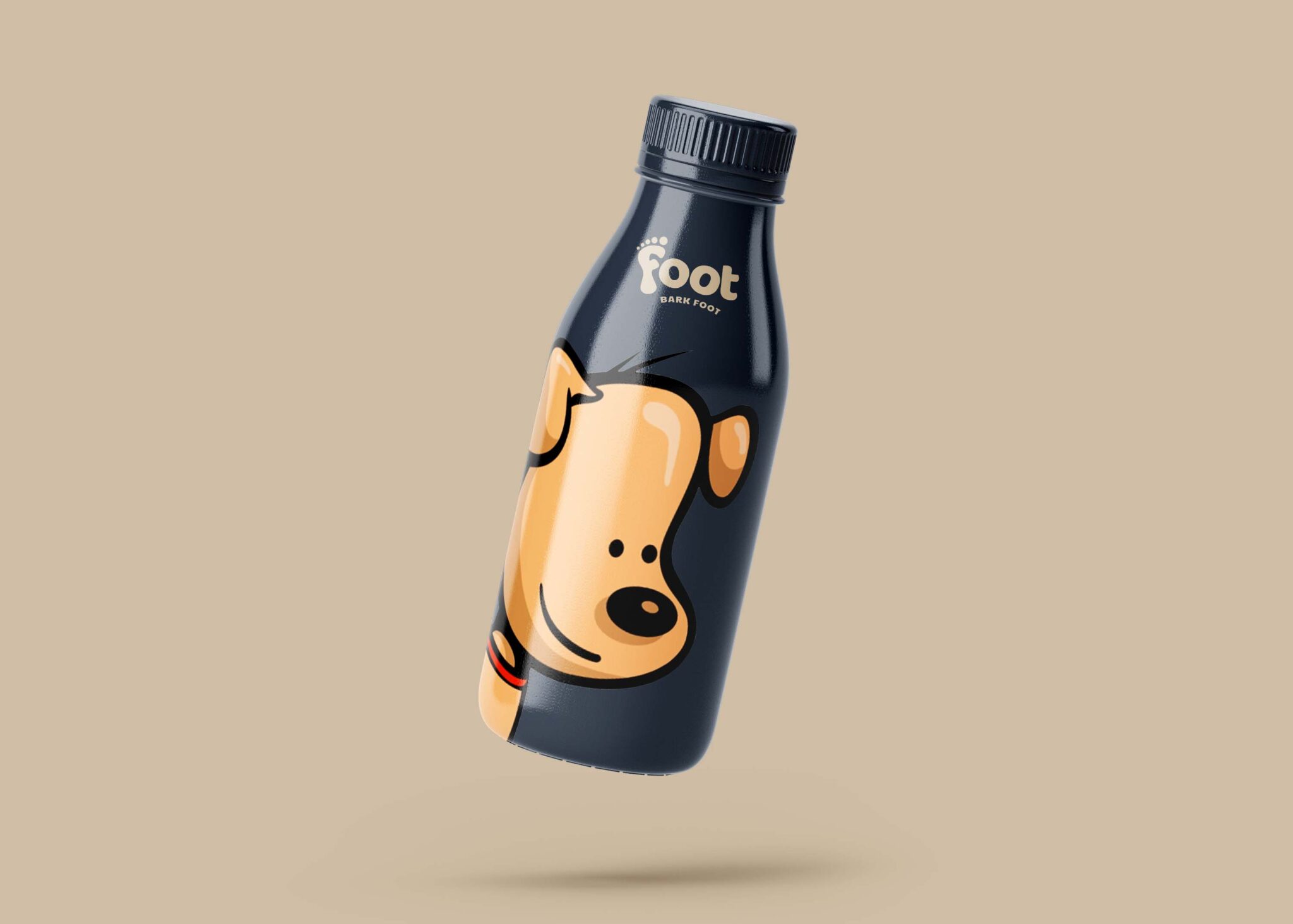
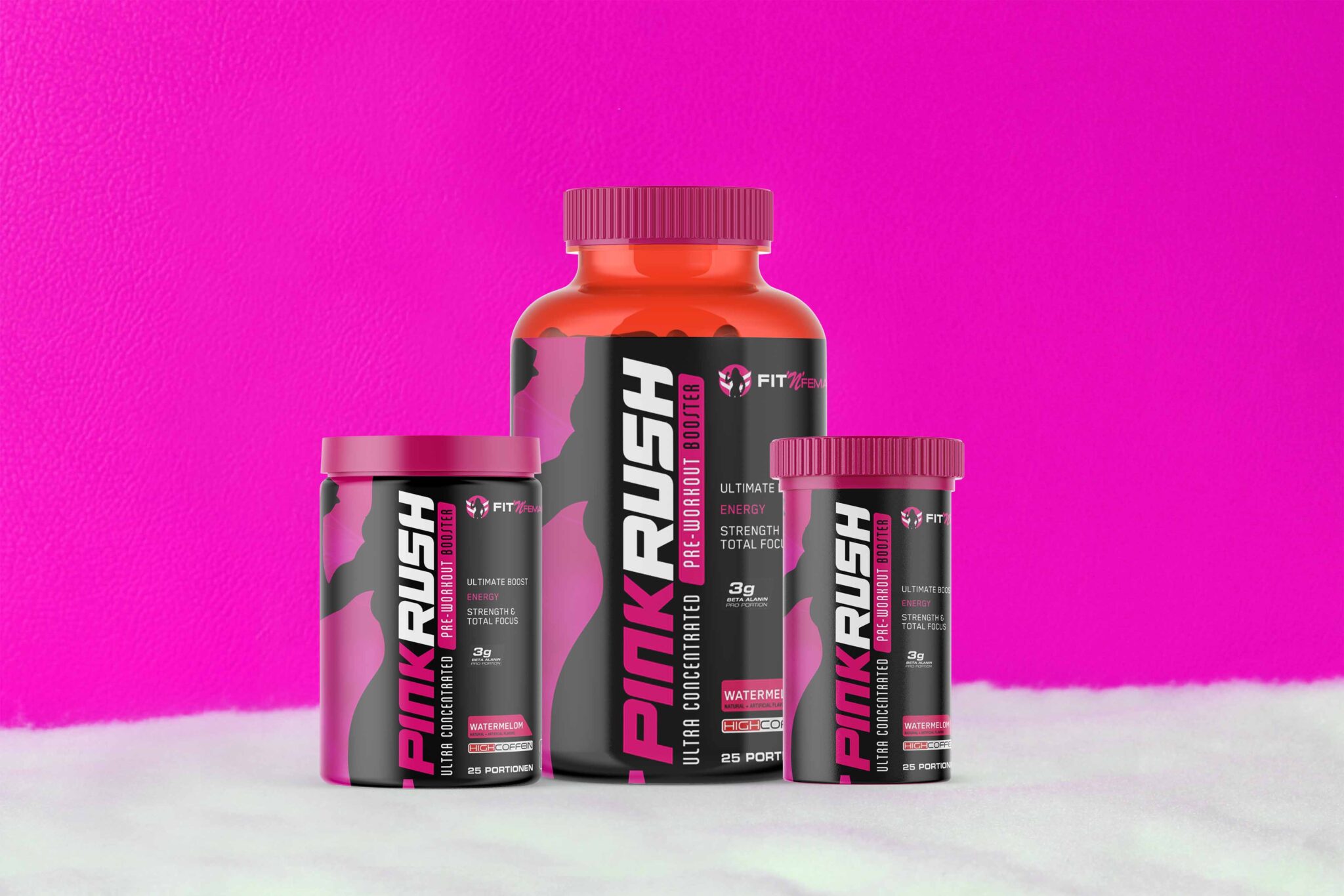
Creating stunning app presentations is easier than ever with our free iPhone UI mockup. This mockup provides a realistic way to showcase your designs, allowing you to highlight your app’s features and aesthetics effectively. With high-quality resolution and customizable layers, it’s perfect for designers looking to impress clients or enhance their portfolios.
Our iPhone UI mockup is compatible with popular design software like Adobe Photoshop. Simply download the file, open it in your preferred program, and start editing. Change the screen content, adjust the lighting, and modify colors to fit your brand’s identity. Whether you’re working on a new app or revising an existing one, this mockup is an essential tool for visualizing your concepts.
This Free iPhone UI Mockup is ideal for presenting your app, website or branding identity in a professional way. Download this Free iPhone UI Mockup today and start presenting your work in style!
This Free iPhone UI Mockup is free to use, just download and add your own image to the iPhone. This mockup is great to showcase your iPhone app design or logo on it. It’s a great way to promote your iPhone app or website in an original way.
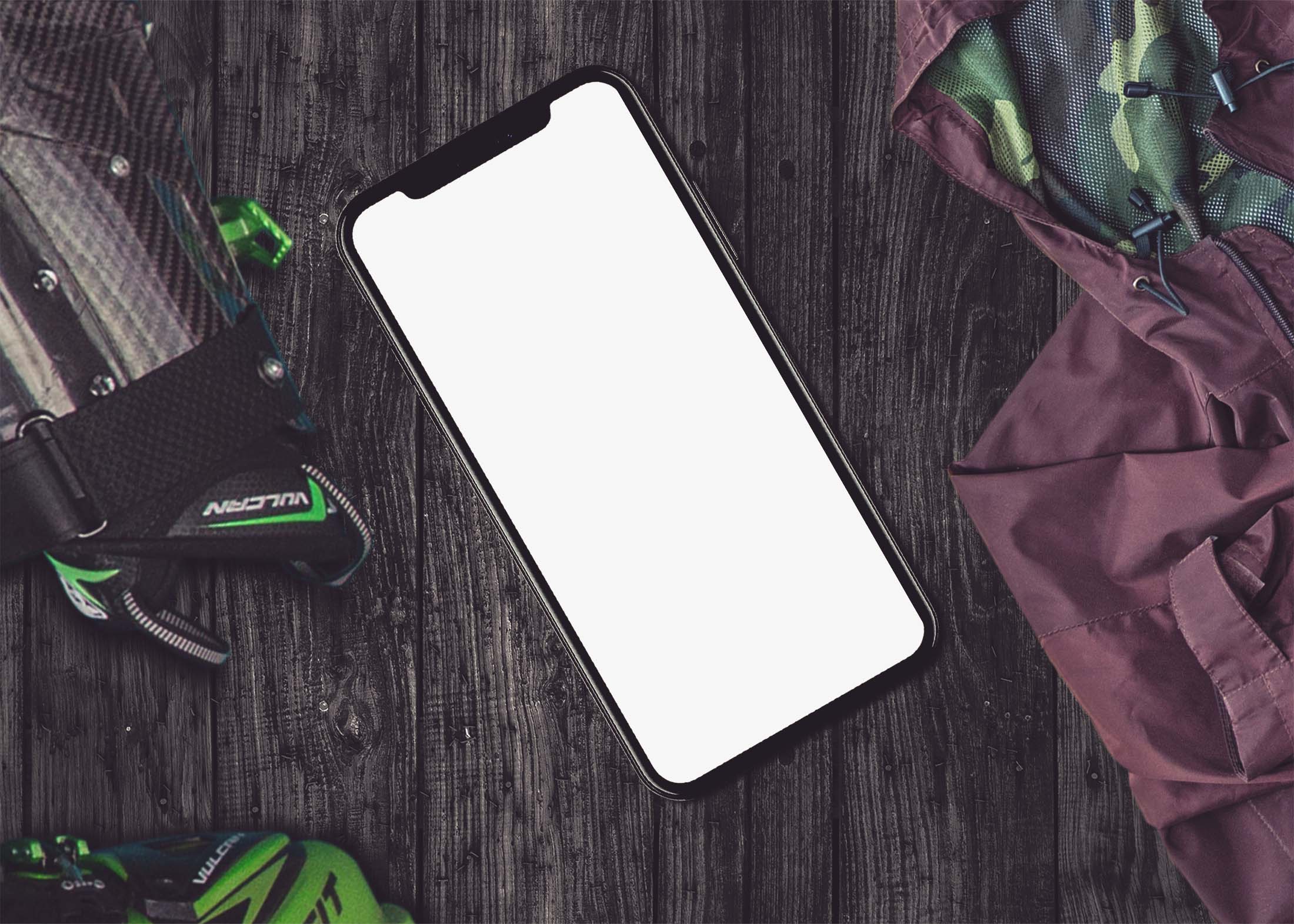

The mockup comes with a high resolution of 2200 x 1500 px, so you can easily adjust it to fit your needs. The iPhone mockup is a great way to showcase your app in style. This mockup comes with a high resolution and very smooth shadows, so it’s perfect for showing off your app.
You can also change the background color, which is great if you want to make sure your app stands out against a specific background color. This is a Free iPhone UI Mockup with your own design.
Description:
Available Format: Layered PSD through smart object insertion
License: Free for personal and commercial use
Zip File Includes: Photoshop PSD File
Resolution: 2200 x 1500 px
Advertisement:
FAQs – Free iPhone UI Mockup
Can I edit the iPhone UI mockup in Photoshop?
Yes, the mockup is designed for easy editing in Adobe Photoshop, allowing you to customize it to your needs.
What file format is the free iPhone UI mockup in?
The mockup is provided in a PSD format, which is ideal for use with Photoshop and similar applications.
Does the mockup include smart objects for easy updates?
Absolutely! The iPhone UI mockup features smart objects, making it simple to replace the screen images without affecting the overall design.
Is the iPhone UI mockup suitable for all types of apps?
Yes, our mockup is versatile and works well for various app types, from games to productivity tools.
Do I need any special skills to use the iPhone UI mockup?
Basic knowledge of Photoshop is helpful, but the mockup is user-friendly, allowing even beginners to achieve great results.