Present your logo designs in a visually appealing way with our Free Ink Pan Paper Logo Mockup. This resource allows designers to showcase their work on a realistic paper background, enhancing the overall presentation. The mockup features high-resolution graphics that highlight your logo’s colors and details, perfect for portfolios or client presentations.
Easily customize the mockup with your logo using Adobe Photoshop. Simply insert your design into the designated layer, adjust the shadows and highlights to match your style, and create a stunning visual representation. This mockup is ideal for branding projects, promotional materials, or any creative endeavor requiring a polished look.
Free Ink Pan paper logo mockup is an awesome mockup for showcasing your next branding design. Free Simple Logo Mockup of the Ink Pan Paper logo that you can use to showcase your branding or type treatment design. You can easily change the logo using smart objects and change the background color with one click. Create a custom logo and present it to your clients in a unique way using this Ink Pan Paper Logo Mockup. This Free Ink Pan Paper Logo Mockup is an ideal way to present your creations. The free PSD mockup file consists of smart objects.

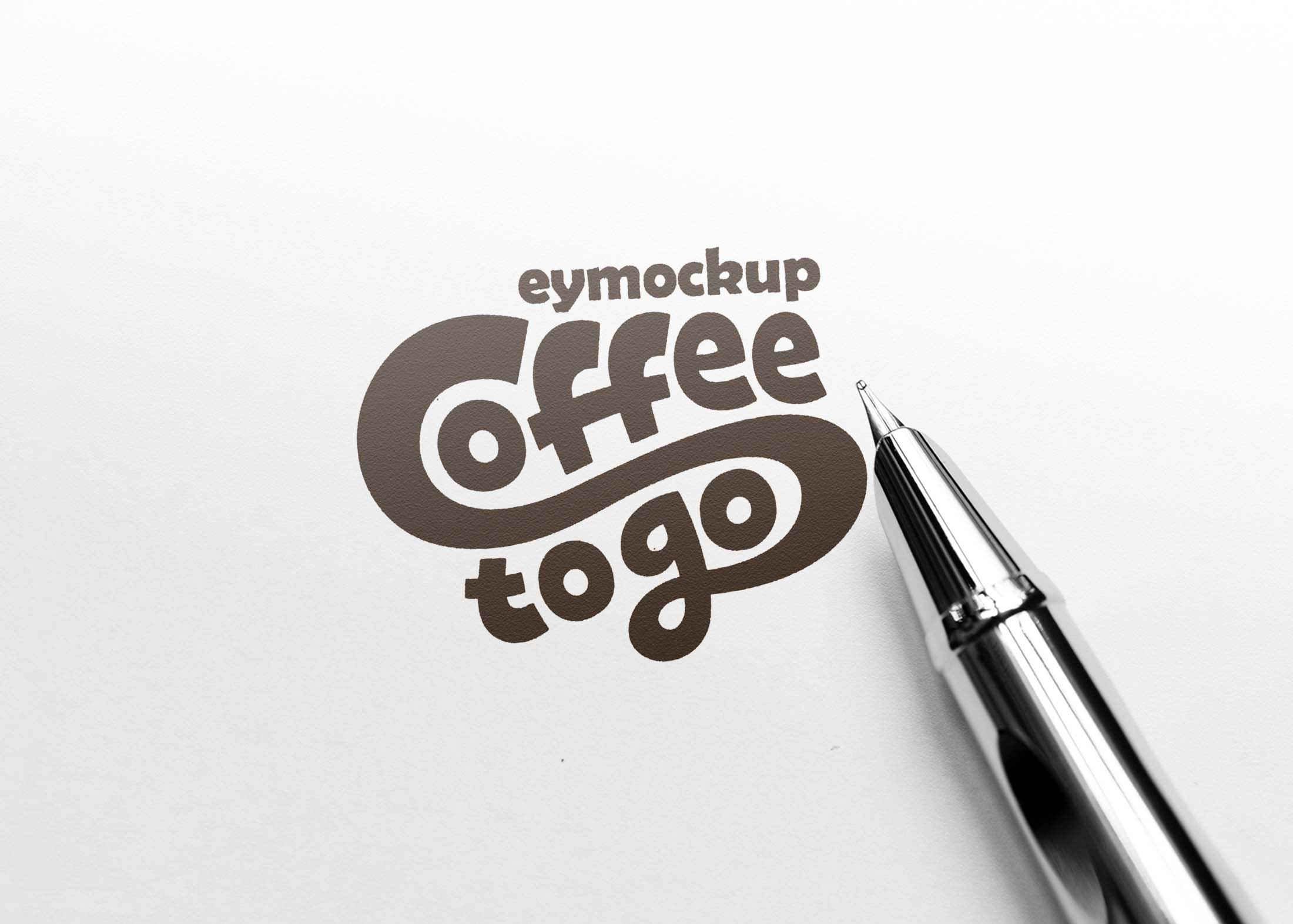
This mockup is super easy to use, it’s just click away to get your mockup. Add your own design by simply placing it on the smart layer, or erase the text and/or objects on the background, switch up the color of the background, save and you’re done. Its very simple to use and fit your brand’s identity and showcase your logo, display your typographic designs in a professional photo-realistic view. This is our Free Ink Pan Paper Logo Mockup. You can utilize this mockup to display your logo designs.
Create your logo using this Ink Paper Logo Mockup! It’s so easy just to drag and drop your logo in the smart layer. It comes with several shadow texture, you can select any of them. PSD file format. Download this Free Logo Mockup template, edit the mockup, and see your work beautifully displayed on a piece of paper. Just choose what you want to place on it and add a logo or design as you like. This amazing Free Ink Pan Paper Logo Mockup is great for creating a unique presentation for your brand and your client. This groundbreaking work includes a smart object layer to get a flawless presentation. The formatted and realistic design of this mock-up helps you create an astonishing project display in no time.
Description:
Available Format: Layered PSD through smart object insertion
License: Free for personal and commercial use
Zip File Includes: Photoshop PSD File
Resolution: 2200 x 1500 px
Advertisement:
FAQs – Free Ink Pan Paper Logo Mockup
Can I edit the Free Ink Pan Paper Logo Mockup?
Yes, you can easily edit the mockup in Adobe Photoshop by inserting your logo into the designated layer.
What file format is the mockup available in?
The mockup is available in PSD format, which is compatible with Adobe Photoshop for easy editing.
Does it support high-resolution designs?
Absolutely! The mockup is designed to display high-resolution logos, ensuring your designs look sharp and professional.
Is it easy to change the background of the mockup?
Yes, you can easily customize the background color or texture in Photoshop to match your branding needs.
What are the dimensions of the mockup?
The mockup is created at standard print dimensions, allowing for versatile use in both digital and print formats.