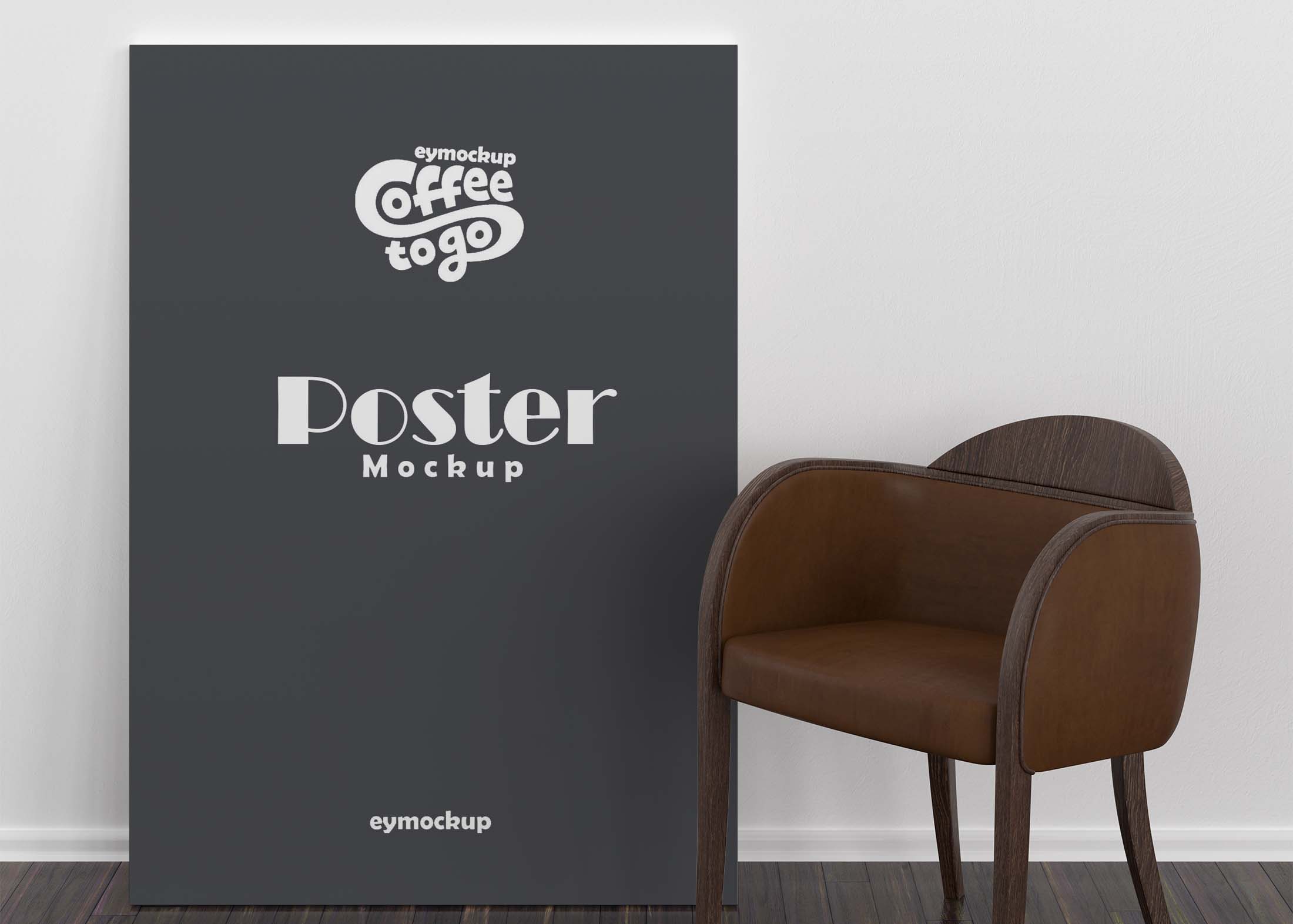
Elevate your design presentations with our free indoor classic poster mockup. This versatile template allows you to showcase your artwork in a realistic setting, perfect for portfolios, client presentations, or social media. With easy-to-edit layers in Photoshop, you can customize the mockup to suit your style and branding needs.
Whether you’re a professional designer or a hobbyist, this mockup is user-friendly and provides high-quality results. Simply insert your designs, adjust the lighting, and enjoy a stunning visual representation of your work. Download now and start impressing your audience with a polished, professional look.
This Free Indoor Classic Poster Mockup is a great way to showcase your design for the world to see. Use this mockup in your marketing campaign and grab some attention from the crowd. A mockup is a great way to showcase your poster design in a realistic manner.
The mockup comes with a smart object layer that will allow you to replace the image of your choice easily and quickly. The result will be a perfect fit every time! This mockup has been created using Photoshop, but it can also be edited in newer versions without any problems.


Free Elegant Poster Mockup for your creative design, this mockup is created by our talented designers. You can use this poster mockup to showcase your logo or app design in a photorealistic way. you can easily change the color of the poster using smart objects in few clicks.
This free elegant poster mockup can be used for personal or commercial use. You can easily edit this PSD mockup by changing the background color and adding your own design using smart objects. Save and share this beautiful mockup to showcase your artworks with style.
Description:
Available Format: Layered PSD through smart object insertion
License: Free for personal and commercial use
Zip File Includes: Photoshop PSD File
Resolution: 2200 x 1500 px
Advertisement:
FAQs – Free Indoor Classic Poster Mockup
Can I edit the free indoor classic poster mockup in Photoshop?
Yes, this mockup is fully editable in Photoshop, allowing you to customize designs, colors, and lighting easily.
Do I need specific Photoshop skills to use the mockup?
Basic Photoshop skills are helpful, but the mockup is designed for users of all levels with straightforward instructions included.
What file format is the indoor poster mockup available in?
The mockup is provided in a PSD format, ensuring compatibility with Adobe Photoshop for seamless editing.
Is it easy to change the background of the mockup?
Absolutely! You can easily change the background layer in Photoshop to match your design’s theme or environment.
Does the mockup support different poster sizes?
Yes, the mockup is designed to accommodate various poster sizes, allowing for flexibility in your design presentations.