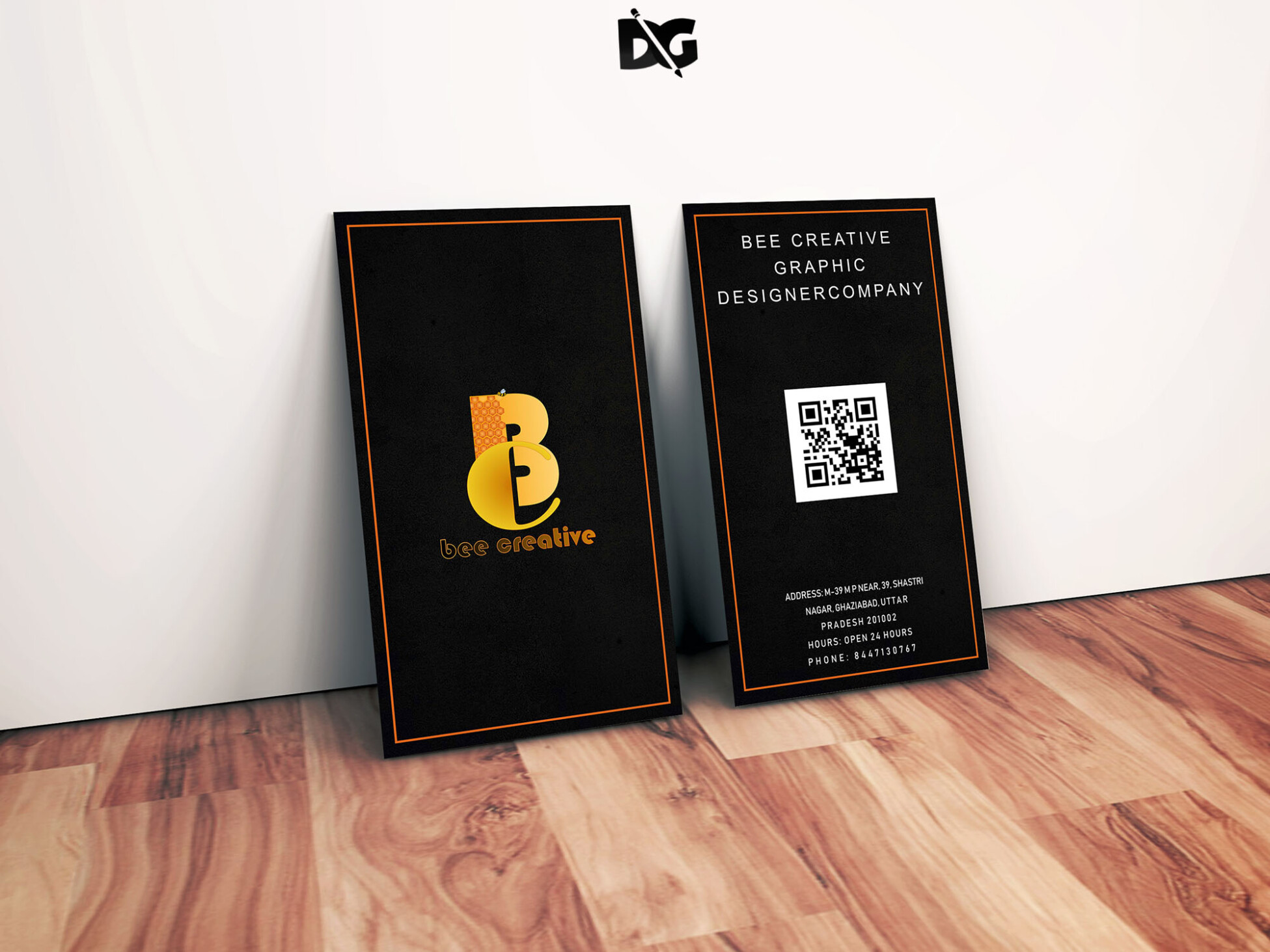
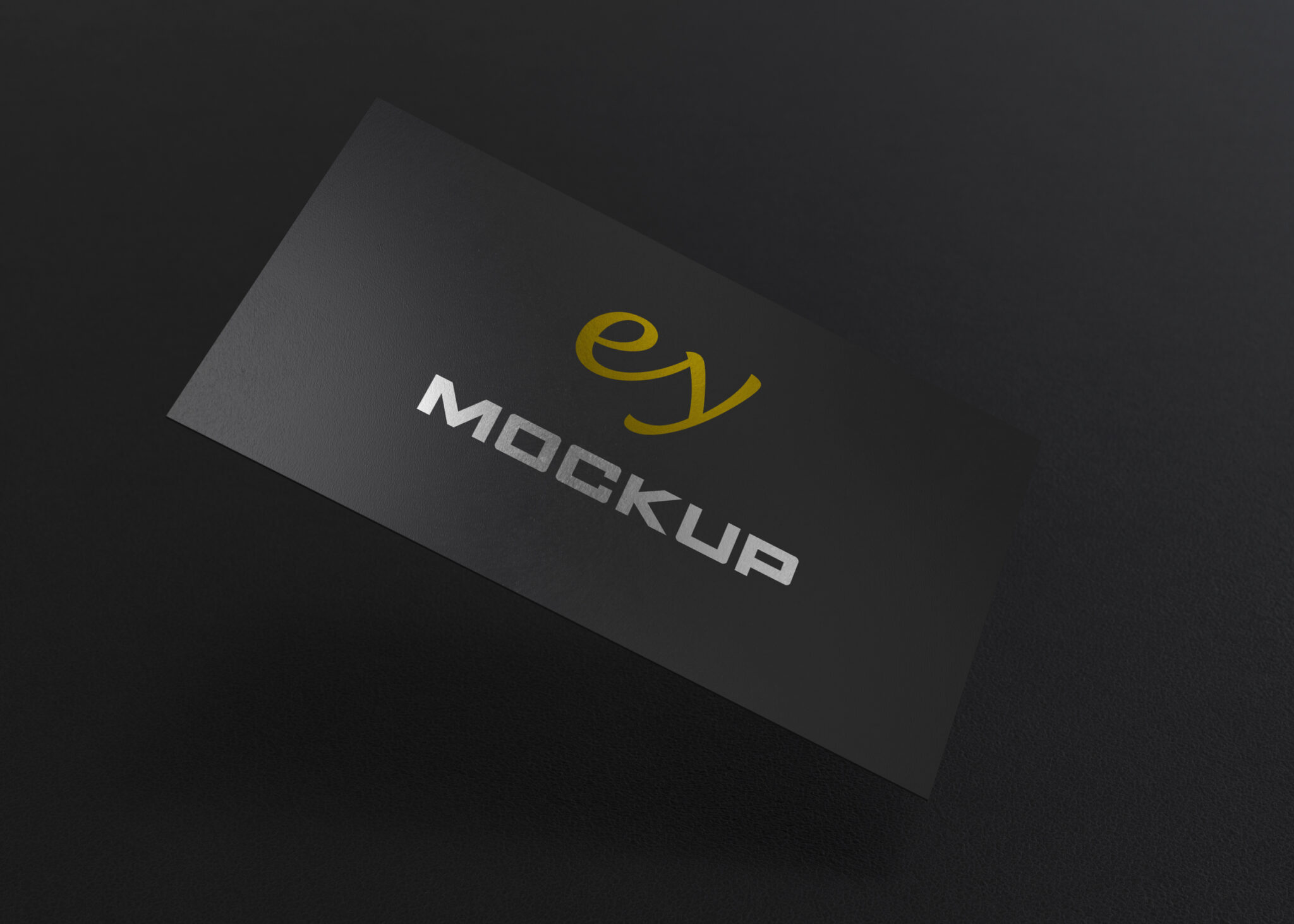
Elevate your branding projects with our free flat business card mockup PSD template. This versatile design allows you to showcase your card designs in a realistic and professional manner. Perfect for designers and entrepreneurs alike, this mockup features a clean layout that highlights your artwork while maintaining a polished aesthetic.
The PSD template is fully editable, allowing you to easily insert your designs with just a few clicks. With smart object layers, customizing the mockup is straightforward, ensuring that your Business Cards appear in the best light. Whether for client presentations or portfolio displays, this mockup is an essential tool for any designer looking to impress.
Your Brand Deserves Free Flat Business Card Mockup PSD Template
Our awesome team of designers pledge to developing superior but affordable graphics design Free Flat Business Card Mockup PSD Template
All of these Resources are easy to use and can present your information beautifully. Some are free, while others cost a few dollars.
More great & free PSD Mockups Collection:
- Photo-Realistic Mockup
- Photoshop Tutorials
- PostCard Mockup
- Poster Design
- Poster Mockup
Description:
Available Format: Layered PSD through smart object insertion License: Free for personal and commercial use Zip File Includes: Photoshop PSD File Resolution: 2000 x 2250 pxFAQs – Free Flat Business Card Mockup PSD Template
Can I edit the Free Flat Business Card Mockup PSD?
Yes, the mockup is fully editable using Photoshop. Simply replace the placeholder with your design using the smart object layer.
What format is the mockup available in?
The mockup is available in PSD format, which is compatible with Adobe Photoshop for easy editing and customization.
Does the mockup include realistic lighting effects?
Yes, the mockup features realistic lighting and shadows, enhancing the presentation of your business card designs.
Is it easy to change the background in the mockup?
Absolutely! You can easily change the background color or texture to match your branding style or preferences.
Do I need special software to use the mockup?
You only need Adobe Photoshop to edit this mockup. It is designed for users of all skill levels.