PSD Mockup

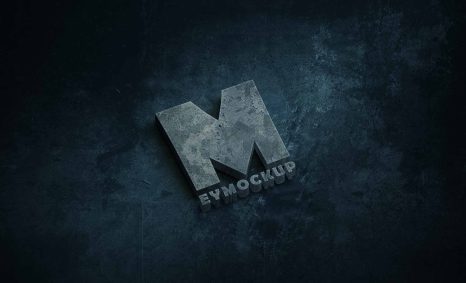
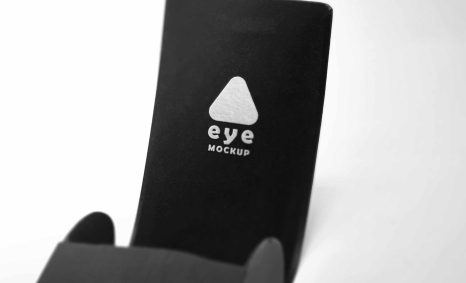
Elevate your branding with our free engraved logo metal plate mockup. Perfect for showcasing your designs in a professional and realistic manner, this mockup allows you to visualize how your logo will look on a sleek metal surface. The high-resolution image captures intricate details, giving your presentation a polished touch. Simply insert your logo using Photoshop, and you’re ready to impress potential clients or enhance your portfolio.
This mockup is ideal for designers who want to create stunning visuals without the hassle of complicated setups. With easy-to-edit layers, you can quickly adjust the lighting and effects to match your vision. Whether you’re working on a product label, promotional materials, or digital presentations, this metal plate mockup offers versatility and style. Download it now to start creating eye-catching designs that stand out.
Get 3D Logo MockupsAll of these Resources are easy to use and can present your information beautifully. Some are free, while others cost a few dollars.More great & free PSD Mockups Collection:
- New Packaging Mockup
- Best Paper Mockups (Free & Premium)
- Mockup PSD free download
- Free Horizontal Postcard Mockup
FAQs – Free Engraved Logo Metal Plate Mockup
Can I use the engraved logo metal plate mockup in Photoshop?
Yes, this mockup is designed specifically for Photoshop, making it easy to edit and customize your logo.
Does this mockup support high-resolution designs?
Absolutely! The mockup is created in high resolution, ensuring your logo looks sharp and professional.
What file format does the mockup come in?
The mockup is provided in a PSD format, which is compatible with most versions of Adobe Photoshop.
Is it easy to change the logo on the mockup?
Yes, you can easily replace the logo using smart objects in Photoshop, which simplifies the editing process.
Do I need any special skills to edit the mockup?
Basic knowledge of Photoshop is sufficient. The mockup is user-friendly, designed for both beginners and experienced users.