


 PSD Mockup
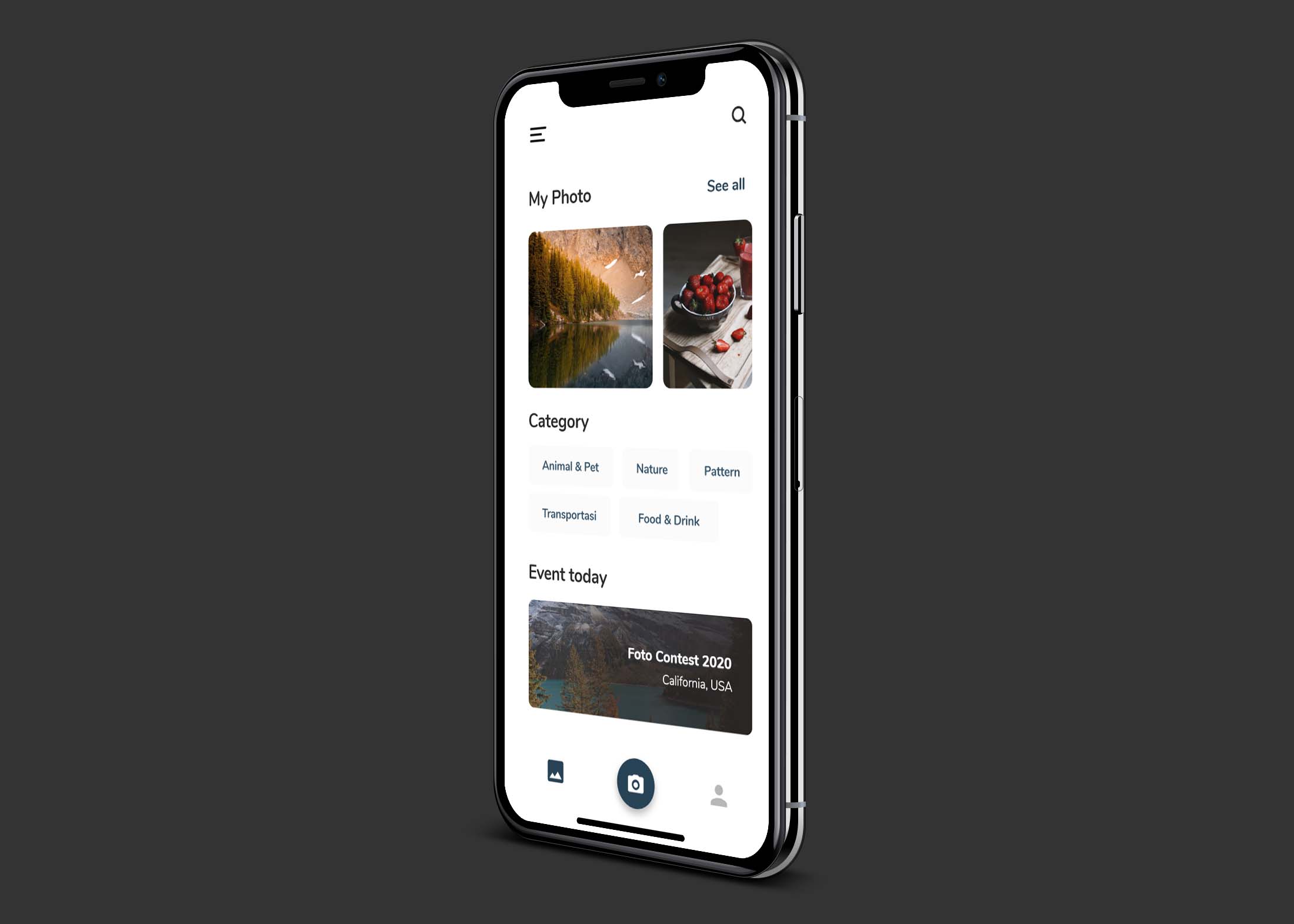
Elevate your design projects with our free iPhone mockup available for download. Perfect for showcasing app designs, website layouts, or branding concepts, this mockup provides a realistic presentation that captures attention. Simply insert your design into the smart layer, and instantly see how it looks on an iPhone, giving your work a professional touch.
Our iPhone mockup is easy to use and compatible with Adobe XD and Photoshop. Whether you are a seasoned designer or a beginner, you’ll find the drag-and-drop functionality intuitive. The high-quality resolution ensures that every detail of your design shines through, making it ideal for portfolios or client presentations. Download now and start creating stunning visuals!
This Free Download xd iPhone Mockup is designed to give you an idea about how your design will look like when it is placed on an iPhone. There are many different styles of viewing an iPhone, but this one is the most commonly used one.
More like this:
This mockup comes in PSD format and can be edited using Photoshop. You can change the color and shape of the phone as well as add your own background image if you want to. This is the free iPhone mockup that you can download for free.


You can use this Free Download xd iPhone Mockup for your personal and commercial projects. You can easily customize this mockup in Photoshop with smart objects. The PSD file is very well organized, layered and named accordingly so that you can find everything easily.
This is a Free Download xd iPhone Mockup that you can use to showcase your app on an iPhone X. It’s very easy to use, simply drag and drop your image on the interface. To download this freebie, click on the Free Download button below
Description:
Available Format: Layered PSD through smart object insertion
License: Free for personal and commercial use
Zip File Includes: Photoshop PSD File
Resolution: 2200 x 1500 px
Advertisement:
FAQs – Free Download xd iPhone Mockup
Can I use the free download xd iPhone mockup for commercial projects?
Yes, the mockup can be used for commercial purposes, allowing you to showcase your designs in a professional light.
Do I need special software to edit the iPhone mockup?
To edit the mockup, you need Adobe XD or Photoshop, as both programs support the smart layer format.
What file format is the iPhone mockup provided in?
The mockup is available in PSD and XD file formats, ensuring compatibility with popular design software.
Is it easy to insert my design into the mockup?
Absolutely! Just drag your design into the smart layer, and it will automatically fit the iPhone mockup.
Does the iPhone mockup come with different angles or views?
Yes, the mockup includes multiple angles, allowing you to present your design from various perspectives.

