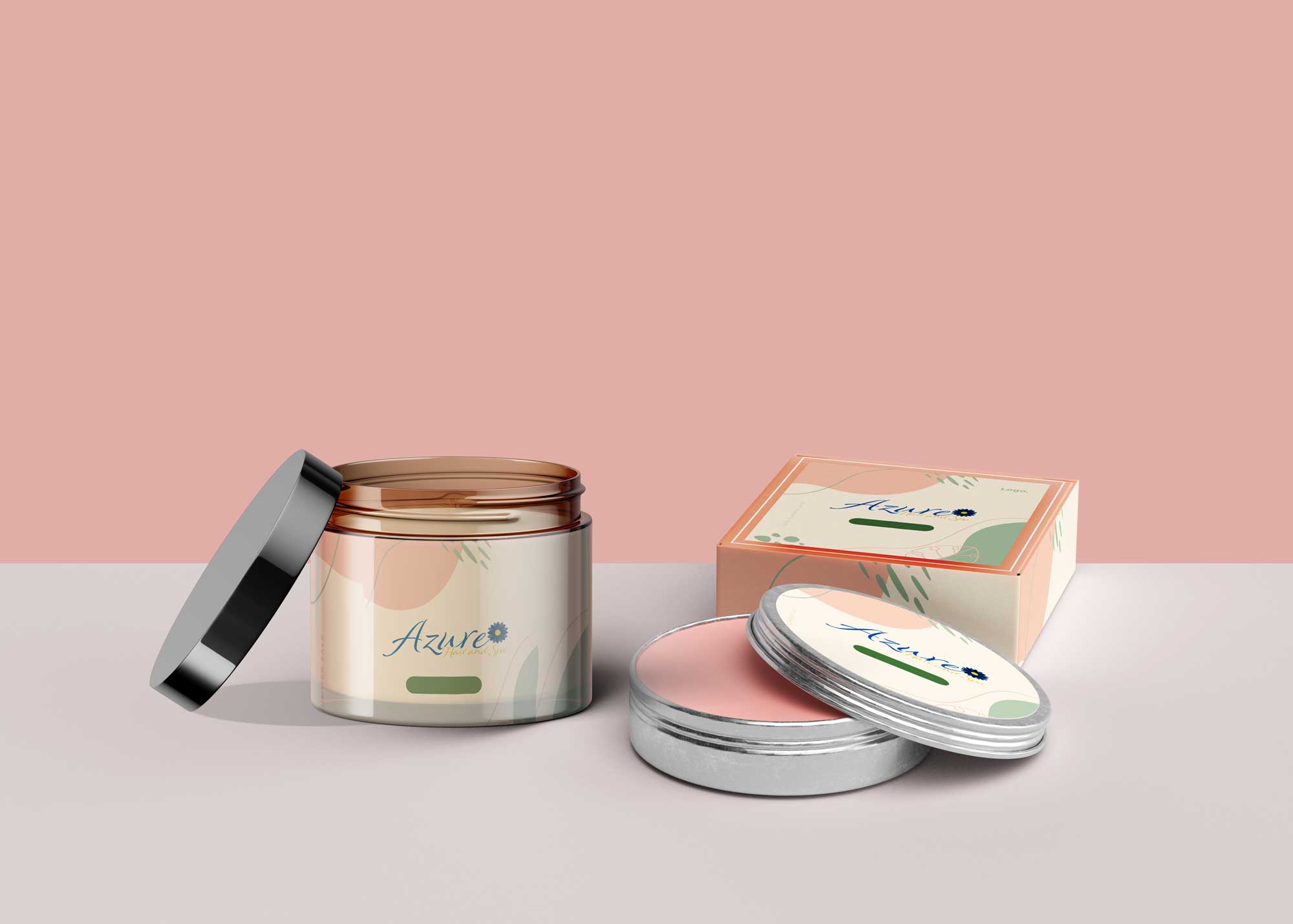
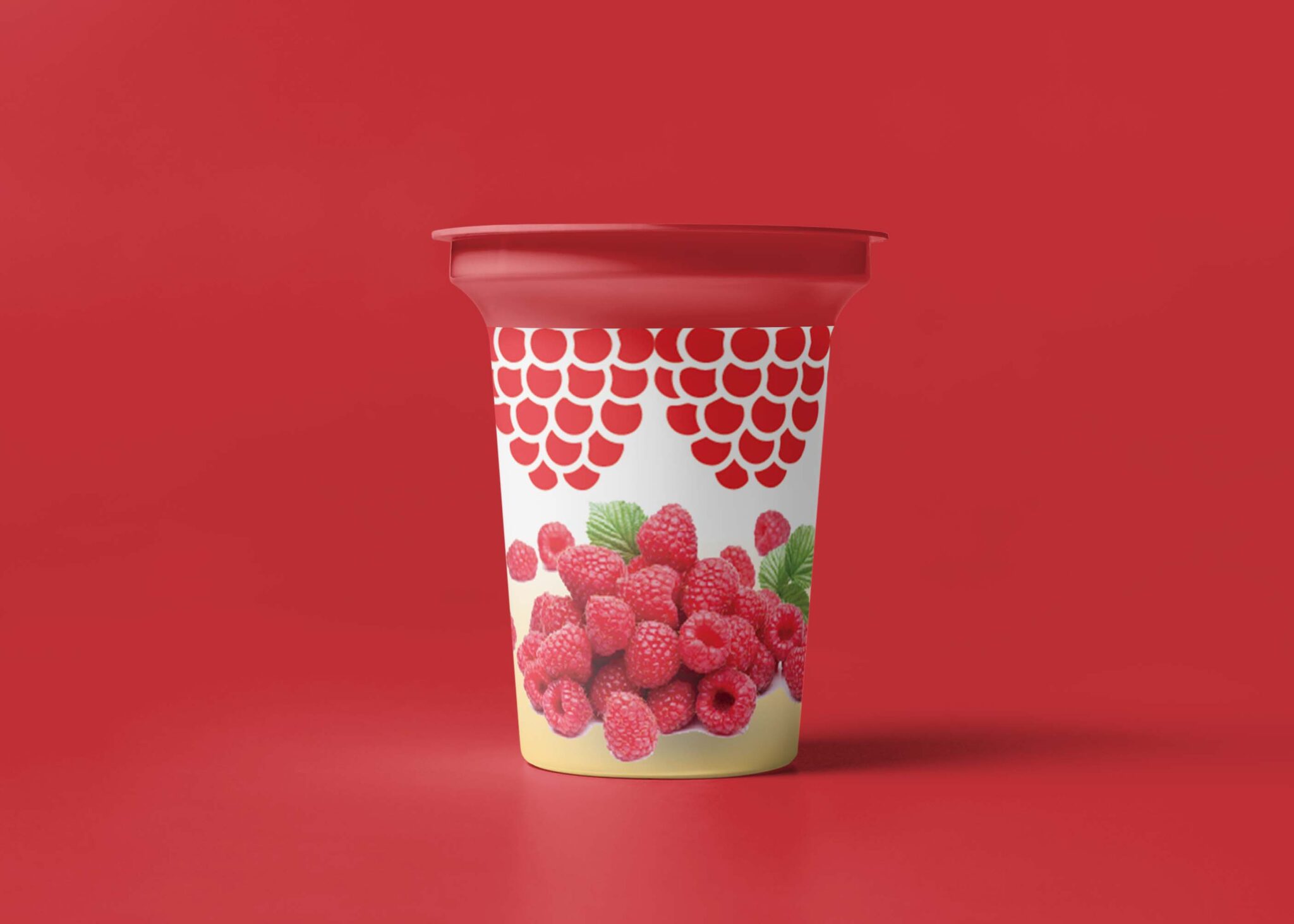
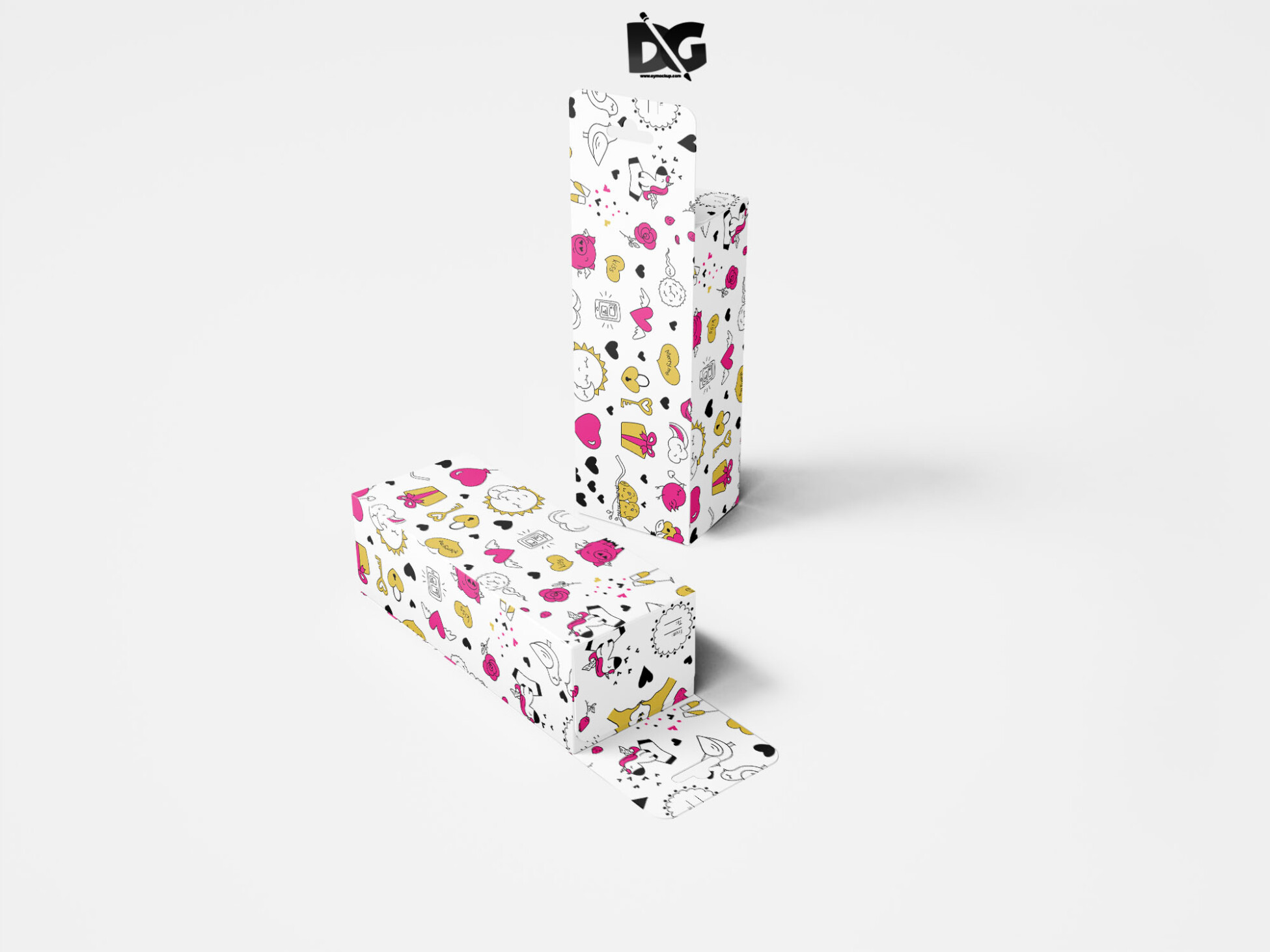
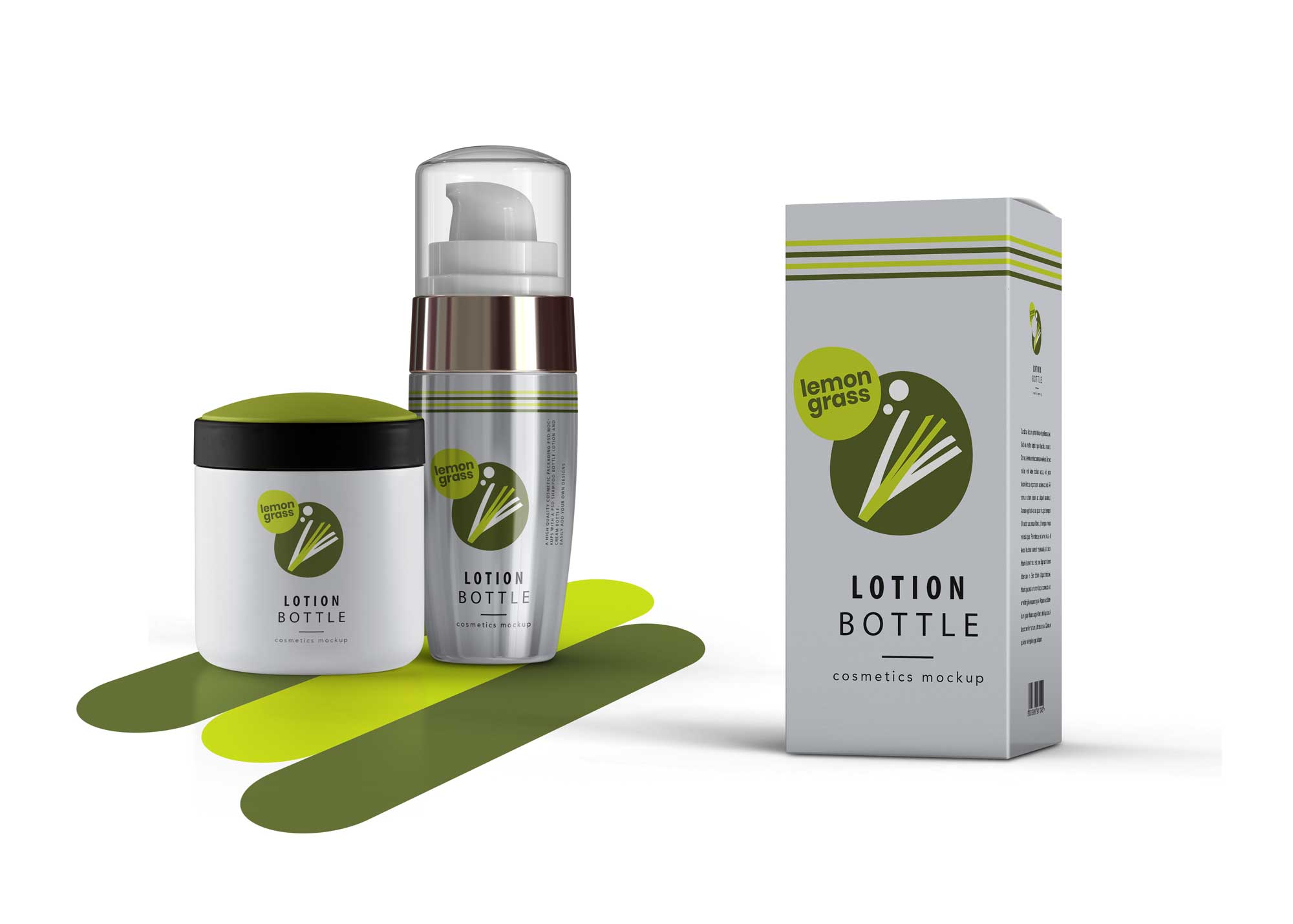
Elevate your pharmaceutical branding with our free pill bottle packaging mockup. This high-quality, realistic mockup allows you to showcase your label designs in a professional manner. Perfect for designers and marketing teams, it provides a visually appealing way to present your concepts to clients or stakeholders.
The mockup is easy to use and customizable, compatible with Adobe Photoshop. Simply place your designs into the smart object layer, and you’ll have a stunning presentation in minutes. Ideal for both print and digital presentations, this mockup helps to visualize your product in a real-world context, enhancing your marketing efforts.
Today, consumers are all about the packaging of a product – sometimes even more so than the product itself! What something looks like on the outside can have a big impact on whether or not people are interested, so the right type of packaging can really make a difference in the overall success of your product.Graphic designers use free mock-ups to give a glimpse of how their design will look in a real-world environment. These mock-ups come in PSD files which can be easily used with smart layers. Go ahead and download them all.All of these Resources are easy to use and can present your information beautifully. Some are free, while others cost a few dollars.More great & free PSD Mockups Collection:
- PSD Burger Food Truck Design Mockup
- Jam Jar Twitch Mockups Templates
- Useful PSD Coaster Mockups Template
FAQs – Free Pill Bottle Packaging Mockup
Can I edit the pill bottle mockup in Photoshop?
Yes, the mockup is designed for easy editing in Adobe Photoshop using smart objects for quick label placement.
Does the mockup include different angles of the pill bottle?
The free pill bottle packaging mockup includes multiple angles to give a comprehensive view of your design.
What file formats does the mockup come in?
The mockup is provided in PSD format, ensuring compatibility with Adobe Photoshop for seamless editing.
Is it easy to change the lighting in the mockup?
Yes, the mockup allows you to adjust lighting and shadows easily within Photoshop layers for a customized look.
Do I need any special skills to use this mockup?
Basic knowledge of Photoshop is sufficient to use this mockup effectively and create stunning presentations.