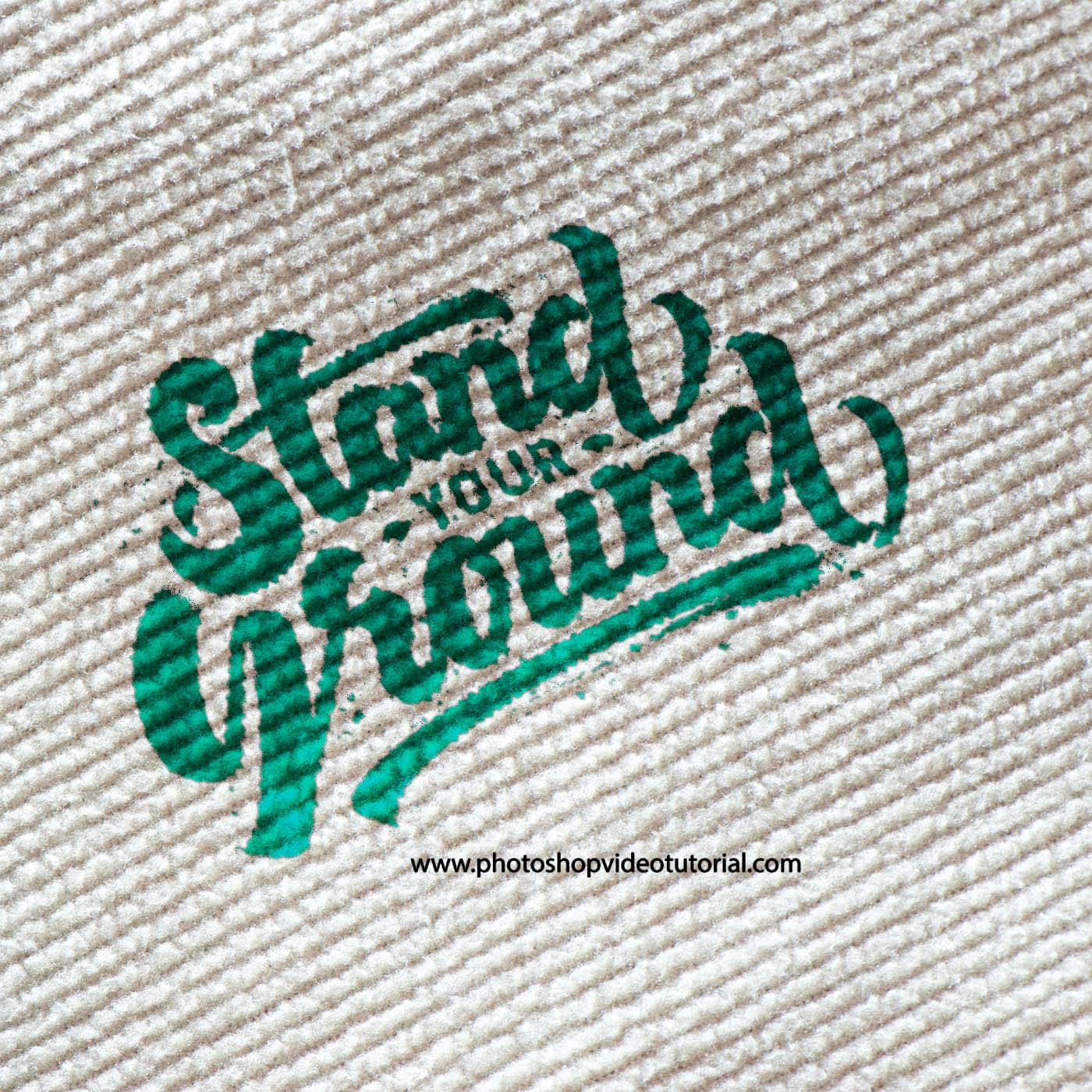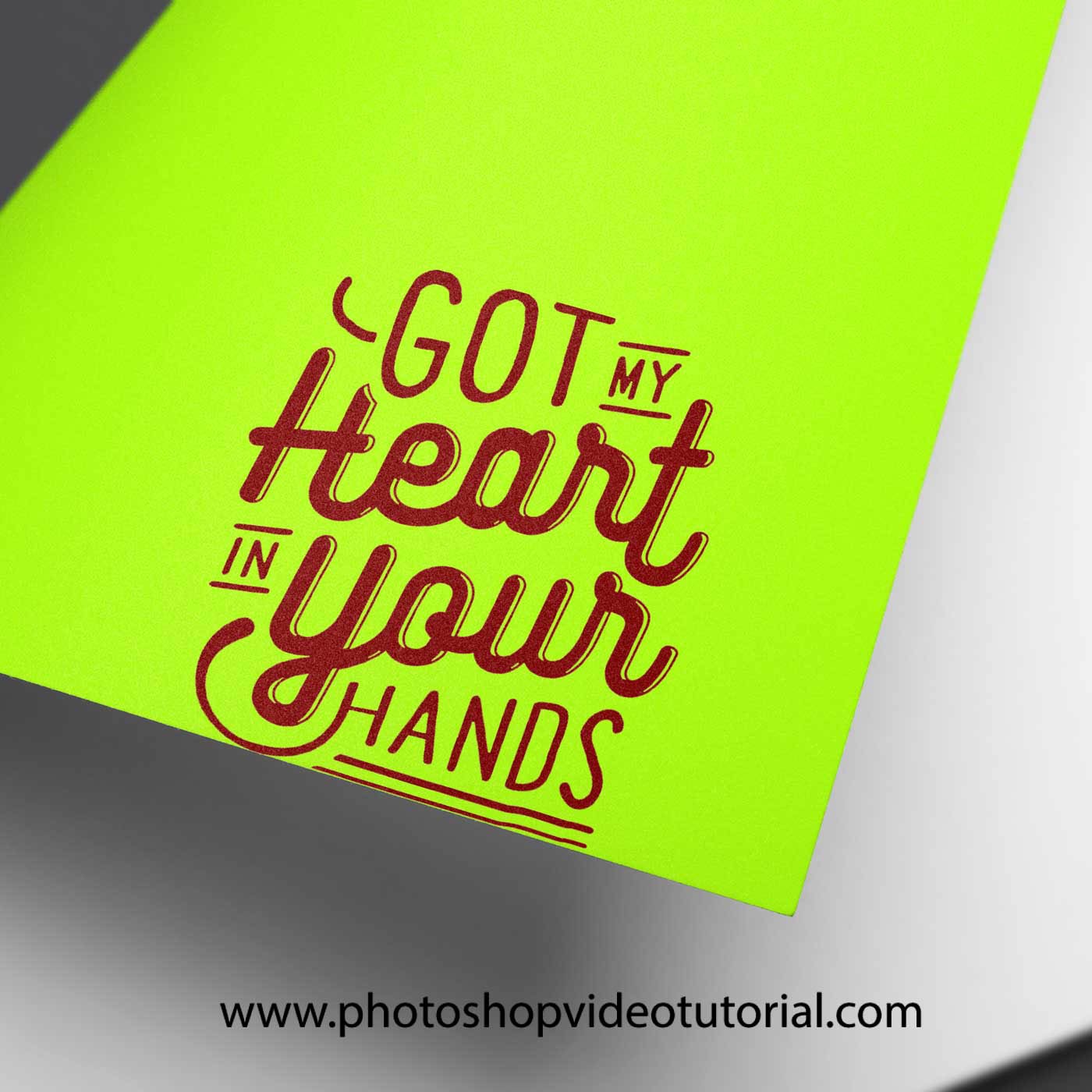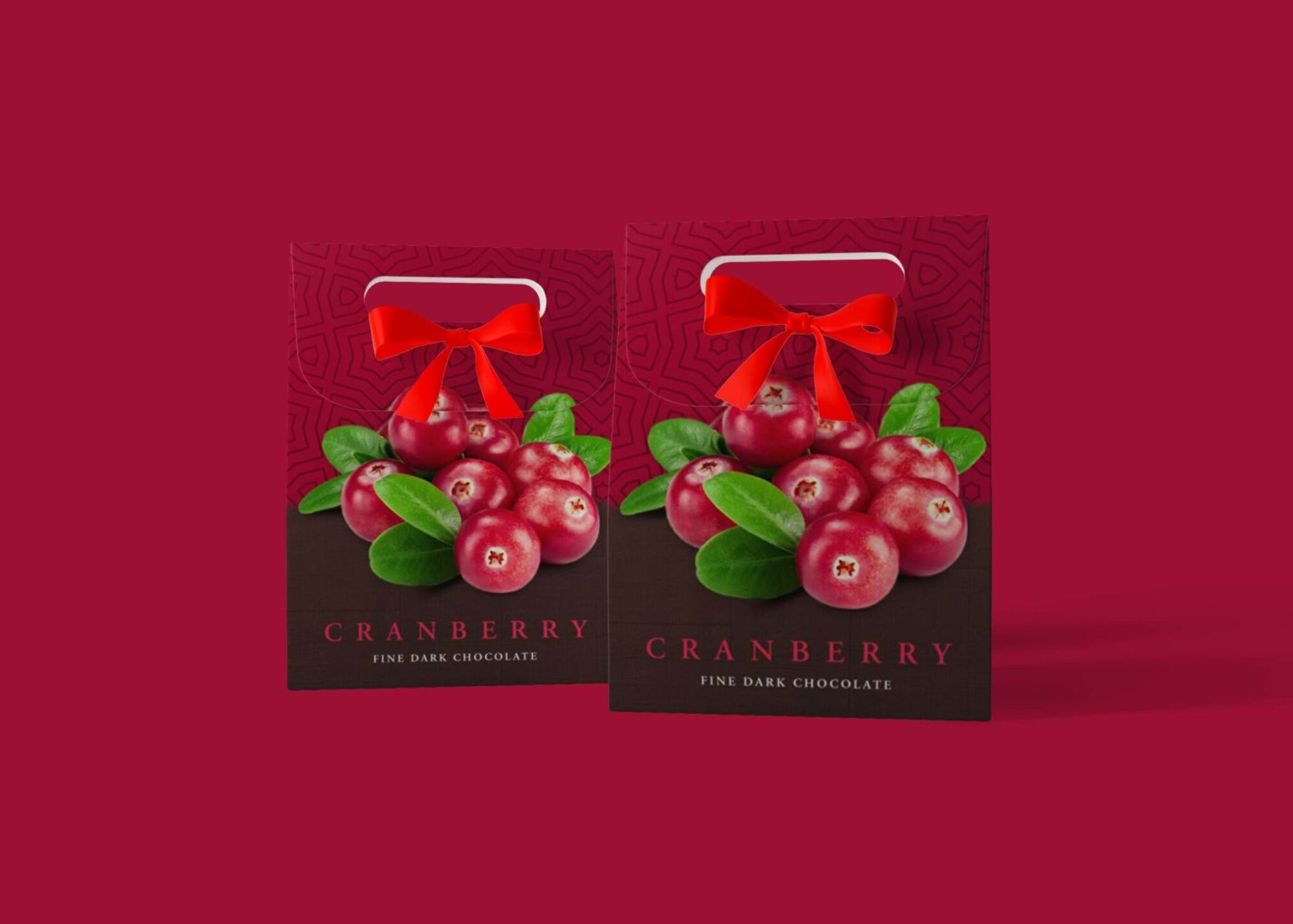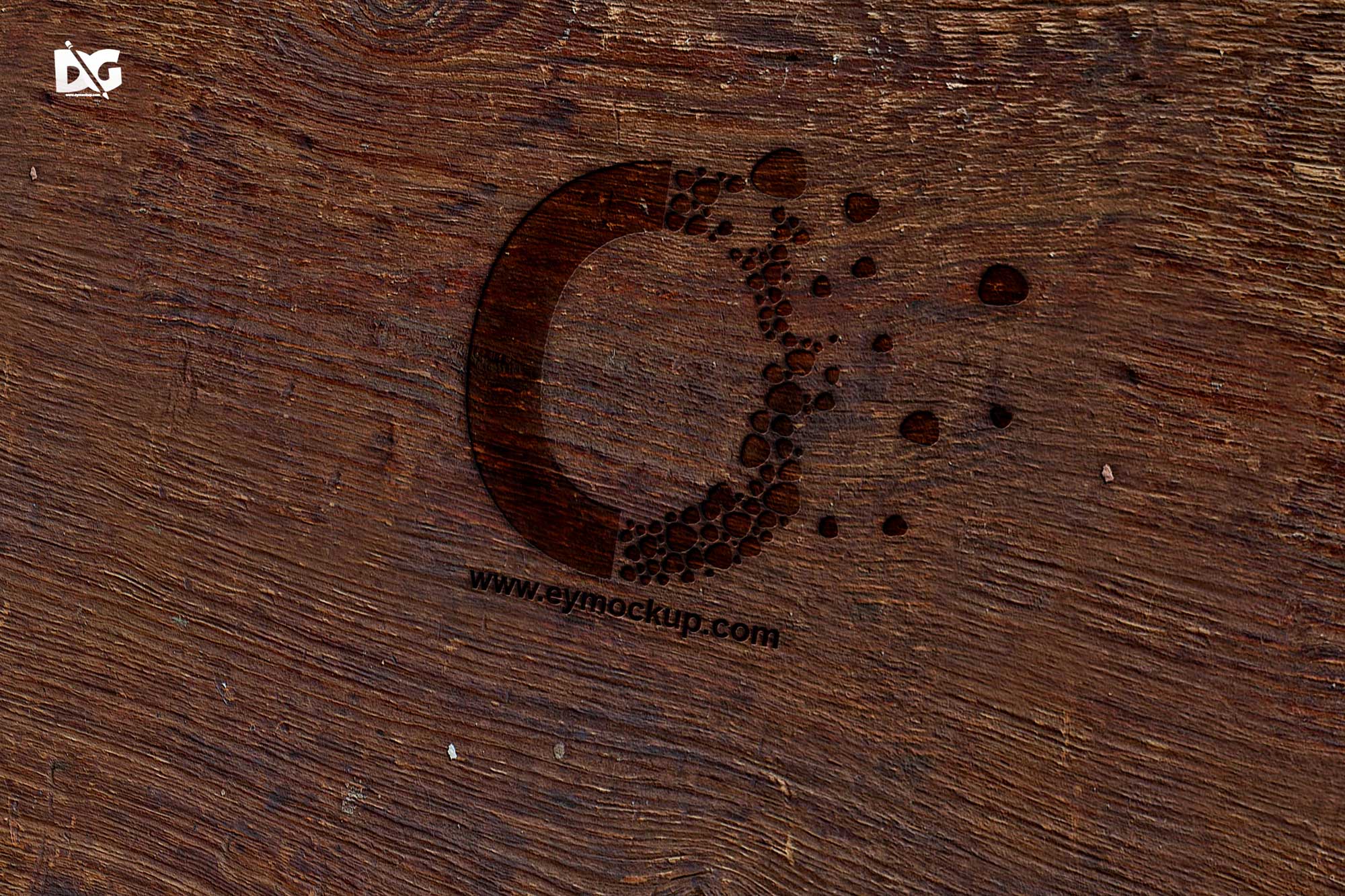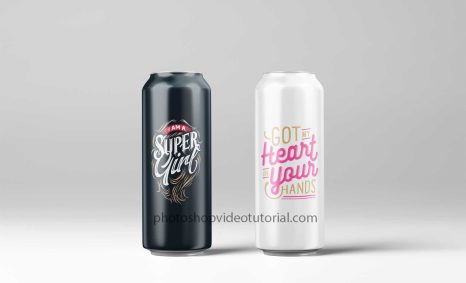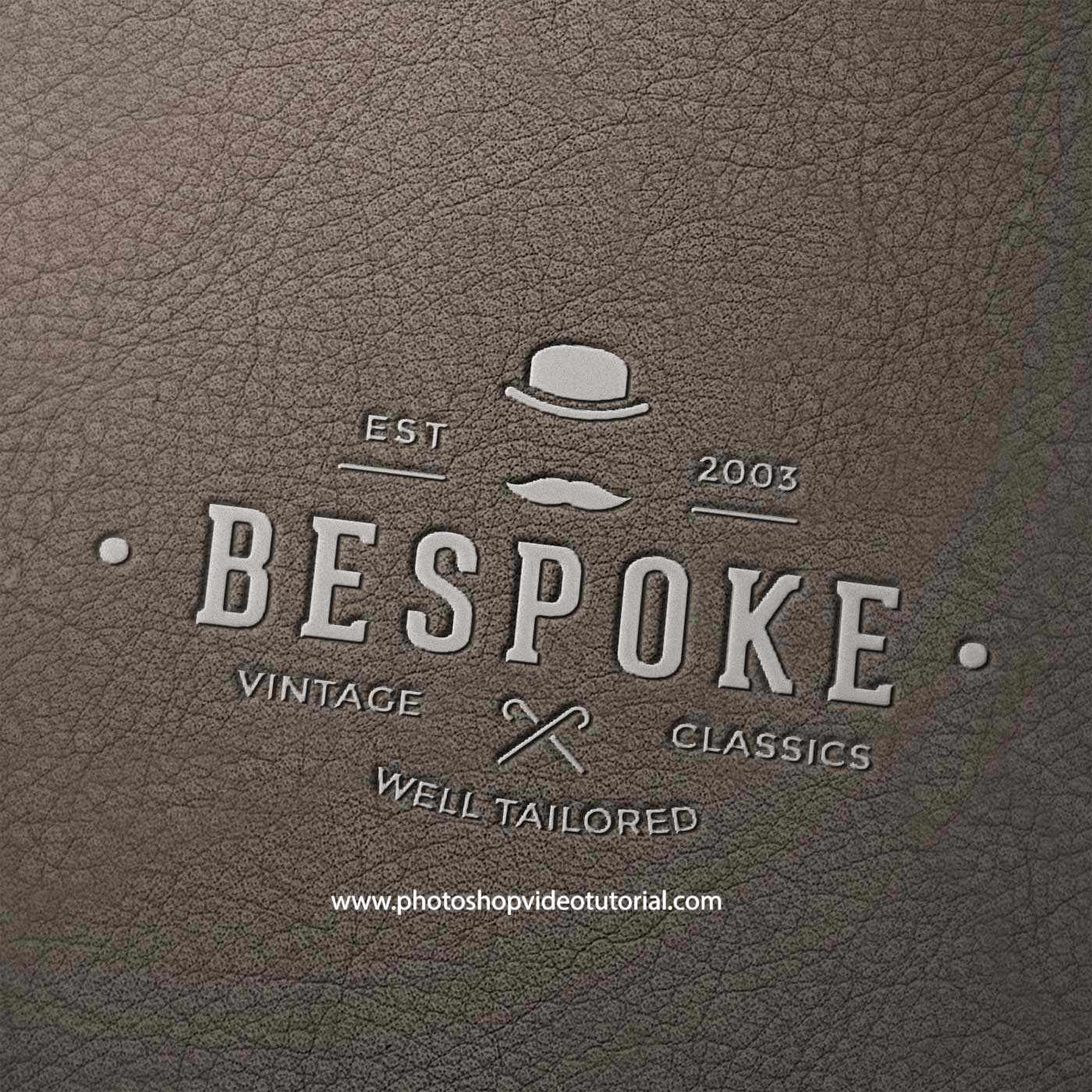
Enhance your design projects with our free Grey Side Effect Mockup. This versatile mockup allows you to showcase your artwork or branding in a sophisticated grey setting. Perfect for presentations, portfolios, or social media posts, it offers a realistic and professional appearance that draws attention.
The mockup is easy to use and fully editable in Photoshop, making it accessible for both beginners and experienced designers. Simply insert your design using smart layers, adjust the lighting and shadows as needed, and watch your concept come to life in an elegant grey ambiance.
All of these Resources are easy to use and can present your information beautifully. Some are free, while others cost a few dollars.More great & free PSD Mockups Collection:
- Free PSD Mockups for Books and More!
- 3D Packaging PSD Mockups
- PSD Burger Food Truck Design Mockup
- Jam Jar Twitch Mockups Templates
FAQs – Free Download Grey Side Effect Mockup
Can I edit the Grey Side Effect Mockup in Photoshop?
Yes, the mockup is designed for easy editing in Photoshop using smart layers, allowing you to customize your design seamlessly.
What file format is the Grey Side Effect Mockup?
The mockup is provided in PSD format, ensuring compatibility with Photoshop for effortless editing and customization.
Do I need any special skills to use the mockup?
No special skills are required. The mockup comes with a user-friendly guide to help you navigate the editing process.
Is the Grey Side Effect Mockup suitable for all types of designs?
Absolutely! This mockup is versatile and can be used for various design styles, from branding to digital artwork.
Does it support high-resolution images?
Yes, the mockup supports high-resolution images, ensuring your designs look sharp and professional in any presentation.