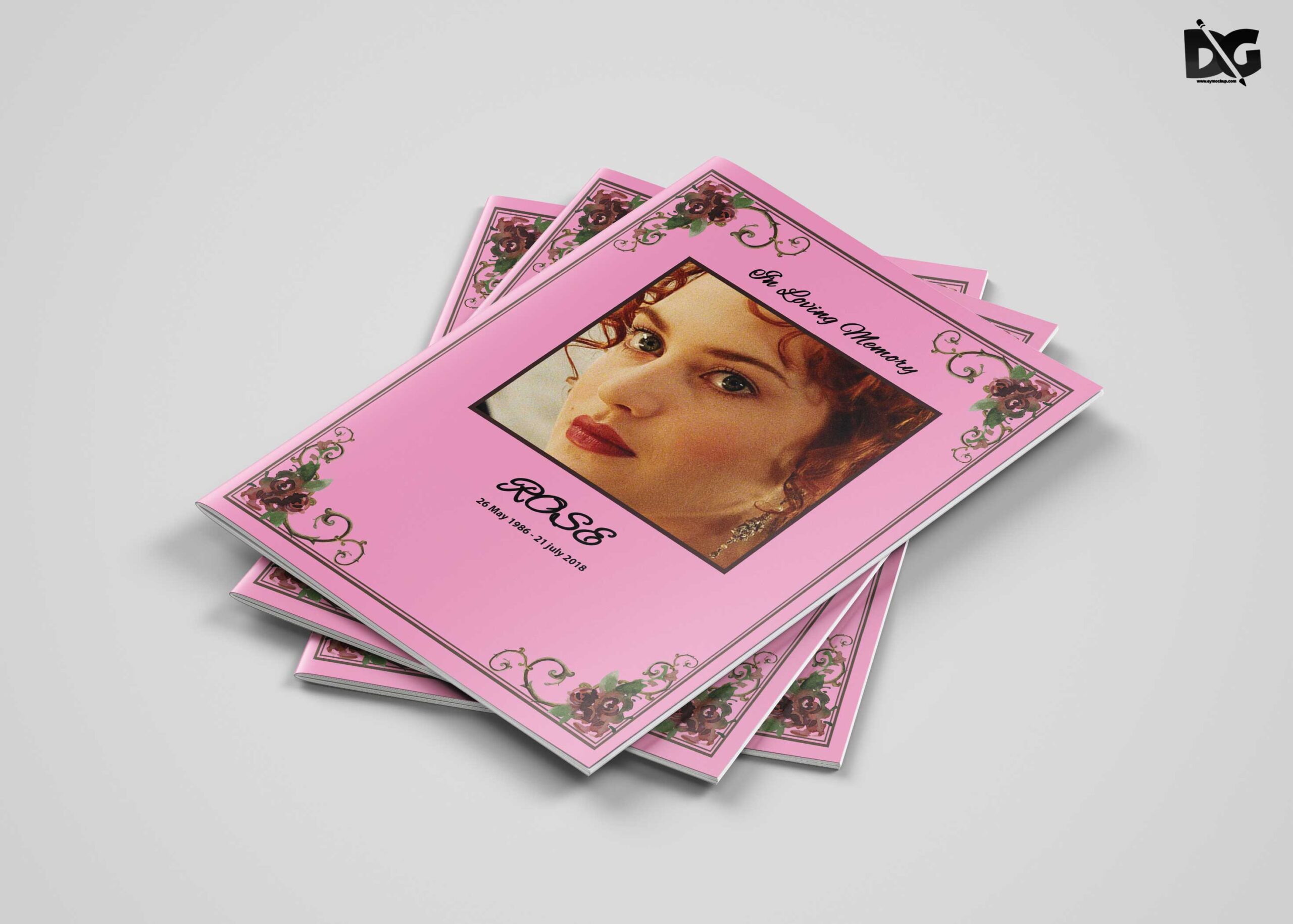
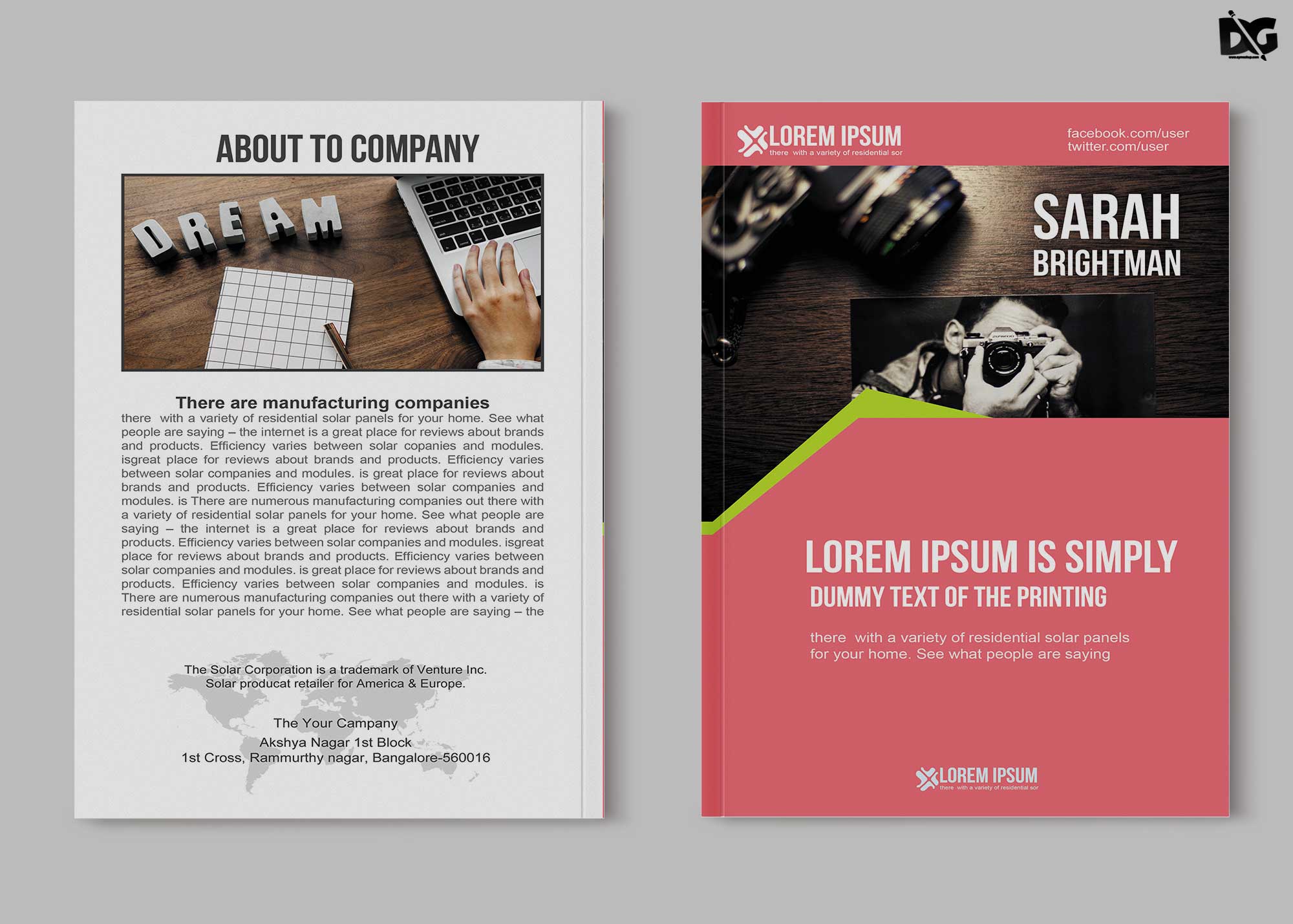
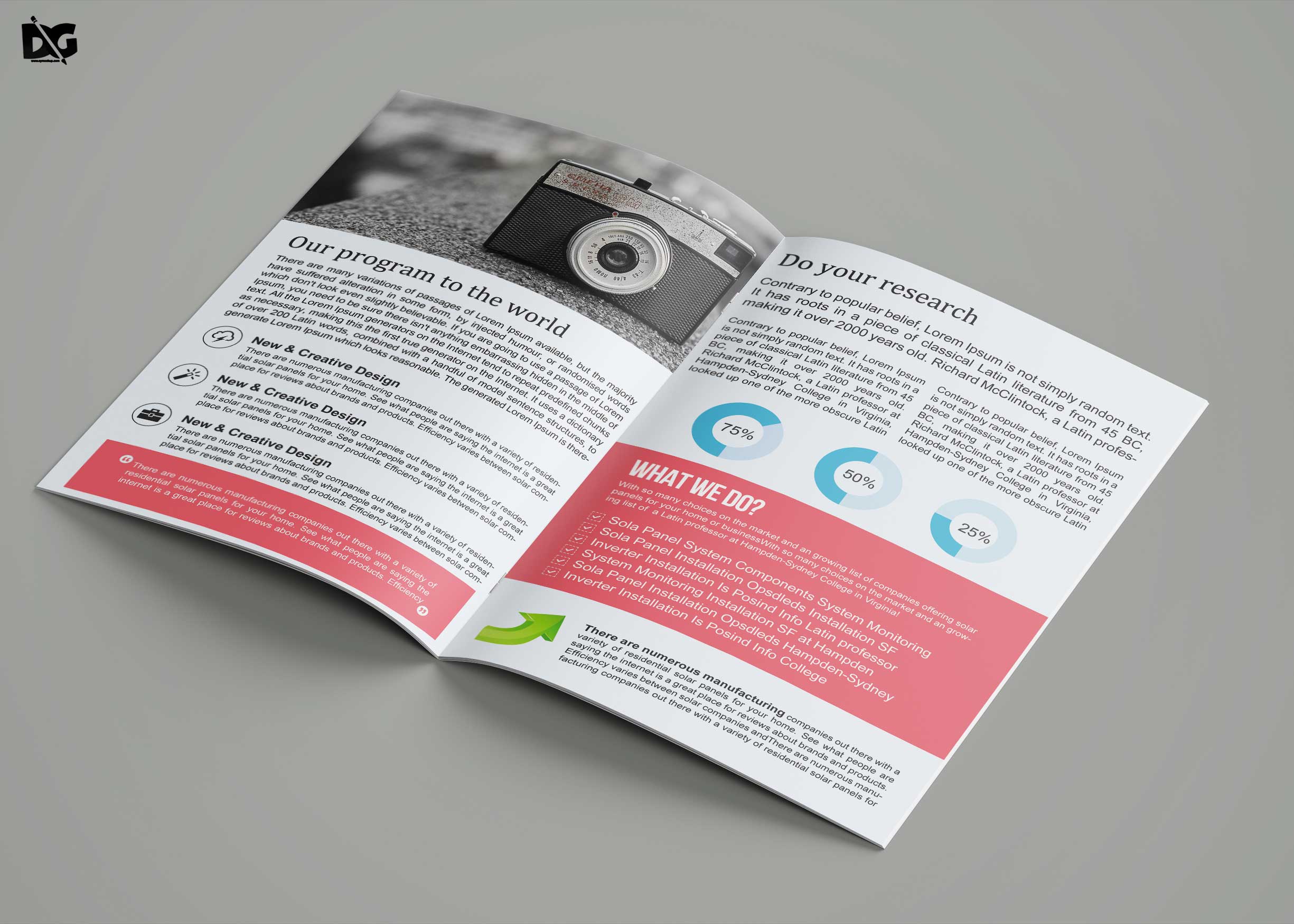
Discover our free bi-fold PSD Brochure Template designed specifically for event organizing. This template is fully customizable, allowing you to tailor it to your specific event needs. With a modern and professional layout, it’s perfect for showcasing event details, schedules, and promotional content, ensuring your audience is engaged and informed.
The brochure template is easy to edit in Photoshop, featuring organized layers and smart objects for quick customization. Simply replace the placeholder text and images to create a stunning brochure that reflects your event’s branding. Whether you are promoting a conference, wedding, or community event, this template provides a sleek solution to enhance your presentations.
- Free Download Tourism Tri-Fold Brochure Template
- Gold Mine Company Tri-Fold Brochure Template
- Creative Modern Business Brochure Template
- Sizzling Dance Coaching Brochure Template
FAQs – Free Download Event Organizing Bi-Fold PSD Brochure Template
Can I edit the PSD brochure template in Photoshop?
Yes, the template is designed for easy editing in Photoshop, allowing you to customize text, images, and colors effortlessly.
Does the brochure template support high-resolution images?
Absolutely! The template is optimized for high-resolution images, ensuring your visuals look sharp and professional.
What file format is the brochure template available in?
The brochure template is available in PSD format, specifically designed for use with Adobe Photoshop.
Is it easy to add my own images to the brochure?
Yes, you can easily add your own images using smart objects, making customization quick and straightforward.
Do I need advanced skills to use this brochure template?
Not at all! Basic knowledge of Photoshop is sufficient to edit and customize this user-friendly brochure template.