Elevate your academic presentations with our free academic bi-fold PSD brochure template. This professionally designed template allows you to showcase your institution’s programs, research, and achievements in a visually appealing format. Customize it easily in Photoshop to fit your branding needs and engage your audience effectively.
Our template features a clean layout and well-organized sections, making it perfect for academic conferences, open houses, or informational sessions. With this brochure, you can highlight essential details while maintaining a polished and professional appearance. Download it now and start creating compelling brochures that capture attention.

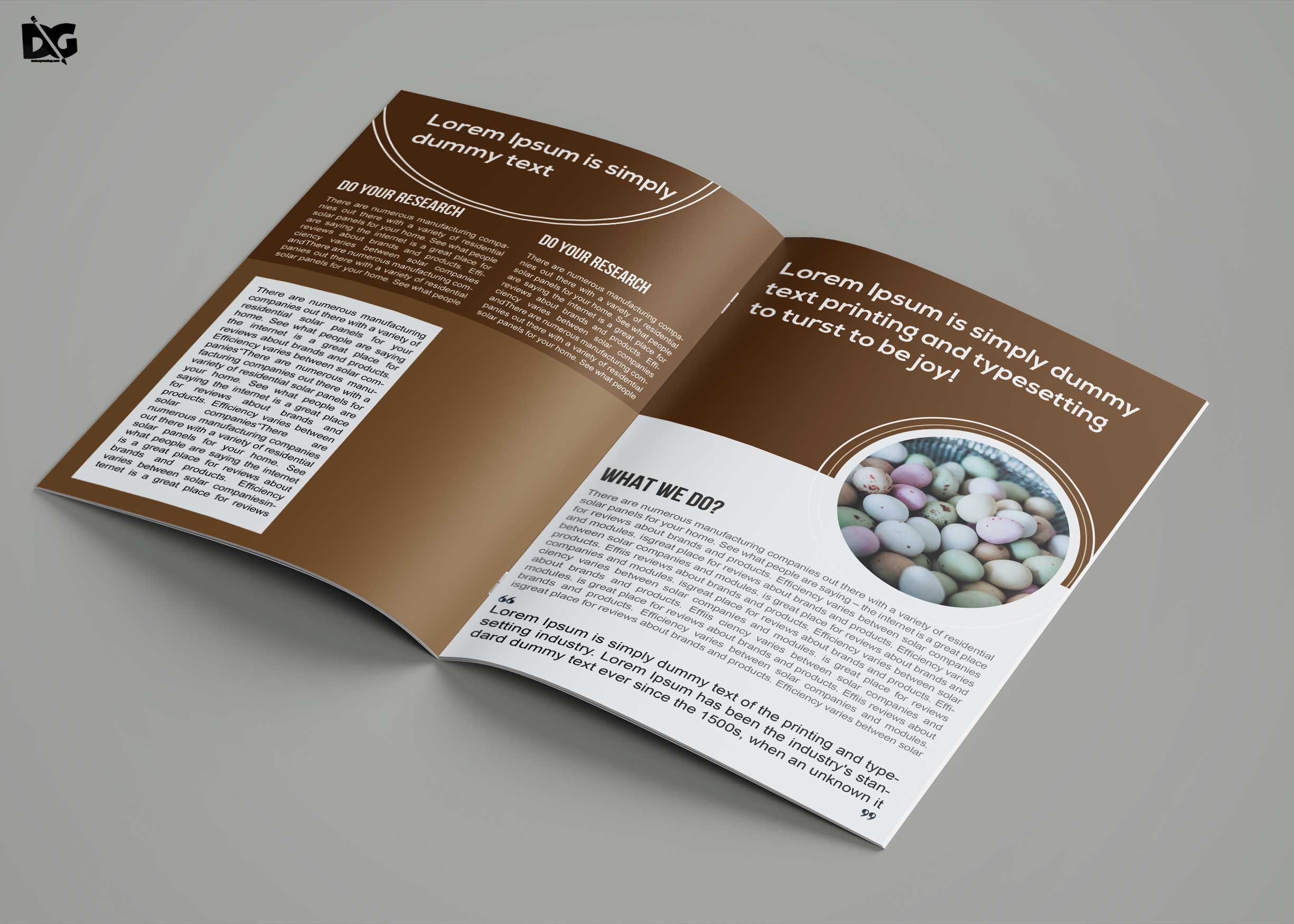
Creative Bi-fold Brochure Design – Photoshop
In general, brochures capture your attention because they feature captivating visual effects and carry loads of information which convey the entire idea to the reader. In this post you will get to know all about brochures. A unique brochure design can thus provide essential information as well as make a brand statement. This way, you can use brochures to build a trustworthy brand identity of your small business.Are you interested in creating a brochure for your business or organizations? If your answer is yes, you come to the right place because we have the latest trends documented for you.- Free Download Tourism Tri-Fold Brochure Template
- Gold Mine Company Tri-Fold Brochure Template
- Creative Modern Business Brochure Template
- Sizzling Dance Coaching Brochure Template
FAQs – Free Download Academic Bi-Fold PSD Brochure Template
Can I edit the bi-fold PSD template in Photoshop?
Yes, the bi-fold PSD template is fully editable in Adobe Photoshop, allowing you to customize colors, text, and images to suit your needs.
What file format is the brochure template available in?
The brochure template is available in PSD format, which is compatible with Adobe Photoshop for easy editing.
Does the academic bi-fold brochure template include images?
No, the template does not include images; however, it includes placeholders where you can easily insert your own images.
Is it easy to change the colors in the template?
Yes, changing colors in the template is straightforward using the color adjustment layers in Photoshop.
What dimensions does the bi-fold brochure template have?
The bi-fold brochure template is designed with standard dimensions of 8.5 x 11 inches, suitable for printing.
Can I use this template for non-academic projects?
Absolutely! While designed for academic use, the template can be adapted for any professional or promotional project.