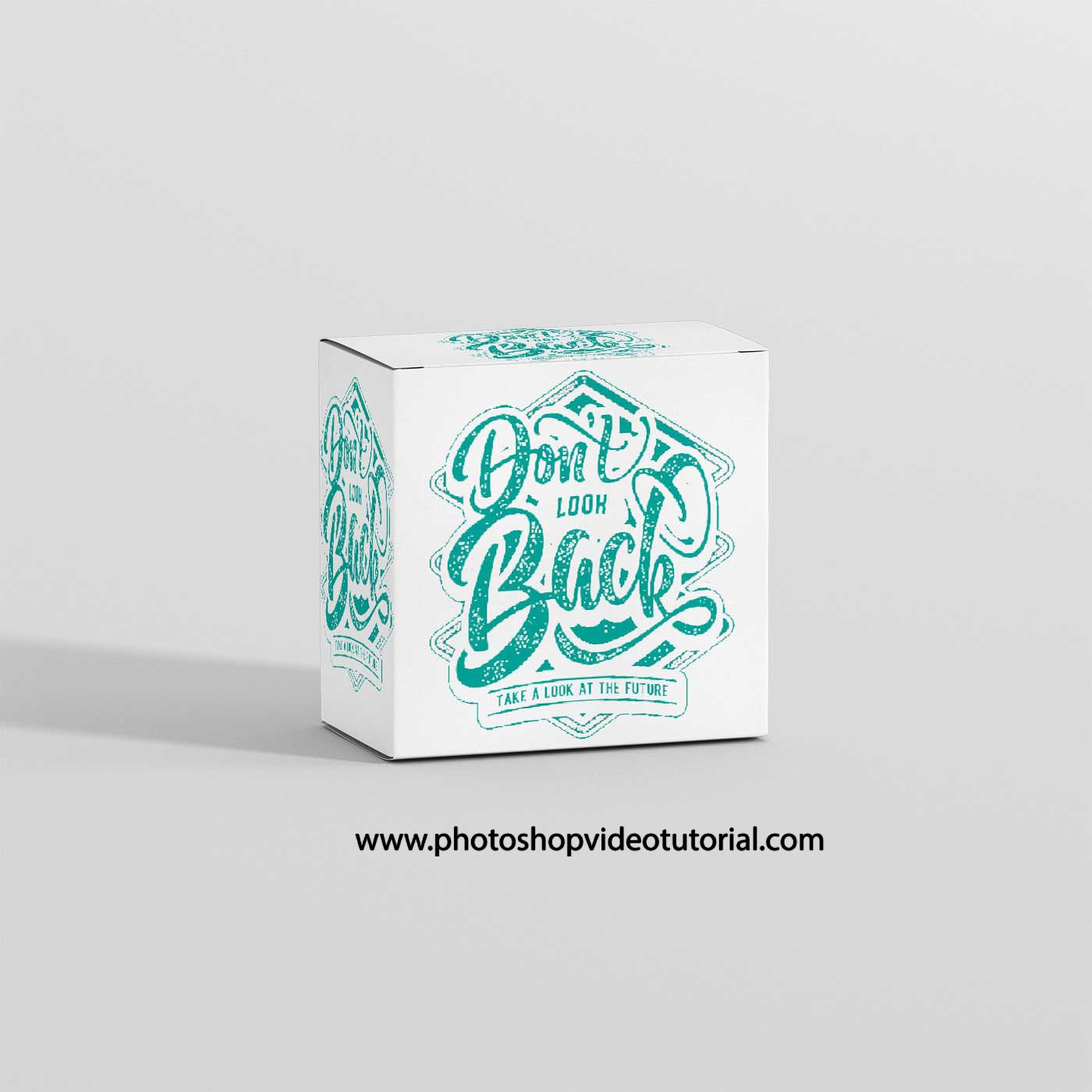
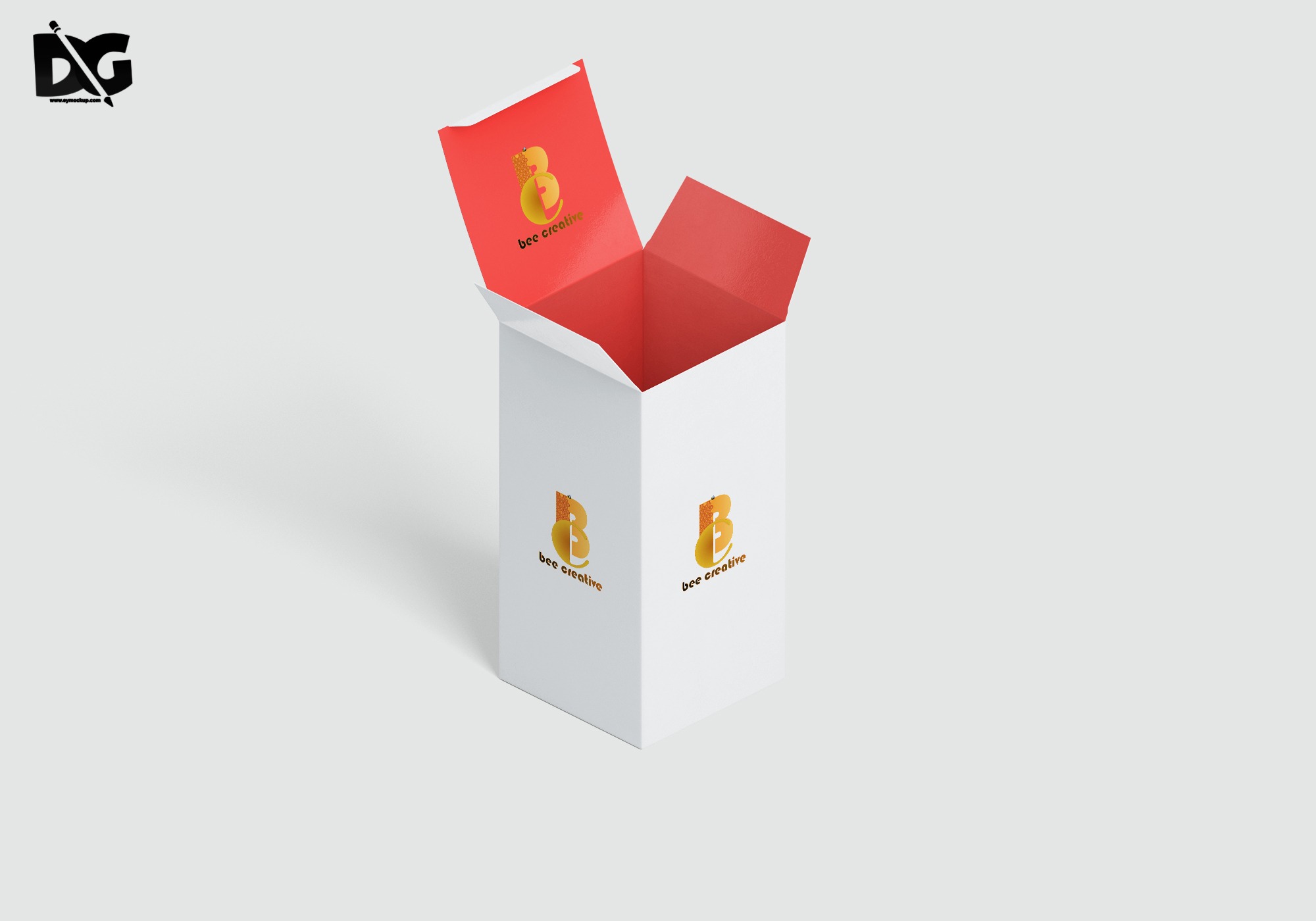
Elevate your product presentations with our free vertical box mockup. This versatile design allows you to showcase your packaging ideas professionally, whether for branding, marketing, or client pitches. The mockup is easy to use, making it perfect for designers looking to create stunning visuals quickly.
Featuring a realistic setting and high-quality resolution, this mockup will help you visualize your product in various backgrounds and lighting scenarios. Simply edit the smart object to insert your design, and within moments, you’ll have a polished representation to impress your audience.
Hello,
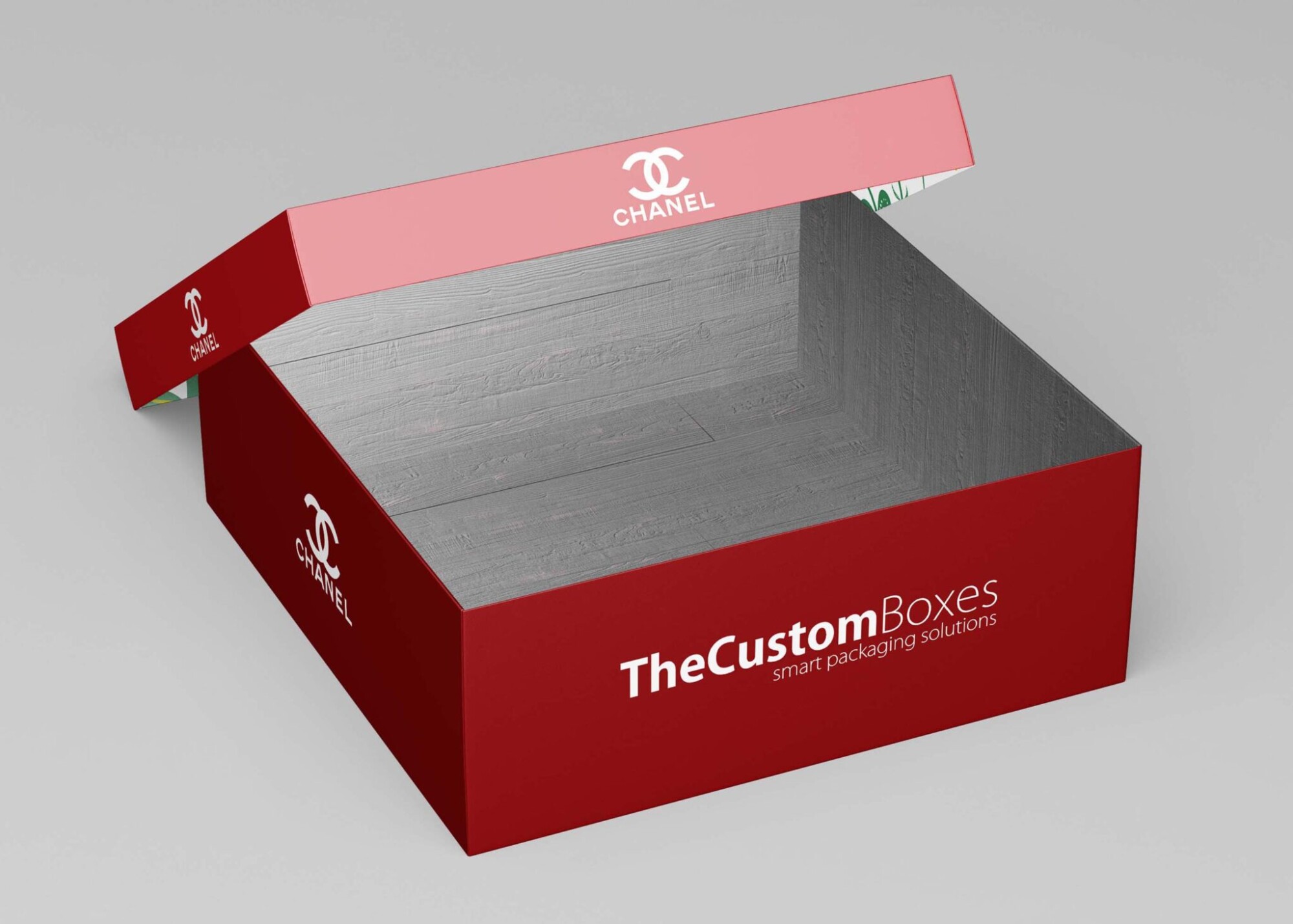
This time i would like provide you with various premium box mockup we have collected for you personally.You can place the branding identity designs on the pouch easily via smart objects in a realistic way. You can customize all the aspects like shadow, reflection, and background using the layers.
We are presenting free box square & rectanglar mockups to present your designs. These freebies mockup are perfect to present your branding designs. Many of these mockups offer changeable backgrounds and these mockups are easy to use through Smart Objects.
If you find about another free box packaging mockups around that you feel that it may possibly be added along into the list.
All of these Resources are easy to use and can present your information beautifully. Some are free, while others cost a few dollars.
More great & free PSD Mockups Collection:
- Free PSD Mockups for Books and More!
- 3D Packaging PSD Mockups
- Free Rectangle Luxury Packaging Mockup
- Free Premium Foil Packaging Mockup
- Free Round Window Box Mockup
- Free Single Mobile UI Presentation Mockup
Description:
Available Format: Layered PSD through smart object insertion
License: Free for personal and commercial use
Zip File Includes: Photoshop PSD File
Resolution: 2200 x 1500 px
Advertisement:
FAQs – Free Vertical Box Mockup
Can I use the free vertical box mockup in Photoshop?
Yes, this mockup is fully compatible with Photoshop, allowing you to easily edit and customize your designs using smart objects.
Does the mockup include multiple angles?
The mockup features a single vertical view, but you can create variations by adjusting the design and background settings.
Is it easy to change the colors in the mockup?
Absolutely! You can easily modify colors in the mockup using Photoshop layers, providing flexibility for your design needs.
What file format is the vertical box mockup available in?
The mockup is available in PSD format, ensuring compatibility with most design software that supports layered files.
Do I need advanced skills to edit the mockup?
No, basic Photoshop skills are sufficient to edit the mockup. Instructions are included to guide you through the process.