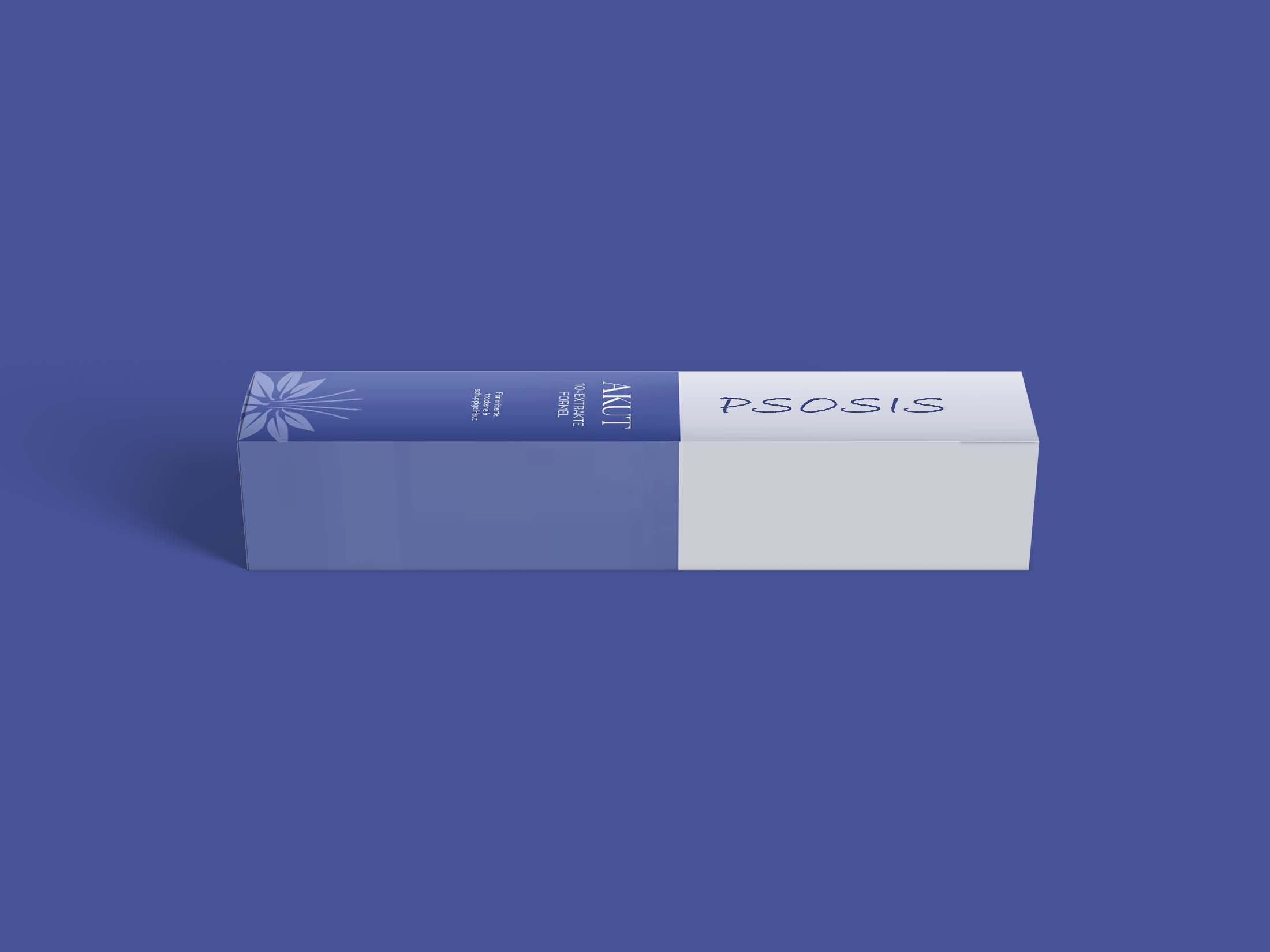
Elevate your packaging design presentations with our free cosmetic tube mockup. This high-quality mockup is perfect for showcasing your branding on cosmetic products, allowing you to visualize how your designs will appear in real life. With a realistic appearance and customizable features, this mockup is an invaluable tool for designers looking to impress clients or enhance their portfolios.
Our cosmetic tube mockup is designed for ease of use. Simply download the file, open it in Photoshop, and follow the provided instructions for editing. You can easily change colors, add your designs, and adjust lighting to create the perfect presentation. This mockup not only saves time but also helps you present your ideas in a more professional manner.
Our free cosmetic tube mockup is the best way to showcase your cosmetics design or brands. Save yourself the time and trouble of creating multiple versions of your products, and use our beautiful Photoshop mockups!
This free Cosmetic tube Mockup can help you show your product in a realistic way and make it more appealing to your customers.

You can try a free cosmetic tube mockup in you web or app design. Create your own product or show off your branding for a successful business with this free mockup. You can also use this as a screen capture of the product packaging creative comp card.
Description:
Available Format: Layered PSD through smart object insertion
Zip File Includes: Photoshop PSD File
Resolution: 2000 x 2250 px

FAQs – Free Cosmetic tube Mockup
Can I customize the free cosmetic tube mockup?
Yes, you can easily customize the mockup in Photoshop by adding your designs and adjusting colors and lighting.
Does the mockup come with editable layers?
Absolutely! The mockup includes fully editable layers for seamless design integration and adjustments.
What file format is the cosmetic tube mockup available in?
The mockup is provided in PSD format, which is compatible with Adobe Photoshop for easy editing.
Is it easy to use for beginners?
Yes, the mockup is user-friendly and comes with instructions, making it accessible for designers of all skill levels.
Do I need special software to edit the mockup?
You will need Adobe Photoshop to edit the cosmetic tube mockup effectively and make the most of its features.