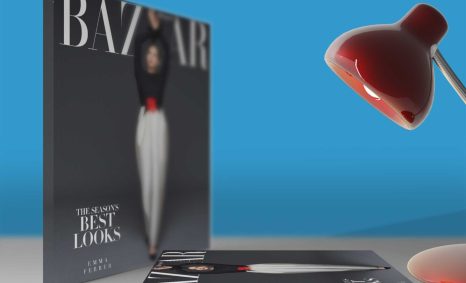
PSD Mockup

Elevate your design presentations with our Free Coasters Bundle Design Mockup. This collection features high-quality, realistic mockups that allow you to showcase your coaster designs in a professional manner. With various angles and settings, you can effectively highlight your artwork, making it perfect for portfolios or client presentations.
Our mockups are easy to use and fully customizable, ensuring that you can adjust elements to fit your creative vision. Whether you’re working in Photoshop or similar software, simply insert your designs and adjust the lighting to achieve the desired effect. This bundle is ideal for graphic designers, illustrators, and anyone looking to enhance their product displays.
All of these Resources are easy to use and can present your information beautifully. Some are free, while others cost a few dollars. More great & free PSD Mockups Collection:
- New Packaging Mockup
- Free Horizontal Postcard Mockup
- Free Download Coaster Mockup
- Free Rectangular Coaster Mockup
- Free Cork Coaster Mockup
- Free Branding DL Flyer Mockup
Description:
Available Format: Layered PSD through smart object insertion License: Free for personal and commercial use Zip File Includes: Photoshop PSD File Resolution: 2000 x 2250 pxFAQs – Free Coasters Bundle Design Mockup
Can I use the Free Coasters Bundle Design Mockup for commercial projects?
Yes, you can use the mockups for both personal and commercial projects without any restrictions.
What file format do the coasters mockups come in?
The coasters mockups are provided in PSD format, making them compatible with Photoshop and other design software.
Do I need advanced Photoshop skills to edit the mockup?
No, basic Photoshop skills are sufficient. The mockup files include smart objects for easy design insertion.
Can I change the lighting in the coasters mockup?
Absolutely! Each mockup allows for lighting adjustments to achieve the perfect ambiance for your designs.
What dimensions are the coasters in the mockup?
The coasters in the mockup are designed at standard dimensions, typically 4 inches in diameter, suitable for most designs.
Is it easy to insert my design into the mockup?
Yes, simply double-click the smart object layer, insert your design, and save to see it update in the mockup automatically.
Download PSD Now!