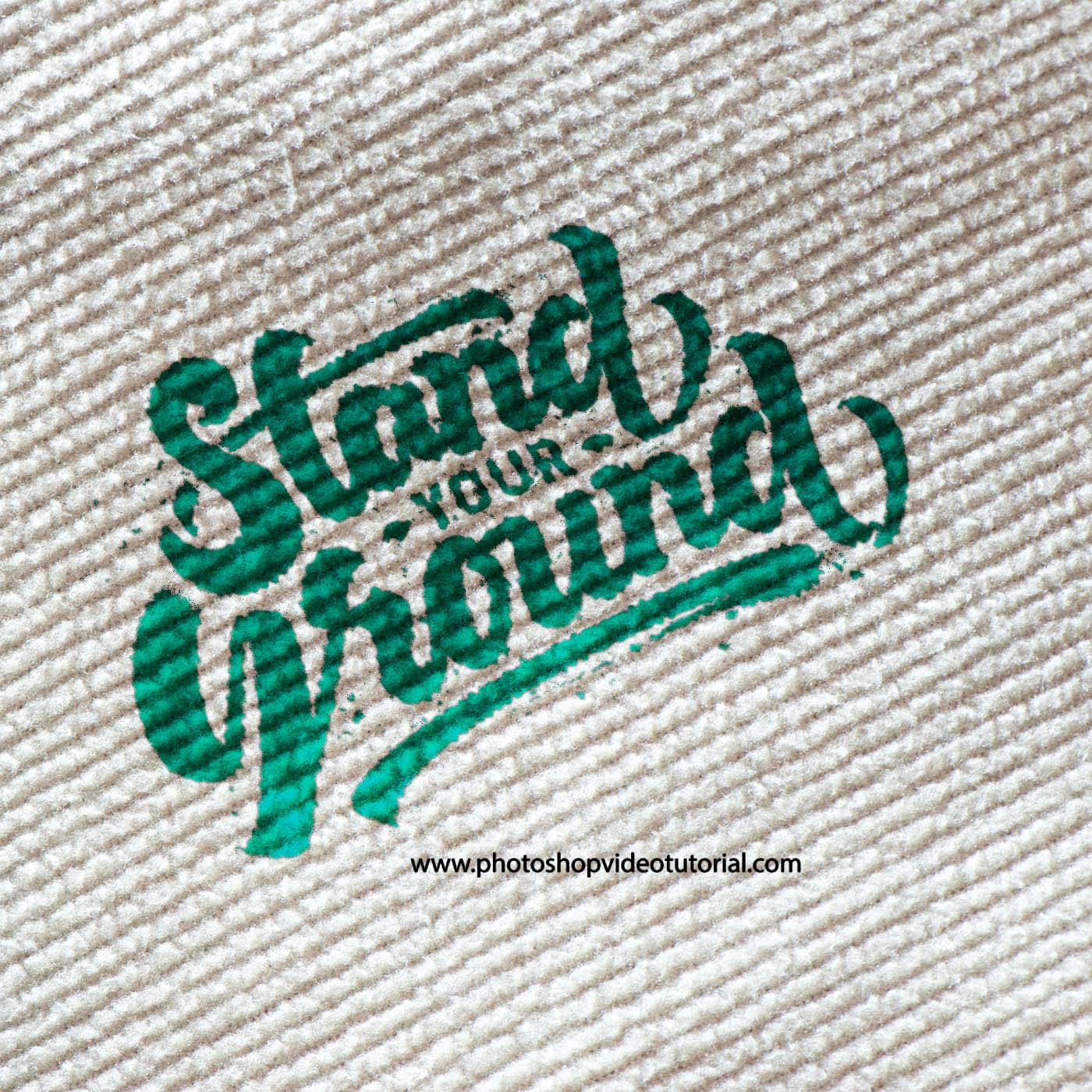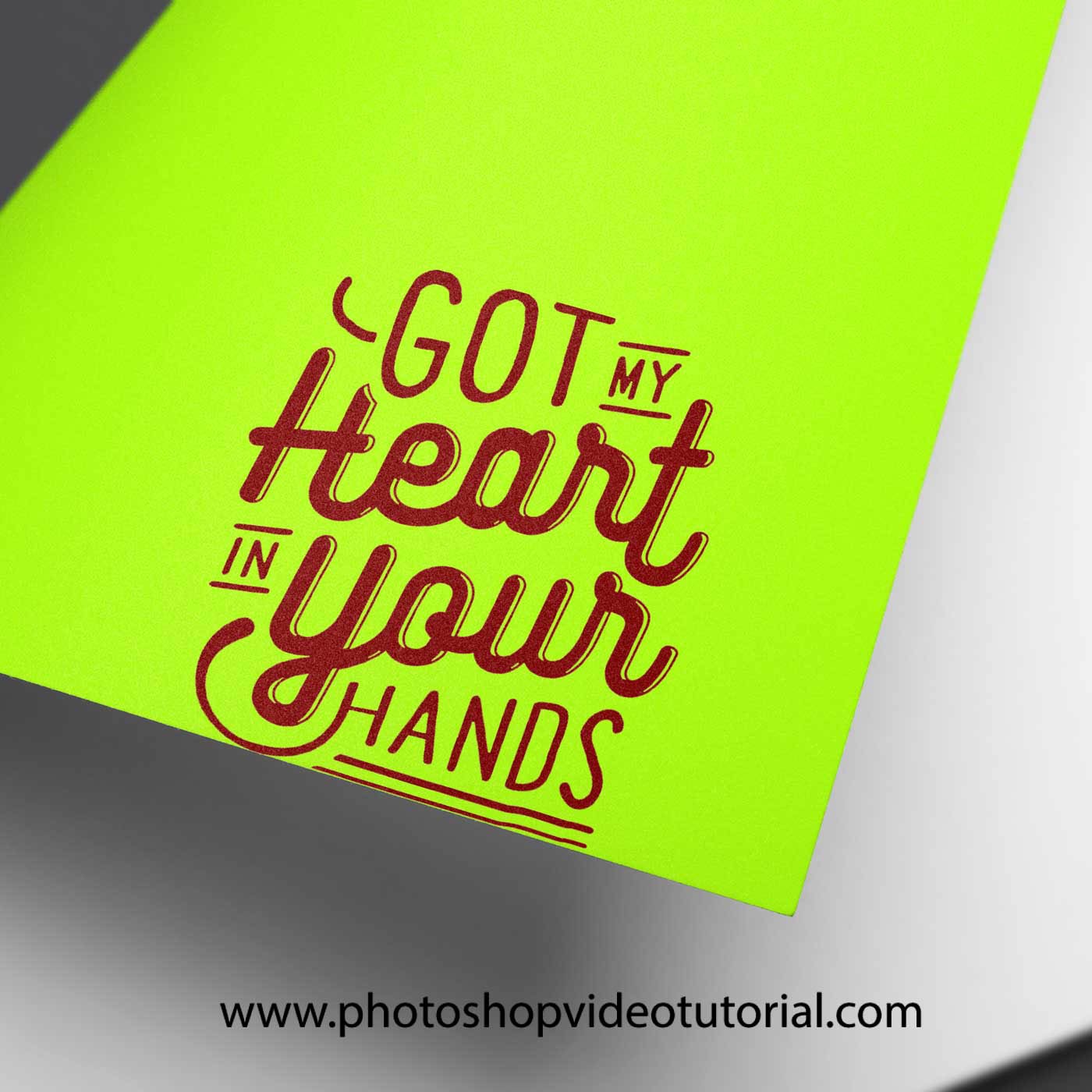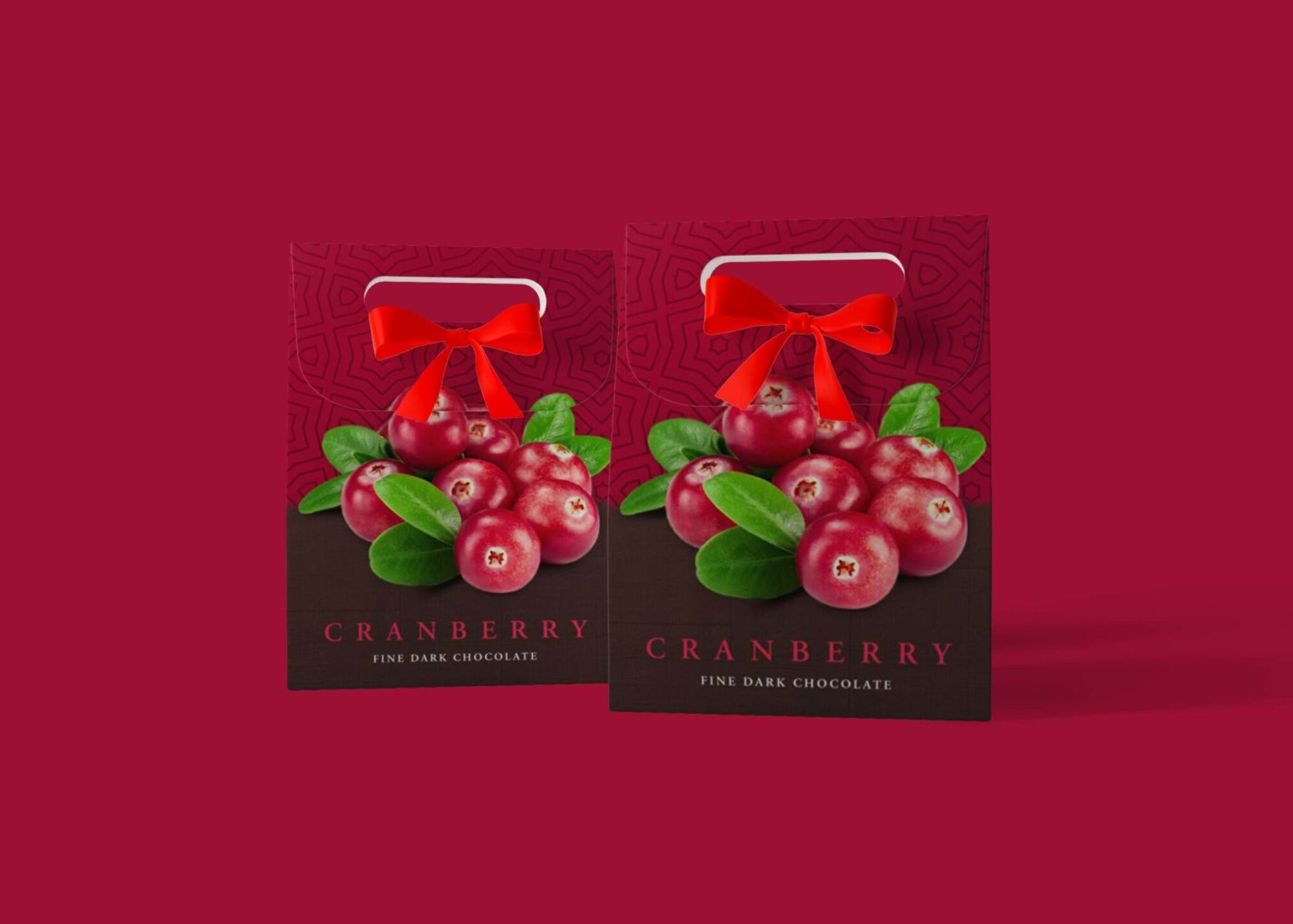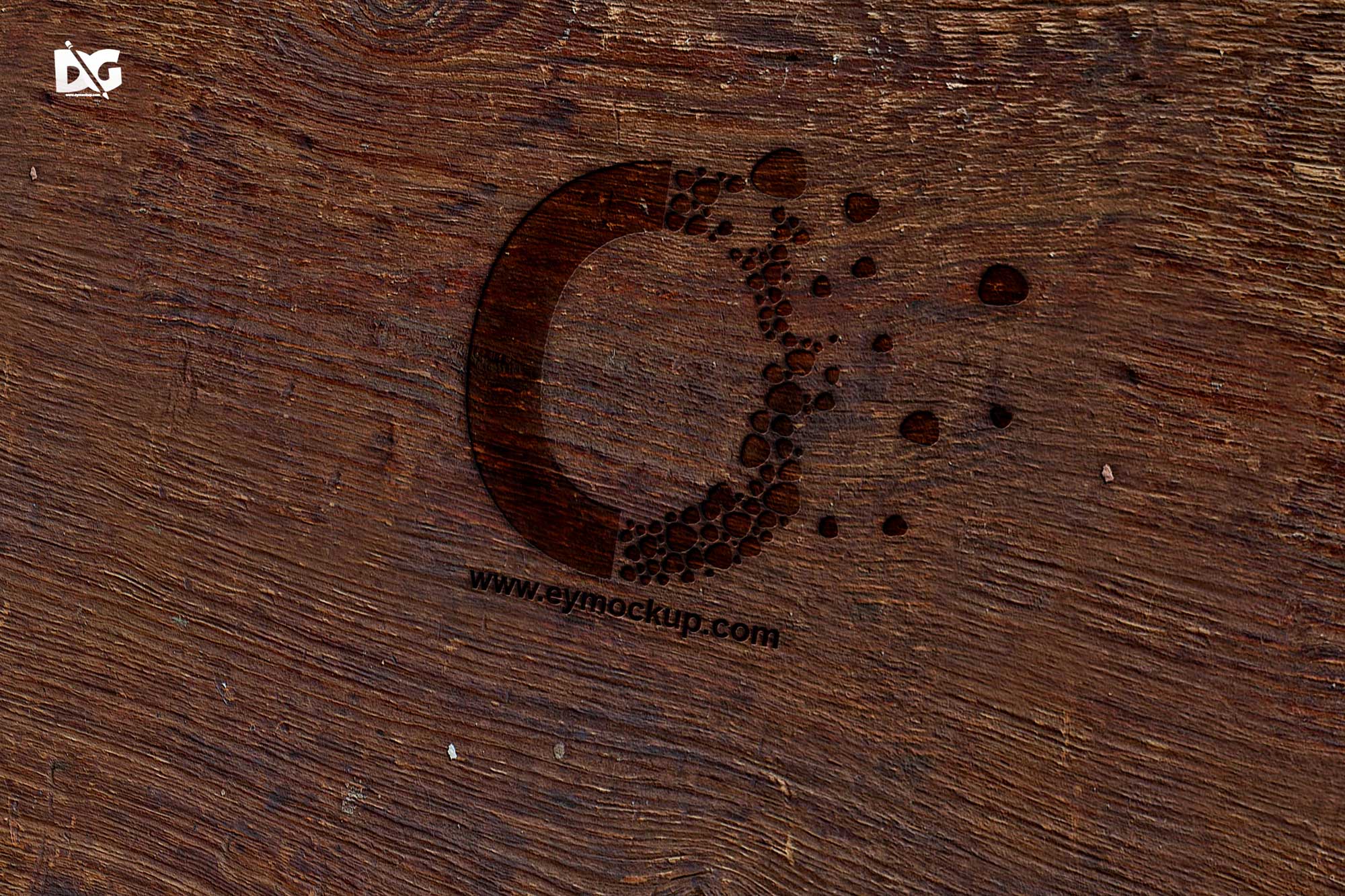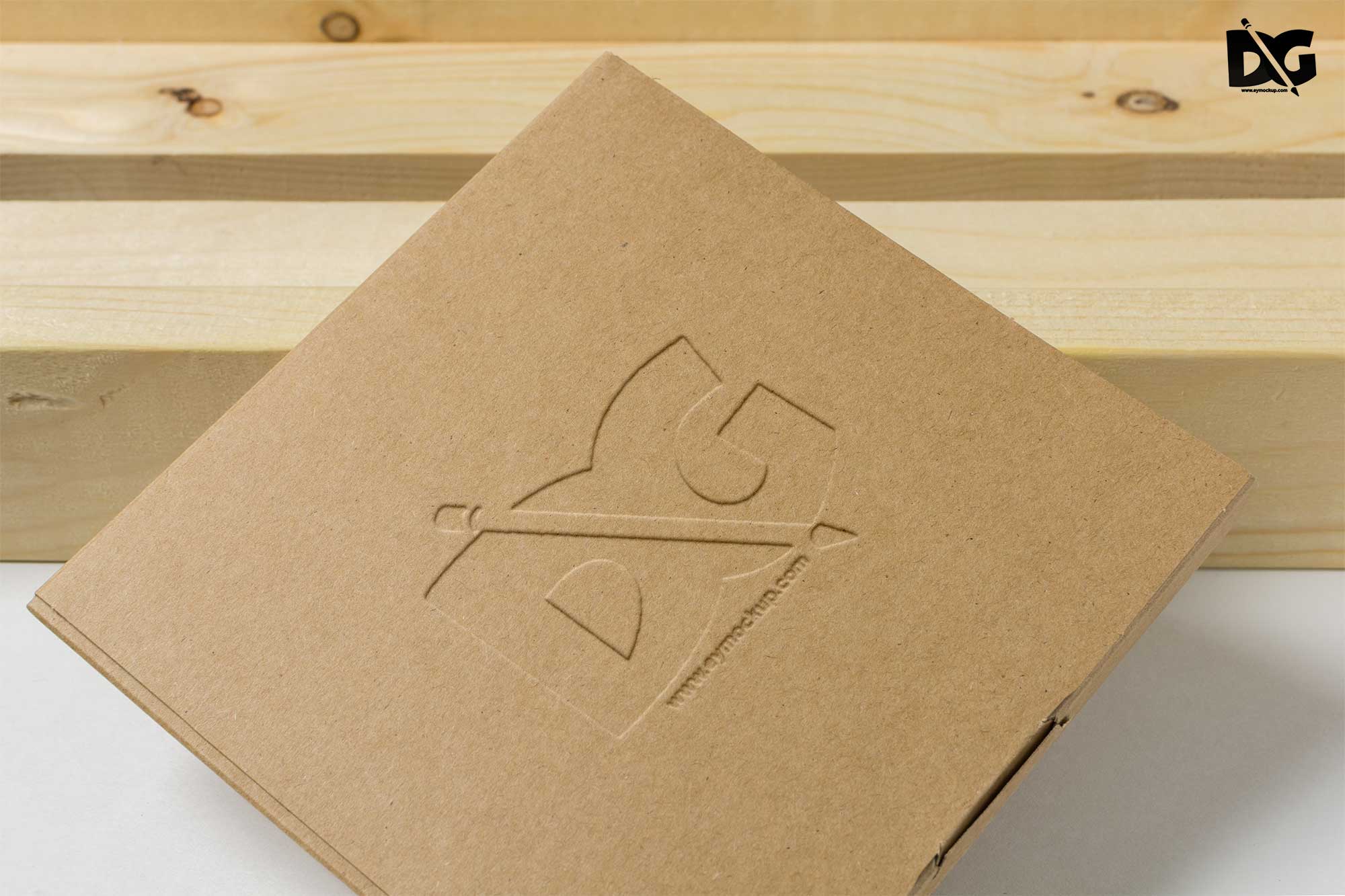
Create stunning presentations for your logo designs with our free Cardboard Cut PSD Logo Mockup. This mockup allows you to showcase your branding in a realistic setting, giving it a professional touch. Easily edit the mockup in Photoshop to insert your logo and adjust the lighting to suit your style. With this user-friendly design, even beginners can create eye-catching visuals effortlessly.
Our Cardboard Cut mockup is perfect for designers looking to enhance their portfolio or for businesses wanting to present their brand in a creative way. The high-resolution file ensures that every detail of your logo is captured beautifully. Whether for social media, websites, or print materials, this mockup will elevate your branding projects, making them stand out in a competitive market.
All of these Resources are easy to use and can present your information beautifully. Some are free, while others cost a few dollars.More great & free PSD Mockups Collection:
- 3D Packaging PSD Mockups
- PSD Burger Food Truck Design Mockup
- Jam Jar Twitch Mockups Templates
- Useful PSD Coaster Mockups Template
FAQs – Free CardBoard Cut PSD Logo Mockup
Can I edit the Cardboard Cut PSD Logo Mockup?
Yes, the mockup is fully editable in Photoshop, allowing you to customize the design and insert your logo easily.
What file format is the mockup available in?
The mockup is provided in PSD format, which is compatible with Adobe Photoshop for easy editing.
Is it easy to change the lighting in the mockup?
Absolutely! The lighting layers are adjustable, enabling you to create the perfect ambiance for your logo display.
Does it support various logo designs?
Yes, this mockup can accommodate different logo styles, whether they’re simple text or intricate graphics.
What are the dimensions of the mockup?
The mockup is designed with high resolution, ensuring your logo looks sharp and professional at any size.