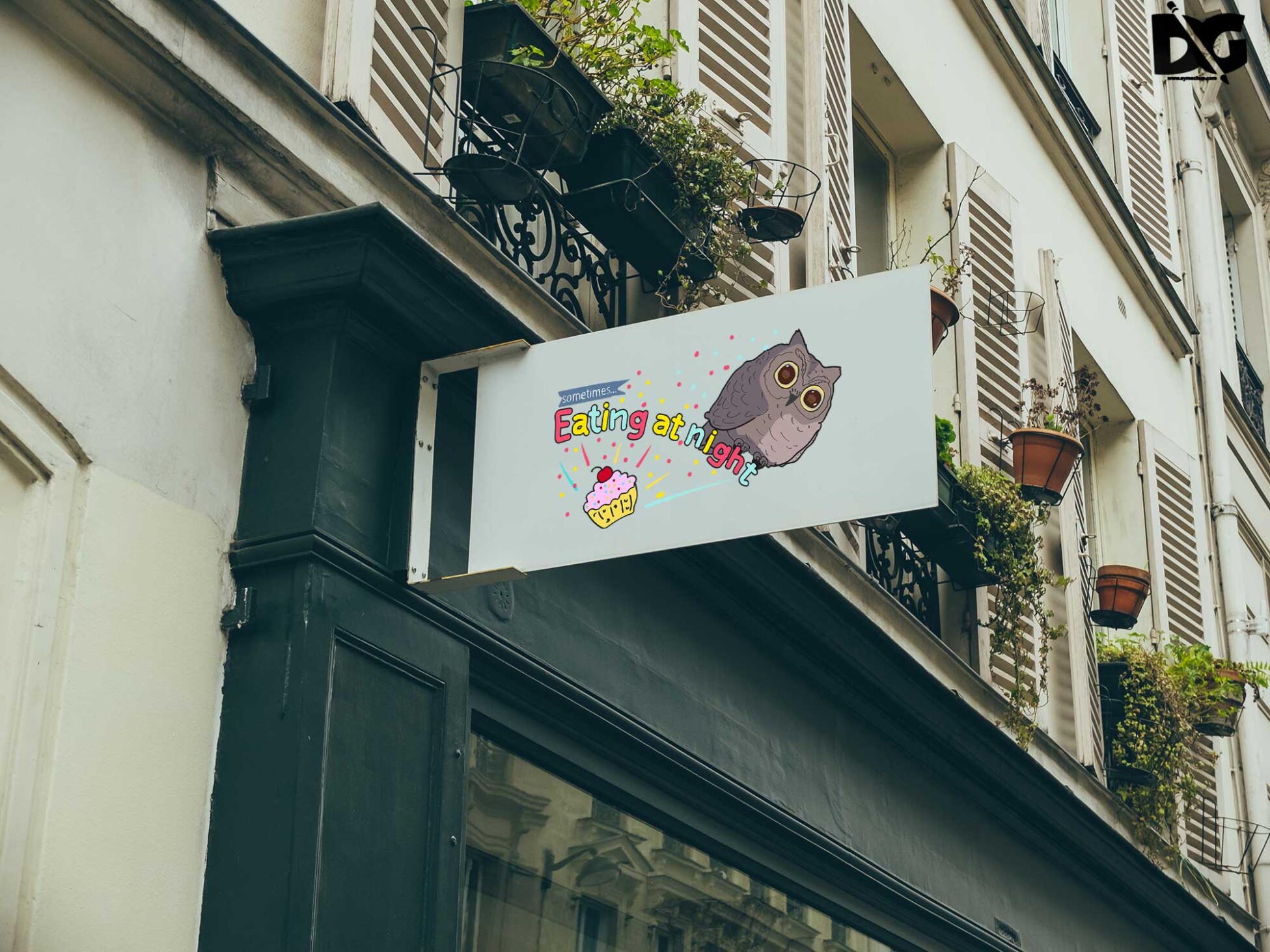
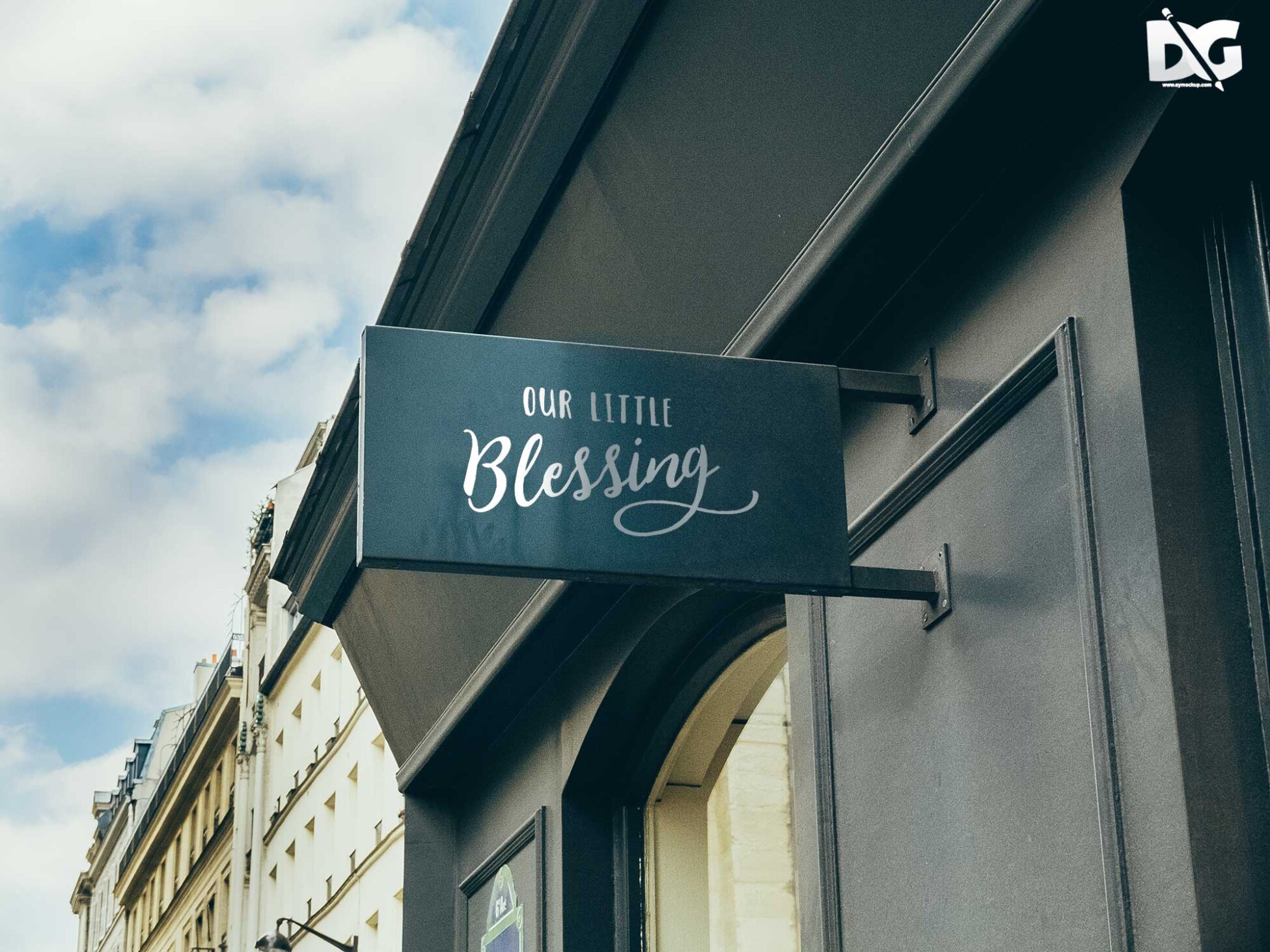
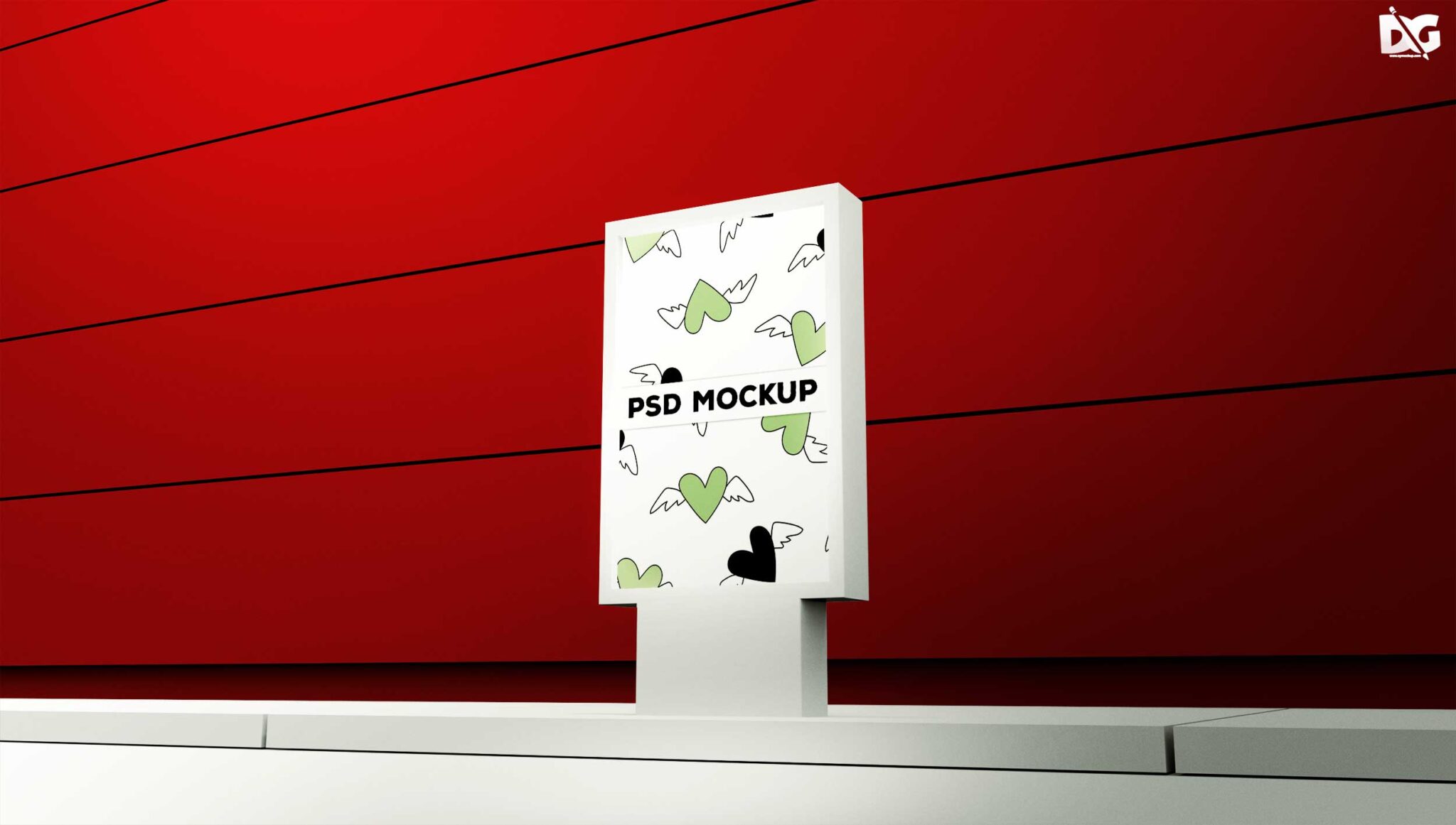
Looking for a professional billboard PSD label design mockup? Download this free template to showcase your advertising concepts in a realistic way. This mockup is perfect for designers who want to present their work in a visually appealing format. With high-resolution details, your designs will stand out and impress clients.
This billboard PSD mockup is fully editable in Photoshop, allowing you to customize colors, lighting, and shadows to create the perfect presentation. Simply drag and drop your designs into the smart layers, and you’re ready to go. Whether you’re working on a marketing campaign or a personal project, this mockup will elevate your presentations.
Your Brand Deserves PSD Label Design Download Mockup for presentation
Our awesome team of designers pledge to developing superior but affordable graphics design PSD Label Design Download Mockup
All of these Resources are easy to use and can present your information beautifully. Some are free, while others cost a few dollars.
More great & free PSD Mockups Collection:
Description:
Available Format: Layered PSD through smart object insertion License: Free for personal and commercial use Zip File Includes: Photoshop PSD File Resolution: 2000 x 2250 pxFAQs – Free Billboard PSD Label Design Download Mockup
Can I edit the Billboard PSD mockup in Photoshop?
Yes, the mockup is fully editable in Photoshop using smart layers, making it easy to customize your designs.
Does it include realistic lighting effects?
Absolutely! The mockup features realistic lighting and shadows to ensure your designs look authentic when displayed.
What format is the free Billboard PSD mockup available in?
The mockup is available in PSD format, which is compatible with Adobe Photoshop for easy editing.
Is it suitable for both print and digital presentations?
Yes, this mockup can be used for both print and digital presentations, making it versatile for various marketing needs.
Do I need advanced Photoshop skills to use this mockup?
No, basic knowledge of Photoshop is sufficient to use this mockup effectively, thanks to its user-friendly design.