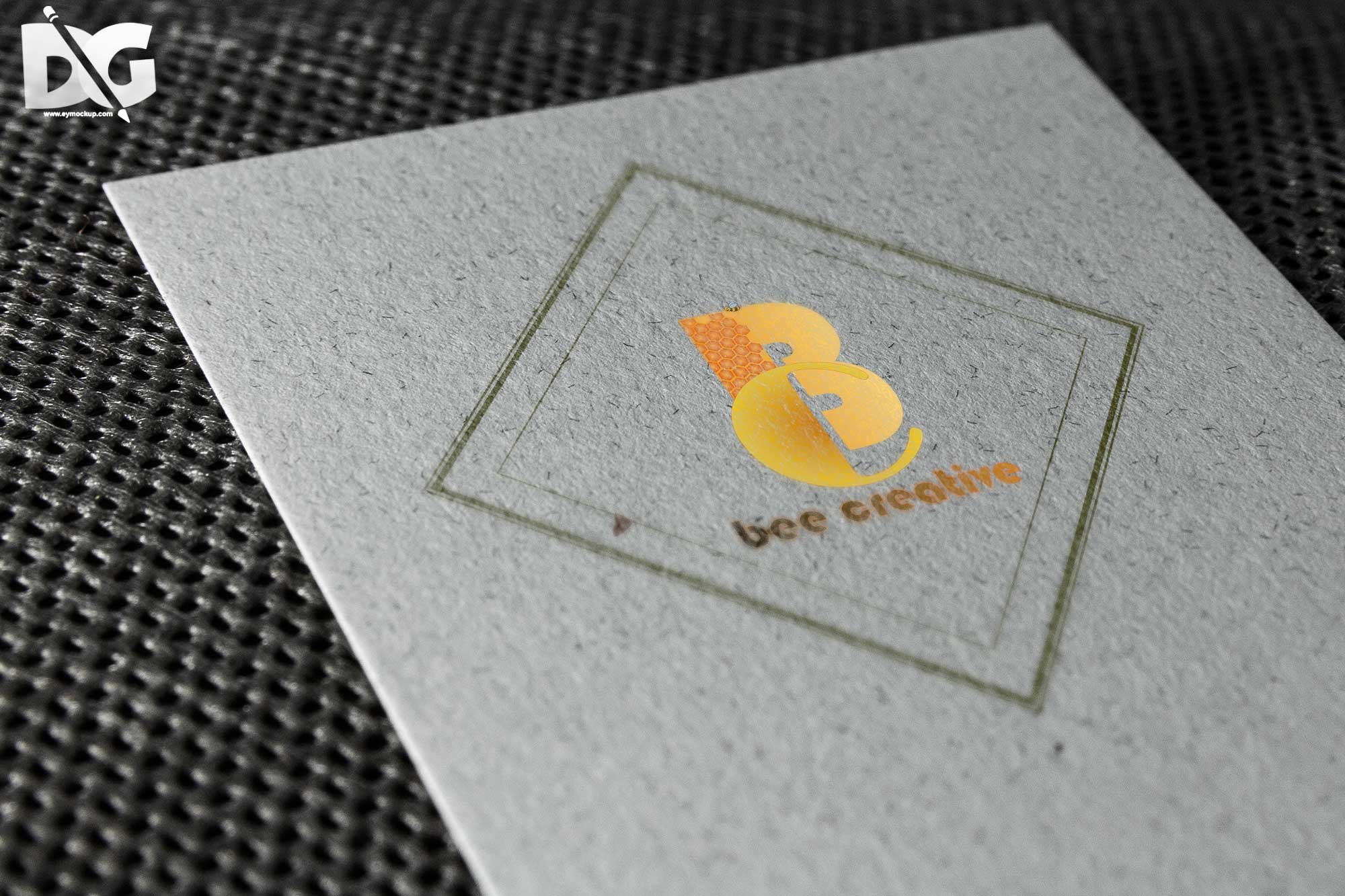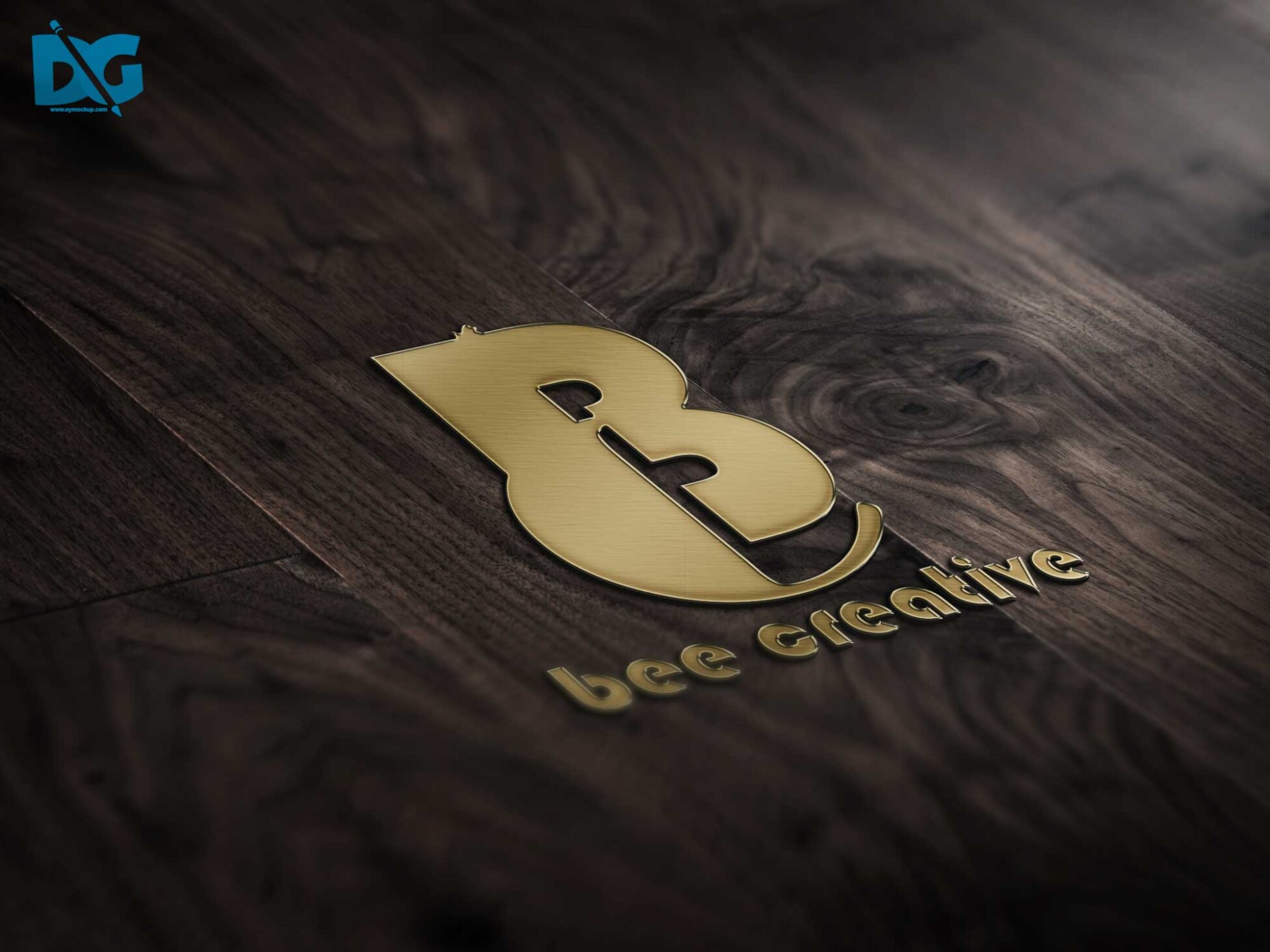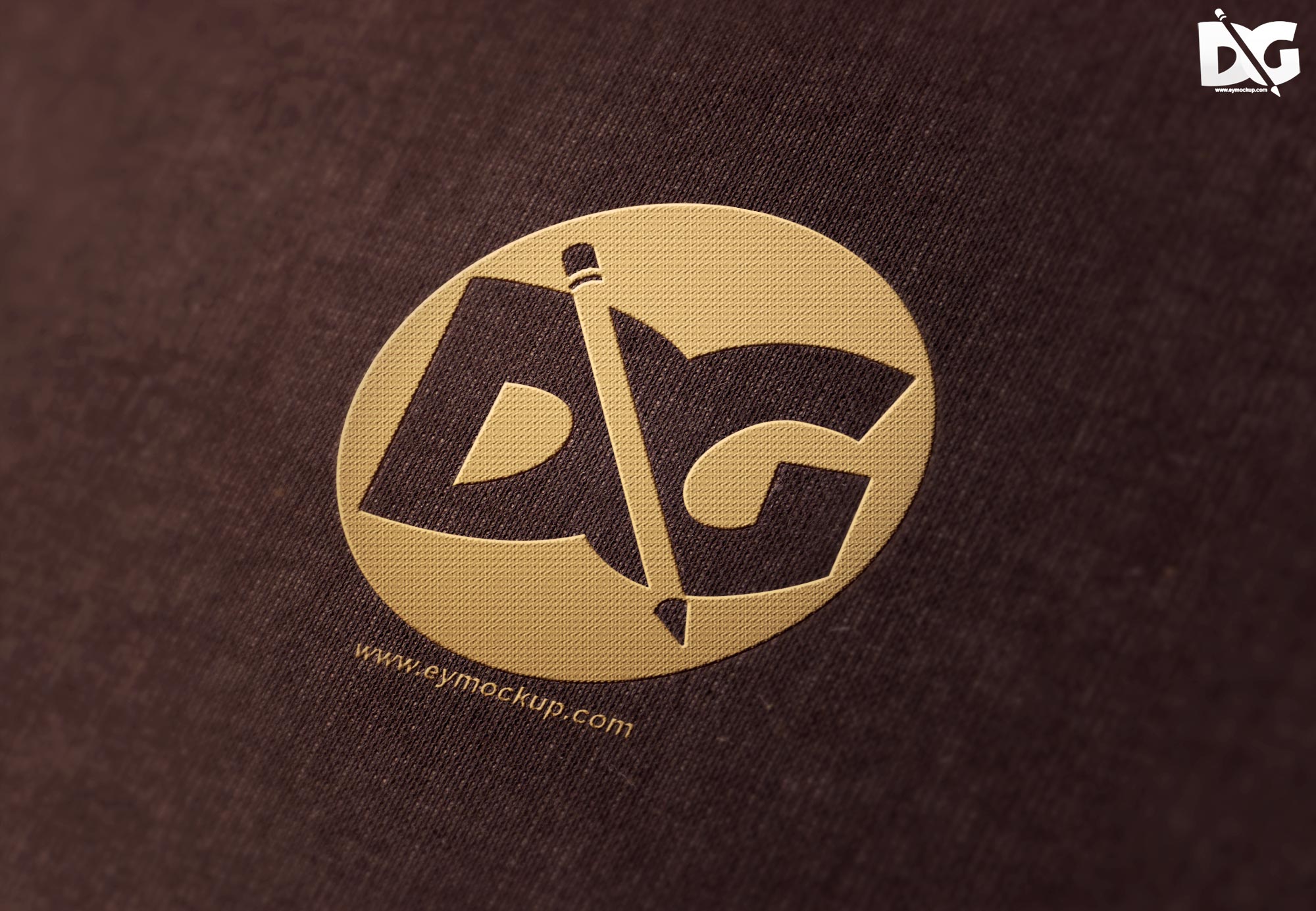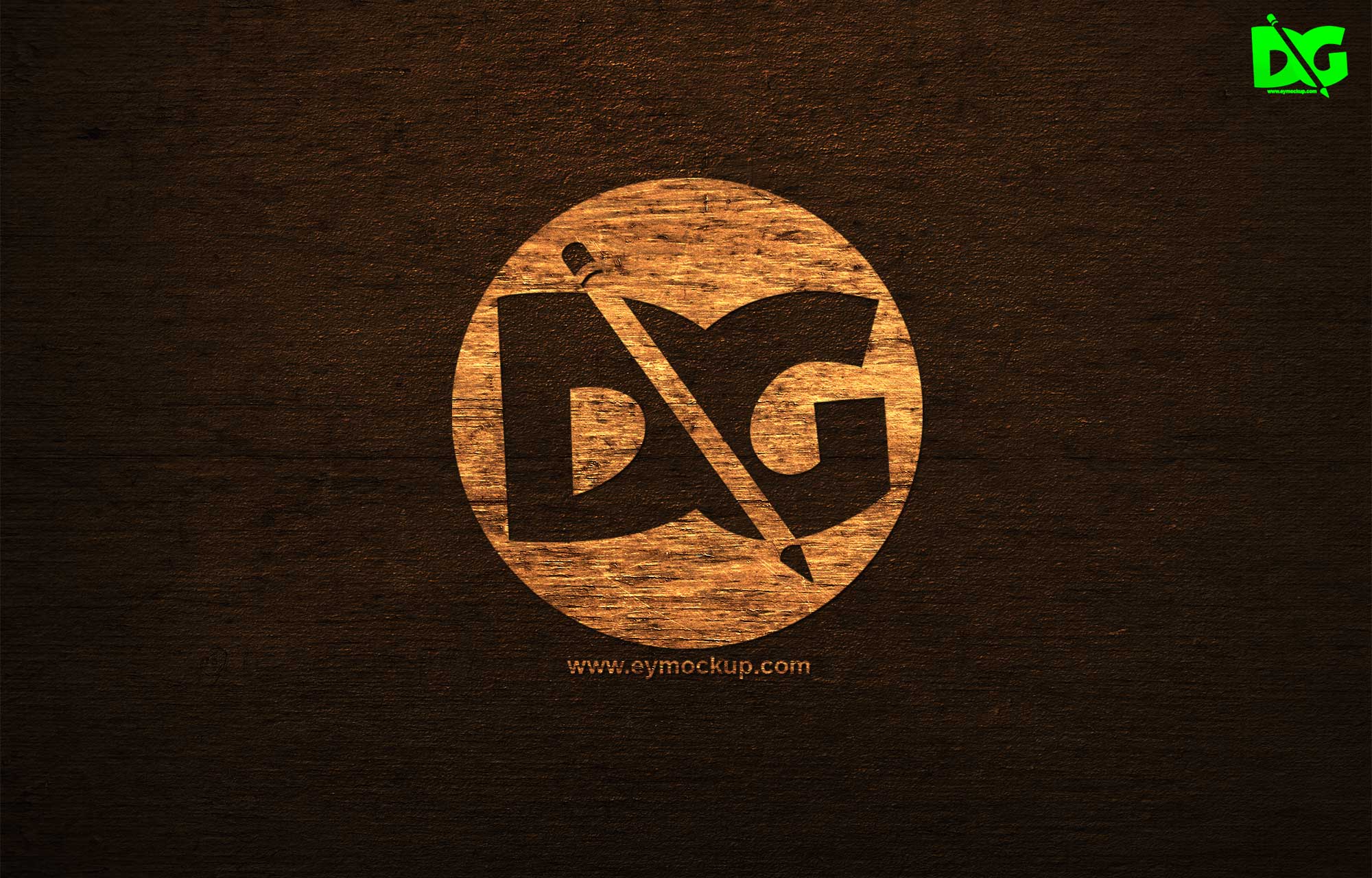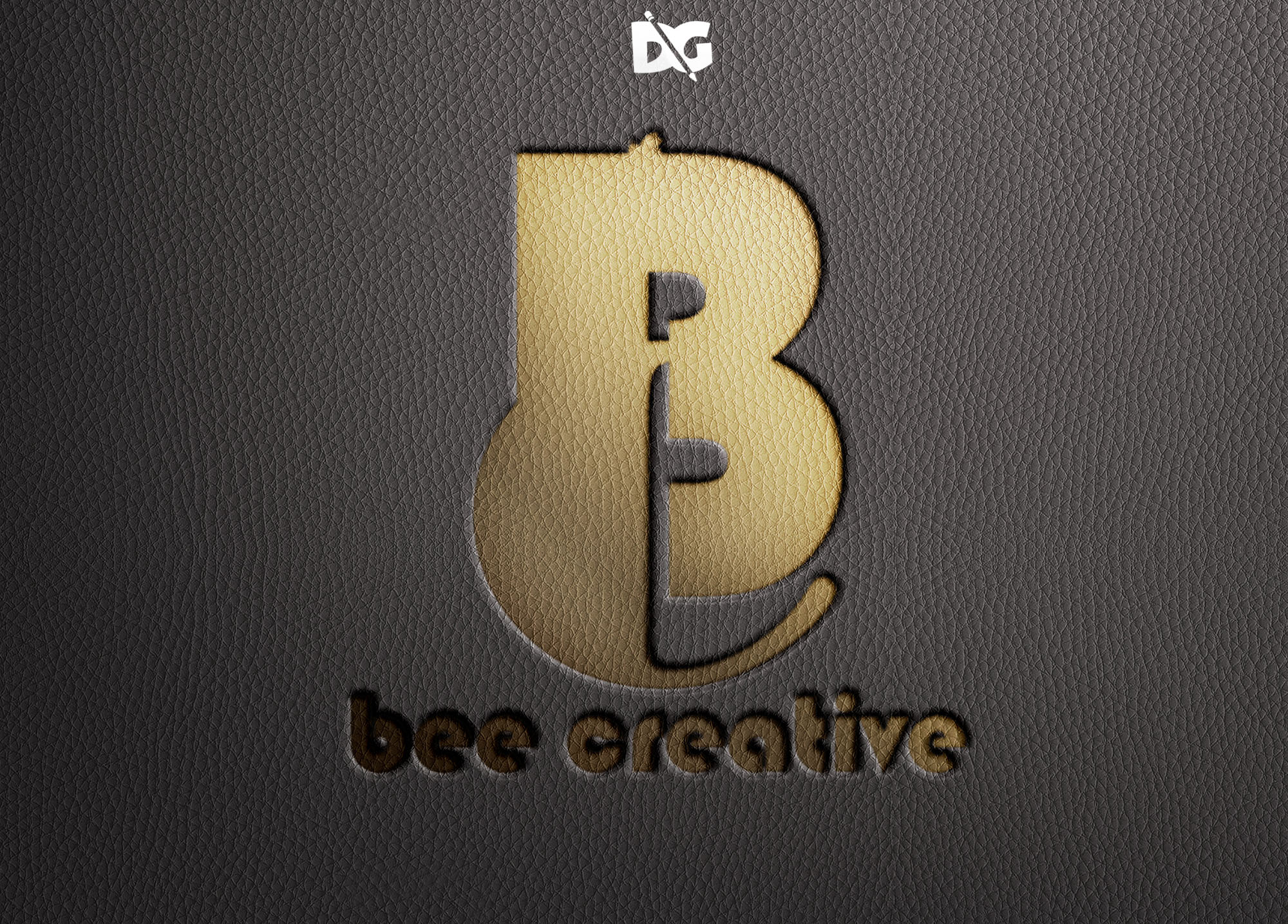
Elevate your branding with our free emboss logo mockup presentation. This high-quality mockup allows designers to showcase their logo designs in a realistic and professional manner. With customizable options, you can easily adjust the colors, textures, and lighting to match your unique brand identity. Perfect for portfolios, client presentations, or social media, this mockup is a valuable asset for any designer.
Our emboss logo mockup is designed for versatility and ease of use. Simply drag and drop your logo into the smart object layer, and watch your design come to life. Whether you’re a seasoned designer or just starting, this mockup simplifies the process of visualizing your logo in a three-dimensional context. Download it now and start impressing your clients with stunning presentations that highlight your creativity.
Download Prime Packaging MockupAll of these Resources are easy to use and can present your information beautifully. Some are free, while others cost a few dollars.More great & free PSD Mockups Collection:
- Free PSD Mockups for Books and More!
- 3D Packaging PSD Mockups
- PSD Burger Food Truck Design Mockup
- Jam Jar Twitch Mockups Templates
FAQs – Emboss Logo Mockup Presentation
Can I customize the emboss logo mockup?
Yes, you can easily customize the colors, textures, and lighting in the mockup to fit your brand’s style.
Does the mockup work with Photoshop?
Yes, this mockup is fully compatible with Adobe Photoshop, making it simple to edit and personalize your logo presentation.
Is it easy to edit the logo in the mockup?
Absolutely! You can drag and drop your logo into the smart object layer for quick and easy editing.
What file format is the mockup provided in?
The emboss logo mockup is provided in a PSD format, ensuring high quality and easy editing capabilities.
Do I need special skills to use the mockup?
No special skills are required; basic knowledge of Photoshop will help you navigate and customize the mockup effortlessly.