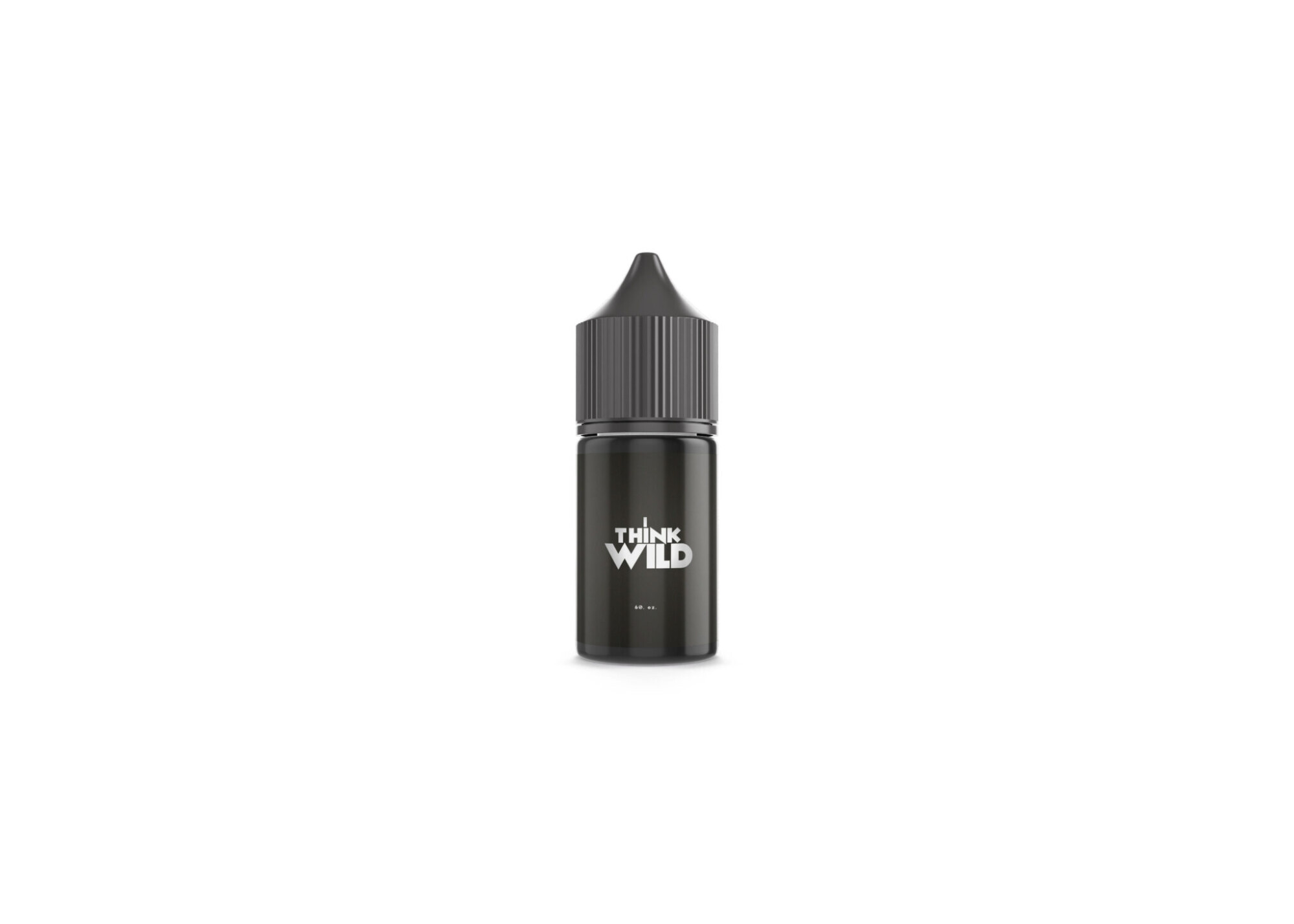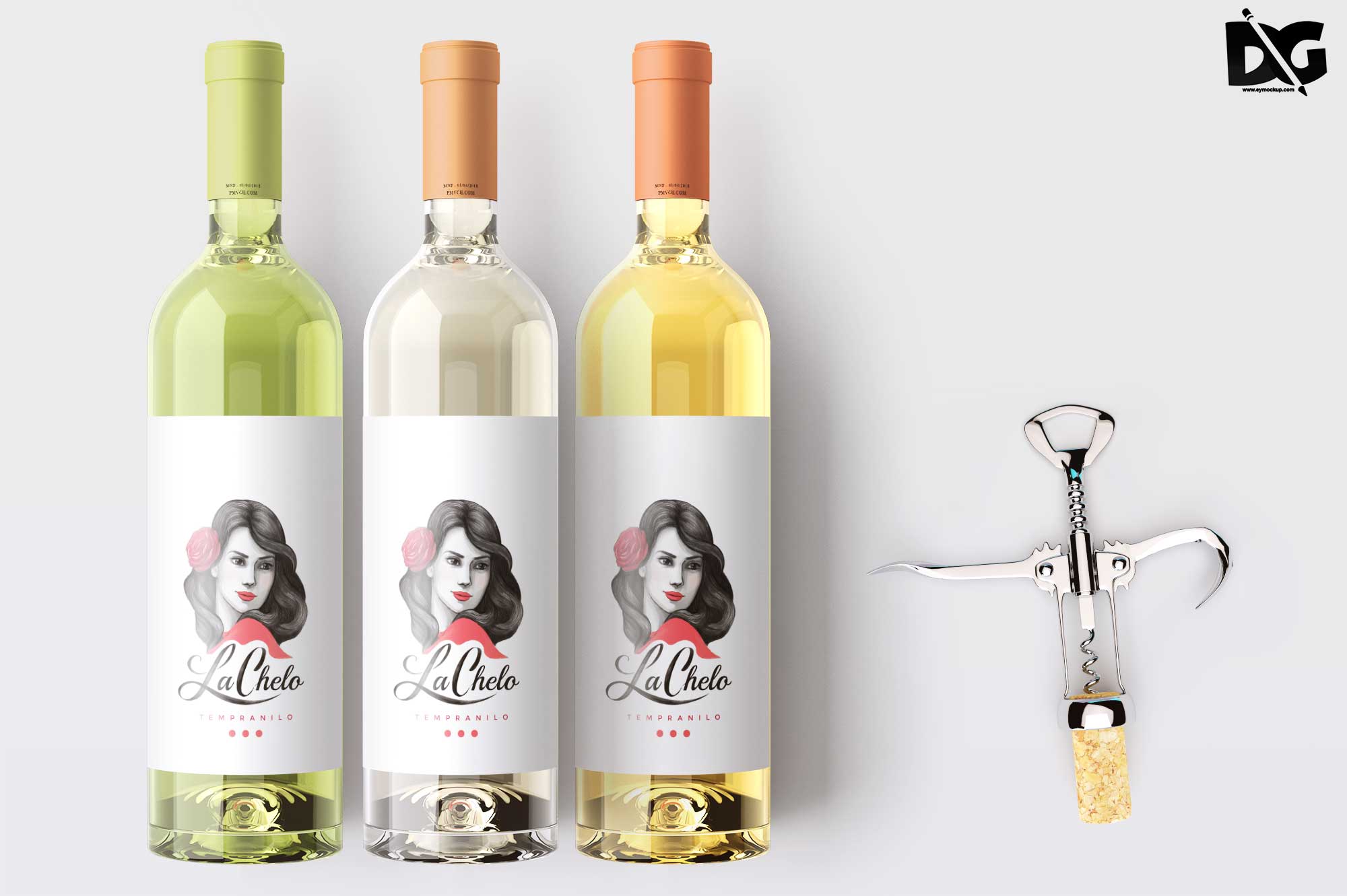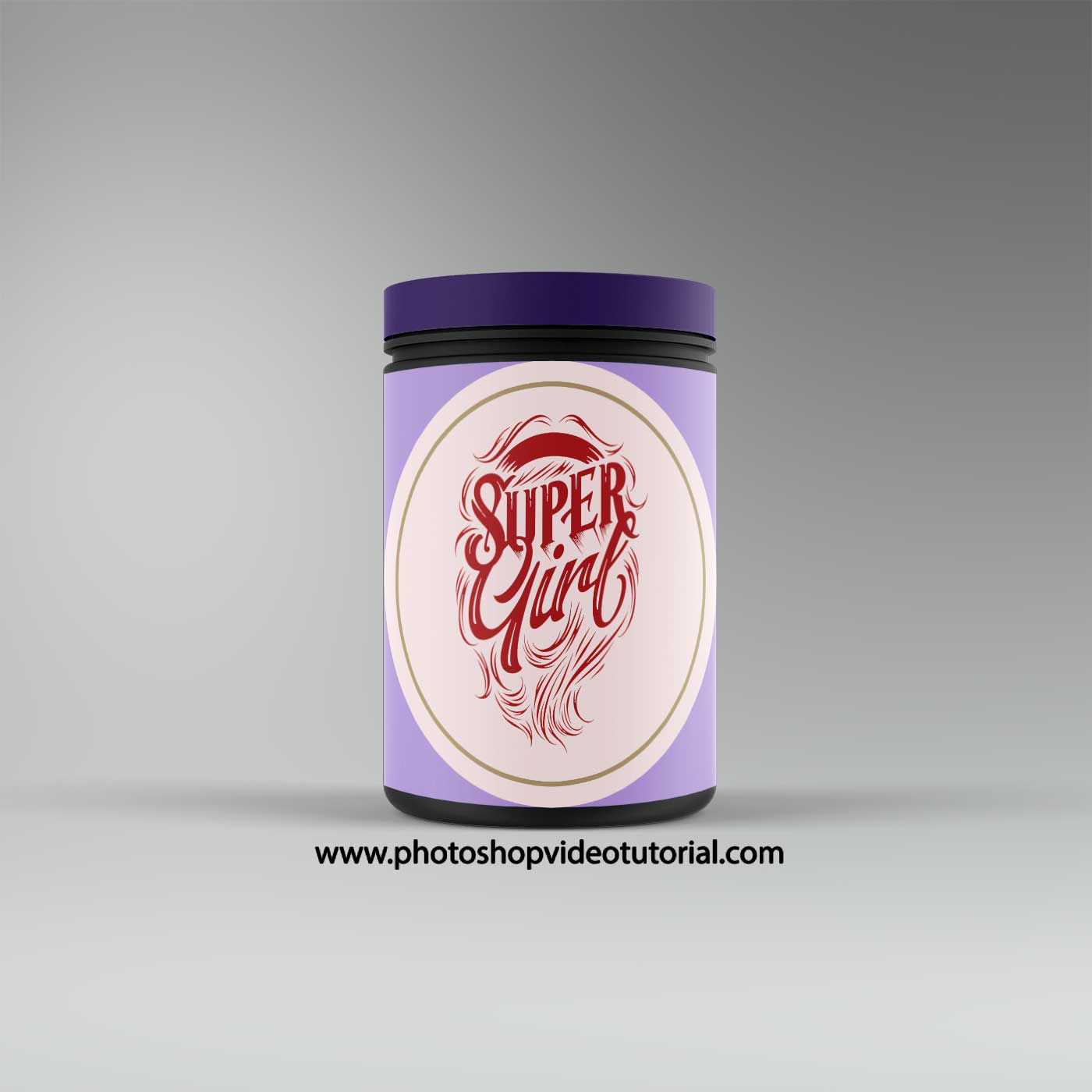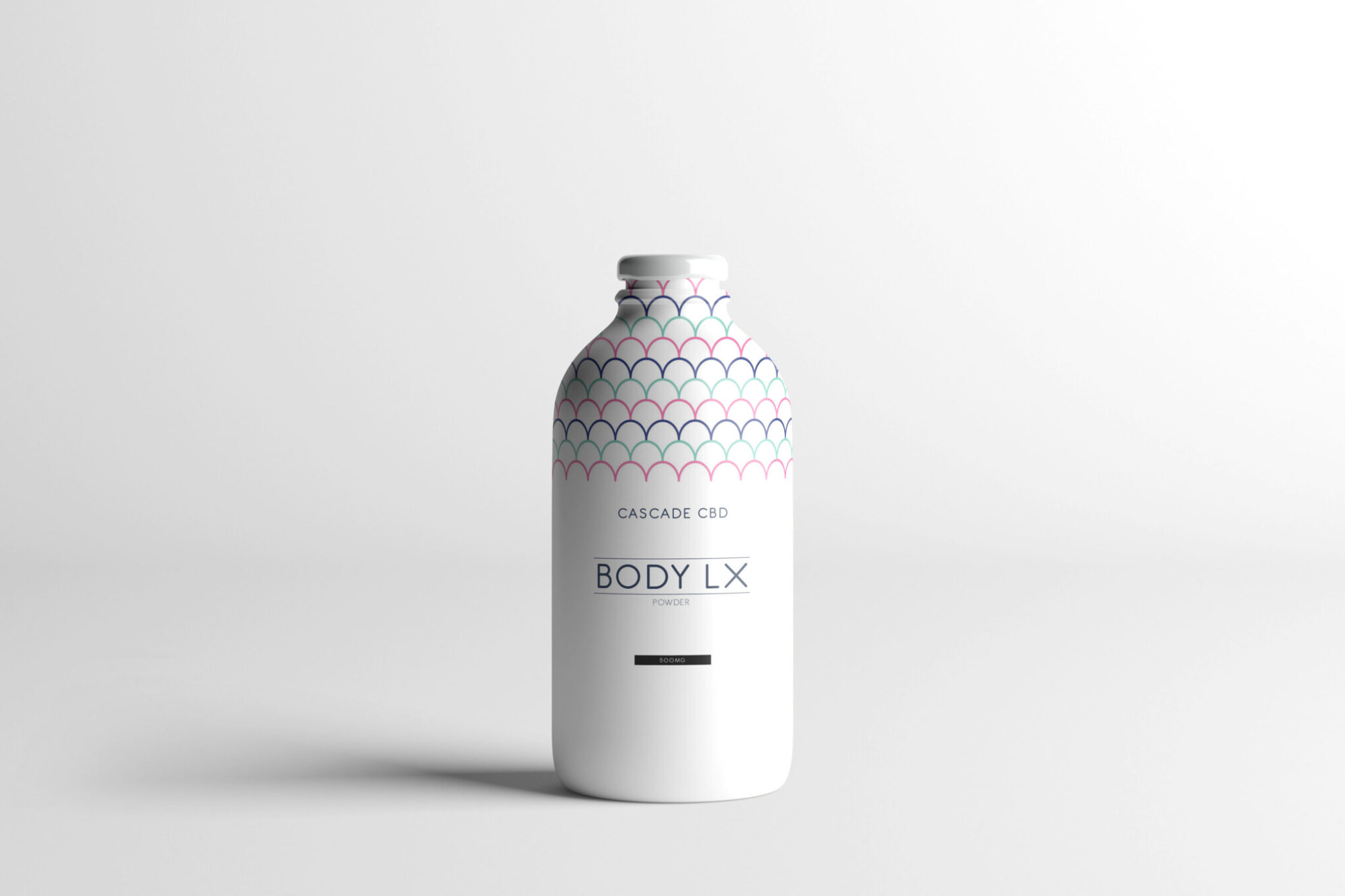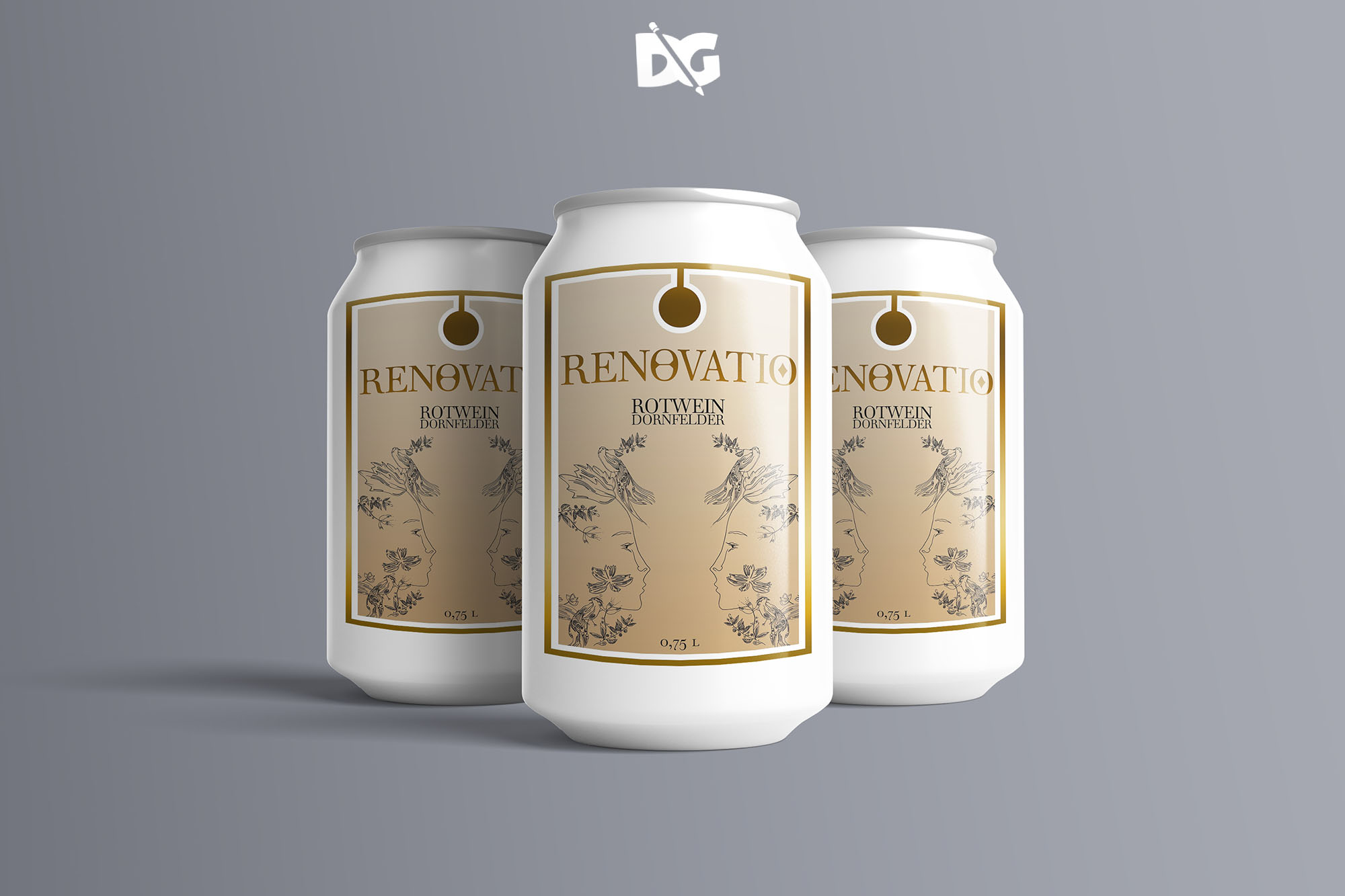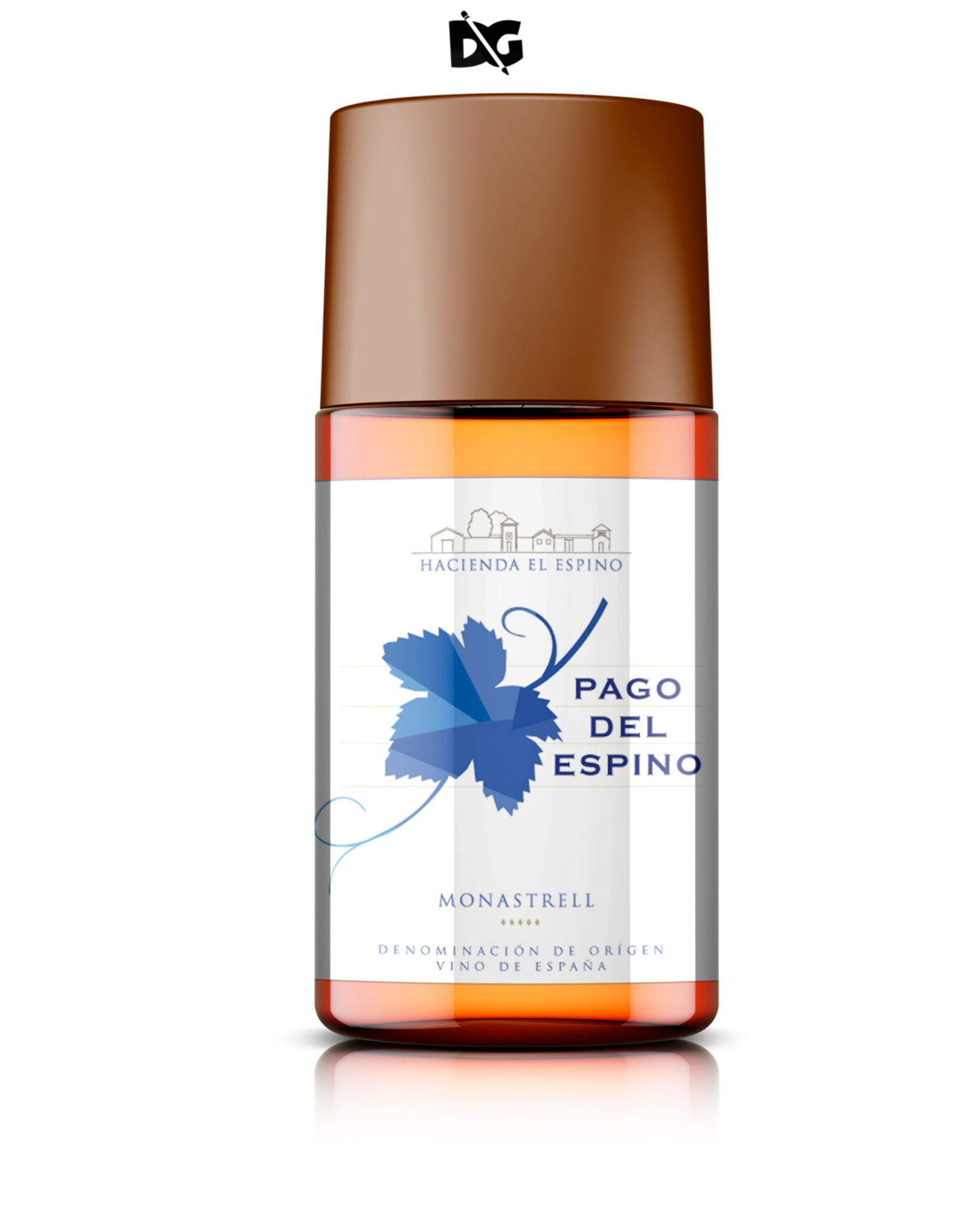
Creating an eye-catching presentation for cosmetic bottle labels is essential for brand identity and product appeal. A high-quality mockup allows designers and marketers to visualize how their labels will look on actual products, making it easier to impress potential customers. Utilizing a mockup offers flexibility in showcasing different label designs, colors, and finishes, providing a realistic preview of the final product.
When using a cosmetic bottle label mockup, consider the lighting and angles to enhance the visual appeal. Editing the mockup in Photoshop can help customize the label placement and add unique textures. Whether for online marketing, social media, or print materials, a professional presentation can significantly impact consumer perception. Invest time in perfecting the mockup to ensure it aligns with your brand’s vision and stands out in a competitive market.
Luckily, there are lots of free bottle mockups and templates recently released for the benefit of graphic artists. These free bottle mockups and templates provide a perfect way to display bottles in a much attractive way.These can absolutely help graphic designers easily and conveniently add their own ideas to the bottles such as putting colors that can be either come in light or shadow effects.All of these Resources are easy to use and can present your information beautifully. Some are free, while others cost a few dollars. ( premium mockups template ) More great & free PSD Mockups Collection: Description:FAQs – Cosmetic Bottle Label Presentation
Can I edit the cosmetic bottle label mockup in Photoshop?
Yes, you can easily edit the mockup in Photoshop to customize the label design, colors, and textures to match your brand.
Is it necessary to use high-quality images for the mockup?
Absolutely! Using high-quality images ensures that the final presentation is sharp and professional, enhancing the appeal of your product.
What file formats are available for the cosmetic bottle label mockup?
The mockup is typically available in PSD format, allowing for easy editing and customization in Photoshop.
Does the mockup include smart objects for easy editing?
Yes, the mockup includes smart objects, making it convenient to insert your label design and see instant results.
Can I use the mockup for different bottle shapes?
Yes, many mockups are versatile and can accommodate various bottle shapes, allowing you to showcase different designs effectively.