PSD Mockup
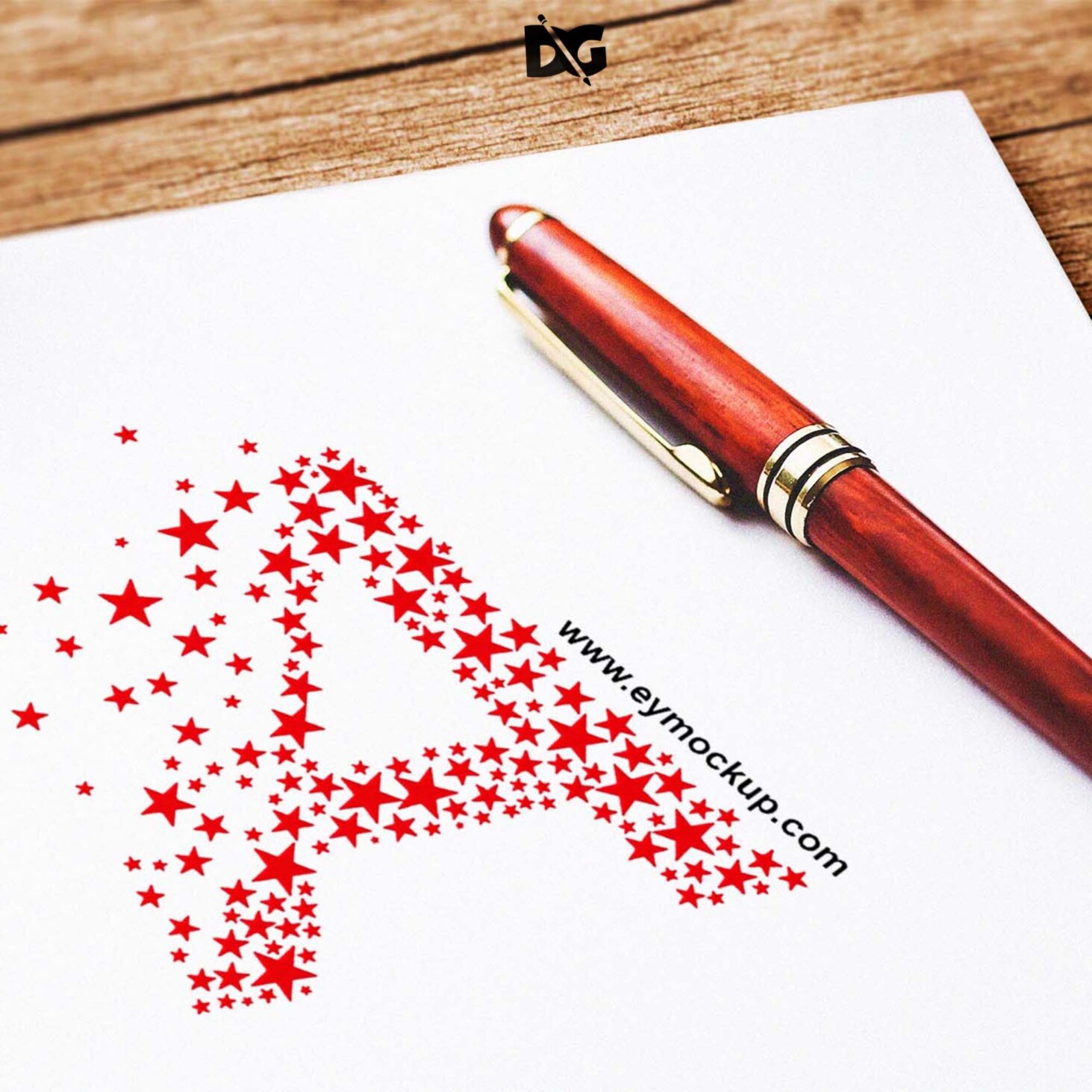
Showcase your logo in a realistic setting with our free cool logo mockup featuring a pen. This mockup allows you to present your designs in an eye-catching way, perfect for portfolios or client presentations. The high-resolution format ensures that every detail of your logo is highlighted, making it look professional and appealing.
Using this mockup is simple and user-friendly. Just place your logo design in the designated layer in Photoshop, and you’ll see it seamlessly integrated onto the surface. You can also adjust the lighting and shadows to match your branding. This mockup is ideal for designers looking to elevate their presentations and impress clients with a polished look.
All of these resources are easy to use and can present your information beautifully. Some are free, while others cost a few dollars.
More great & free PSD Mockups Collection:
- 3d logo mockup psd free download
- Postcard Mockup PSD free download
- Plastic bottle mockup free download
- eBook Cover PSD Download Mockup
Description:
Available Format: Layered PSD through smart object insertion
License: Free for personal and commercial use
Zip File Includes: Photoshop PSD File
Resolution: 2200 x 1500 px
Advertisement:
FAQs – Free Cool Logo Mockup With Pen
Can I edit the logo mockup in Photoshop?
Yes, the logo mockup is fully editable in Photoshop. You can easily replace the logo and customize the settings.
Does it include different pen styles?
The mockup features a realistic pen style, and you can modify its appearance through Photoshop to fit your needs.
Is it easy to use this logo mockup?
Absolutely! Just open the mockup file, place your logo in the smart object layer, and save to see your design in action.
What file format is the mockup in?
The mockup is provided in a PSD format, ensuring compatibility with Adobe Photoshop for seamless editing.
Do I need any special skills to use this mockup?
Basic knowledge of Photoshop is helpful, but the mockup is designed for easy use, even for beginners.
Download PSD Now!